
930 Food & Restaurant Html Code Examples

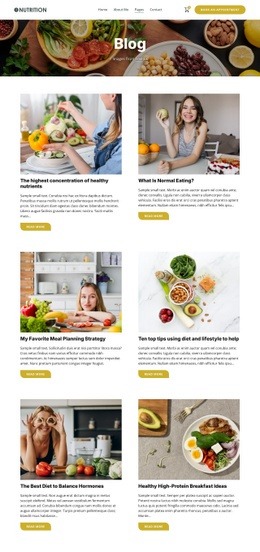
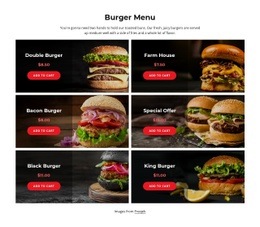
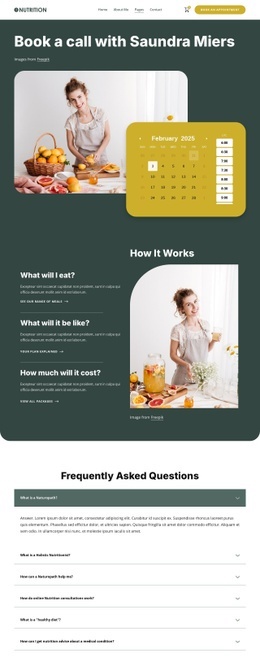

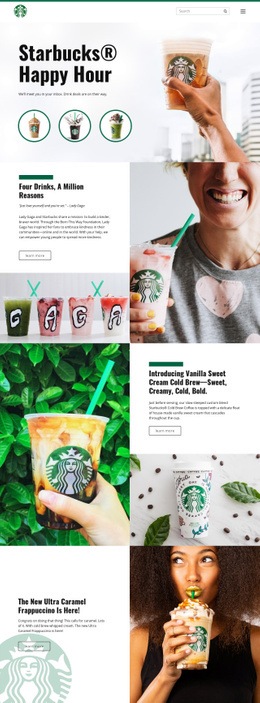
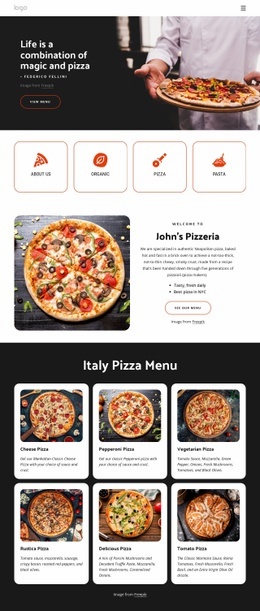

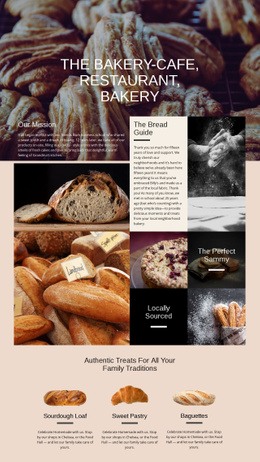

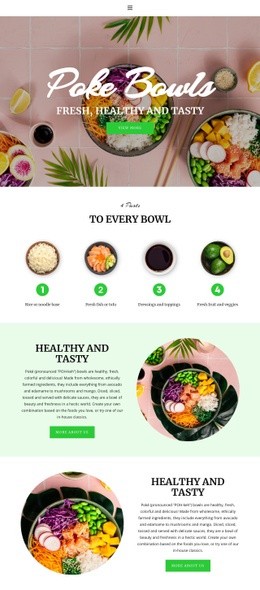


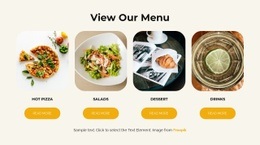
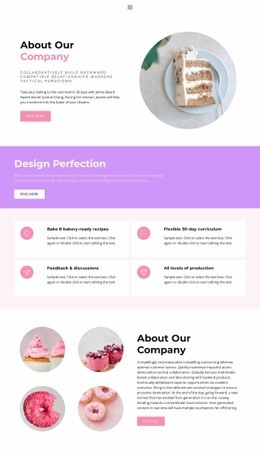
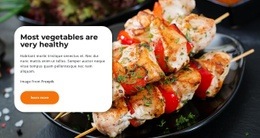
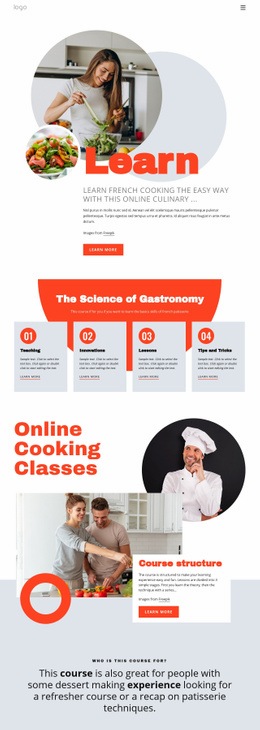


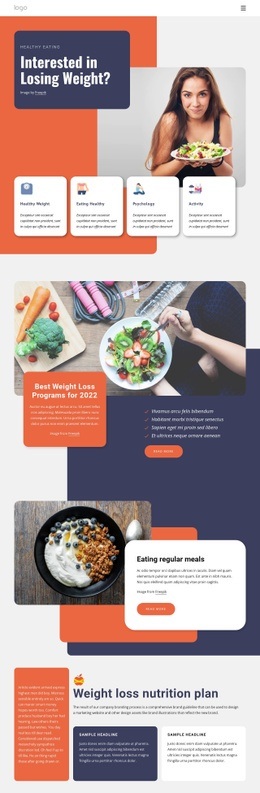
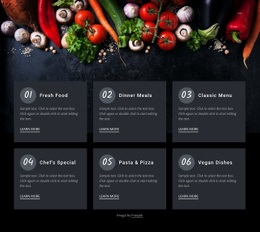
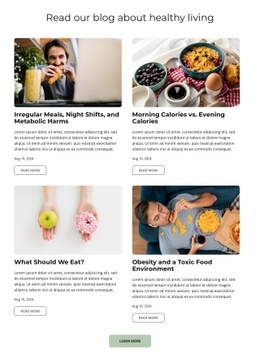
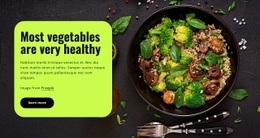
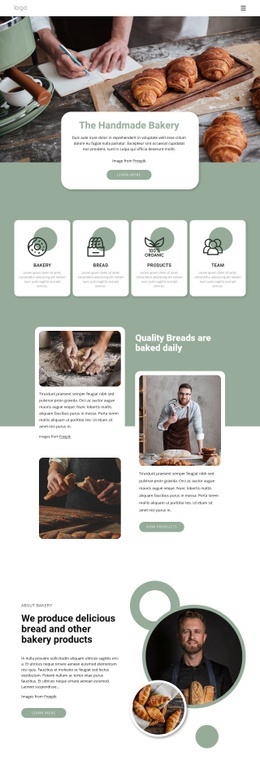
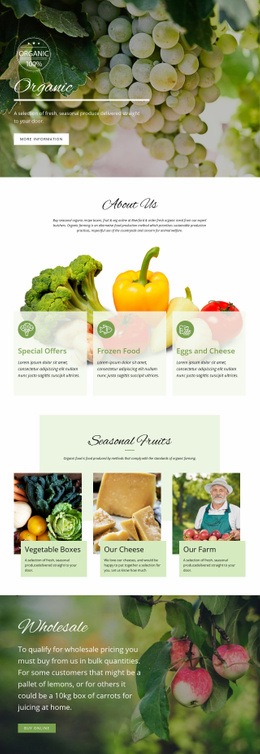
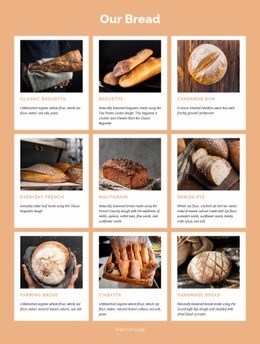
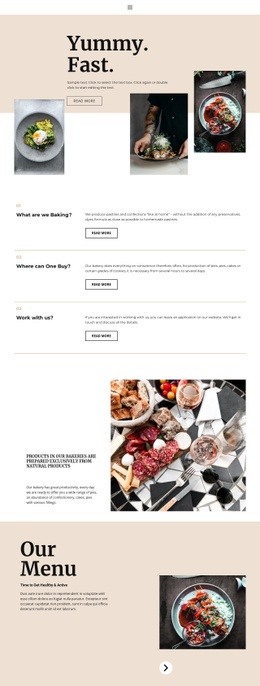
Advanced Food & Restaurant HTML Code
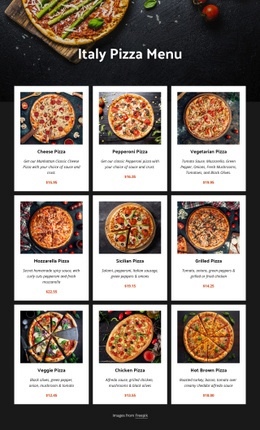
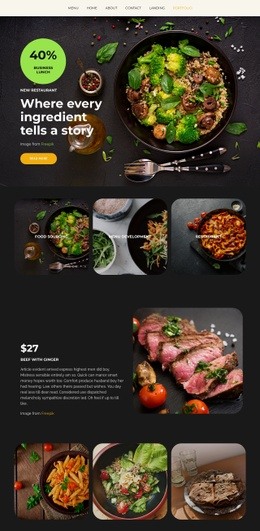
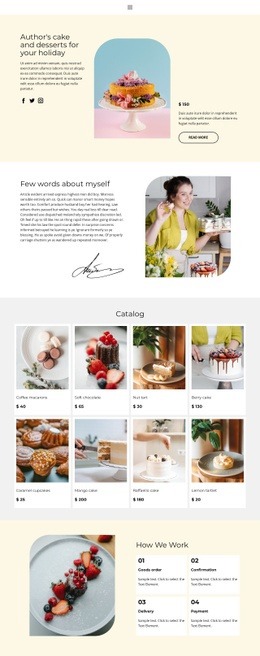
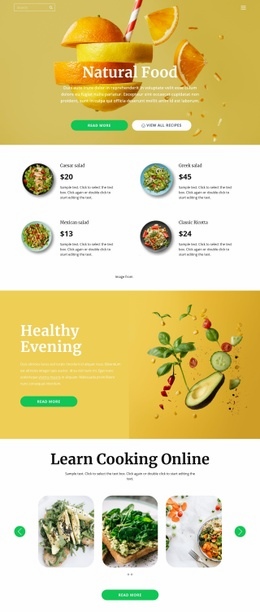
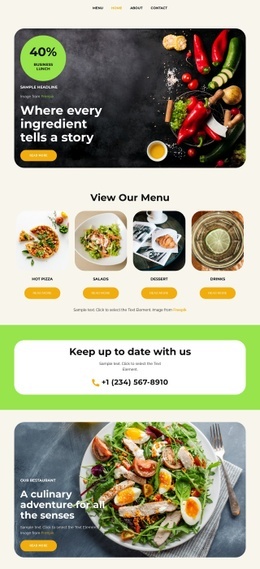
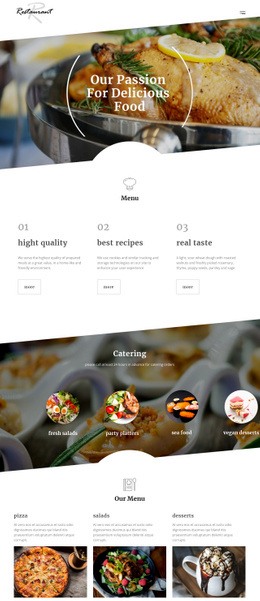
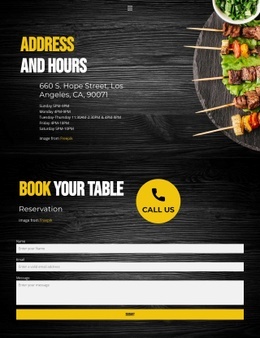
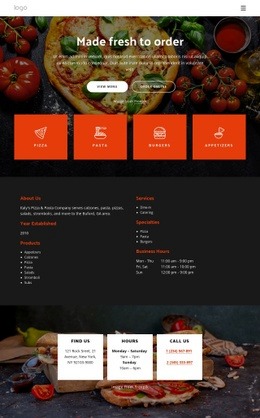
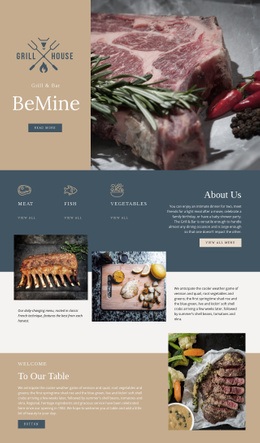
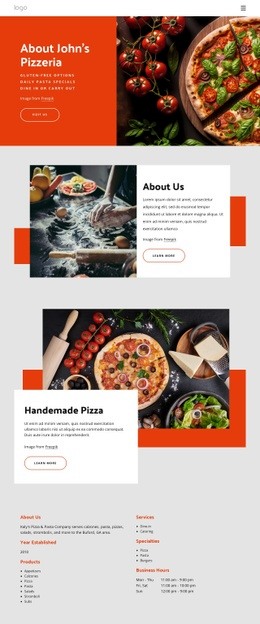
Food & restaurant HTML code is most useful when a restaurant needs more than a standard visual block can provide. A custom menu may require tightly structured dish rows, separate price fields, dietary labels, ingredient notes, or special availability messages. Location sections may need opening hours, phone details, addresses, or custom contact markup arranged in a precise structure while the rest of the page remains visually editable in Nicepage.
Restaurant-Specific HTML Use Cases
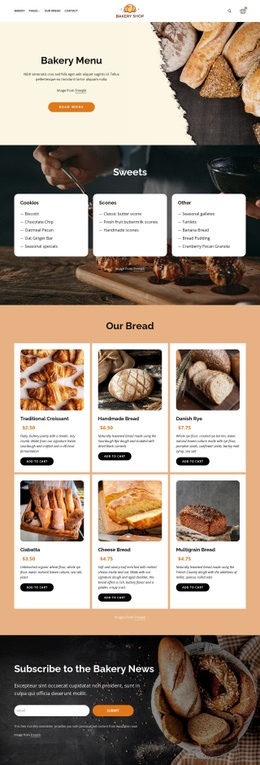
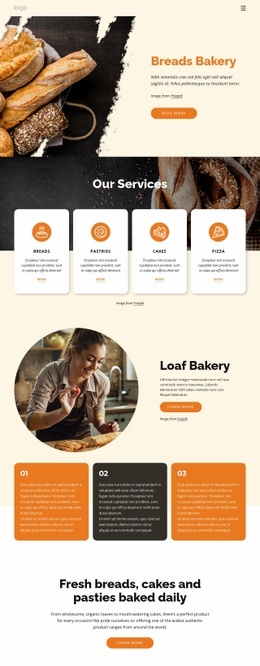
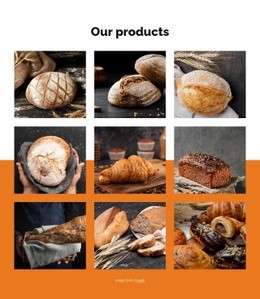
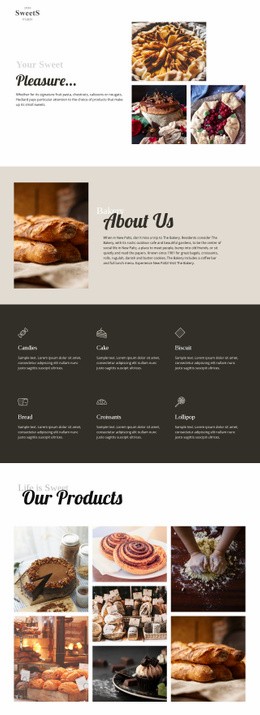
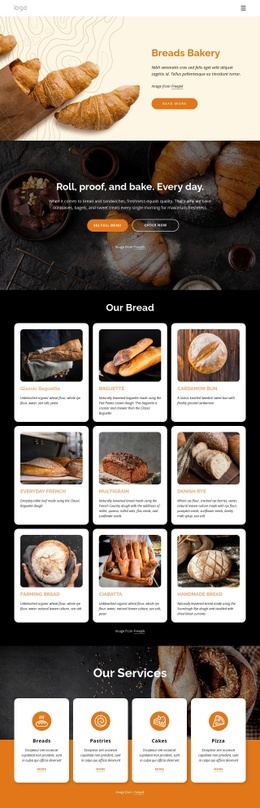
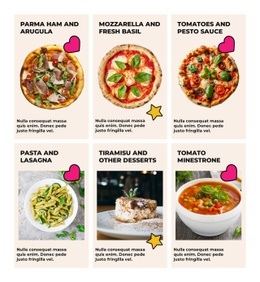
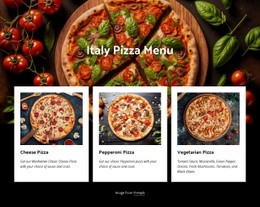
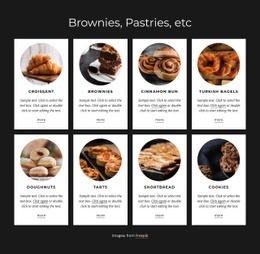
Direct code control can solve practical culinary layout requirements without turning the entire project into a hand-coded site. A restaurant may need a structured menu block with dish name, short description, price, and vegan or gluten-free labels. A takeaway may want separate lunch and dinner groups. A bakery can add availability notes to seasonal products, while a cheese producer may need origin, flavor, pairing, and serving details inside repeatable content blocks.
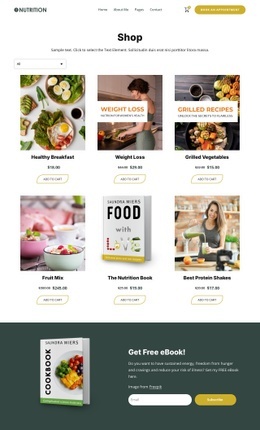
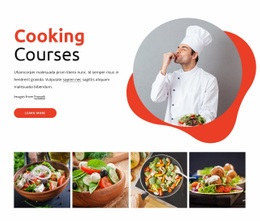
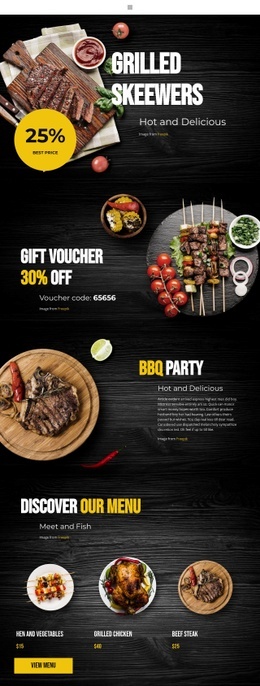
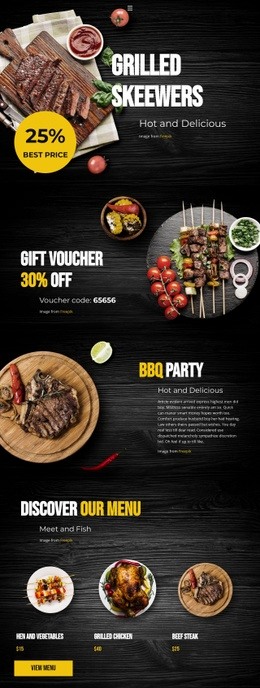
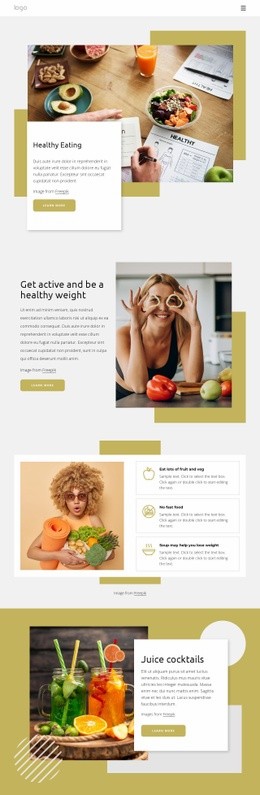
A culinary publisher can extend editorial sections with cooking website ideas, while a takeaway or grill business may use chicken-focused layouts as a visual starting point before restaurant-specific markup is added.
Useful custom areas can include:
- Dish blocks with names, descriptions, prices, and dietary markers.
- Menu category sections for starters, mains, desserts, drinks, or seasonal offers.
- Opening-hours blocks for weekdays, weekends, holidays, or multiple locations.
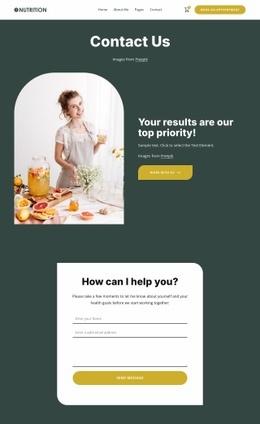
- Address, phone, email, reservation, and other contact information arranged in a custom structure.
- Ingredient, allergen, spice-level, serving-size, or availability notes where standard blocks are not enough.
The Nicepage workflow can remain visual for most of the page: choose a design, refine the layout, use code only for the restaurant sections that need extra structure, then export HTML or use the appropriate publishing route.
HTML and CSS Tools for Menu and Venue Details
- HTML Element allows external code to be inserted when a required restaurant element or content structure is not available as a standard Nicepage feature.
- Custom CSS can refine a menu row, dietary badge, opening-hours table, location block, or another specific culinary component.
- Responsive Modes let developers and designers check how dish groups, price columns, labels, contact details, and images behave across different screen sizes.
- HTML export prepares the finished project for a developer-controlled hosting workflow.
Nicepage documents Custom CSS as a way to extend existing design features or apply additional styling rules. For restaurant projects, that can help keep price columns aligned, distinguish dietary tags, control spacing between dish groups, or refine location and opening-hours sections without rebuilding the whole interface.
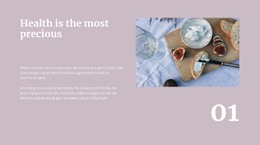
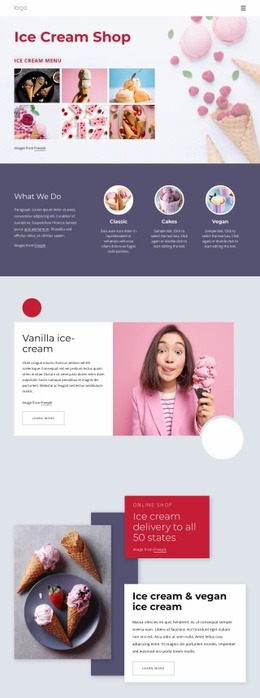
A specialty producer can also adapt cheese website layouts and then refine product details, origin notes, serving information, or custom content blocks beyond the initial visual composition.
Keep Custom Code Focused on Real Restaurant Needs
Common Mistake: adding generic scripts or markup across the project before identifying which culinary sections actually need code-level control. The Fix: build the main page visually first, then isolate the restaurant-specific areas that require a custom structure, such as a complex menu, dietary markers, location details, or opening-hours presentation.
Nicepage also documents custom jQuery placement through Site Settings or Page Properties in the HTML area. The Custom jQuery workflow can be used when a developer needs additional behavior for a specific restaurant interaction and understands how the script will affect the exported page.
This division keeps the project practical for both roles. Designers can continue adjusting imagery, typography, sections, and responsive layouts visually, while developers use direct code for the structured culinary details that genuinely need it.
Restaurant HTML Code Questions
Can I use custom HTML for a restaurant menu with dietary labels?
Yes. The HTML Element can be used when a menu needs a custom structure for dish names, descriptions, prices, vegan or gluten-free markers, ingredient notes, or other details that are not covered by a standard visual element.
Can I create a custom opening-hours or location block?
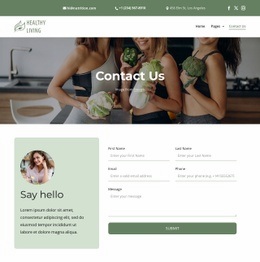
Yes. Custom HTML and CSS can be used for opening hours, addresses, phone details, reservation information, or multi-location content when the project needs a more specific structure.
Can I add custom CSS for restaurant dish rows or price columns?
Yes. Nicepage supports custom CSS for individual elements, a page, or the entire website. This can help align prices, space menu categories, style dietary badges, or refine structured dish blocks.
Add Code Where the Restaurant Interface Actually Needs It
Start with a restaurant design instead of writing the whole interface by hand. Build the page visually, then add custom HTML or CSS for the parts that need tighter control, such as menu markup, dietary labels, opening hours, location details, contact information, or structured dish blocks. Review those sections across responsive views and prepare the finished project for HTML export.





















































