
1000 Architecture & Building Html Code Examples


























































































Clean Architecture & Building HTML Code
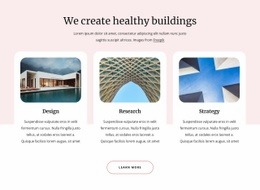
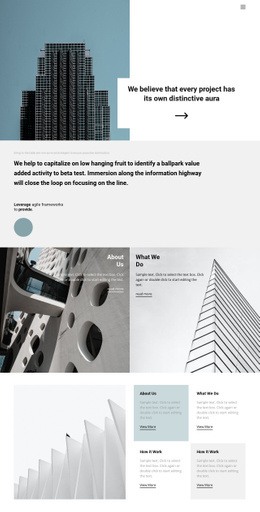
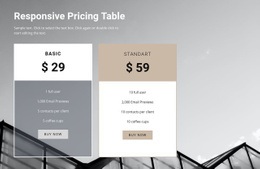
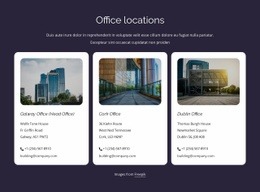
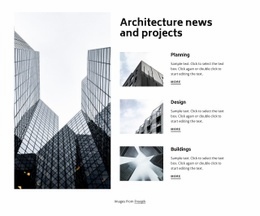
Architecture & building HTML code is useful when you need an editable code example rather than a complete, ready-made website. The central object is the markup itself: a section, content pattern, or generated HTML fragment that can be inspected, changed, copied, embedded, and adapted to a project. For architecture content, that may be a project card, service block, image-and-caption section, contact area, or other reusable piece of interface structure.
Use HTML Code as an Editable Building Block
A code example should make its structure easy to understand. Headings, links, images, labels, and containers should be identifiable in the markup so a developer can replace demo content without reverse-engineering an entire exported site. A residential section, for example, can use house-focused design ideas for content inspiration while the HTML remains a reusable pattern rather than a full multi-page architecture package.
This is also where code inspection matters. Check which elements form the section, which classes are used for styling, where image sources and alt text are placed, and which parts can be removed without breaking the layout. If the code is generated, treat it as a starting point that can be edited rather than as an opaque output file.
HTML Examples, Custom Markup, and Reuse
Nicepage provides a Custom HTML Element for cases where a page requires markup not covered by a standard element. That can be useful for a project-specific embed, a technical label, a third-party widget, a custom data block, or other isolated requirements. Keep custom markup focused so the surrounding page remains easier to edit visually.
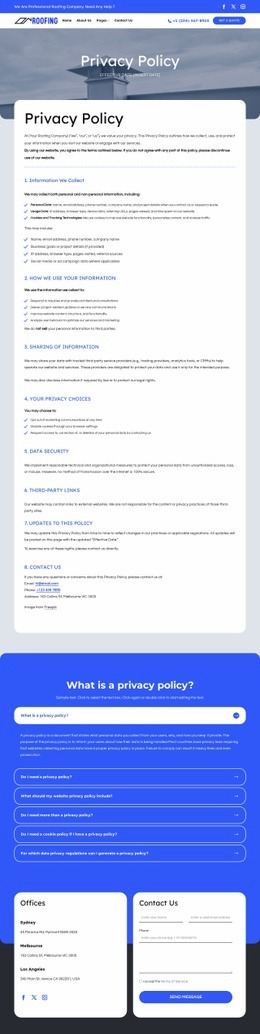
HTML examples can also be reused at a smaller scale. A contractor may need a single service section for inspection, repair, and replacement rather than a completely new site; roof-focused layouts can help shape that content while the underlying snippet remains easy to copy and adapt. Likewise, contractor layout references can provide content patterns for quote blocks, project facts, or calls to action without changing the code-example intent.
When a code example grows into a complete static website, the workflow begins to overlap with HTML Templates. Nicepage also documents an HTML export workflow for full website output, but that is a different use case: HTML Code is about working with markup or generated sections, while HTML Templates are about ready page sets and deployable site files.
Keep Snippets Easy to Change and Embed
A reusable section should have clear content boundaries. Avoid burying project names or links inside unnecessary wrapper markup. Keep class names understandable, isolate custom code from unrelated sections, and test the snippet where it will actually be embedded. If a code fragment depends on site-wide CSS or scripts, document that dependency before handing it to another developer.
Architecture HTML Code Questions
Can I change generated architecture HTML before using it?
Yes. Treat generated HTML as editable markup. You can change text, links, images, attributes, classes, and section structure as needed, provided you keep any required styling or script dependencies in place.
When should I use custom HTML on an architecture page?
Use custom markup for a specific element or integration that the standard visual elements do not cover. Examples include a specialist embed, technical project data, a custom label structure, or another isolated component. Avoid moving the entire page into hand-written HTML when only one section needs it.
How is an HTML code example different from a full architecture HTML template?
An HTML code example is a reusable or generated markup fragment that you can inspect, copy, paste, and adapt. An HTML template is a more complete page or website package intended to be customized and deployed as a finished static site.
Adapt the Markup to the Project
Start with the section you actually need, inspect its structure, replace demo content, add custom markup only where it has a clear purpose, and test the result in context. That keeps HTML Code focused on reusable code and direct editing, rather than turning the page into another description of a static website export.




















































