620 Contact Form Html Code Examples
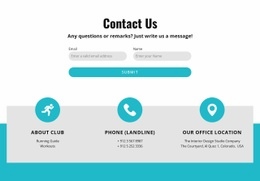
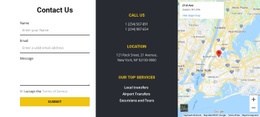
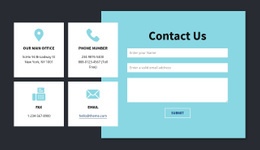
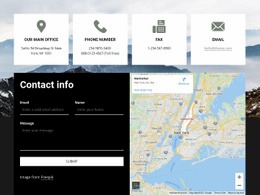


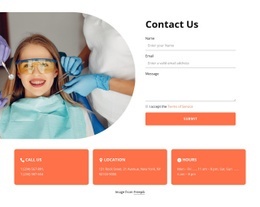

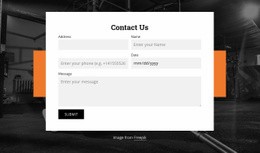
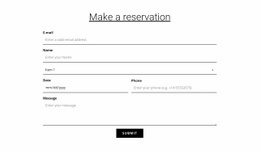

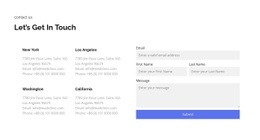
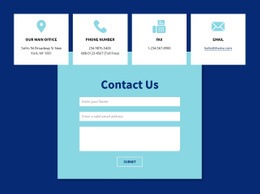
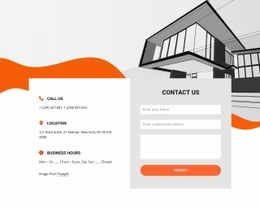
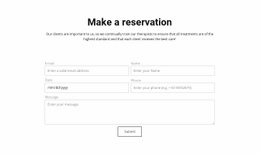
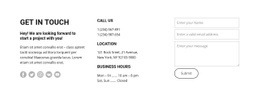



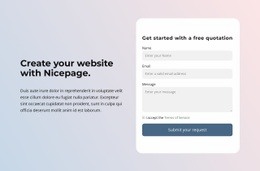

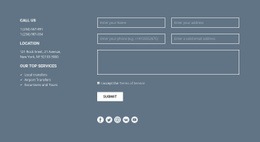
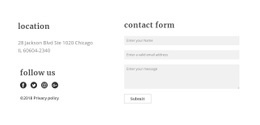
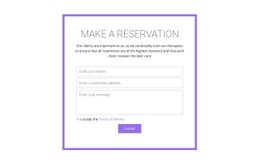
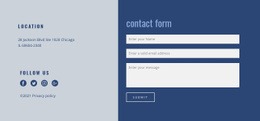



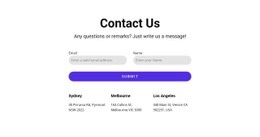
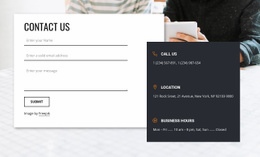
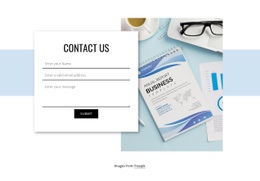




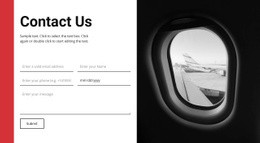
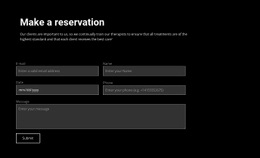
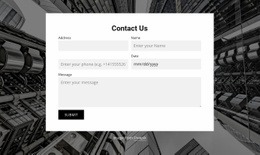




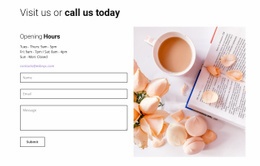













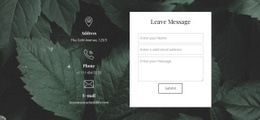
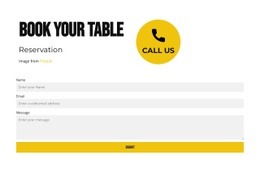
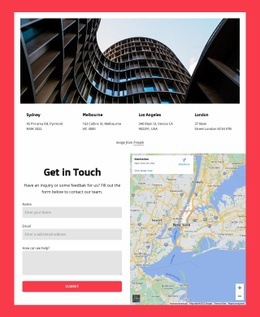


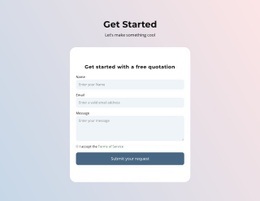


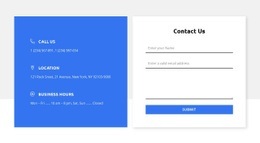


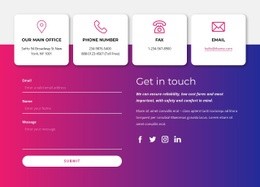




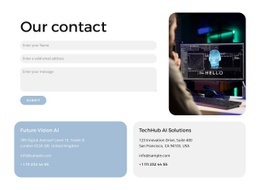


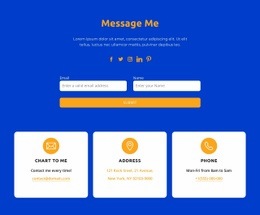




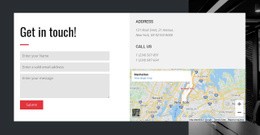

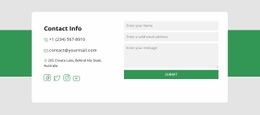

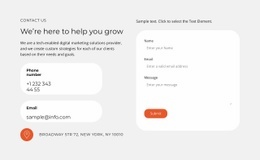

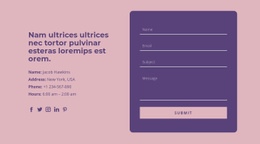

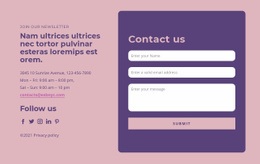





Contact Form HTML Code for Editable Form Markup
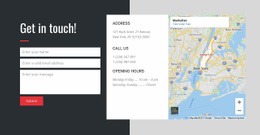
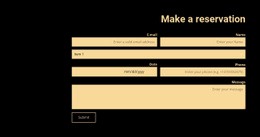
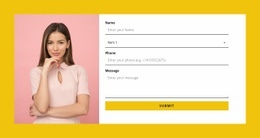
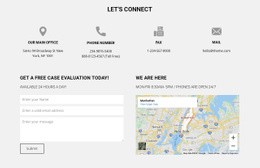
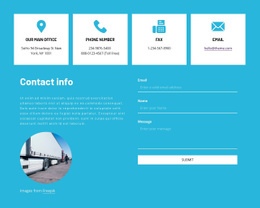
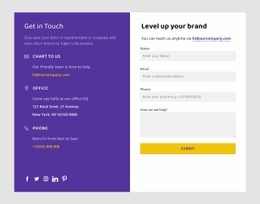
Browse ready-made Contact Form designs with HTML structures suitable for further editing. Their fields, labels, and message areas should fit the inquiry visually, while the markup helps you judge whether small adjustments are practical before you choose a design.
The HTML Code focus lets you assess a form's structure and relevant attributes alongside its finished appearance.
Choose a Form Layout That Supports HTML Editing
Choose a finished form section with the controls required for the inquiry and markup that can accommodate any necessary changes. A minimal section may need only an email and message field; a more detailed request may need another named input. The visual arrangement should already be close to what the page requires.
The distinction from a general HTML Templates gallery is the ability to inspect and adjust actual form structure, including field associations and the submission configuration, where the editing environment permits it.
Compare the HTML Structure Behind Contact Form Designs
The underlying HTML defines the fields in a chosen design. This example helps you recognize the HTML structure you may encounter when comparing editable Contact Form designs:
<form action="/contact" method="post">
<label for="email">Email</label>
<input id="email" name="email" type="email" required>
<label for="message">Message</label>
<textarea id="message" name="message" required></textarea>
<button type="submit">Send Message</button>
</form>
In a selected HTML form, check that labels match their inputs and that action, method, and name suit the intended submission setup. The example shows a possible structure, not a ready-configured delivery service.
Choose a Ready-Made Form with Adaptable HTML Markup
When selecting a design, check two things: does it already include the fields the inquiry needs, and can its structure accommodate a small change without being rebuilt? A ready-made form with appropriate labels and a suitably sized message area is a better starting point than an unrelated design chosen for its decoration.
Nicepage provides a built-in Contact Form element for supported field and design editing. A separate HTML Element or embedded form widget follows a different workflow, so confirm which editing options apply to the chosen block.
For newsletter-style capture, subscription form layouts fit a different visitor action.
Contact Form HTML Code FAQ
Is a form preview enough to know that it works?
No. A finished layout is the starting point; you need to verify the selected form's submission setup separately.
Which HTML Attributes Should I Check Before Publishing?
Check action and method for submission settings, name for each submitted field, and the match between each label's for and its input id. A real receiving handler is still required.
Can I Edit the HTML of a Ready-Made Contact Form?
In ordinary editable HTML source, you can revise the elements and attributes. In Nicepage, available changes depend on the Contact Form editor and the supported HTML customization workflow.
Select Contact Form HTML Code for Your Project
Choose a ready-made form with the right field arrangement, then review its adaptable HTML structure and submission settings. The technical details should help confirm the choice, not replace the design comparison.