
100 Wedding Html Code Examples

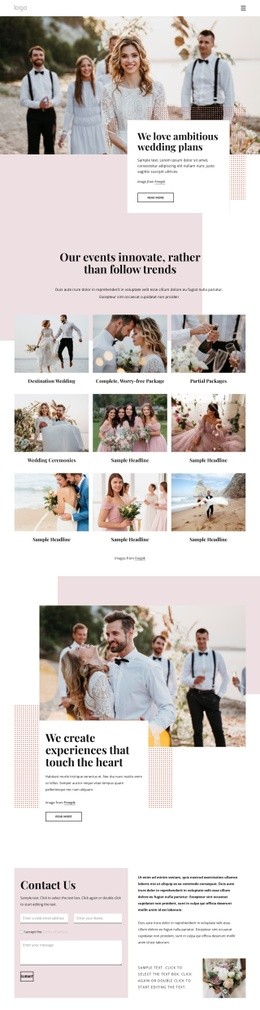
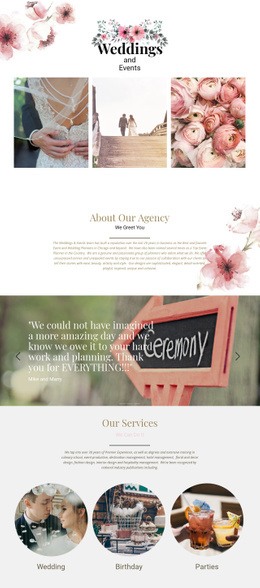
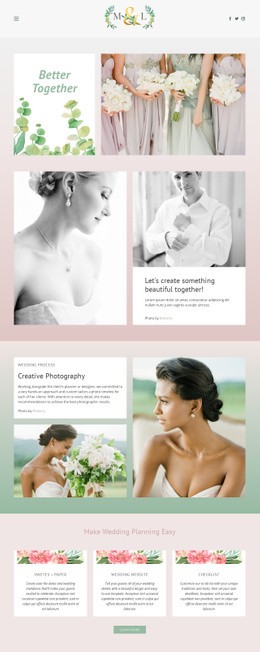

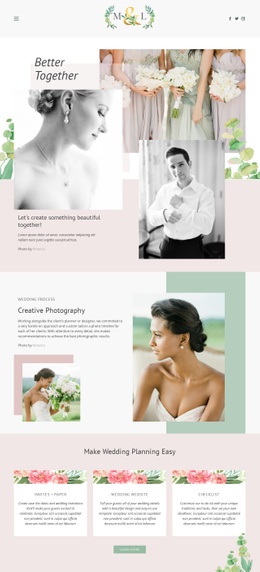




























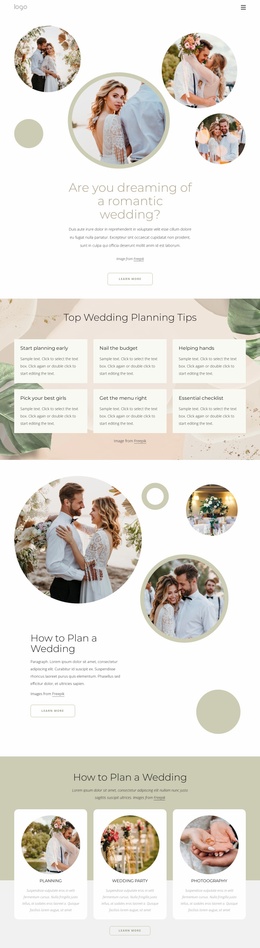
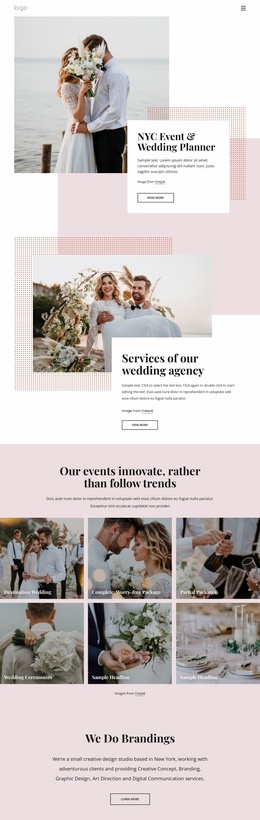

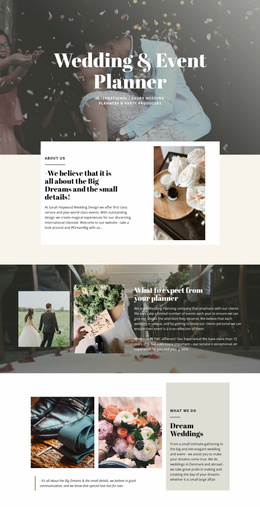


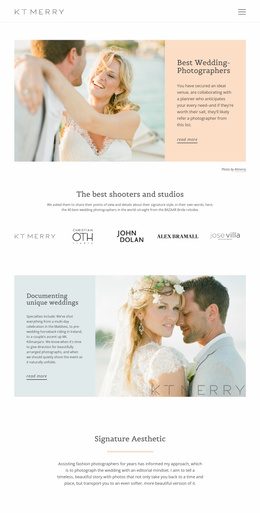




















High-Performance Wedding HTML Code
Wedding HTML code is useful when a finished or nearly finished wedding page needs a specific technical extension rather than another ready-made template. Typical jobs include embedding a custom RSVP service, adding a countdown to the ceremony, inserting an event schedule widget, connecting an external registry, placing a venue map, or adding tracking and specialist markup for a campaign or handoff.
When Does a Wedding Site Need Custom HTML?
Use custom code when the wedding requirement is specific enough that a standard page element or downloadable template does not solve it. A couple may need an RSVP embed from another service. A venue may need a map or availability component. A planner may want a schedule widget or countdown that updates independently, while a developer may need custom tracking or structured markup before launch.
The distinction from a ready-made HTML template is practical: templates provide the base layout, while custom HTML modifies or extends that layout for a particular wedding workflow.
Advanced Features for Custom Wedding HTML
HTML Element: Place external code inside a page when the required option is not available as a standard editor feature; Nicepage documents this through the HTML Element. This can support a third-party RSVP form, countdown, venue map embed, schedule widget, or another wedding-specific interface supplied by an external service.
Custom Code: Use this feature when the project requires connectivity to third-party components or other systems supported by the custom implementation. This is relevant for registry integrations, specialist booking components, custom tracking markup, or project-specific scripts.
Custom jQuery: Code can be added through Site Settings or Page Properties under the HTML settings; the documented Custom jQuery workflow explains where that code belongs and notes the deferred jQuery loading behavior.
Responsive Modes: refine the surrounding page so RSVP embeds, countdowns, maps, schedule widgets, and buttons remain usable on desktop, tablet, and phone layouts. HTML export: prepare the completed site as static HTML output when the final source needs developer review, hosting, or further manual work.
Use the custom layer only where the wedding project genuinely needs it. If the base layout already handles a gallery, schedule, or form well, keep that standard implementation and reserve code for the exceptional integration.
Flexible Wedding HTML Code Questions
Can I import an existing wedding HTML website into the Nicepage Editor?
No. Nicepage does not support importing an existing HTML or generated website into the editor. Its features can instead be used to recreate the required design inside Nicepage.
Can I export a wedding website from Nicepage Online as HTML?
Yes. Nicepage Online supports HTML export for hosting on your own server. Projects can also be exported for import into the Nicepage Desktop Application when that workflow is needed.
Can I add a custom RSVP or registry integration?
Yes, when the external service provides embeddable or custom code that fits the project. The HTML Element or Custom Code features can be used for supported third-party integrations.
Can custom code be used for a wedding countdown, schedule, or map?
Yes. If the external service supplies compatible embed code or scripts, custom HTML can be used for countdowns, schedule widgets, venue maps, or similar wedding-specific additions when standard elements do not cover the requirement.
Can I add custom tracking or markup to a wedding page?
Yes. Nicepage supports custom code and page-level HTML settings, which can be used when a project requires specialist tracking or additional markup beyond the standard page controls.
Clean Control for Wedding Integrations
Start with a suitable wedding layout, then add code only where the event needs a technical extension. Open the page in the Online Builder or Desktop App, prepare the visual structure, insert the required RSVP, countdown, schedule, map, registry, tracking, or other supported integration, and then export or publish the result. Start for free and use custom HTML to extend a wedding page rather than replace the role of a downloadable template.






















































