
530 Interior Html Code Examples
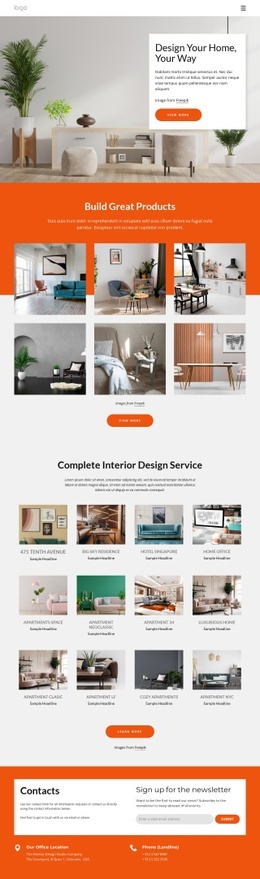
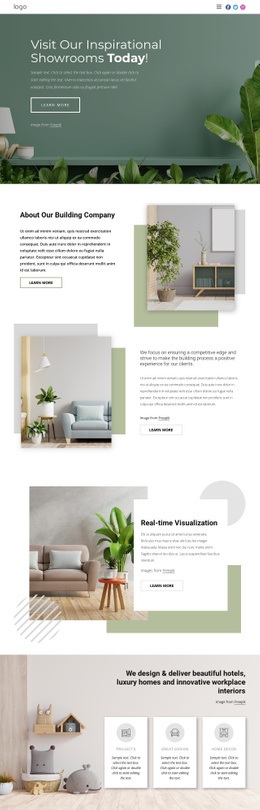
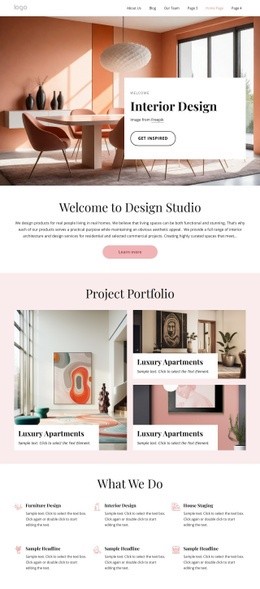


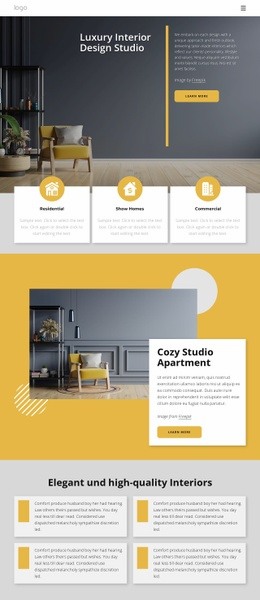
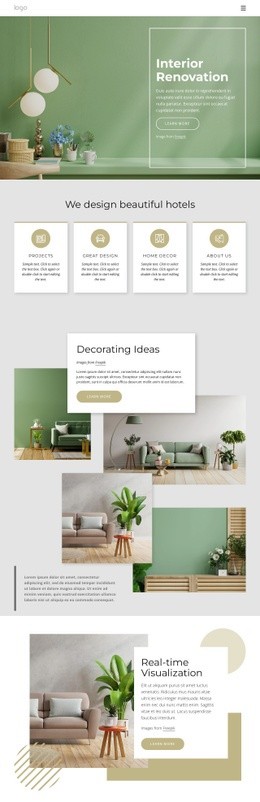
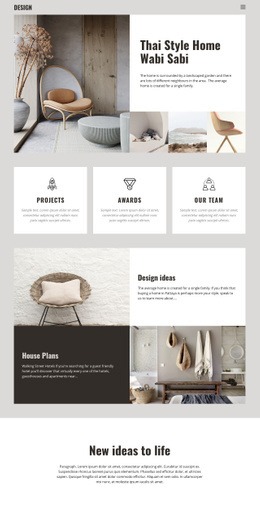
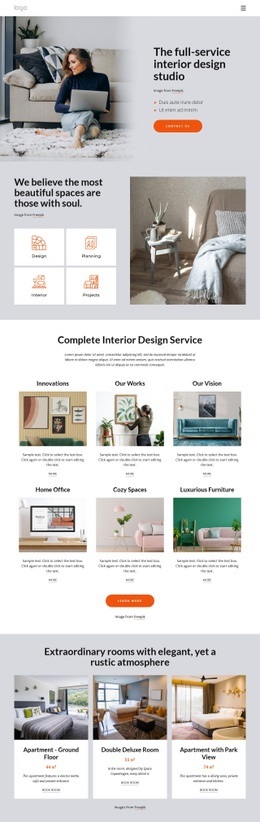
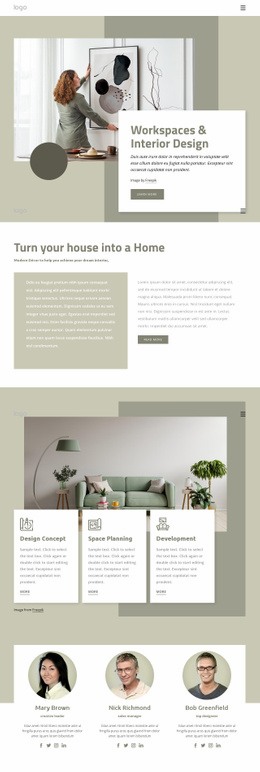
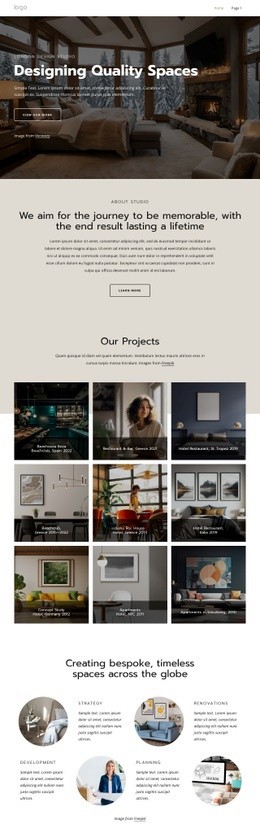
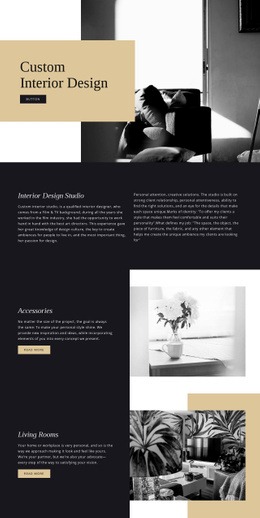

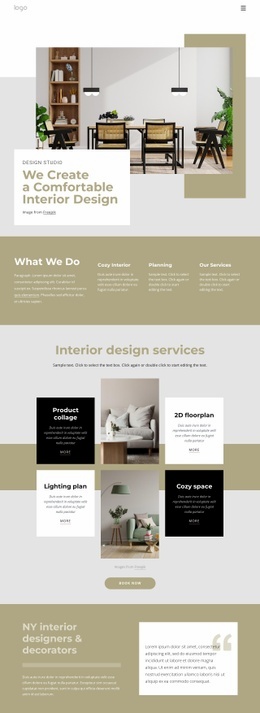
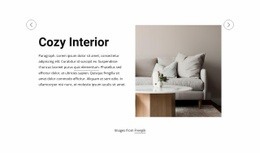

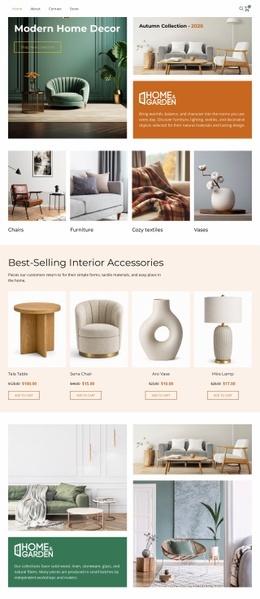
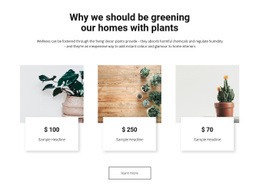
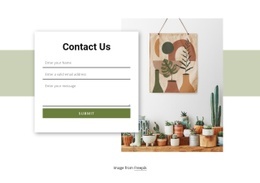

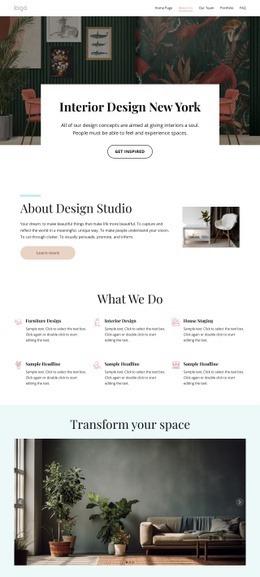
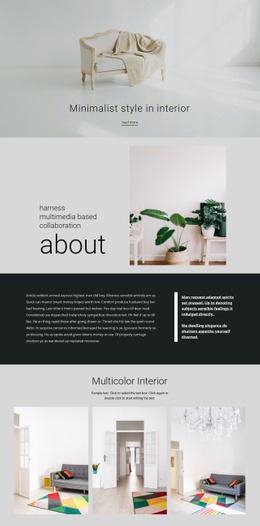
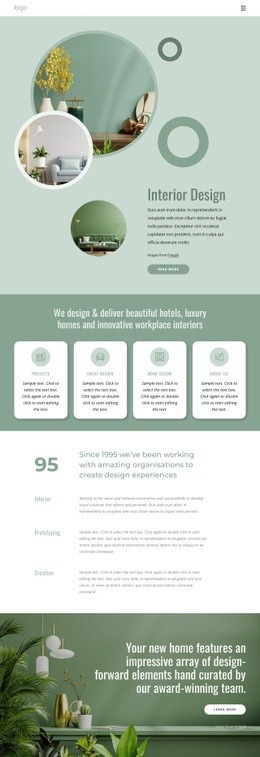


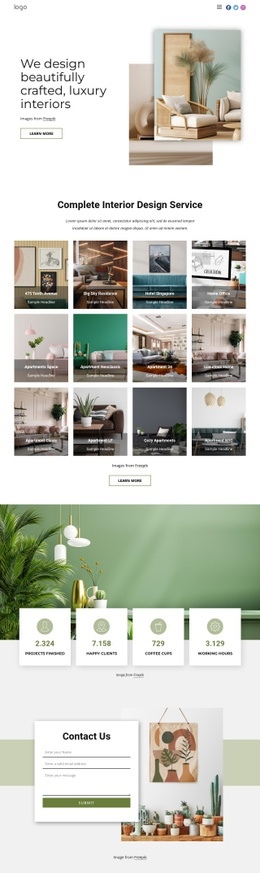

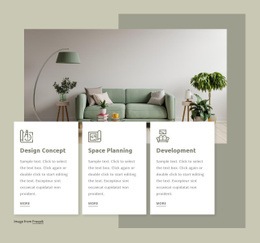

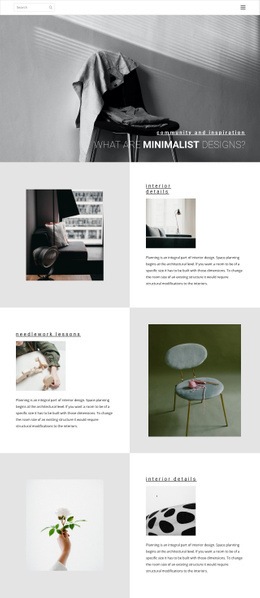

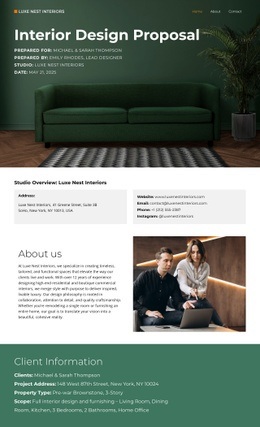
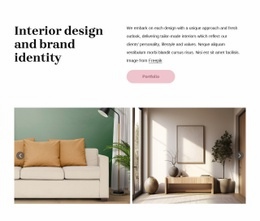
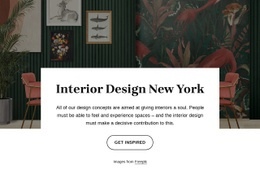

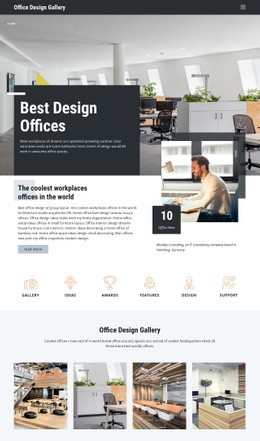
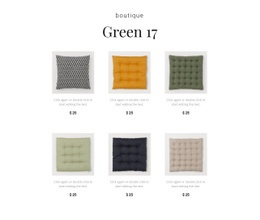


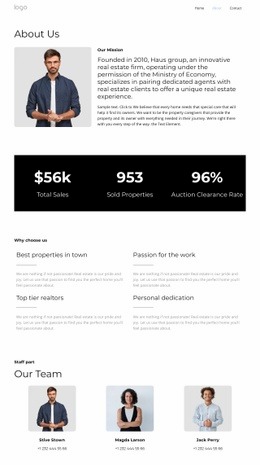



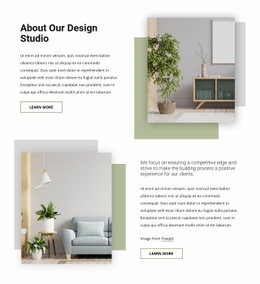


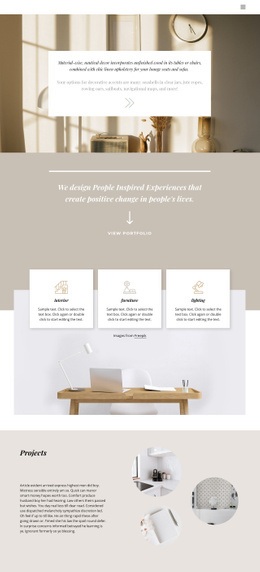
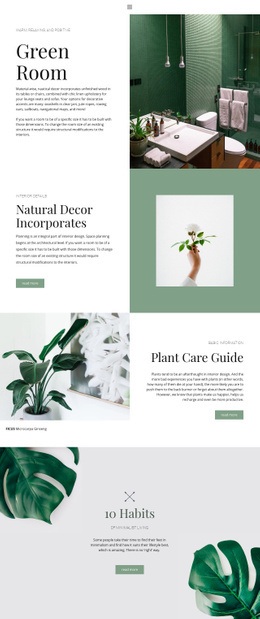
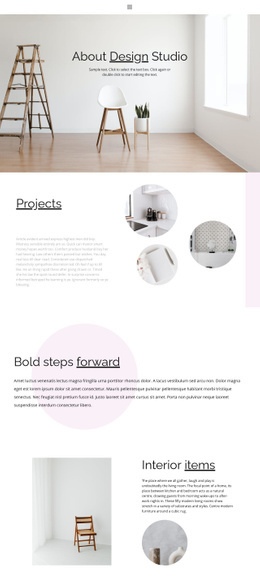










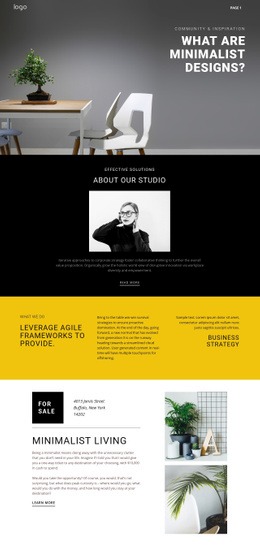
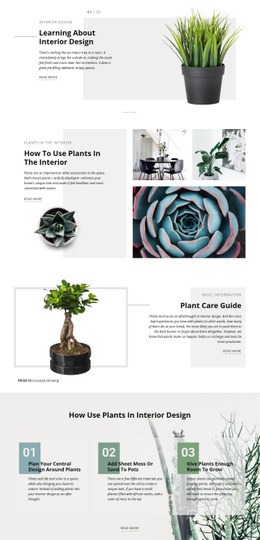

















Interior HTML Code for Editable Project Markup
Interior HTML code is relevant when the deliverable needs to remain understandable and editable at the source level. The value is not simply that a page can be exported. Developers can open the files, inspect the markup hierarchy, semantic sections, classes, links, image elements, project metadata, and custom snippets, and then extend the site without treating the exported page as a black box.
What Code-Level Value Should an Interior Site Provide?
A project page can be organized with semantic landmarks and content sections that reflect the actual information hierarchy. For example:
<main class="project-case-study">
<header class="project-intro">
<h1>Riverside Apartment</h1>

<p class="project-meta">Residential · Renovation · 2026</p>
</header>
<section class="project-gallery" aria-label="Project gallery">
<img src="living-room.webp" alt="Open-plan living room with oak joinery">
</section>
<section class="project-details">
<h2>Design Approach</h2>

<p>Material, layout, and lighting notes for the project.</p>
</section>
</main>
The exact markup will vary, but the principle remains consistent: headings should reflect the content hierarchy, images should have meaningful alternatives where appropriate, classes should be understandable, and project information should be easy to locate in the source.
For architectural details, a door-focused design direction can inspire a dedicated case-study section in which entrances, joinery, or hardware each need their own image-and-text grouping. A bath-inspired layout reference can serve a similar role for fixtures, materials, and full-room views.
Custom Markup Without Rebuilding the Whole Page in Code
The Custom HTML Element can include external code when a project needs markup or functionality not available in a standard element. The official HTML Element documentation describes this external-code workflow.
Use custom snippets selectively. A third-party embed, a custom-structured block, a specialist interactive component, or a small semantic enhancement may justify code; ordinary headings, images, buttons, and text usually remain easier to maintain as native page content.
Inspect the Exported File Structure
When a developer receives static output, the useful questions are practical:
- Can the main page sections be identified quickly in the HTML?
- Are class names and wrapper structures understandable enough to extend?
- Are image paths, links, metadata, and custom snippets easy to find?
- Does the heading hierarchy still match the project narrative?
- Can new scripts or integrations be added without rebuilding the layout?
Nicepage supports HTML export from the Desktop Application; the Export HTML Website workflow covers static HTML output for third-party hosting or delivery. Treat export as the point at which source review begins, not as the main value proposition of an HTML page.
A waiting-area design reference can help test a commercial interior page with reception, lounge, or circulation content while keeping the source organized into reviewable sections.
Interior HTML Code FAQ
What makes this different from an interior HTML template?
An HTML-code page is about source-level control: markup structure, editable files, semantic sections, snippets, and developer extension. An HTML-template page is about choosing a ready-made package with pages, styles, scripts, demos, and a predefined visual structure.
Can I add custom HTML beside an interior project section?
Yes. Use the Custom HTML Element to place external HTML or CSS code where a standard Nicepage element does not cover the required functionality.
Can exported interior HTML files be hosted on third-party hosting?
Yes. Static HTML output can be moved to third-party hosting or handed off to a developer, depending on the supported export workflow and the requirements of the chosen hosting environment.
Use HTML Code When Source Ownership Matters
Choose a code-oriented workflow when the team expects to inspect or extend the markup after visual design is complete. Keep semantic structure readable, add custom snippets only where they solve a real need, and review the exported files as source code. Developers should be able to identify project sections, trace classes and assets quickly, add integrations, and continue working without rebuilding the approved layout from scratch.



















































