Agency specializing in luxury adventure travel Html Code Example


Edit Template Offline
2. Create new page and search for id 6000635
Edit Template Online
Create Awesome Websites


Free Nicepage Builder
Keywords
The Gallery, Destination Panel, and Form Create Clear Extension Zones
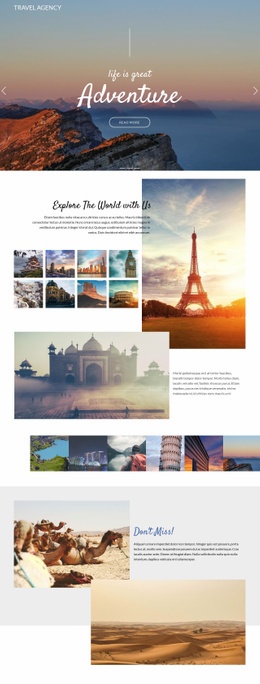
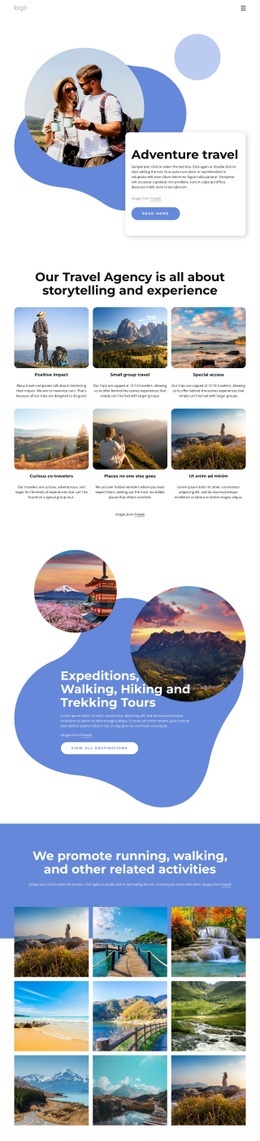
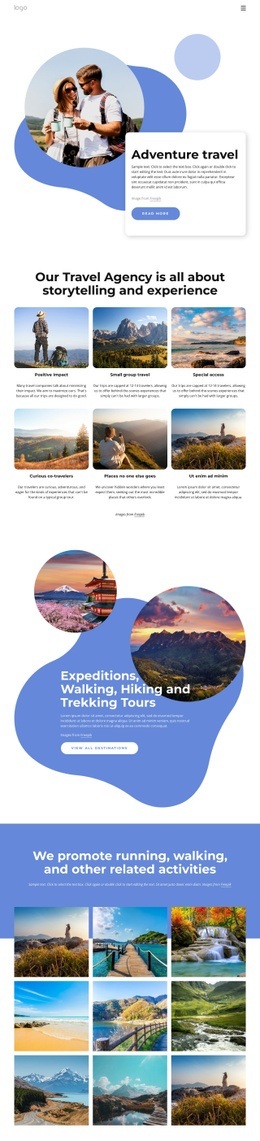
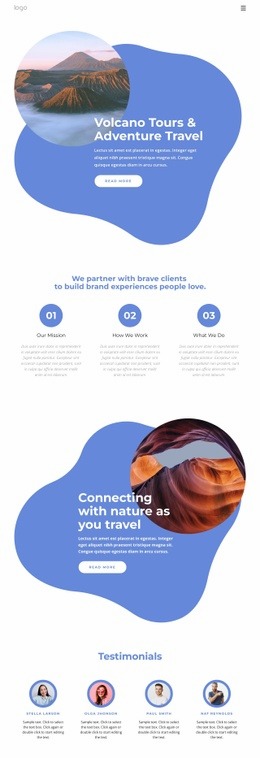
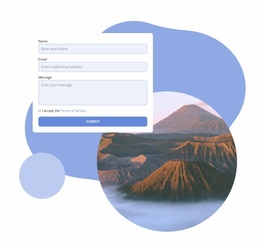
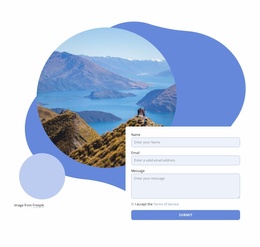
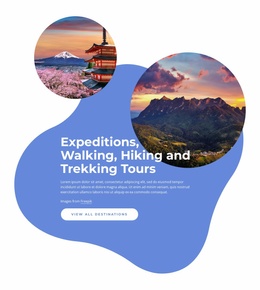
The nine-image travel gallery provides a defined media area for the page’s strongest visual content. It follows an introductory section about running, walking, and related activities, so the images already have a clear subject relationship rather than appearing as an isolated decorative grid. The expedition panel offers another focused zone, pairing two destination images with tour-oriented text and a “View all destinations” call to action. Near the end, the contact form requests a name, email, and message, creating a separate interaction area after the visitor has seen the travel concept and supporting imagery.
If a project needs functionality beyond the standard image, text, button, and form elements, these existing zones indicate where an additional component could belong. A custom availability tool could sit beside the inquiry content, while an external destination service could extend the gallery or expedition area without requiring the entire page to be reorganized. The navigation also leaves recognizable entry points for related additions connected with Home, About Us, or Portfolio. This makes the design suitable for selective custom extension: new functionality can follow the established content roles and visual boundaries instead of being inserted into an undifferentiated layout.
Customize with Nicepage
Open this ready-made template in the HTML Code Generator and customize it visually in the Nicepage editor. Replace demo content, edit page sections, and adapt the design to your project without rebuilding the template from scratch.
Extend This Page With Custom HTML Code
Insert Code With the HTML Element
Use the HTML Element to add custom code directly to a Block in the Nicepage editor. Enter the required markup in the Code field when the page needs content or functionality that is not available through the standard page elements.
Place the HTML Element in the Layout
Treat the HTML Element as part of the visual page composition. Adjust its position, width, height, alignment, and margins to place the custom content where it belongs alongside text, images, buttons, and other elements. This makes it possible to combine visually edited sections with project-specific code without separating the custom element from the rest of the layout.
Add HTML, CSS, JavaScript, and External Components
The HTML Element supports HTML, CSS, and JavaScript, allowing you to extend the page with custom markup and interactive functionality. It can also be used to embed custom code and third-party components, such as social feeds, advertising code, widgets, or other external functionality required by the project.
This workflow makes the template useful for projects that need a visual page editor together with custom HTML code, JavaScript, embedded components, and functionality beyond the standard page elements.

Design Set (17)






More from Travel & Hotels Html Code Examples
-
Customize Any TemplateDownload