
350 Nature Html Code Examples






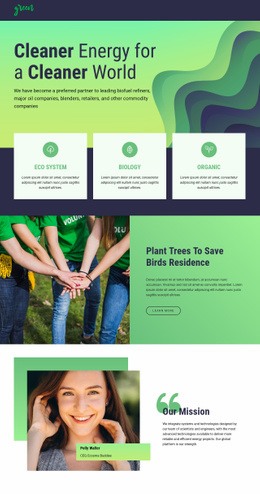

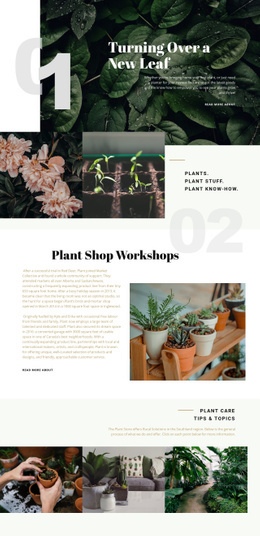
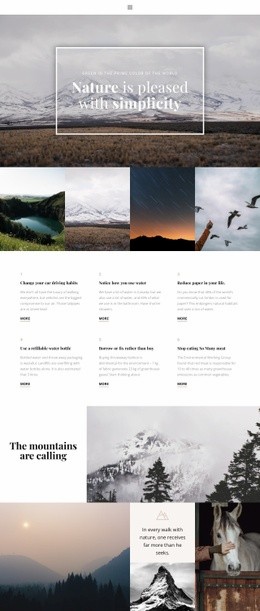














































Clean Nature HTML Code for Custom Environmental Features
Nature HTML code becomes useful when an environmental project needs something specific that a standard visual block cannot provide. A conservation site may need an interactive habitat map, a species database widget, a field-data embed, or a custom dashboard panel. A natural-product project may require structured product information or an external verification widget. In these cases, the code is there to extend the page rather than replace the visual workflow.
Nicepage keeps the surrounding layout editable for designers while giving technical teams places to add custom markup and styling. That makes it possible to keep routine page work visual and reserve code for the parts that genuinely need it.
When Does a Nature Project Need Custom HTML?
Interactive map embed: place a reserve map, trail map, or geospatial service directly inside a section. Species data widget: displays external taxonomy, observation, or research data without manually recreating the tool. Conservation dashboard block: embed charts or live project metrics from another service. Custom section markup: add a project-specific structure when the standard elements do not match the required content.
An environmental project may also need semantic sections for reports, project summaries, field notes, or related resources. Earth website ideas can provide a broader content direction for climate and conservation topics, while the HTML layer handles the technical elements.
Code Tools for Technical Nature Pages
The HTML Element can add external code directly to the page. This is the most direct option when a mapping service, data tool, reservation widget, or research embed supplies its own snippet.
The Settings Panel also provides access to Additional HTML and Additional CSS. These areas are useful for project-level additions such as:
- CSS hooks for a custom class
- script or verification snippets where supported
- markup added to specific document areas
- small technical adjustments that should not be rebuilt as visual blocks
For targeted styling, Custom CSS controls can apply rules to an individual element, a page, or the whole website. A forestry or natural-material project can use wood website references for visual direction while custom classes handle details such as image overlays, special labels, or embedded data panels.
Semantic Markup and CSS Hooks
Technical nature pages often become easier to maintain when custom code has a clear role. Give external widgets their own container, use meaningful class names, and keep project-specific CSS separated from general page styling where possible.
A species card, for example, may need a custom class for conservation status labels. A habitat dashboard may need a wrapper for an embedded chart. A trail map may need a fixed aspect ratio or mobile override. These are concrete coding tasks that are easier to review than a large generic block of pasted HTML.
Image Gallery Element can still organize habitat, botanical, or field photography around those custom sections, so code-heavy features do not have to dominate the entire page.
User-friendly Nature HTML Questions
Can I add an external conservation map to a page?
Yes. Use the HTML Element to place the embed code supplied by the mapping service when the required map is not available as a standard element.
Can custom CSS target only one environmental widget or section?
Yes. Nicepage Custom CSS controls can apply rules to an individual element, a page, or the whole website, depending on how narrowly the styling needs to be scoped.
Can I add species data or a research widget from another service?
Yes, if the service provides compatible embed code. Place that code in the HTML Element and keep the surrounding section editable in Nicepage.
Can I import an existing nature HTML site into the Nicepage Editor?
No. Nicepage cannot import an HTML or other generated website into the Editor. Its features can instead be used to visually recreate almost any website.
Can designers still edit the page when a developer adds custom code?
Yes. The surrounding text, images, grids, and visual sections remain editable in Nicepage, while custom HTML or CSS can be limited to the features that require technical control.
Add Code Only Where the Nature Project Needs It
Start with the visual structure, then identify the features that standard elements cannot handle. Add the map embed, data widget, custom section, or CSS hook where required, test the result across responsive views, and keep the rest of the page simple to edit. A focused herbal website direction can guide natural-product content while the custom code remains limited to the technical parts of the project.



















































