
FAQ Html Code Examples
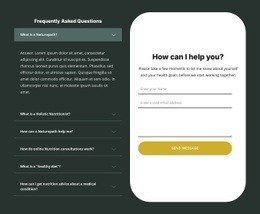
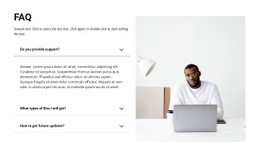
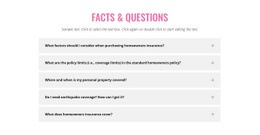
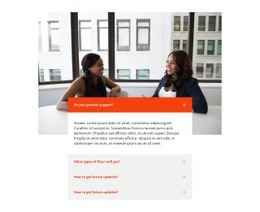

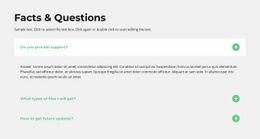
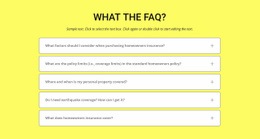
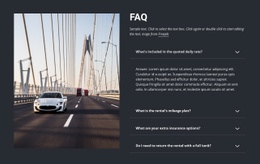
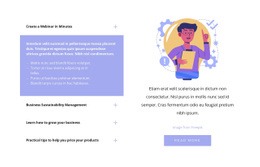


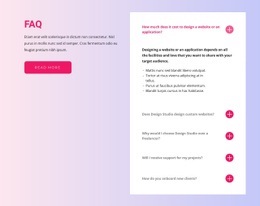
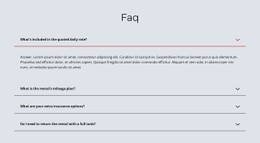

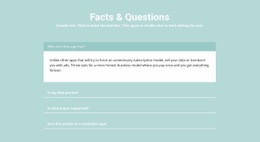


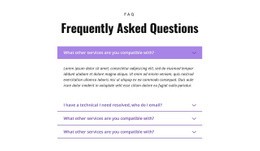





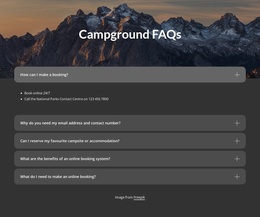
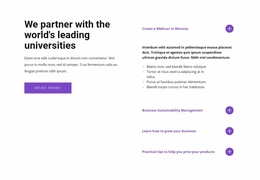
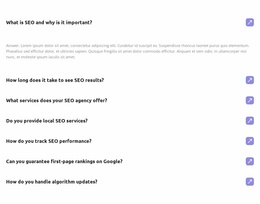





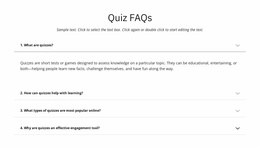
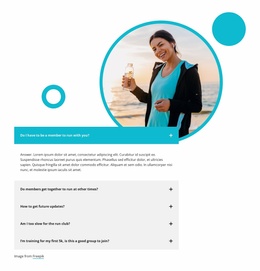
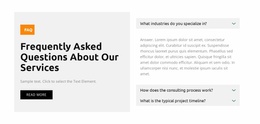

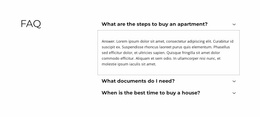
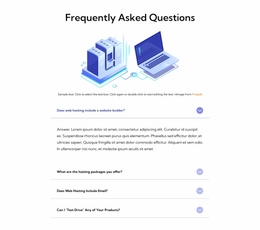
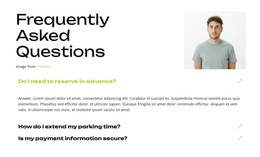
Flexible FAQ HTML Code Templates for Extending Q&A Sections with Custom Markup
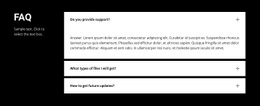
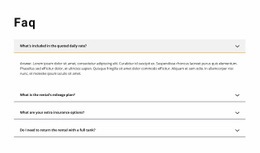
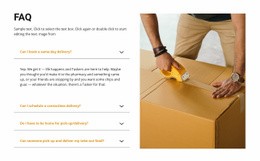
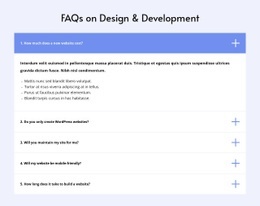
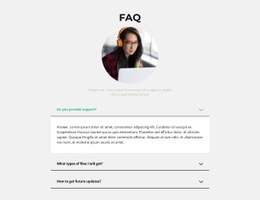
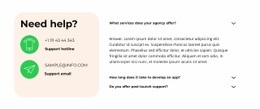
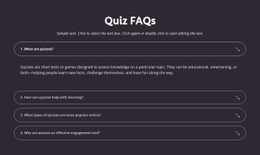
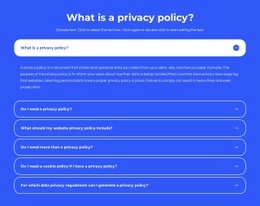
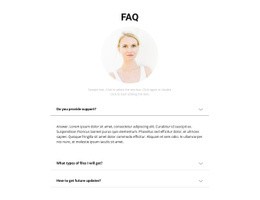
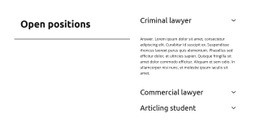
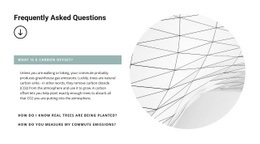
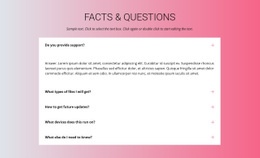
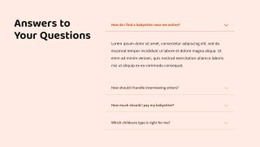
FAQ HTML Code templates in Nicepage provide ready-made question-and-answer sections for HTML-oriented website projects. Start with an existing FAQ design, such as expandable rows or a simple list, and replace its sample questions and answers with your content. When the standard block does not meet a specific requirement, custom HTML can extend the result.
The FAQ Element supplies the prepared expandable Q&A interaction. Nicepage's separate HTML Element supports user-supplied markup. These are two related options, not a promise that each gallery design includes a standalone downloadable code snippet.
Start with a Ready-Made FAQ Section
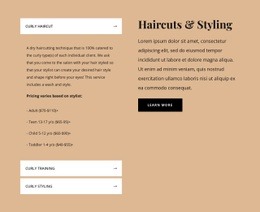
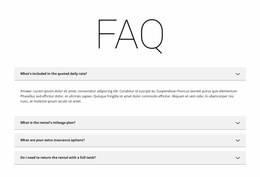
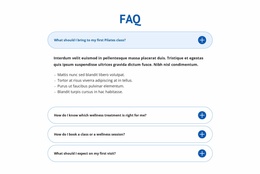
Choose a layout according to the amount of content you need to present. A compact FAQ can answer a few delivery questions; expandable rows suit longer answers; topic groups can help organize several kinds of support information.
In a Nicepage HTML project, a practical approach is to select a FAQ design, edit the question labels and answers, adjust the formatting, and review the completed section on mobile. The built-in FAQ Element supports Rich Text-based answers, so longer explanations can contain text formatting without requiring a separately coded component.
This approach keeps the page focused on a usable FAQ layout rather than making custom development the starting point.
Understand a Simple FAQ HTML Code Example
If you do need your own markup, native HTML offers a short way to make a question expandable:
<section aria-label="Frequently asked questions">
<details>
<summary>How can I contact support?</summary>

<p>Use the contact page to send your question.</p>
</details>
</section>
The summary labels the question, and the answer sits inside details. The browser provides basic open-and-close behavior. This is an illustrative HTML example, not a claim that Nicepage generates exactly this code. For a straightforward Q&A list with permanently visible answers, headings and paragraphs may be sufficient.
Adapt a FAQ Design with Nicepage HTML Tools
Use the prepared FAQ Element for standard expandable answers. If your HTML project needs different markup or a supporting embedded component, Nicepage's HTML Element allows you to add HTML, CSS, and JavaScript separately.
For example, begin with an FAQ section explaining order policies, replace the placeholder questions, and place it on the relevant page of your HTML project. Only add an HTML Element when a particular answer needs an embedded feature or code not supplied by standard editing controls.
Code in a separate HTML Element does not automatically control the FAQ Element. Review custom components in Preview or on the published page, where the rendered HTML can be checked. Keep additional markup and behavior limited to what the FAQ actually needs.
Review the FAQ in Your HTML Project
Before using the finished section, confirm that the right answer appears with each question, expandable rows work when present, and longer content remains readable at phone widths. For user-supplied HTML, also check its rendered disclosure behavior and keyboard operation.
FAQ HTML Code FAQ
Can I use a ready-made FAQ section without writing HTML code?
Yes. Nicepage provides a built-in FAQ Element with expandable questions and Rich Text-based answers. You can adapt a prepared Q&A section for an HTML-oriented website project without coding its basic interaction yourself.
Which HTML elements create a simple expandable FAQ?
Native HTML details and summary provide a basic expandable question-and-answer pattern. Use them when a custom-coded FAQ is required; they are not a guarantee about the markup of a Nicepage gallery item.
Can I add custom HTML code to a FAQ section in Nicepage?
Yes. The separate Nicepage HTML Element accepts user-supplied HTML, CSS, and JavaScript for a custom component or supporting content near an existing FAQ section.
Will custom HTML automatically control the FAQ Element?
No. The HTML Element does not automatically connect custom code to the built-in FAQ Element's behavior. Any additional interaction needs its own implementation and testing.
Select, Customize, and Use Your FAQ Section
Choose a ready-made FAQ layout for your HTML project, replace the questions and answers, and check the rendered page. Add custom code only when you have a specific requirement beyond the prepared Q&A section. This keeps the product focused on adaptable Nicepage FAQ designs while still addressing HTML code needs.





















































