
950 Sports Html Code Examples

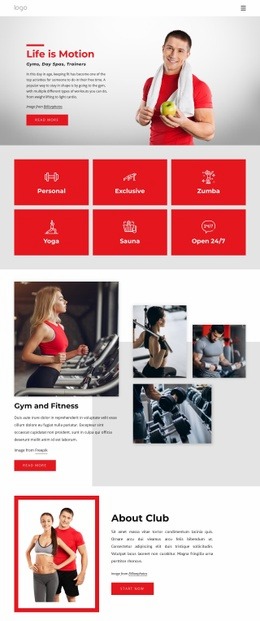



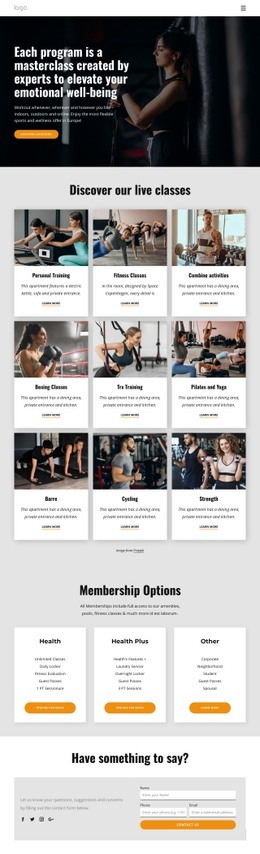
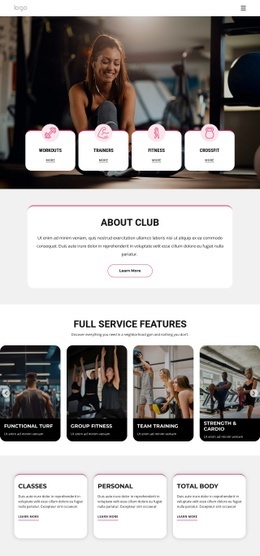
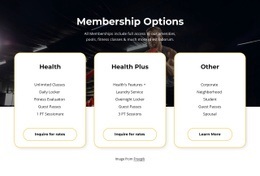











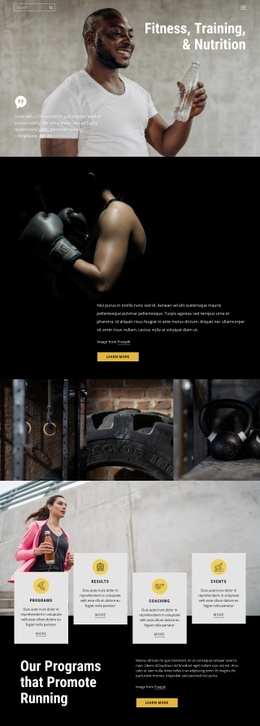





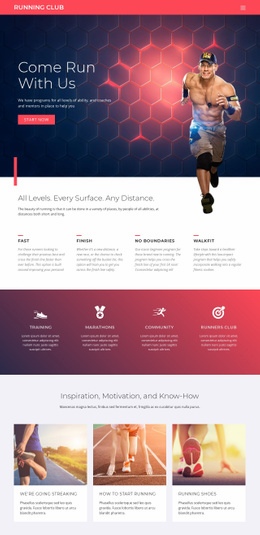



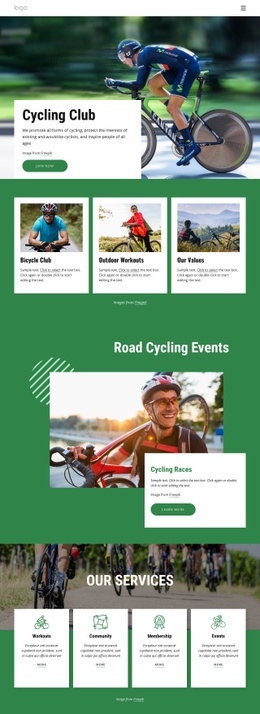














































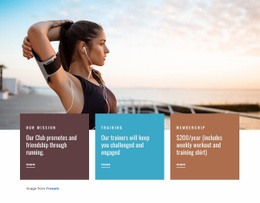


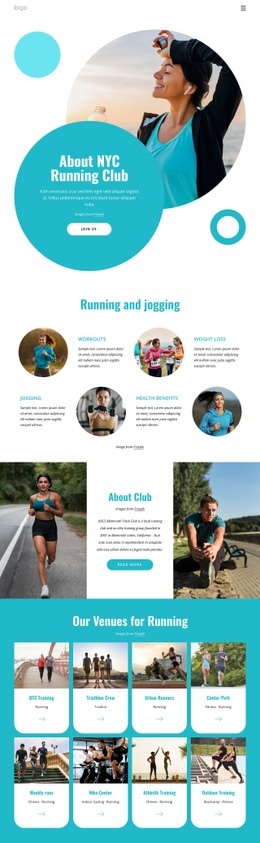




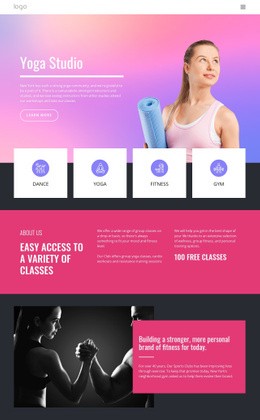


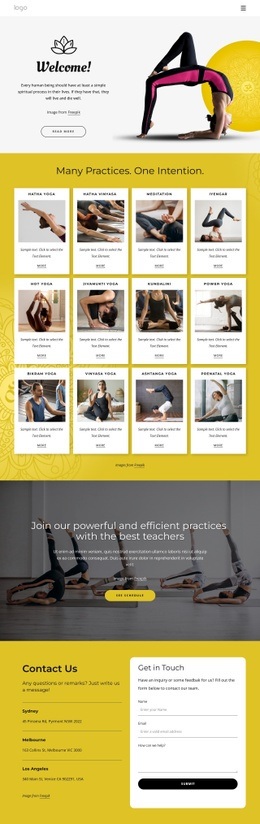



Modern Sports HTML Code for Teams, Coaches, and Athletic Projects
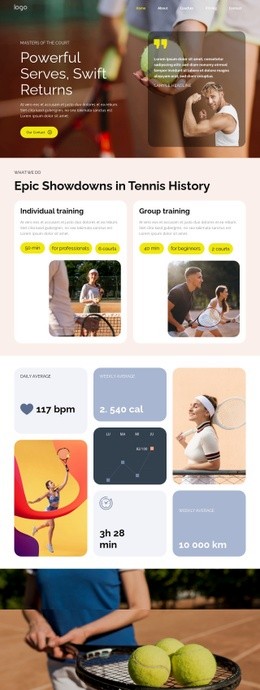
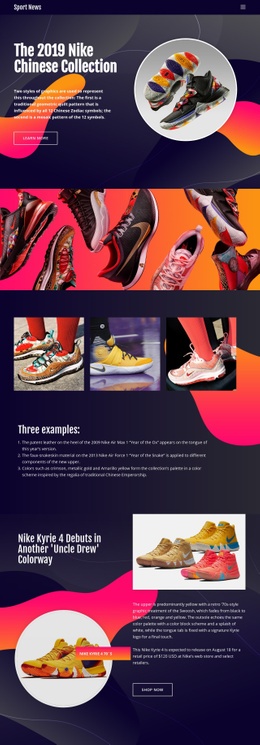
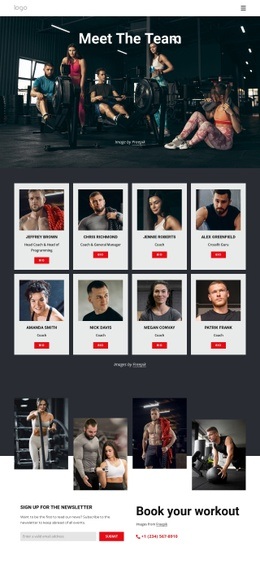
You can use sports HTML code for concrete front-end pieces such as score panels, match summaries, player stat cards, training timers, result tables, video embeds, or branded call-to-action blocks. Teams, coaches, baseball clubs, and athletic projects can start with a visual page and add code-based components only when a standard section doesn't match the sports content they need to show.
What Sports HTML Code Components Can You Add?
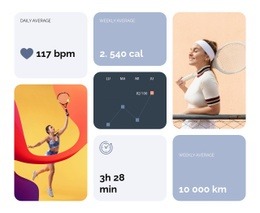
A team page may need a compact scoreboard with home and away values, a roster card with position and number, or a match table that follows a competition-specific format. Coaches may add a training timer, progress indicator, or specialized benefit block. Baseball projects can use custom embeds or data-driven stat panels when a standard visual element is not enough.
A baseball project can take visual cues from baseball website ideas before the code component is added. That way, the scoreboard, player card, or embed looks like part of the sports page rather than a detached developer widget.
Tools for Sports HTML Components and Examples
Nicepage combines visual page construction with a few code-oriented options that are useful for these components:
- HTML Element for a custom scoreboard, external result widget, player statistics panel, or another supplied HTML/CSS component.
- Custom Code when a sports block depends on a third-party service, application, or data source.
- Video Element for match highlights, exercise demonstrations, athlete interviews, or coaching clips.
- Grid Repeater for repeated player cards, score summaries, training steps, or benefit items around the custom component.
- Responsive Modes for checking that coded and visual sections remain usable on desktop, tablet, and phone layouts.
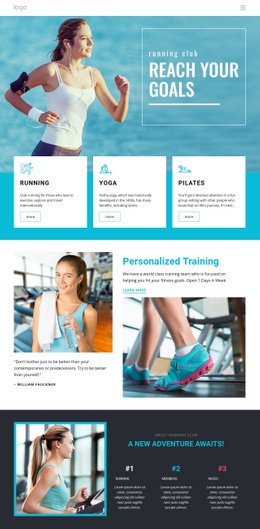
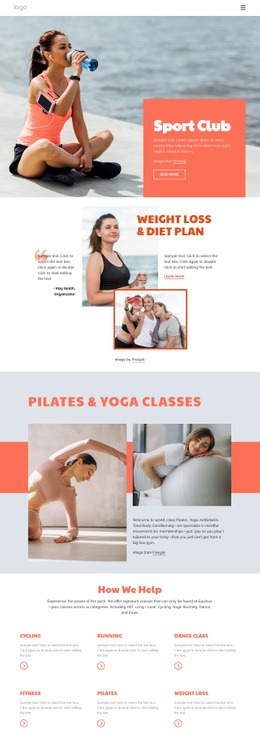
A coaching page may pair those tools with sports benefit content ideas when it needs to explain program value before a visitor reaches the contact action. Motivation-focused services can likewise refer to motivation website concepts for message structure, while custom elements should be limited to sections that genuinely require them.
When the site is ready for deployment, Nicepage supports static HTML output through the documented HTML website export workflow. This gives developers an export-ready structure they can upload to compatible third-party hosting.
When a sports component includes a script, keep it isolated and purposeful. Nicepage explains that custom jQuery code can be placed through Site Settings or Page Properties in the Additional HEAD HTML area. This applies to a specific interactive widget, not ordinary page sections.
Fast-loading Sports HTML Code Questions
Can I host an exported sports HTML site on a third-party hosting provider?
Yes. Nicepage allows unlimited third-party hosting for exported sites so that you can host a static sports project on your own compatible server.
Can I export a sports site from Nicepage Online?
Yes. Nicepage Online supports HTML export so that you can host it on your own server. You can also export projects for later use in the Desktop Application.
Can I import an existing sports HTML site back into the Nicepage Editor?
No. Nicepage does not support importing an existing HTML or generated site into the editor. You can use its features to recreate the required layout instead.
How can a sports team add a custom results widget that Nicepage does not provide?
Use the HTML Element when you can supply the widget through external HTML and CSS. Keep that custom component isolated within its intended section so the rest of the page remains editable through the visual builder.
What kinds of sports data work well in a custom HTML component?
Compact scores, player statistics, match summaries, training timers, result tables, or external competition widgets are practical examples when the information does not fit a standard visual element.
Free HTML Output With Direct Developer Control
Keep the workflow practical: visually shape the sports layout, add custom code only where the project needs it, review responsive behavior, and export the HTML once the structure is ready. This approach gives teams and developers more technical control without turning every image, text block, or section into manual code.





















































