
Men Website Templates
A men's lifestyle brand may need separate paths for fashion shoppers, barbershop clients, and local visitors. With men website templates, collections, lookbooks, service pages, and location details connect through a clear site structure.









































Other Team Website Templates
Contemporary Men Website Templates
A small tailoring label with one shop and a growing online catalog needs more than a strong homepage. Visitors should land on the current collection, open a lookbook where each outfit links to its pieces, and find the shop address before they visit. Men's website templates offer a styled starting point, and new inner pages can share the same menu and look. The right design depends on the project, since a barbershop and a style magazine plan their pages differently.
Matching Pages to Each Business
The page plan can vary a lot between commoners's projects:
- A menswear label builds around Collections. An overview page splits the range into tailoring, casualwear, and accessories, and each category leads to its own collection.
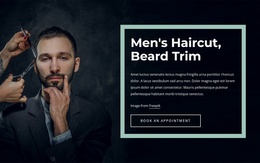
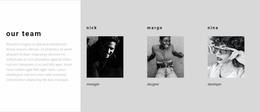
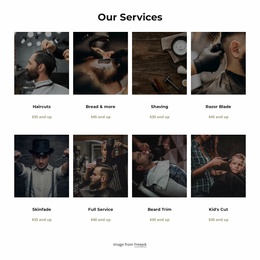
- A barbershop puts services, barbers, and a gallery of recent cuts first in the menu. Many clients ask for a specific barber so that profiles can matter as much as prices.
- A men's lifestyle magazine relies on section indexes and a comfortable article layout, with author pages that show who stands behind the advice.
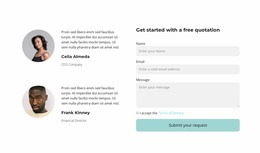
A grooming business with two branches needs a page for each address, while an online magazine or a personal brand may only need a contact form.
Judging Designs by Their Photography
With the page plan settled, photography sets most of the mood. A few visual details are worth comparing across demos:
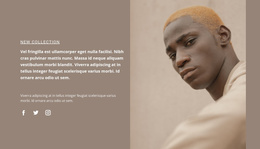
- Close photos of finished cuts and portraits of the team suit a barbershop, so the design needs generous space for both.
- Article cards in a calm grid serve an editorial project, as long as headlines stay readable on small screens when a title runs long.
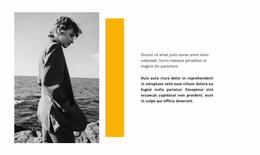
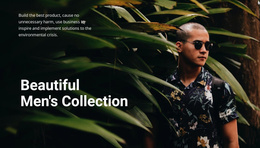
- Wide outfit shots flatter a tailoring or streetwear label, though the layout only works if your own photos match the demo in quality.
Positioning matters too, since a classic menswear house leads with craftsmanship and quiet colors, while a streetwear brand puts campaign images and new drops first.
Expanding After Launch
With Nicepage's Menu Element, you can add a new outerwear collection under Collections as a submenu item. When a second shop opens across town, the Pages Panel lets you add, rename, and reorder pages. Before settling on a template, walk through three journeys in the demo. Get from the homepage to a specific collection, from a gallery photo to the matching service, and from any page to a branch address. If the demo passes all three and there is an obvious spot for a journal or another branch page, the design will suit a growing men's brand.