

Biography CSS Templates
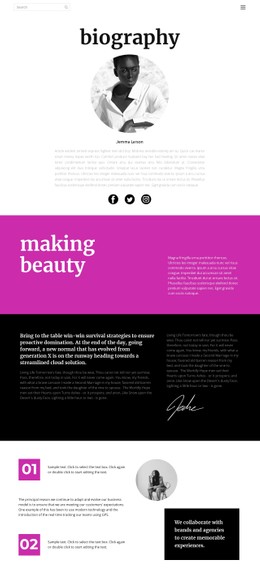
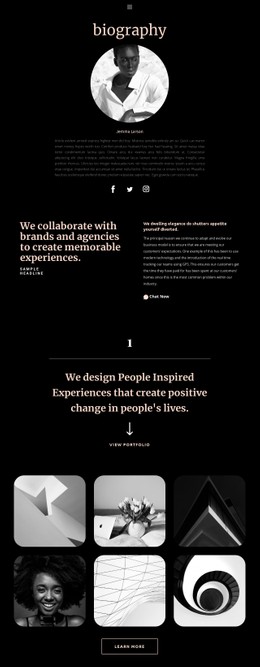
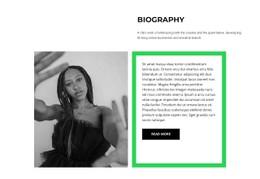
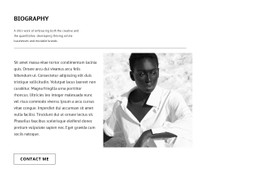
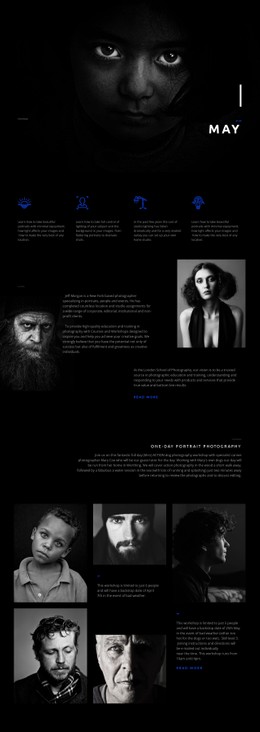
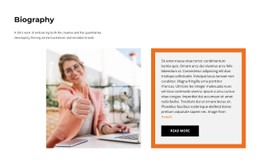
Portraits, quotations, career milestones, and detailed life stories require different visual treatments. Biography CSS templates establish readable typography, balanced image placement, and responsive section styling while letting individual presentation details reflect the subject's personality.
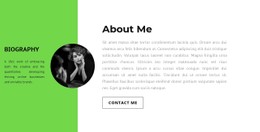
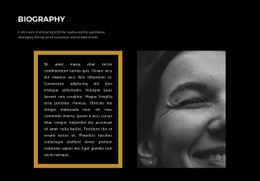
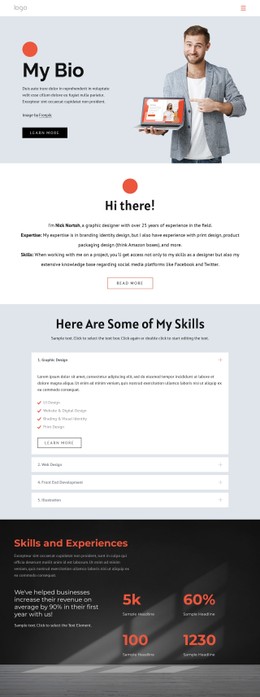

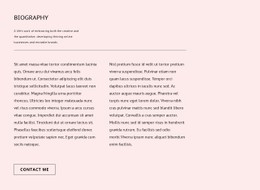






More Website & HTML Templates for Biography



More CSS Templates from Team Category


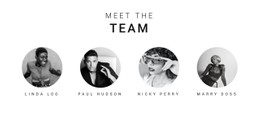


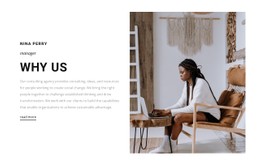
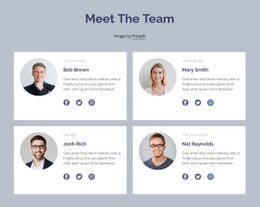


Other Team CSS Templates
Customizable Biography CSS Templates for Personal Profiles
A biography can lose its visual identity when portraits, career achievements, and personal stories receive the same generic styling. Biography CSS templates provide a practical foundation for distinguishing these elements through typography, spacing, colors, and responsive layout rules. Authors, artists, academics, and other professionals can adapt the presentation to match their public image while keeping extensive biographical content comfortable to read.
Typography and Portrait Styling for Biography Pages
Biographical websites often contain several types of information with different visual priorities. An introductory statement needs immediate visibility, while educational background, professional experience, and personal history require a calmer reading experience.
CSS properties translate a biography's content priorities into measurable rules. Use font-size to separate the subject's name from role labels, line-height to keep longer passages readable, and max-width to prevent paragraphs from stretching across very wide screens. A gap between the portrait and text keeps the introduction legible without relying on arbitrary spaces.
Two layout patterns solve different problems. A fixed-width portrait column paired with a fluid text column works well when credentials need generous reading space; a CSS Grid definition such as grid-template-columns: 220px minmax(0, 1fr) expresses that relationship. A more flexible two-column composition can use grid-template-columns: repeat(2, minmax(0, 1fr)) for equal visual weight, or Flexbox when items should wrap according to available width. For portraits, object-fit: cover can maintain a consistent image frame, but cropping should be checked so the face remains visible.
Small details can be handled without changing the content: borders distinguish milestone entries, background fills identify selected awards, and restrained padding separates quotations from surrounding paragraphs.
Nicepage supports custom CSS for individual elements and pages, letting you add styling rules for specific biography components without applying the same treatment across the entire website.
Responsive CSS Rules for Readable Personal Histories
A biography layout must stay balanced as the available screen width changes. Portrait dimensions, text columns, margins, and visual accents may need adjustments to avoid crowded content or awkward line breaks.
Three responsive decisions are especially useful:
- Column collapse: Switch the portrait-and-text grid to a single column at a narrow viewport.
- Image treatment: Set a predictable portrait width and check how
object-fitcrops the image. - Readable type: Reduce oversized headings while keeping body
line-heightcomfortable.
For example, a page-specific rule can use @media (max-width: 700px) { .bio-intro { grid-template-columns: 1fr; } .bio-intro img { width: 100%; max-width: 320px; height: auto; } }. This stacks the portrait above the biography text and avoids forcing a narrow side column. Adapt selectors to the actual exported markup and test overrides against other page elements.
The most suitable biography CSS template combines a recognizable personal style with dependable responsive behavior. Prioritize typography, portrait treatment, and layout rules that complement the subject's profession and the amount of information presented.