Meet our trainers Website Template


Edit Template Offline
2. Create new page and search for id 4919015
Edit Template Online
Create Awesome Websites


Free Nicepage Builder
Keywords
A Fitness Site Foundation Built Around Team, Tour, and Contact Content
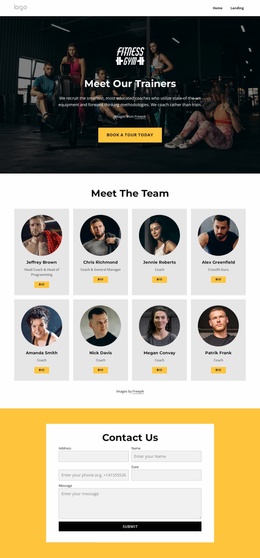
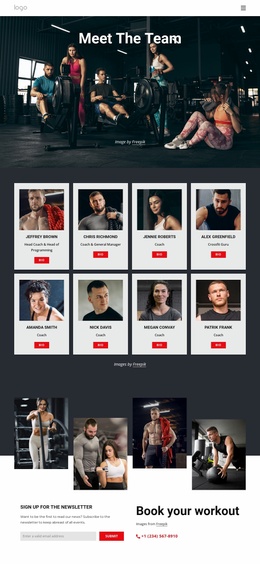
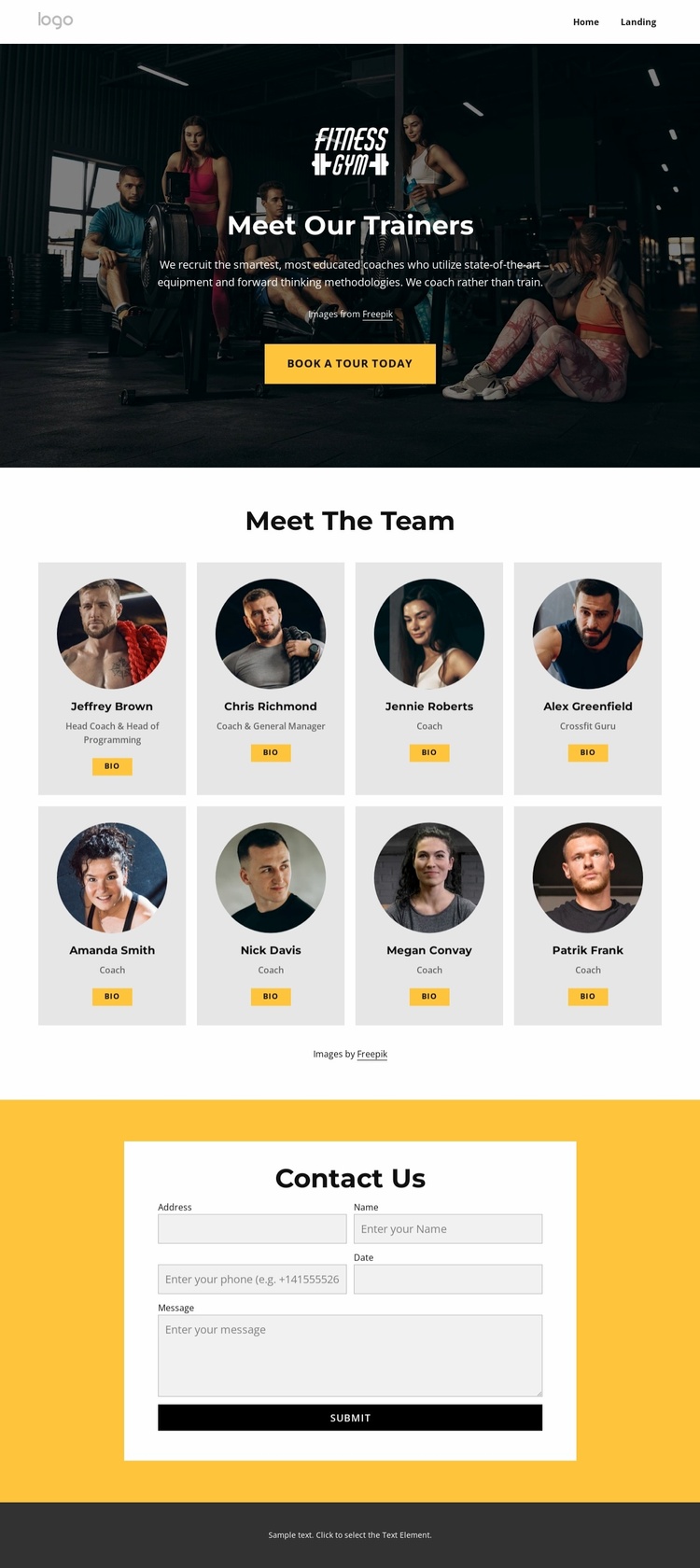
The design already defines several important content areas for a fitness coaching website. The top navigation supplies a simple route through the project, with a logo area, Home and Landing links, and a mobile navigation structure in the HTML. Below it, the dark photographic hero introduces the trainers rather than presenting an abstract brand message. The Book A Tour Today button gives the opening area a concrete service-related action that can remain prominent as the wider site develops.
The eight-card team directory provides the strongest reusable content region. Every card follows the same visual pattern of circular profile imagery, a trainer name area, a role label, and a Bio button. This makes the section suitable as a central team page while also suggesting a repeatable presentation for related coaching or staff content. Labels such as Head Coach, General Manager, Coach, and Crossfit Guru give the directory enough internal variety to support clearer team organization.
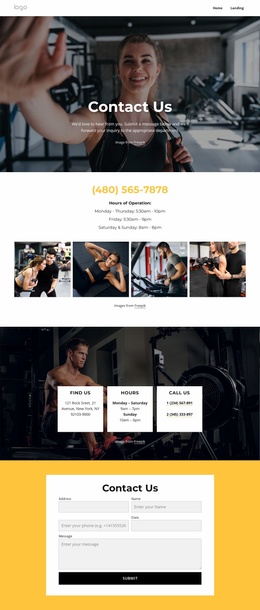
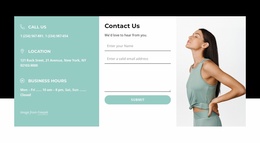
The yellow contact section establishes a second major project area rather than functioning as a decorative ending. Its centered white panel contains name, email, phone, date, and message fields, creating a defined place for tour or coaching inquiries. A dark footer closes the page and provides a shared visual endpoint. These existing regions give a broader website a coherent starting structure that can later be extended with additional fitness information, while preserving the same high-contrast design language.
Customize with Nicepage
Open this ready-made template in the Website Template Builder and customize it visually in the Nicepage editor. Replace demo content, edit page sections, and adapt the design to your project without rebuilding the template from scratch.
Build a Complete Website From This Template
Customize the Website Visually
Use this ready-made website template as a starting point for your project and adapt its pages visually in Nicepage. Change content, images, typography, navigation, sections, and other design elements while keeping the website together as a single editable project.
Manage Website Pages in One Project
Use the Pages panel to open, add, duplicate, and manage the pages of your website. Work on individual pages while keeping navigation and the overall site structure accessible from the same project, making it easier to develop a complete website instead of managing separate page files.
Expand the Website With Matching Designs
When you need additional pages or sections, use Page Design Sets to find Page and Block Designs created in the same visual style. Design Sets group matching designs together, making it easier to expand the website with new content while maintaining a consistent look across its pages and sections.
Organize Larger Multi-Page Websites
As the website grows, use Page Folders to organize related pages and keep larger multi-page projects easier to navigate in the editor. This is especially useful for websites with separate service pages, company information, contacts, landing pages, and other content areas.
This workflow makes the template a practical foundation for building and expanding a complete website while managing its pages, content, and visual design within one Nicepage project.

Design Set (23)
-

-
-
-
-
-
-
-
-
-
-
-
-
-
-
Customize Any TemplateDownload
-
-
-