Running club for sports Website Template


Edit Template Offline
2. Create new page and search for id 88779
Edit Template Online
Create Awesome Websites


Free Nicepage Builder
Keywords
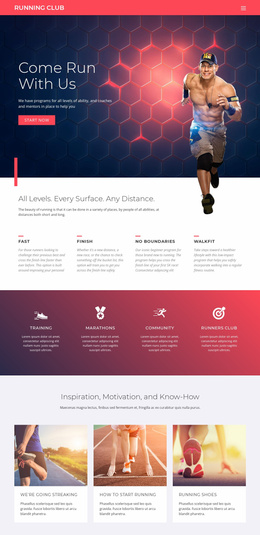
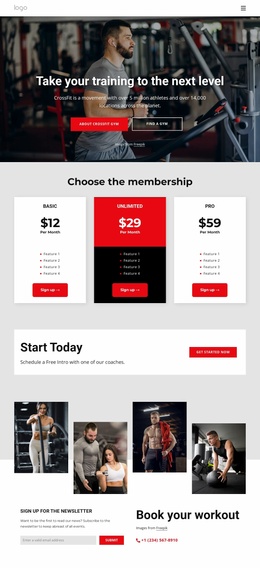
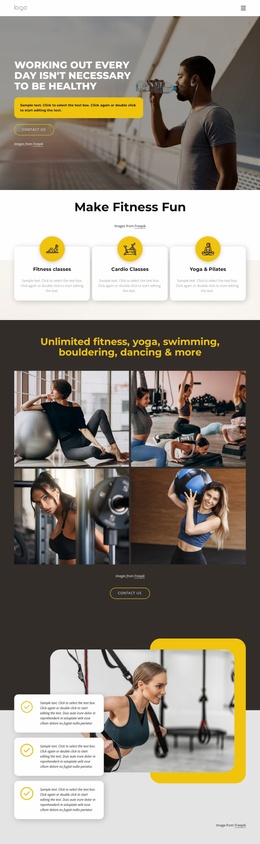
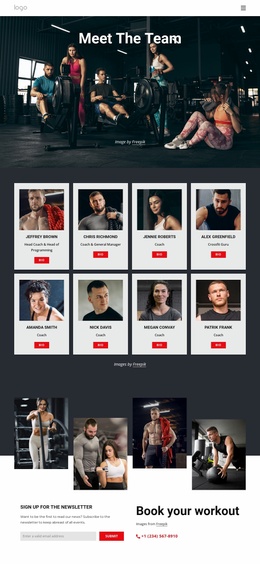
Training, events, and advice establish a broader club-site foundation
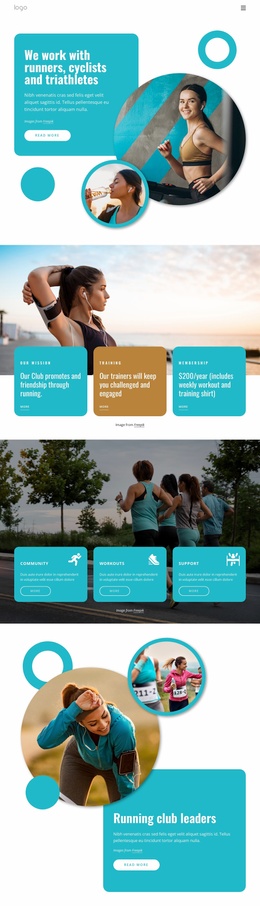
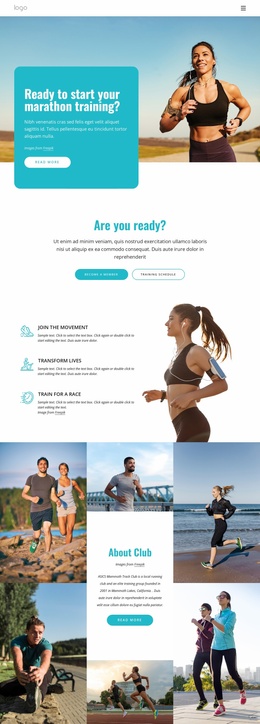
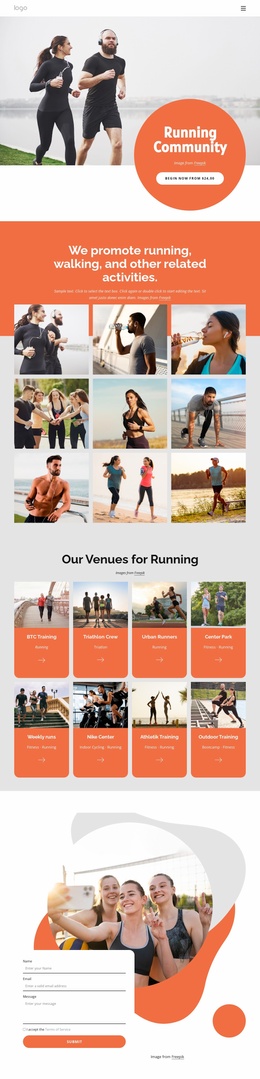
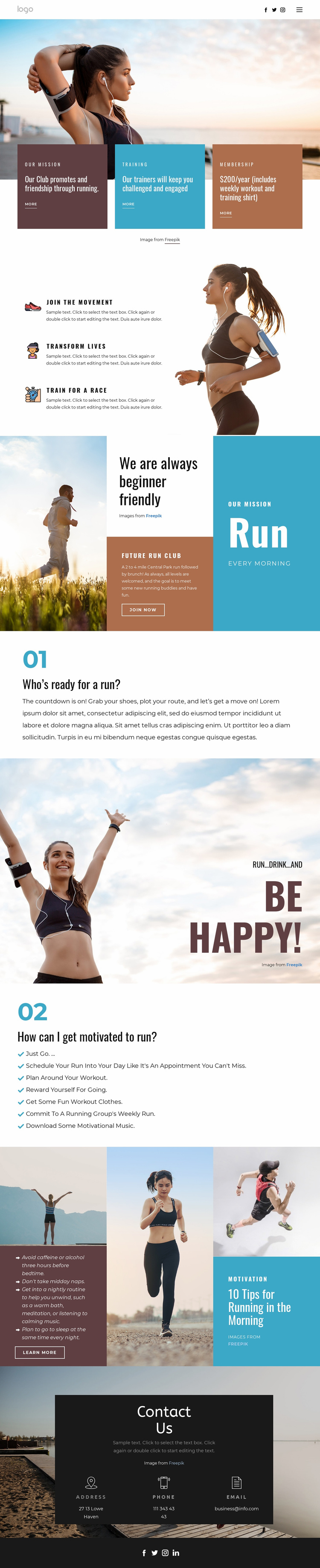
The design already defines several major content areas that can anchor a larger running-club project. The opening cards separate the club mission, training, and membership, while the benefit section adds distinct themes around participation, life change, and race preparation. These are not merely decorative blocks; together they describe the core information categories a club website may need before additional pages are considered.
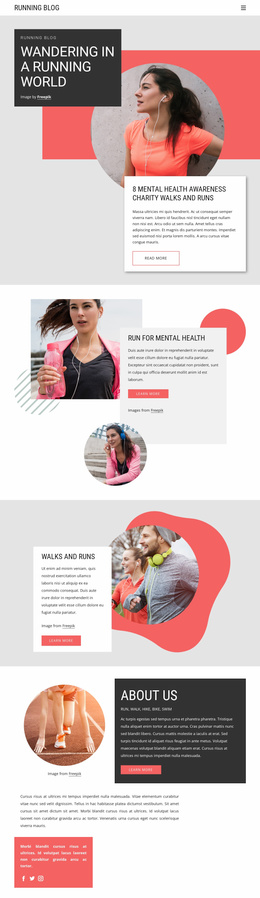
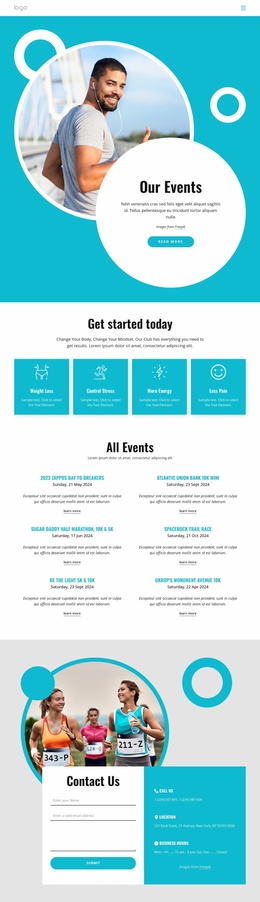
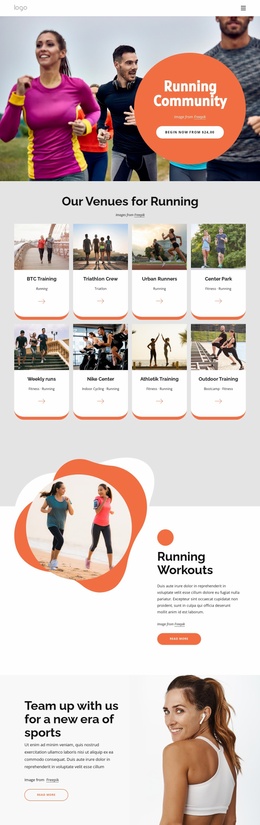
The beginner-friendly section adds a community and event foundation. It presents a welcoming message alongside a described 2 to 4 mile Central Park run followed by brunch, and it states that all running levels are welcome. That combination could support further content about schedules, event updates, training groups, or participation guidance, but the existing analysis does not prove that those additional pages already exist. The seven motivation suggestions and morning-running feature provide further editorial directions that could be expanded into related resources.
Shared navigation, social access, contact channels, and the footer help connect these areas into a project structure. Address, phone, and email form a clear communication region, while the four social icons support community-oriented access. As a website template foundation, the design is valuable because it already identifies the club’s primary content categories and visual language. Future expansion can grow from those categories while keeping the energetic photography, bold typography, high-contrast blocks, and recognizable running identity consistent.
Customize with Nicepage
Open this ready-made template in the Website Template Builder and customize it visually in the Nicepage editor. Replace demo content, edit page sections, and adapt the design to your project without rebuilding the template from scratch.
Build a Complete Website From This Template
Customize the Website Visually
Use this ready-made website template as a starting point for your project and adapt its pages visually in Nicepage. Change content, images, typography, navigation, sections, and other design elements while keeping the website together as a single editable project.
Manage Website Pages in One Project
Use the Pages panel to open, add, duplicate, and manage the pages of your website. Work on individual pages while keeping navigation and the overall site structure accessible from the same project, making it easier to develop a complete website instead of managing separate page files.
Expand the Website With Matching Designs
When you need additional pages or sections, use Page Design Sets to find Page and Block Designs created in the same visual style. Design Sets group matching designs together, making it easier to expand the website with new content while maintaining a consistent look across its pages and sections.
Organize Larger Multi-Page Websites
As the website grows, use Page Folders to organize related pages and keep larger multi-page projects easier to navigate in the editor. This is especially useful for websites with separate service pages, company information, contacts, landing pages, and other content areas.
This workflow makes the template a practical foundation for building and expanding a complete website while managing its pages, content, and visual design within one Nicepage project.