
Basket Website Templates
For stores with more than a single cart page, the purchase journey must connect product discovery, basket review, and checkout. A complete basket website template provides the pages and navigation needed to keep those stages connected.










More Website & HTML Templates for Basket



More Website Templates from Sports Category









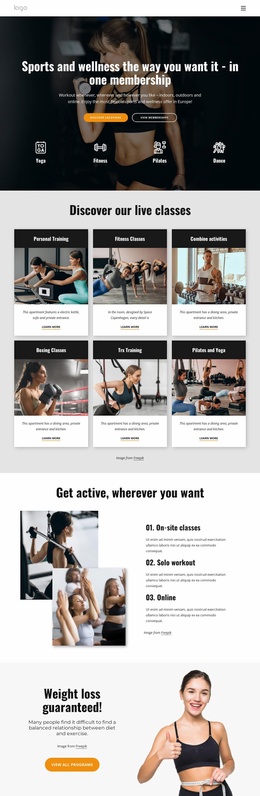
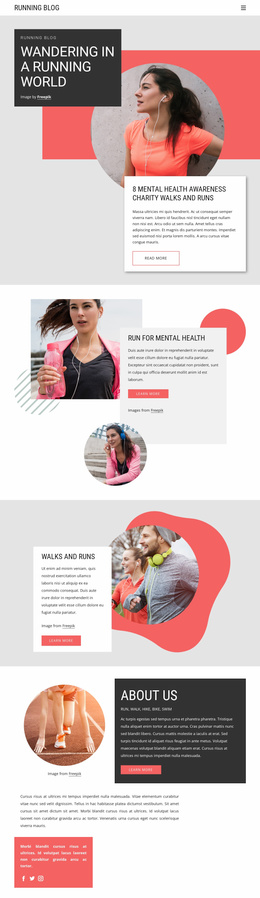



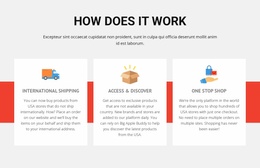

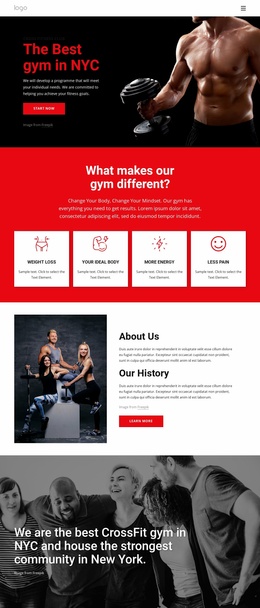











Other Sports Website Templates
Modern Basket Website Templates
A strong basket website template is built around a cart that already cooperates with the rest of the store. Product pages send items to it, the header shows what it contains, and checkout picks up the order. A shopper can wander through the catalog for a while and come back to a basket that still remembers every choice.
One Shopper's Route Toward Checkout
The quickest way to judge such a template is to follow one purchase through it, with the basket in the middle of the route:
- a shopper opens a product page, picks a size, and adds the item while the cart count in the header updates;
- they head back to the catalog to keep browsing, and the basket holds on to everything chosen so far;
- from the basket they change a quantity or jump back to a product to compare options;
- once the order looks right, the basket passes the same items and totals on to checkout.
Home and category pages matter here mostly as roads to products. What makes the template basket-centered is a cart icon or link in the header that stays visible and up to date on every page.
Keeping Selections Intact Between Pages
In a full store, the basket depends on what product pages send to it, so consistency is as much about data as design.
Several things are worth checking in a demo store:
- the product name, image, and selected option appear in the basket exactly as they did on the product page;
- prices stay identical between the product page, the basket, and the checkout summary;
- a continue shopping link returns to the catalog without emptying the order;
- delivery or returns details show up close to the basket, where they influence the decision to pay.
Contact and policy pages are fine in the footer, but shipping costs or return windows belong near the cart.
When a Whole Storefront Makes Sense
Nicepage supports ecommerce website creation with product grids, shopping carts, and checkout pages, and its basic design workflow requires no code. Since these parts can belong to a single project, a basket website template provides the product pages, cart, and checkout with a shared starting design.
Before picking a template, decide how much of the shopping journey you need to build. If you are creating the catalog, the product pages, and the basket together, a full basket website template covers that flow. If the store already runs and only the cart screen needs a fresh layout, a narrower cart template is the lighter option.