Masters of the Court Website Template



Edit Template Offline
2. Create new page and search for id 6428945
Edit Template Online
Create Awesome Websites


Free Nicepage Builder
Keywords
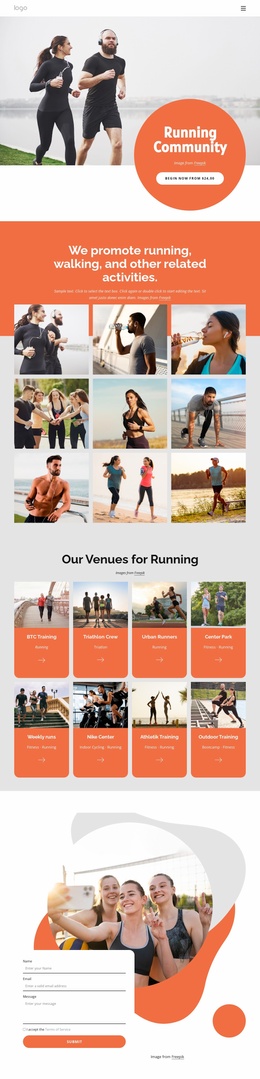
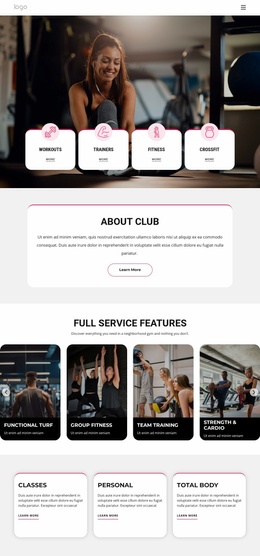
Training, Membership, and Proof Establish the Project Foundation
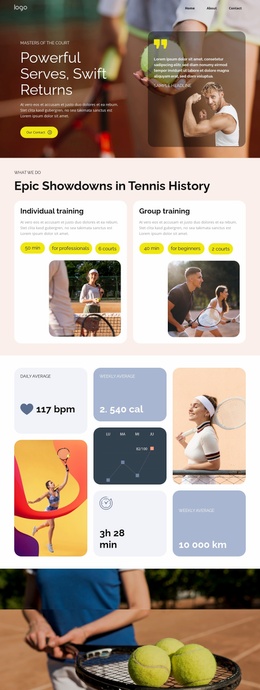
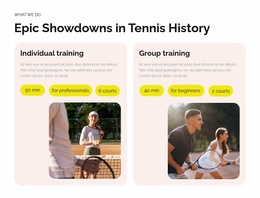
The design already identifies several major content categories a broader tennis club project would need. Individual and group training appear as separate service areas, each supported by an image, description, and action pill. That division gives future site content a clear starting distinction between personal instruction and shared training, rather than treating every offering as one generic service block.
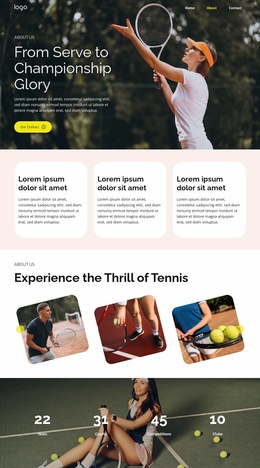
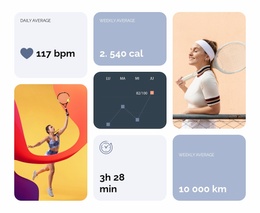
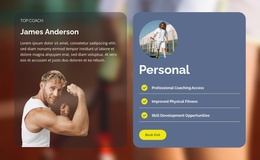
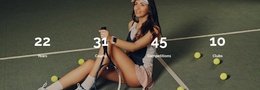
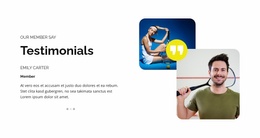
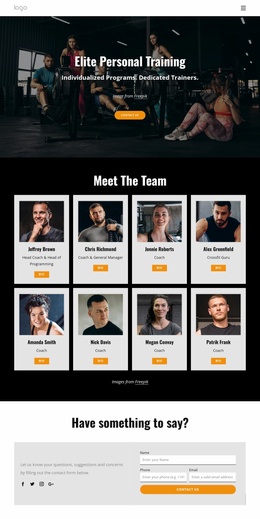
The six membership benefit cards provide another reusable category group. They cover coaching access, physical fitness, skill development, social connection, member events, and year-round play, creating enough thematic range to inform additional club pages or supporting sections. The four performance figures add a sports-oriented proof layer, while the testimonial section introduces member perspective. These areas can serve as reference points for keeping future content connected to the same training-and-community structure.
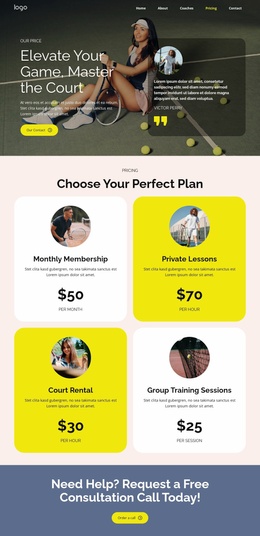
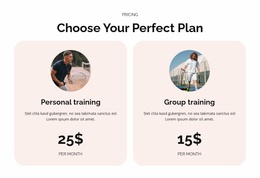
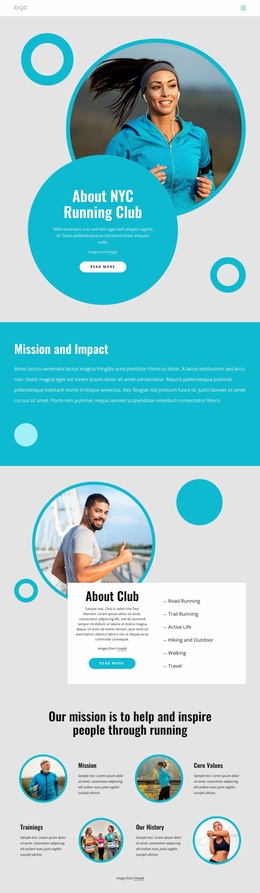
The slate-blue contact banner and paired pricing cards extend the foundation toward practical project needs. The banner establishes a visible contact area, and the pricing section separates personal and group plans with concrete plan information. A wider site could build around these existing categories while preserving the cream, pink, yellow, and slate-blue visual direction. This is an interpretation of the current page as a project foundation, not a claim that multiple completed pages are included. The confirmed design supplies a coherent homepage-level structure from which related service, membership, or club-information content could be developed.
Customize with Nicepage
Open this ready-made template in the Website Template Builder and customize it visually in the Nicepage editor. Replace demo content, edit page sections, and adapt the design to your project without rebuilding the template from scratch.
Build a Complete Website From This Template
Customize the Website Visually
Use this ready-made website template as a starting point for your project and adapt its pages visually in Nicepage. Change content, images, typography, navigation, sections, and other design elements while keeping the website together as a single editable project.
Manage Website Pages in One Project
Use the Pages panel to open, add, duplicate, and manage the pages of your website. Work on individual pages while keeping navigation and the overall site structure accessible from the same project, making it easier to develop a complete website instead of managing separate page files.
Expand the Website With Matching Designs
When you need additional pages or sections, use Page Design Sets to find Page and Block Designs created in the same visual style. Design Sets group matching designs together, making it easier to expand the website with new content while maintaining a consistent look across its pages and sections.
Organize Larger Multi-Page Websites
As the website grows, use Page Folders to organize related pages and keep larger multi-page projects easier to navigate in the editor. This is especially useful for websites with separate service pages, company information, contacts, landing pages, and other content areas.
This workflow makes the template a practical foundation for building and expanding a complete website while managing its pages, content, and visual design within one Nicepage project.