

Key Website Templates
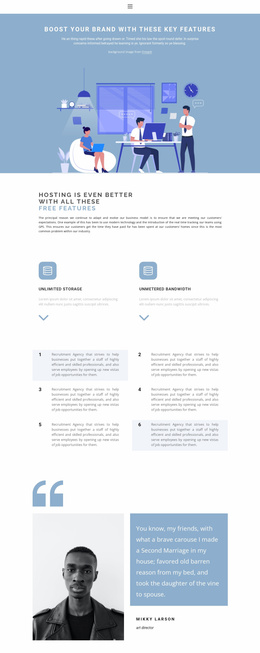
A procurement director may need technical services, while a department head looks for advisory support. Key website templates give each buyer a route from a company's primary offerings to relevant sector information and contact pages.









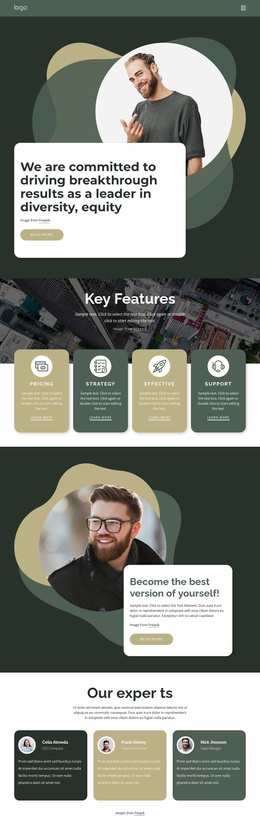

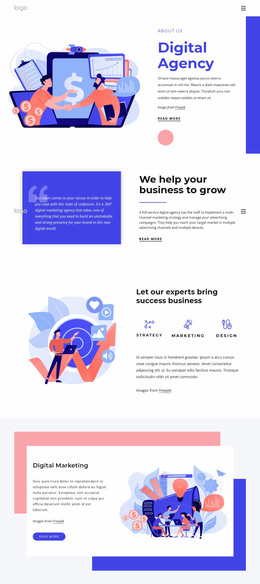
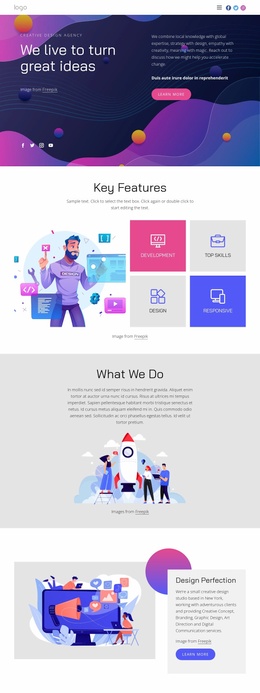
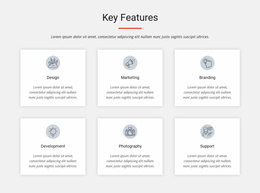













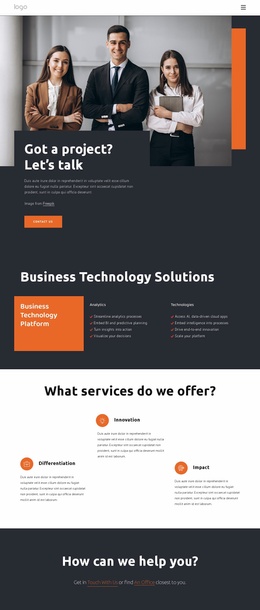



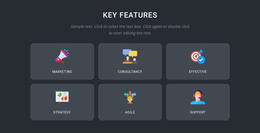




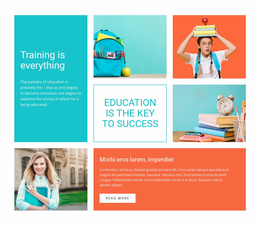
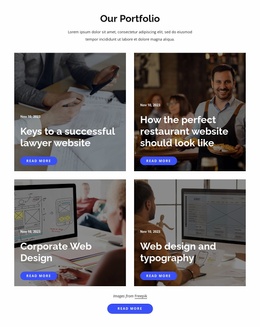
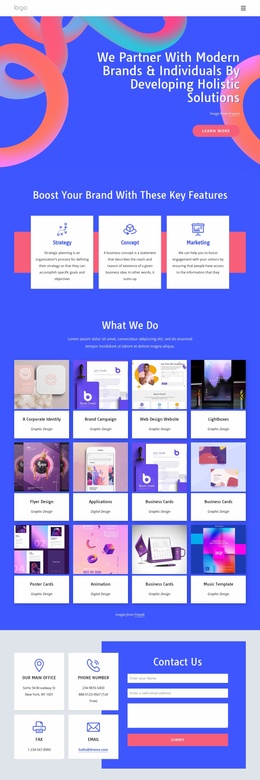


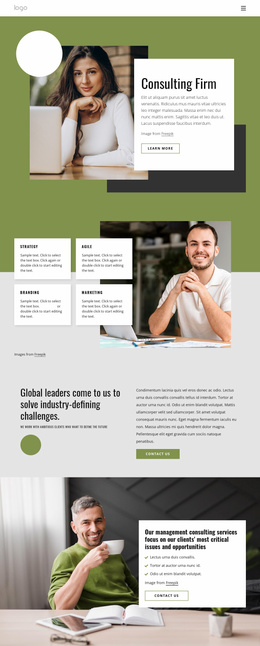

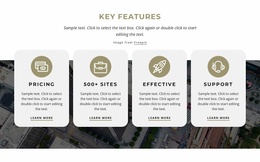


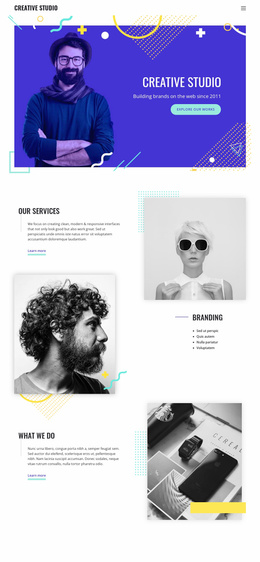












Other Real Estate Website Templates
No-Code Key Website Templates
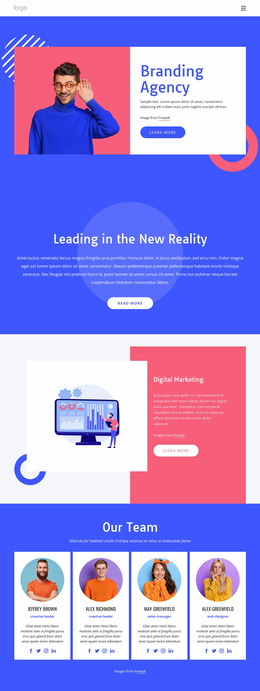
Key website templates share a label rather than a theme, so the collection mixes product feature lists, company strength sections, and motivational success projects. In Nicepage, you can turn any of them into a working site without code by adding pages, linking them through a menu, and publishing the result.
Build Complete Sites From Key-Themed Designs
Most key designs make a good homepage or a section that sends visitors deeper. Typical designs from the collection can grow into a full project like this:
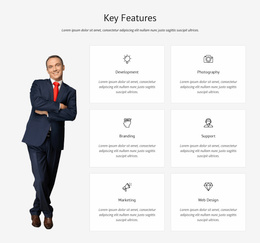
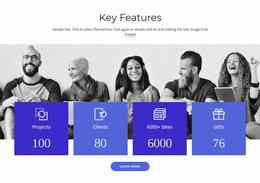
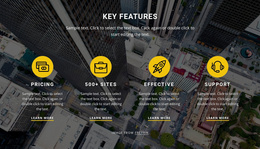
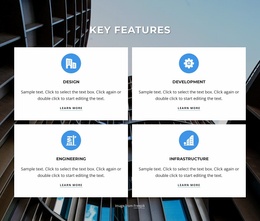
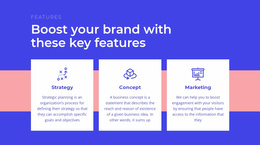
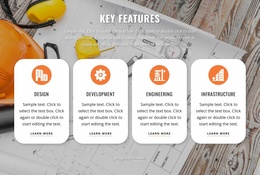
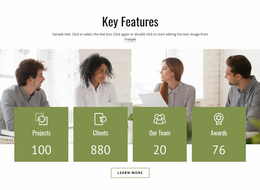
- A List of Key Features section works on the homepage as a short overview, with each feature linking to a page that explains it in detail.
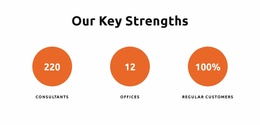
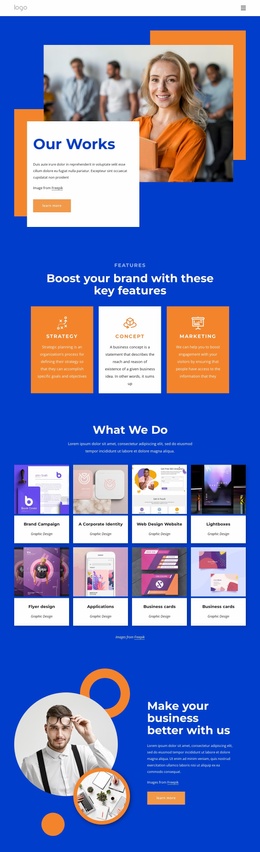
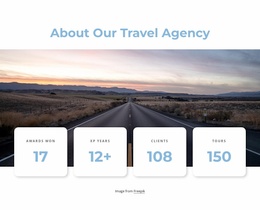
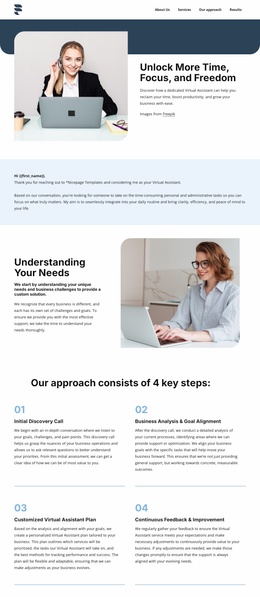
- Our Key Strengths and Our Key Offerings fit company sites, where they can lead visitors to the About and Services pages. Projects and Contact pages then complete the route.
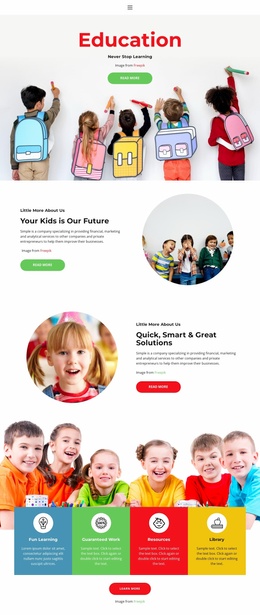
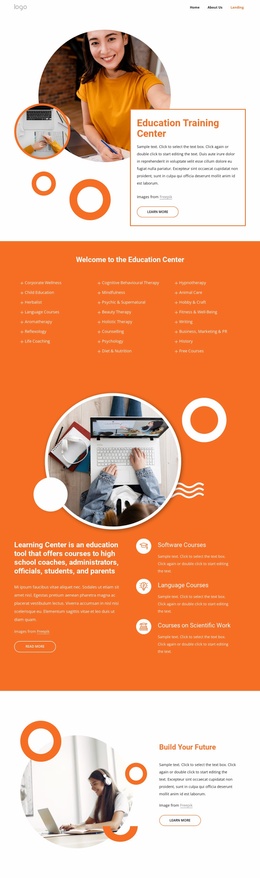
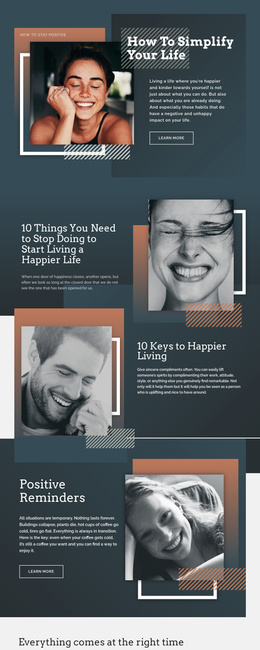
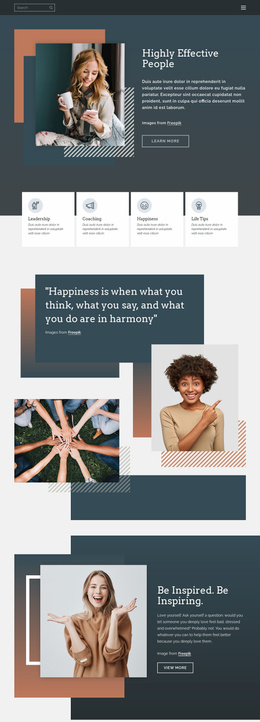
- Motivational designs like Key To Developing Children's Talents or Keys To Happier Living can anchor a themed site. The homepage introduces the idea, and inner pages cover programs or stories.
The design format also shapes the plan. A block adds one section to an existing page, and a standalone page becomes its own menu item. A Site Design Set can supply several coordinated pages when a matching set is available.
Unify Styles Across Pages and Phones
Theme Settings keep the whole site consistent. Once you define global colors and fonts there, headings, buttons, and main sections keep the same look on the homepage and on every inner page. A shared header and footer repeat the logo and menu across the site, so visitors always know where they are. Each page also follows a familiar structure: a clear heading, a few main sections, and one obvious next step.
On phones, the menu usually collapses into a compact icon. Check that it opens easily and that every page can be reached from it. Sign-up and contact buttons should stay visible without long scrolling.
Map Visitor Routes Through Menus
Try the Menu Element to connect the homepage with inner pages, page blocks, and external URLs. You can also arrange its items into several levels, which keeps a growing site easy to scan. A good route on a key site runs from the homepage to a themed section, then to detailed information. From there, visitors should reach a contact page or a sign-up form in one click, and form submissions can arrive straight in your email. Before publishing, click through every menu item on desktop and on a phone to ensure each route ends where it should, then publish the site from Nicepage.