
Destination HTML Templates
Travel pages need to balance inspiring imagery with useful destination details. These HTML templates provide structured sections for attractions, itineraries, local experiences, galleries, and visitor information, built on a reusable markup foundation.

























































Other Real Estate HTML Templates
Pre-Made Destination HTML Templates
Destination HTML templates suit projects that need to make a place look worth the trip while still explaining how to get there. The better ones arrive with the travel layout mostly built, leaving you to add photos and copy. Who runs the site changes the shopping list, though. A tourism board leans on maps and event listings, and a travel agency on tour cards with prices.
Prebuilt Blocks Worth Looking For
A promising destination template usually has these parts laid out already:
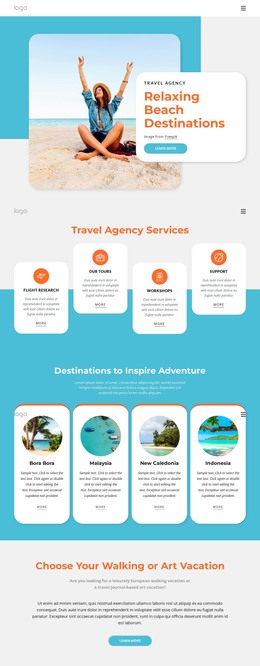
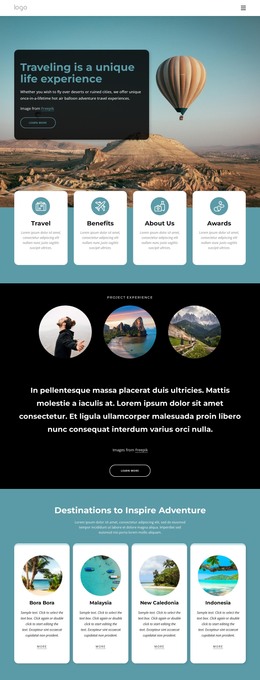
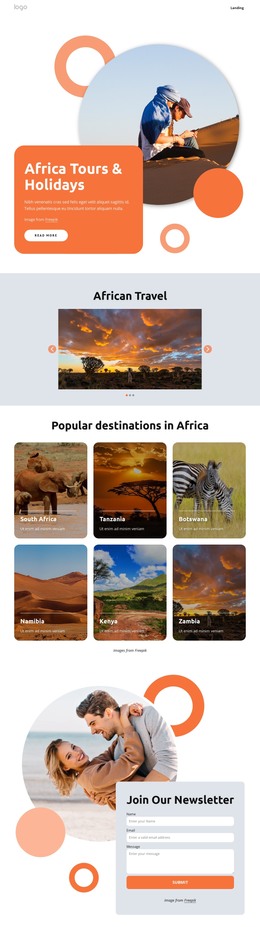
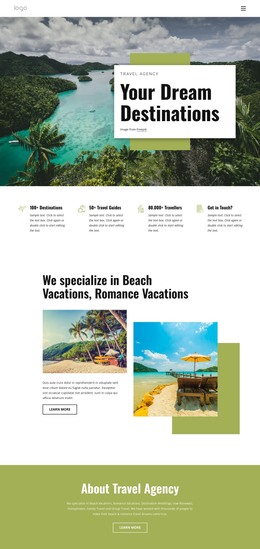
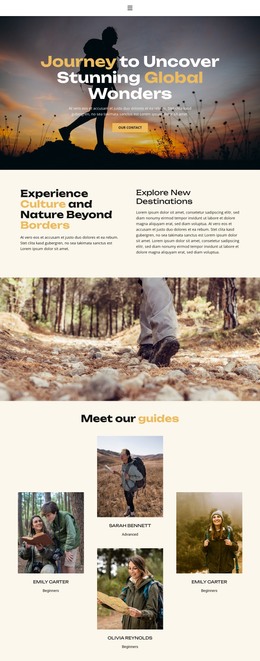
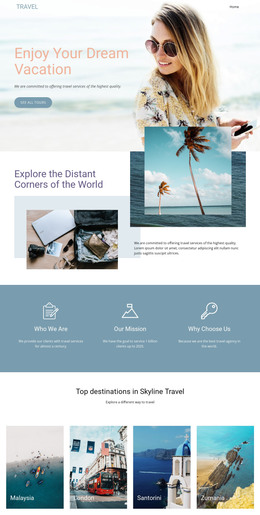
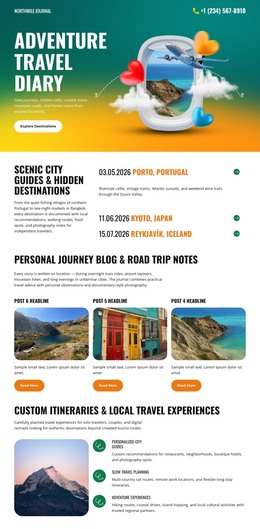
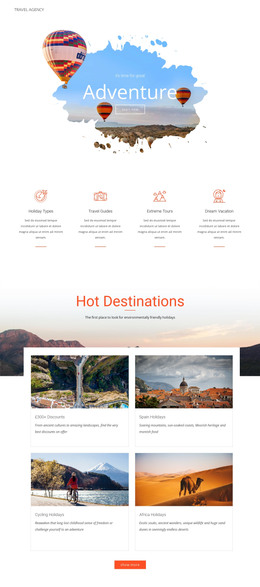
- A hero where one wide shot, a short pitch for the destination, and a clear button share the first screen.
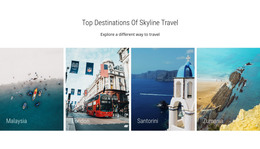
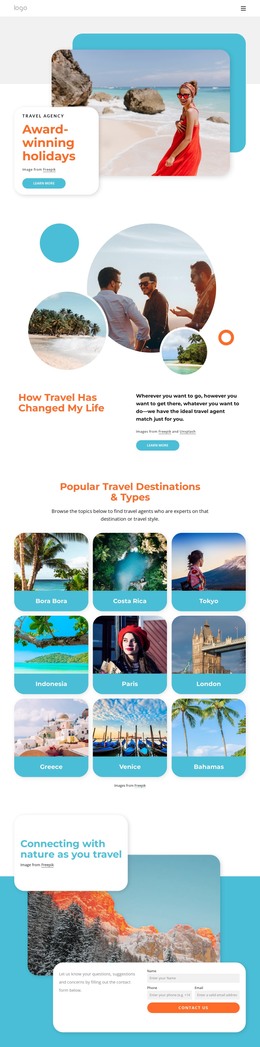
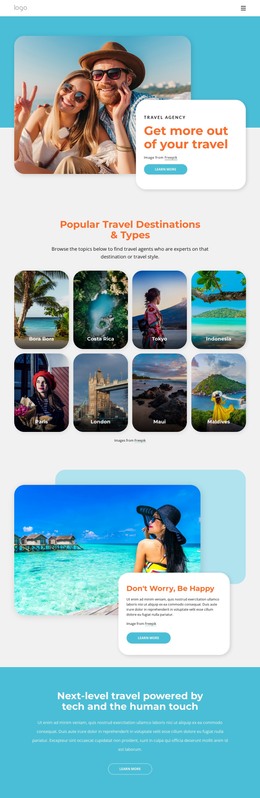
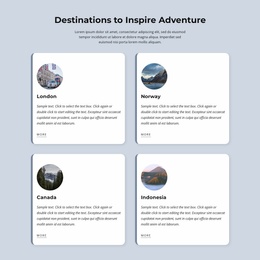
- Attraction cards that give each sight an image, a title, and a short blurb. Category labels help visitors sort food, culture, and outdoor experiences.
- Itinerary layouts that split a route into days, ideally with a separate page for each trip.
- A visitor information block that covers transport, opening hours, and directions. Some templates also add a map and an inquiry form.
With an HTML template, these pieces already fit together, and no one has to code the card grid by hand. What changes between projects is the weighting. A city guide lives on its attraction grid and transport tips. A beach resort hands that space to rooms, dining, and excursions.
What a Quick Preview Can Miss
Travel designs photograph well, so it pays to test the parts a thumbnail can't show:
- Even a responsive layout struggles with wide landscapes, and a coastline that fills a laptop screen may shrink to sky and sand on a phone. Gallery images deserve the same check.
- Ready inner pages matter because travelers often land on an attraction or itinerary page from search, skipping the homepage. Each one should carry its own directions and contact details.
- A flat menu suits one city and buckles once a guide covers several regions. Dropdowns or a region index keep that growth easy to navigate.
Going Live and Adding More Places
You customize the template visually in Nicepage, then export it as HTML files with its scripts and images. The HTML site export documentation walks through each option. The package isn't tied to Nicepage hosting, so you can put it on an ordinary server or hand it to a developer to add a booking engine.
Before settling on a design, picture a second destination inside it. If the cards, itineraries, and visitor block still work with pictures of somewhere else, the template can carry a whole guide. If its charm rests on one staged hero shot, expect trouble by the third region.