
Residential Website Templates
A homeowner seeking an energy retrofit needs different information from someone planning a new home. Residential website templates organize these services, project examples, and inquiry details as connected pages within a complete company website.









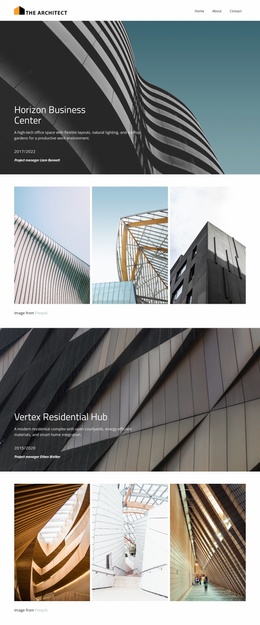
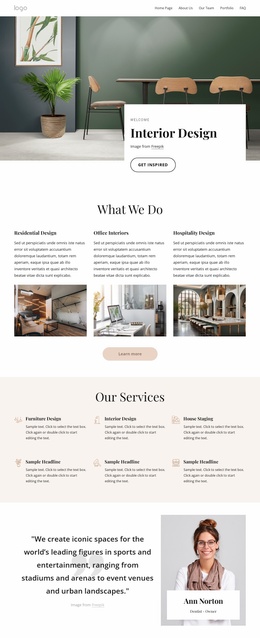


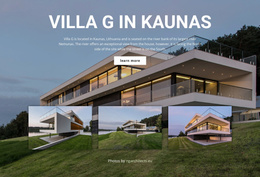
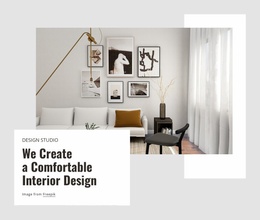







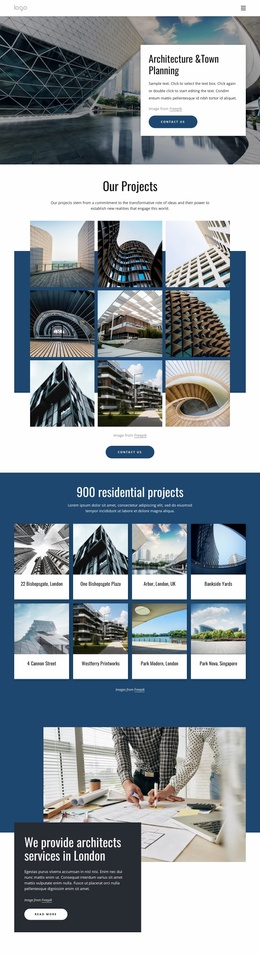
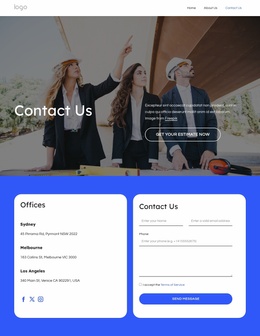
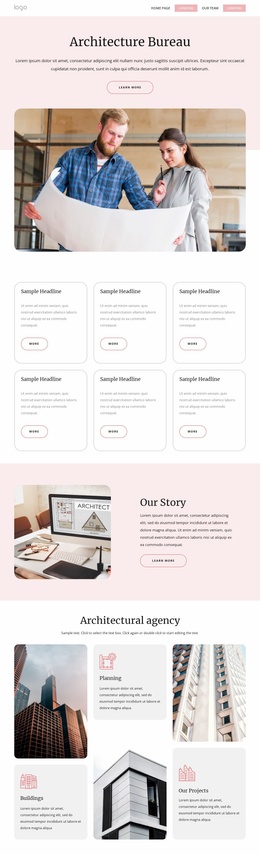




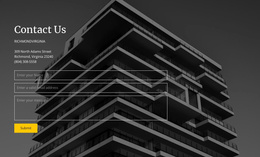


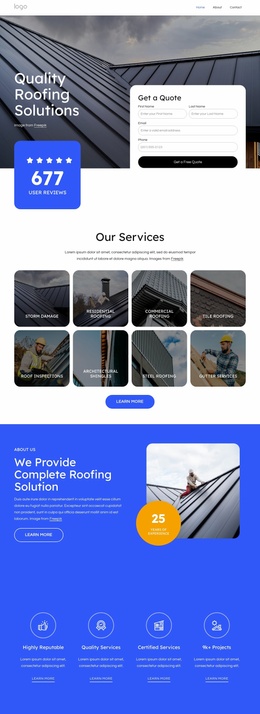
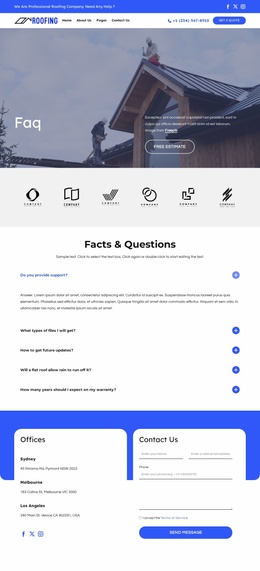
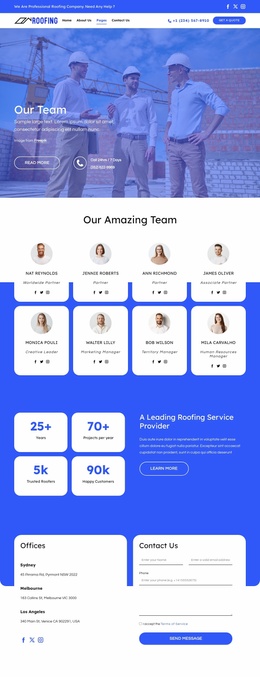
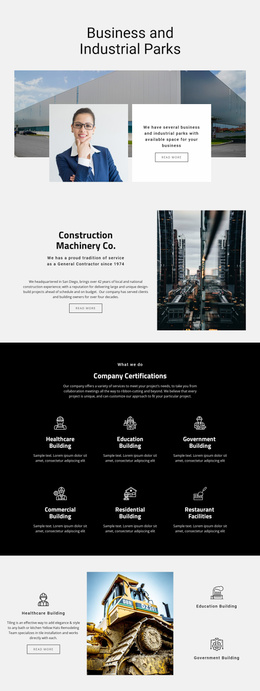
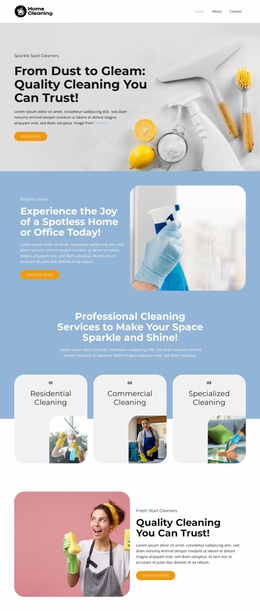
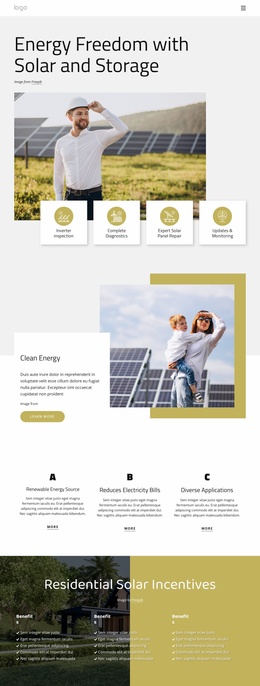
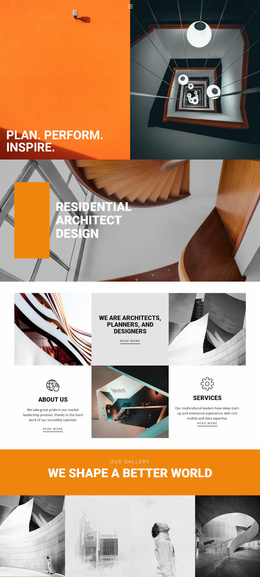
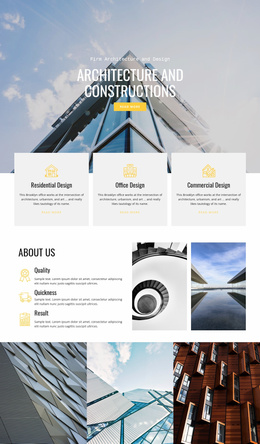
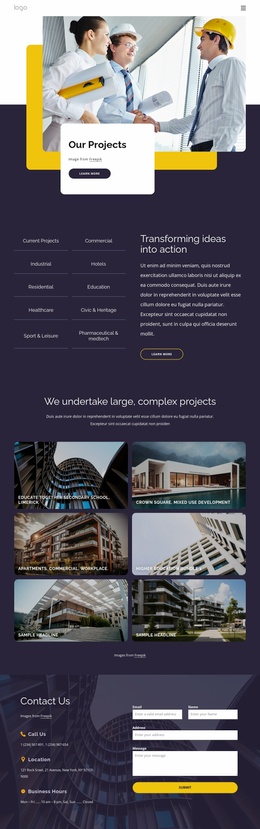








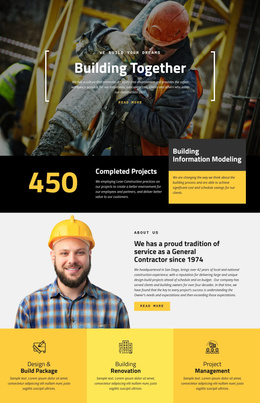
















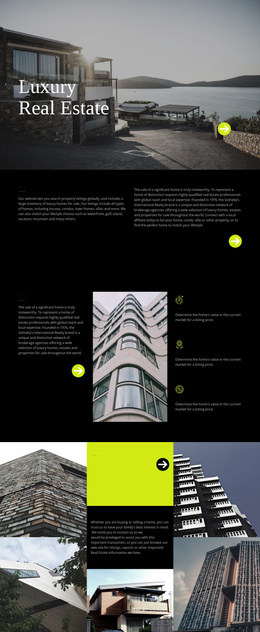
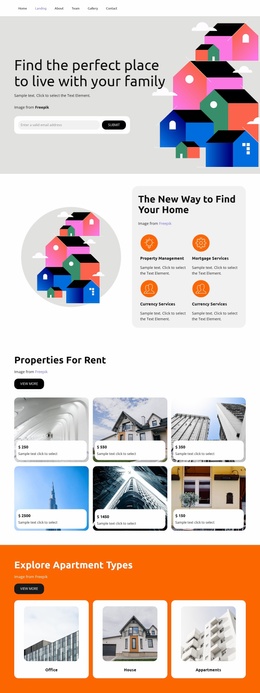

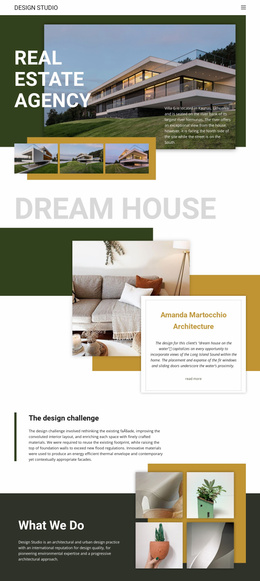
Other Real Estate Website Templates
Professional Residential Website Templates
Most residential website templates look convincing in the preview, with three tidy houses, short names, and photos taken in perfect weather. The real test begins when you add your own material, whether that means a renovation firm's services or a builder's plans for a new street. It also helps to know which format you are choosing, since the category includes single scrolling layouts, individual inner pages, and sets of matching pages.
Checking What Demo Content Covers
A handsome hero image says little about the rebuilding ahead. Before committing, compare the demo with the content you already have:
- Project or property cards that repeat cleanly, so a twentieth home fits the grid without a redesign.
- A place for a status label, since a finished extension and a house under construction should not look the same.
- Blocks that match your main content, whether that means services, completed projects, or individual homes.
- A contact section where a visitor with a question would expect it.
Short sample names hide another limit, since a layout balanced with "Oak House" may wrap awkwardly once "Riverside Terrace, Phase Two, Building C" takes its place. Try your longest project name before deciding.
Which Fits a Contractor, Developer, or Architect
The kind of residential business changes which layout makes sense as a starting point:
- A renovation firm gets the most from a template built around services, where extensions, attic conversions, and refurbishments each have a block.
- A builder or property team marketing a new development needs repeatable unit cards, detail pages for each home, and a section for location and construction stage.
- An architecture office treats each finished project as the main unit, so a portfolio grid with room for case studies matters more than a services menu.
A strong Services section suits a contractor, but it makes a weak home catalog without repeatable cards. The reverse is also true, since rows of unit cards leave a renovation firm nowhere to explain its work.
Swapping Real Projects Into Place
Adaptation goes faster when you map the template's pages to your content and replace demo photos before touching navigation. Nicepage's Menu Element links the pages you keep, such as Home, Projects, and Contact. A Contact Form gathers inquiry details only after the site owner configures its submission destination, and it won't produce estimates on its own. On a phone, open a project card with real content and make sure the contact button is still easy to reach. A good choice lets you swap out photos, names, and details. If most key pages need rebuilding, the template was a poor fit from the start.