Protect The Oceans Website Template


Edit Template Offline
2. Create new page and search for id 14604
Edit Template Online
Create Awesome Websites


Free Nicepage Builder
Keywords
Pollution and Cleanup Content Establish a Broader Conservation Foundation
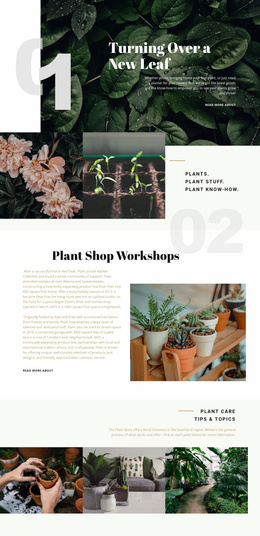
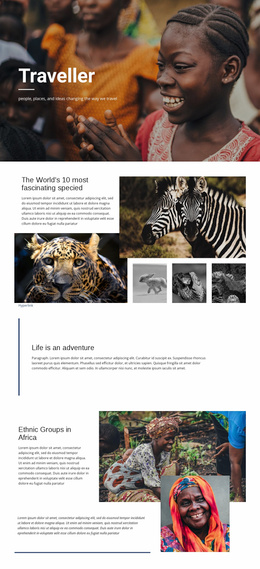
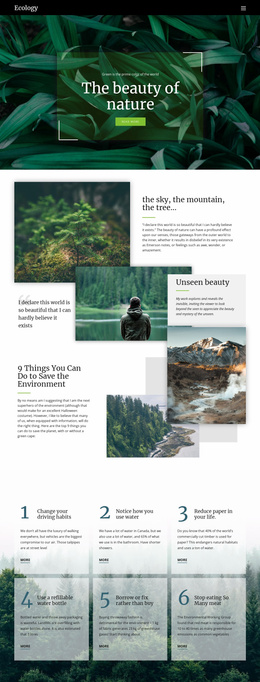
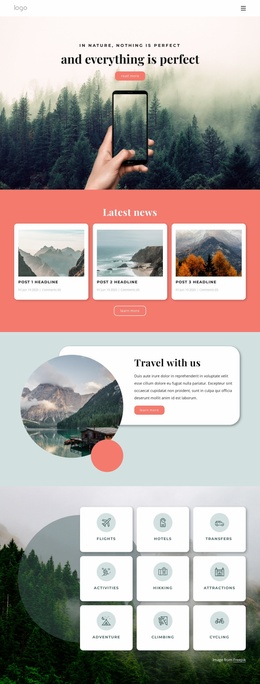
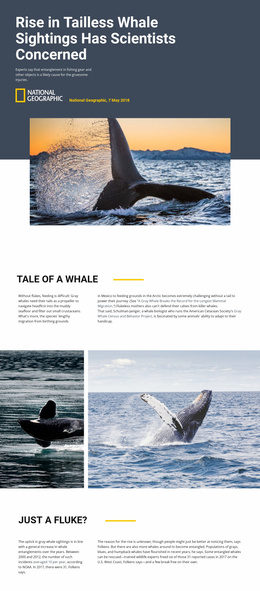
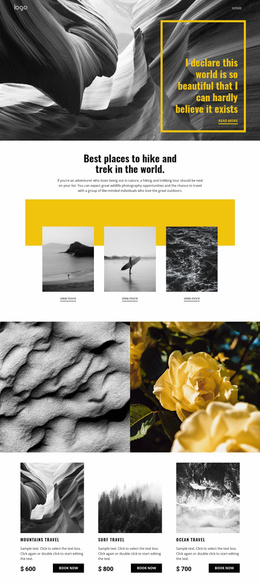
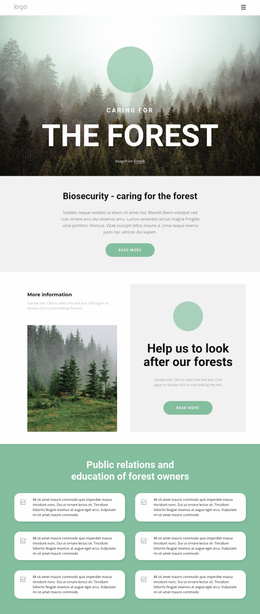
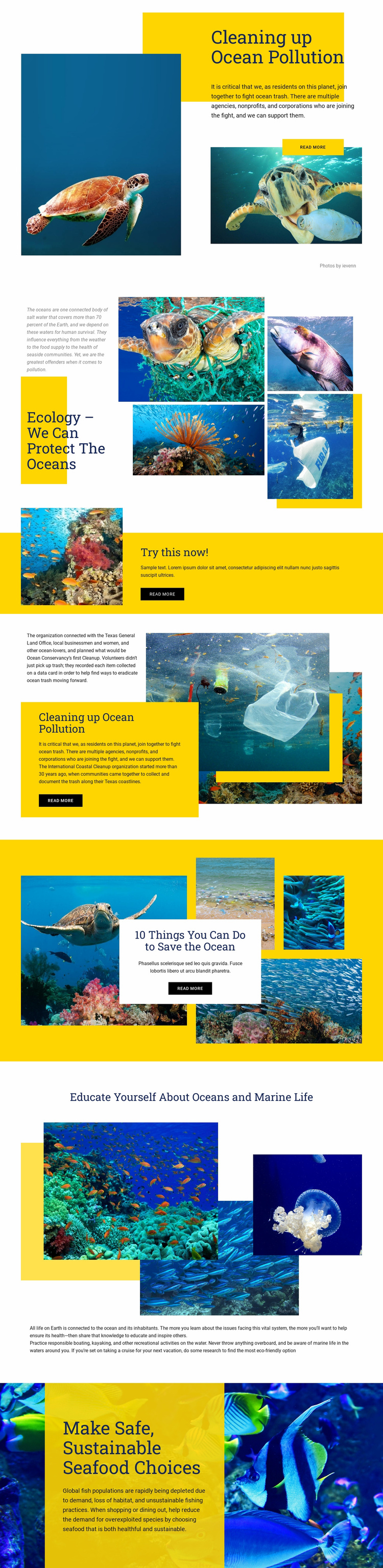
The design already defines several major content categories that can guide a larger ocean-conservation project. Pollution is introduced in the opening block, ecology receives a dedicated gallery, and coastal cleanup has its own explanatory area with references to the International Coastal Cleanup. Those subjects can provide a starting information architecture for deeper pages or related resources without claiming that additional pages already exist. The practical section on “10 Things You Can Do to Save the Ocean” adds a behavior-focused category, while marine-life education supports a broader learning path.
The final sustainable seafood section expands the foundation beyond cleanup. Along with the verified discussion of responsible boating, kayaking, and eco-friendly cruise options, it gives the project room to develop content around everyday choices and responsible recreation. The yellow action band can serve as a recurring visual model for priority messages, while the white cards, deep blue fields, layered photography, and large editorial headlines establish reusable design relationships. A broader site could therefore grow from clearly defined themes rather than from a homepage with no obvious content direction. The existing page should be understood as the confirmed foundation: it supplies the main topics, visual language, and relationships that additional conservation information could follow, without implying that a multi-page set is included in this template.
Customize with Nicepage
Open this ready-made template in the Website Template Builder and customize it visually in the Nicepage editor. Replace demo content, edit page sections, and adapt the design to your project without rebuilding the template from scratch.
Build a Complete Website From This Template
Customize the Website Visually
Use this ready-made website template as a starting point for your project and adapt its pages visually in Nicepage. Change content, images, typography, navigation, sections, and other design elements while keeping the website together as a single editable project.
Manage Website Pages in One Project
Use the Pages panel to open, add, duplicate, and manage the pages of your website. Work on individual pages while keeping navigation and the overall site structure accessible from the same project, making it easier to develop a complete website instead of managing separate page files.
Expand the Website With Matching Designs
When you need additional pages or sections, use Page Design Sets to find Page and Block Designs created in the same visual style. Design Sets group matching designs together, making it easier to expand the website with new content while maintaining a consistent look across its pages and sections.
Organize Larger Multi-Page Websites
As the website grows, use Page Folders to organize related pages and keep larger multi-page projects easier to navigate in the editor. This is especially useful for websites with separate service pages, company information, contacts, landing pages, and other content areas.
This workflow makes the template a practical foundation for building and expanding a complete website while managing its pages, content, and visual design within one Nicepage project.