Cutiest home pets Website Template


Edit Template Offline
2. Create new page and search for id 12869
Edit Template Online
Create Awesome Websites


Free Nicepage Builder
Keywords
The Article’s Content Areas Can Anchor a Broader Editorial Site
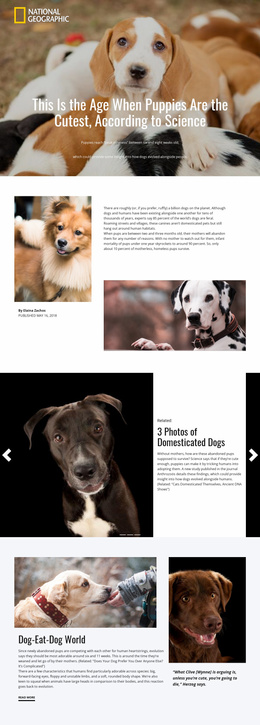
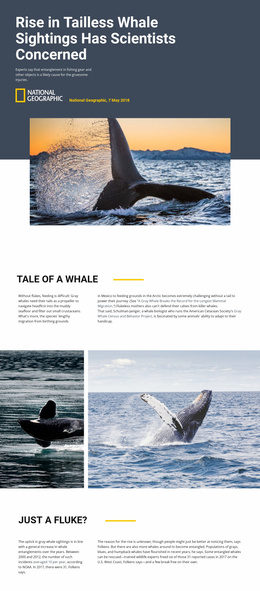
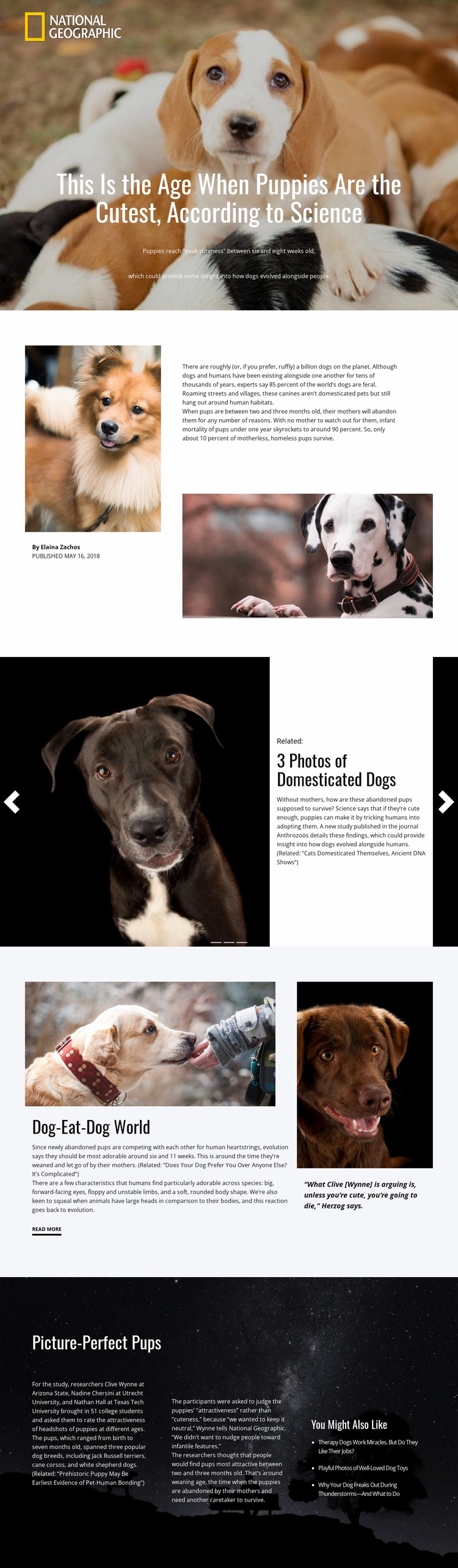
The verified page already establishes several content categories that could serve as a foundation for a larger science or nature publishing project. The hero introduces a feature story with a prominent photograph, headline, and summary, while the split introduction provides a repeatable pattern for author information, publication context, supporting imagery, and main article text. These areas define more than a single visual opening; they suggest how future feature content could retain the same editorial direction.
The related-story slider adds a second project-level pattern. Its three repeated slides combine photographs, labels, titles, descriptions, and controls, making the design suitable for presenting connected stories or recommended reading alongside a principal feature. The asymmetric research section supplies another content relationship by pairing a primary discussion and image with a quotation panel and a “Read more” link. That arrangement could inform supporting research, interview, or commentary pages without claiming that those pages already exist.
The final dark section expands the foundation into deeper informational content. Its three text columns can accommodate methodology, researchers and institutions, and findings, while the related-links column supports onward discovery. Together, these recurring roles provide a clearer basis for adding article, topic, or related-reading pages than a homepage with only a hero and generic cards. The template should be understood as one confirmed editorial page that offers a visual and informational starting structure for a broader site project.
Customize with Nicepage
Open this ready-made template in the Website Template Builder and customize it visually in the Nicepage editor. Replace demo content, edit page sections, and adapt the design to your project without rebuilding the template from scratch.
Build a Complete Website From This Template
Customize the Website Visually
Use this ready-made website template as a starting point for your project and adapt its pages visually in Nicepage. Change content, images, typography, navigation, sections, and other design elements while keeping the website together as a single editable project.
Manage Website Pages in One Project
Use the Pages panel to open, add, duplicate, and manage the pages of your website. Work on individual pages while keeping navigation and the overall site structure accessible from the same project, making it easier to develop a complete website instead of managing separate page files.
Expand the Website With Matching Designs
When you need additional pages or sections, use Page Design Sets to find Page and Block Designs created in the same visual style. Design Sets group matching designs together, making it easier to expand the website with new content while maintaining a consistent look across its pages and sections.
Organize Larger Multi-Page Websites
As the website grows, use Page Folders to organize related pages and keep larger multi-page projects easier to navigate in the editor. This is especially useful for websites with separate service pages, company information, contacts, landing pages, and other content areas.
This workflow makes the template a practical foundation for building and expanding a complete website while managing its pages, content, and visual design within one Nicepage project.