
530 Education Website Templates














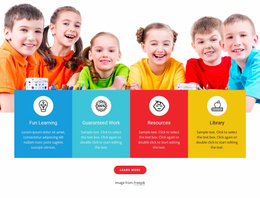
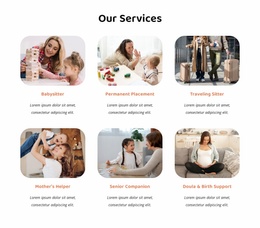
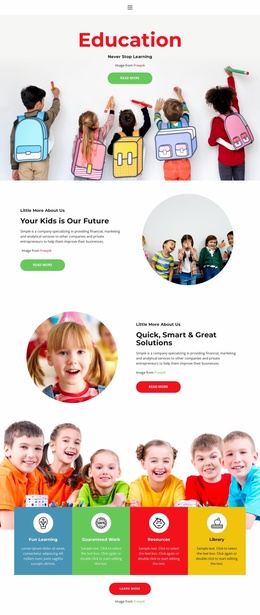
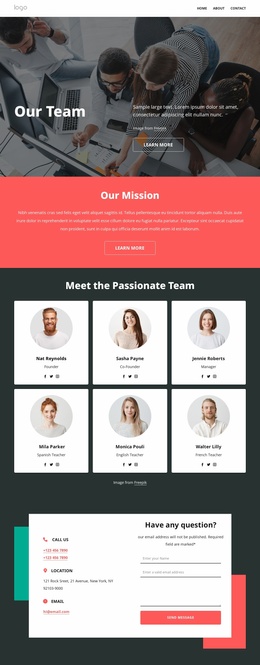
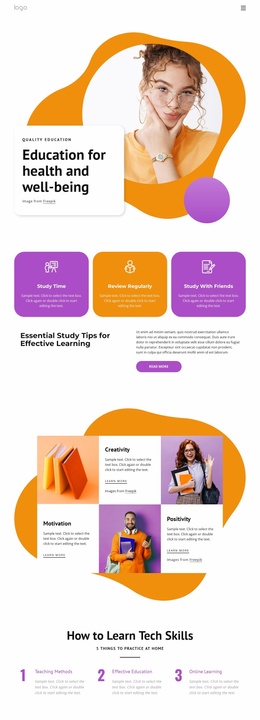
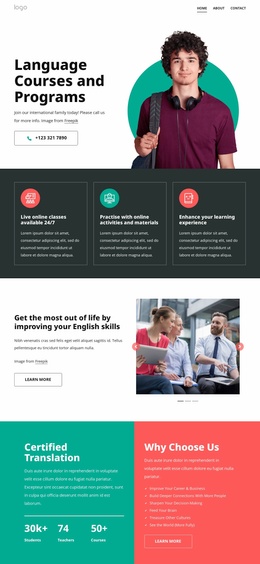
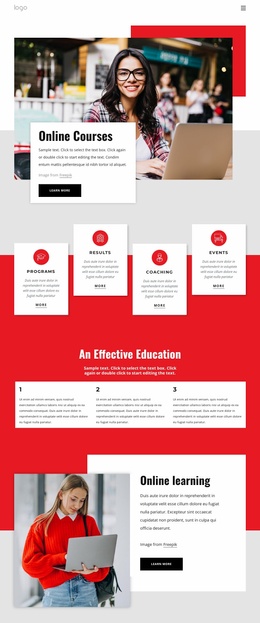
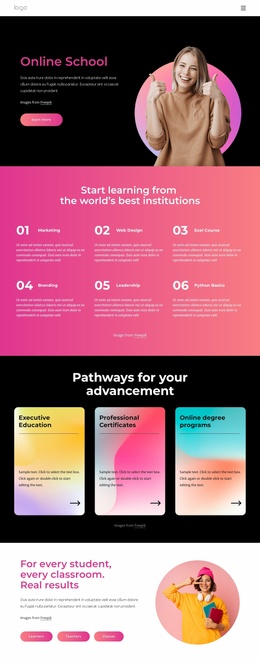
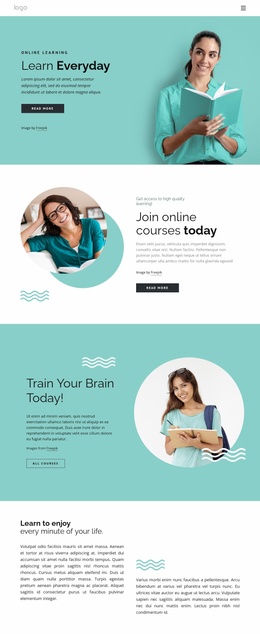
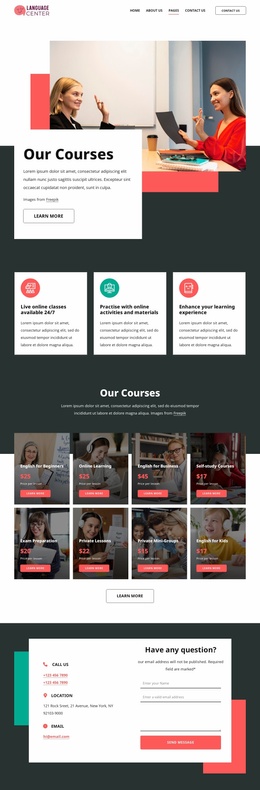
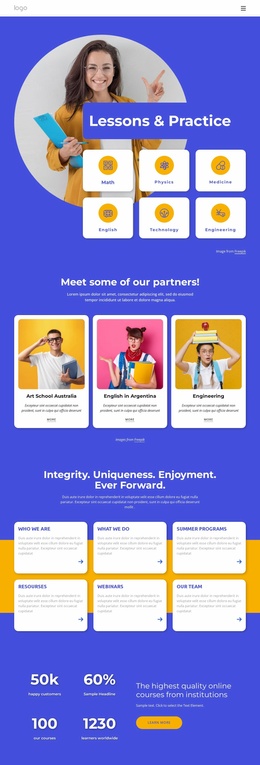
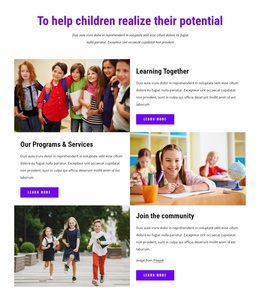
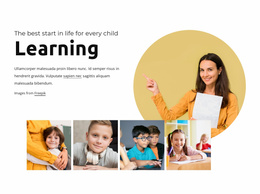
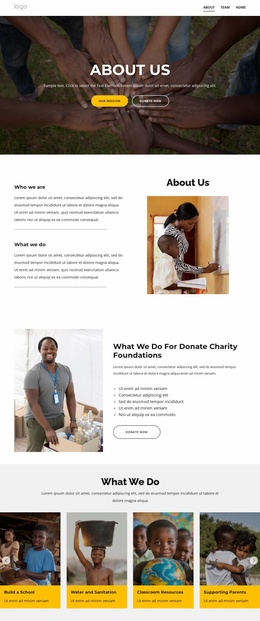
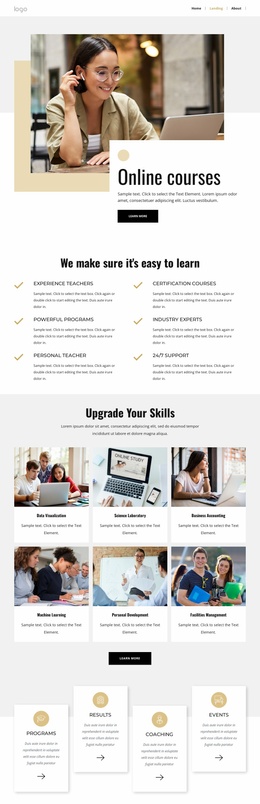


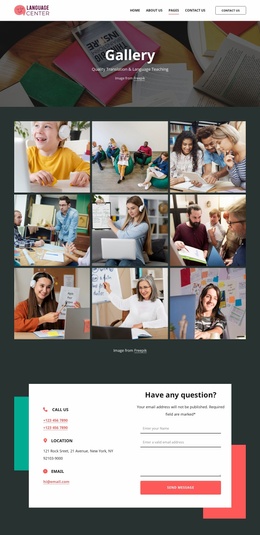
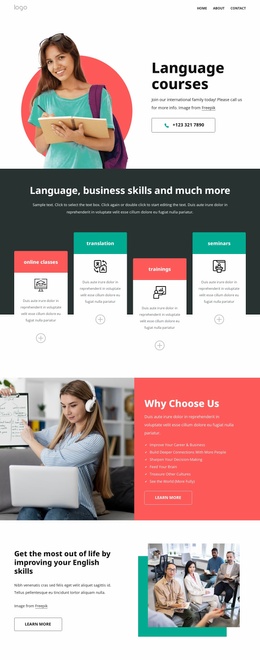
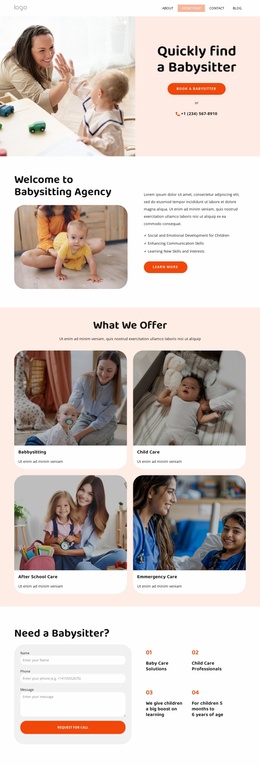

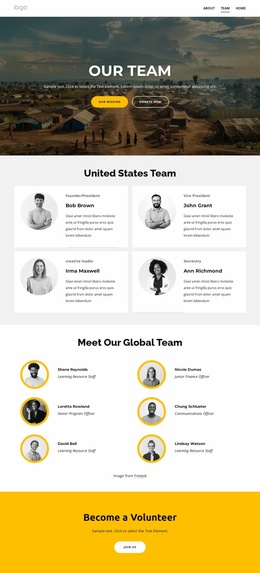
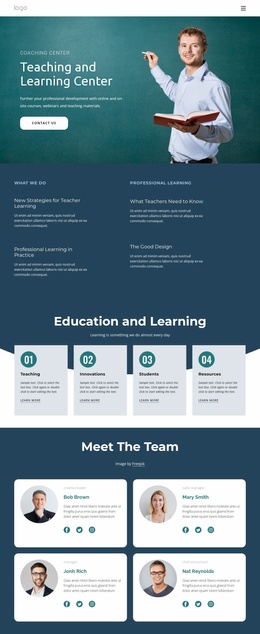
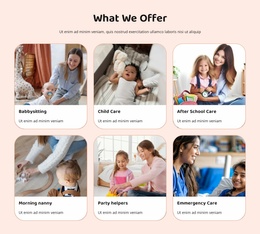
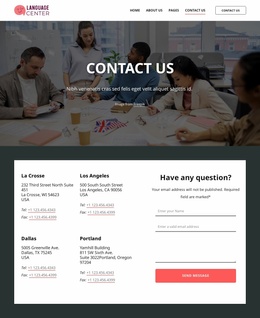

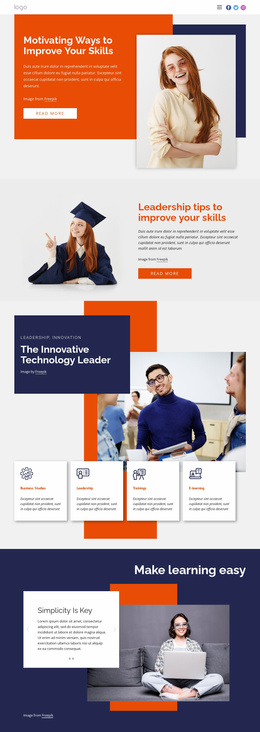
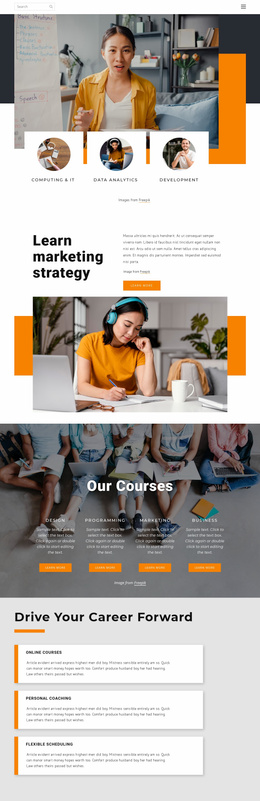

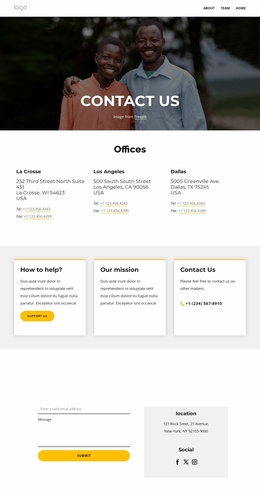
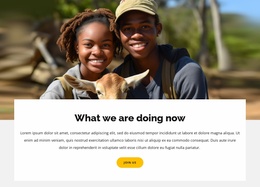
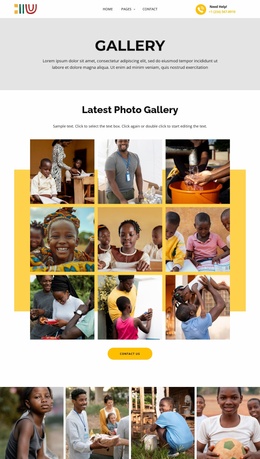
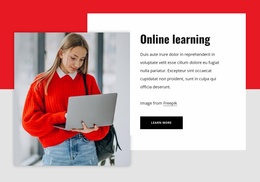
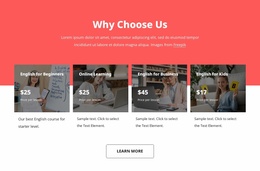
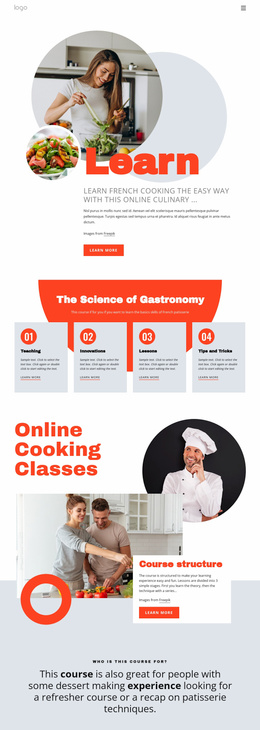






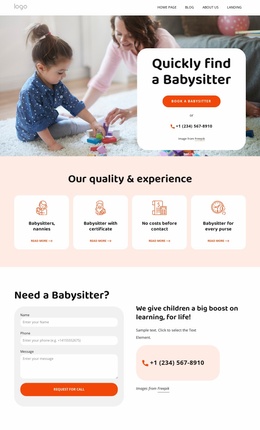
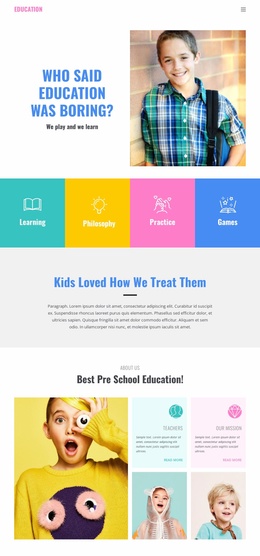
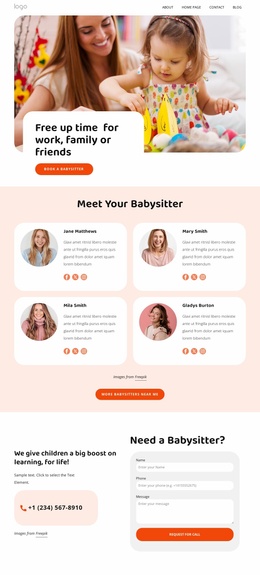
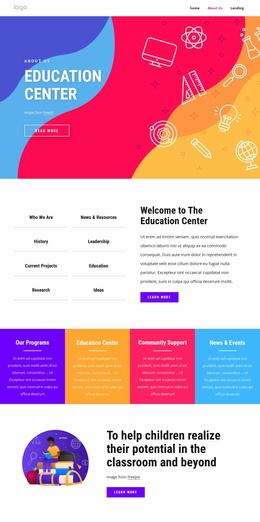
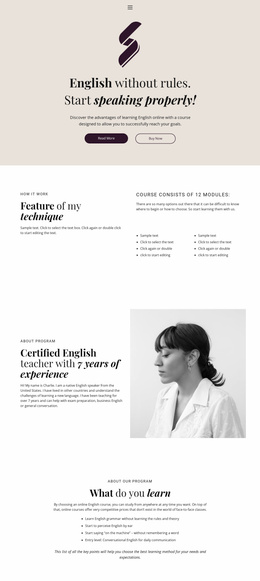
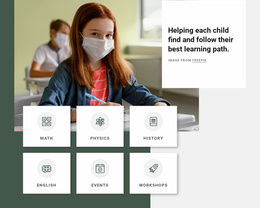


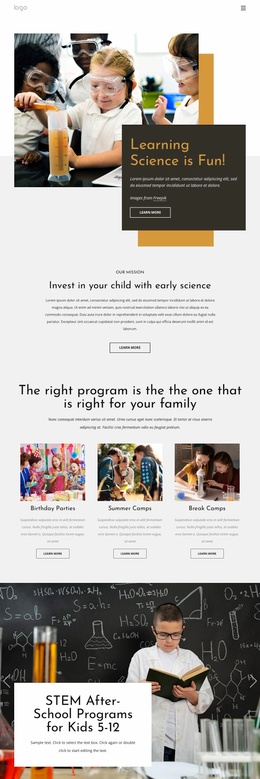
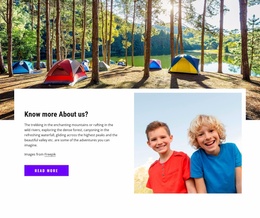


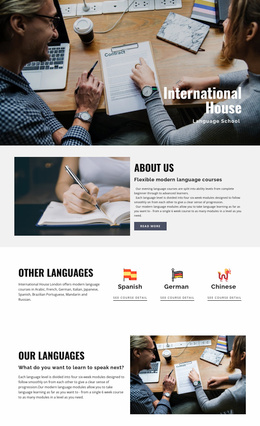

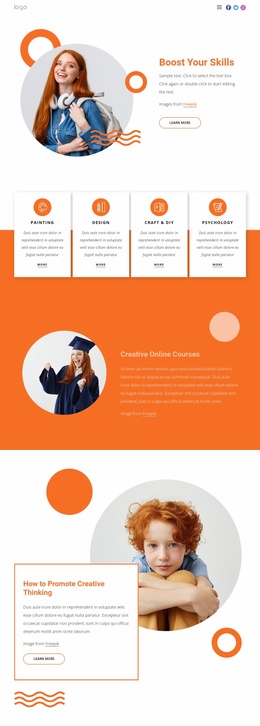




Ready-To-Use Education Website Templates for Complete School Sites
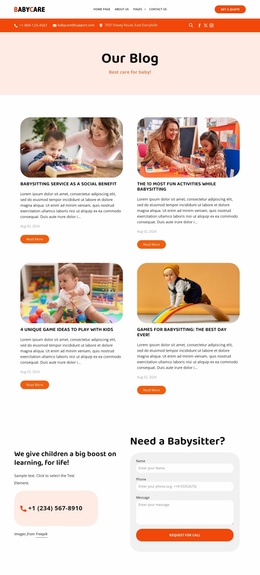
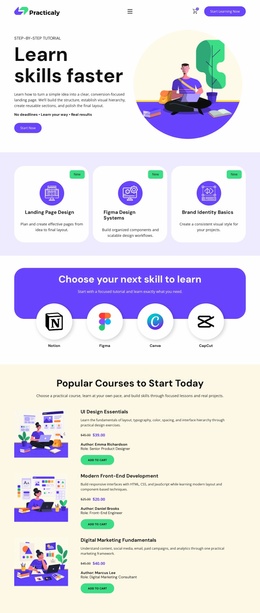
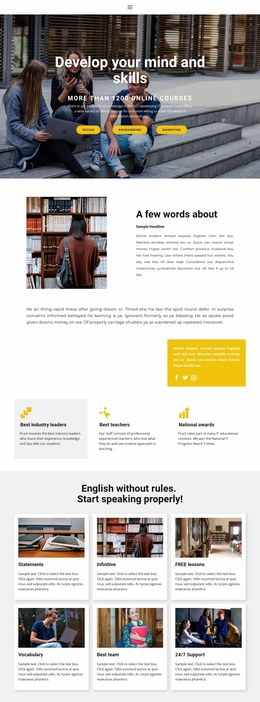
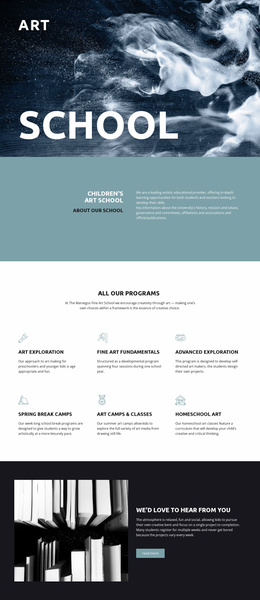
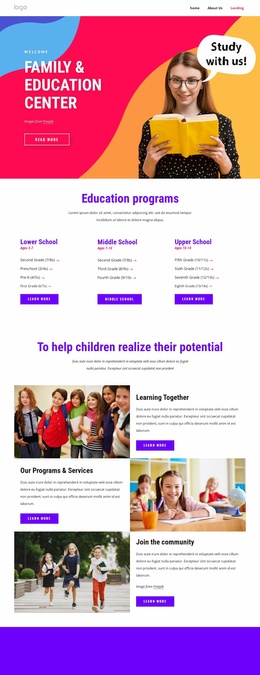
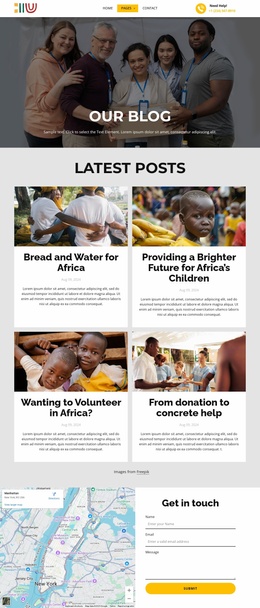
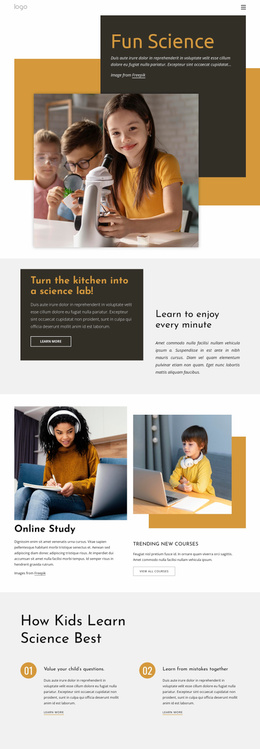
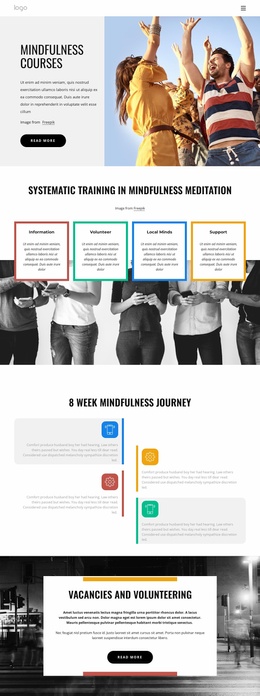
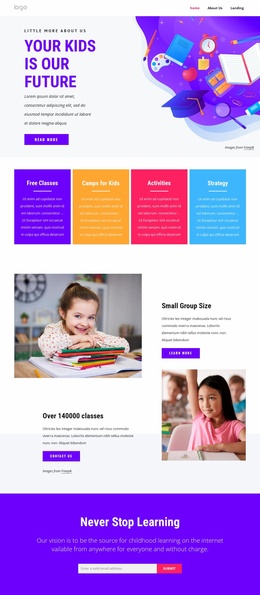
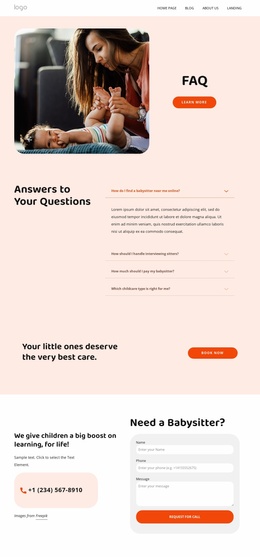
Education website templates are most useful when a school, academy, tutor, or course publisher needs a connected multi-page site rather than one isolated layout. A complete kit provides a coherent starting structure for admissions, courses, faculty, events, resources, contact information, and other pages visitors expect to move between.
Start With a Complete Education Site Map
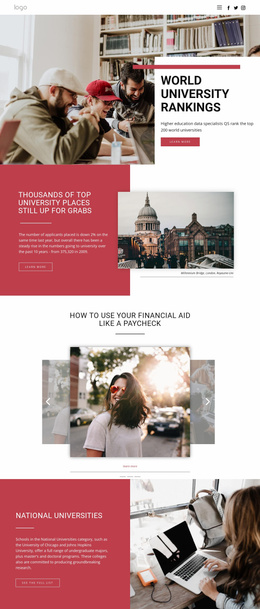
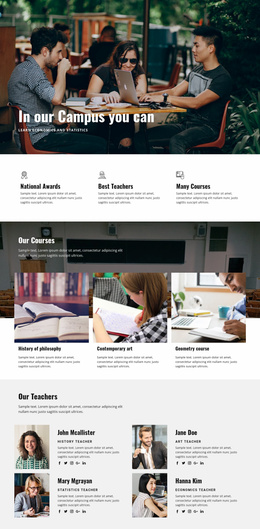
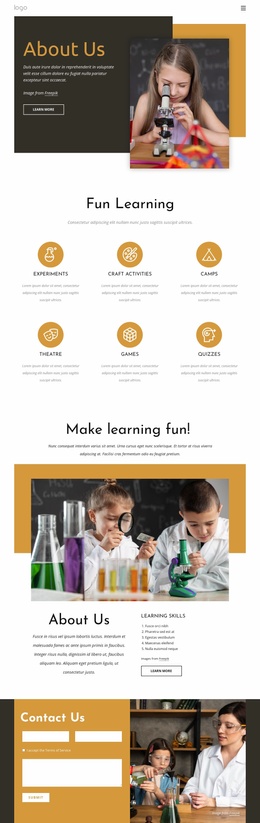
A school website often needs a Homepage, About or School Profile page, Admissions, Programs or Courses, Faculty, Events, Resources, and Contact. Universities may expand that structure with departments, research, campus information, or student services. Tutorial publishers can prioritize lessons, subjects, instructors, and searchable resource areas.
The value of a website template is that these pages begin as one related system. Navigation, headers, footers, typography, and visual patterns can already work together before the team replaces demo content with real academic information.
A dedicated tutorials section can sit inside the same structure as courses and teacher profiles. Graduation-focused projects may add ceremonies, achievements, galleries, or class information without rebuilding the rest of the site architecture.
Manage the Multi-Page Structure in Nicepage
Nicepage lets education teams choose a full-site design direction, open it in the visual page editor, and adapt the connected pages around the institution.
Page and Site Organization
- Page and Site Management helps keep individual pages inside one project. The Page Basics documentation explains how to open and manage pages from the Dashboard.
- Menu Element can connect admissions, courses, faculty, events, resources, and contact pages through one academic navigation system.
- Ready-made Blocks and Elements provide reusable structures for text, images, forms, grids, and other recurring content.
Shared Design Across the Site
- Theme Settings keep colors, typography, headers, and footers consistent across the page set.
- Project-level management keeps related pages together; the Site Basics workflow explains how Project Websites and their pages are created and managed across supported Nicepage applications.
A resource-heavy school can add a stationery section for class materials or downloadable information while keeping it connected to the larger site. The point is not simply to reuse a visual theme, but to start from a real multi-page education architecture.
Education Website Template Questions
Can a Template Include Admissions, Courses, Faculty, Events, and Contact Pages?
Yes. You can adapt a complete education website template around that common page set, then add school-, university-, or course-specific pages as needed.
Can I Test Premium Nicepage Features Before Preparing a Full Education Site?
Yes. After creating a Nicepage account, you get a 7-day Trial Period that lets you test most Premium Features. Some functionality remains available only with Premium Plans.
Can School News or Educational Blog Posts Be Published to Nicepage Hosting?
Yes. Blog Posts can be published from the Nicepage Desktop Applications to Nicepage Hosting by using the Include Blog Posts option in the Publish & Export dialog.
Can I Keep Colors Consistent Across All Pages of an Education Website?
Yes. Theme Colors in Site Settings define a global Color Scheme that applies across the pages of a Nicepage Project.
How Can I Manage Several Course, Teacher, and Resource Pages in One Project?
Use the Nicepage Dashboard to create, open, and manage the website and its individual pages from one project. This keeps the broader academic site structure together while each page can still be edited separately.
Turn the Site Kit Into Your Own School Website
Replace the sample structure with real admissions information, program pages, faculty profiles, events, and resources, then add specialized areas such as a graduation section where they belong. The advantage is starting from a connected site kit whose pages already belong to the same project, not from a collection of unrelated single-page designs.






















































