Online Finance Courses Website Template



Edit Template Offline
2. Create new page and search for id 74339
Edit Template Online
Create Awesome Websites


Free Nicepage Builder
Keywords
Course and Career Content Establish a Broader Site Foundation
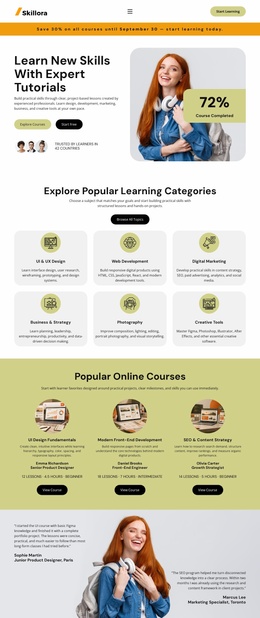
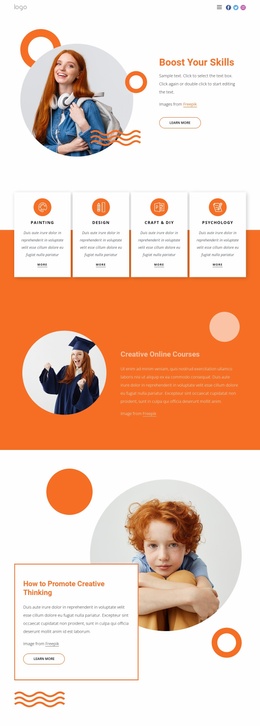
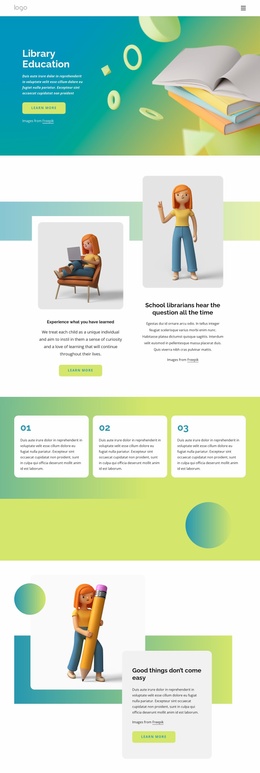
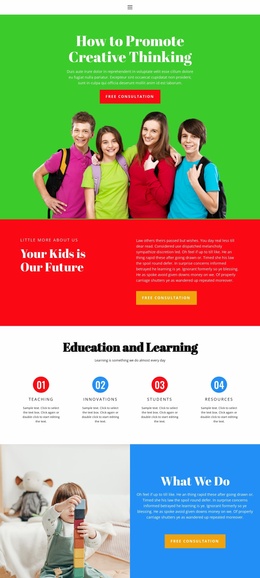
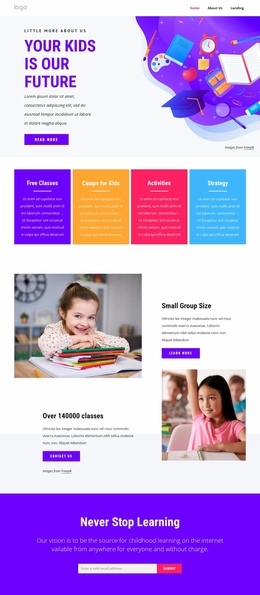
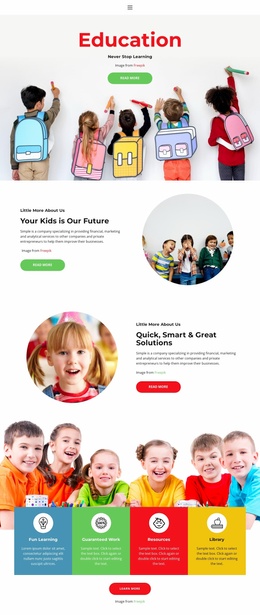
The template already identifies several major content areas that could organize a broader education website. The opening learning categories—Computing & IT, Data Analytics, and Development—can provide a high-level subject direction, while the four course cards create a more specific catalog structure for Design, Programming, Marketing, and Business. These are different layers of information: broad learning areas first, then named course categories that visitors can investigate more closely.
Career support adds another foundation area through online courses, personal coaching, and flexible scheduling. The teaching and goals section can support institutional or instructional information, while the organization introduction and self-learning text provide context that is not limited to course titles. The hands-on 2D and 3D interactive games course adds a specialist topic group containing Data Science, UX Design, programming, and testing, showing how a future site might accommodate more focused learning subjects.
The closing location, social links, and contact form establish practical shared content for the project. They do not prove that multiple pages already exist, but they give a broader website a usable starting information architecture: learning areas, course content, career support, organization background, specialist topics, and contact. Additional pages could be planned around those verified categories while preserving the orange-accented visual direction and repeated card relationships already present in this design.
Customize with Nicepage
Open this ready-made template in the Website Template Builder and customize it visually in the Nicepage editor. Replace demo content, edit page sections, and adapt the design to your project without rebuilding the template from scratch.
Build a Complete Website From This Template
Customize the Website Visually
Use this ready-made website template as a starting point for your project and adapt its pages visually in Nicepage. Change content, images, typography, navigation, sections, and other design elements while keeping the website together as a single editable project.
Manage Website Pages in One Project
Use the Pages panel to open, add, duplicate, and manage the pages of your website. Work on individual pages while keeping navigation and the overall site structure accessible from the same project, making it easier to develop a complete website instead of managing separate page files.
Expand the Website With Matching Designs
When you need additional pages or sections, use Page Design Sets to find Page and Block Designs created in the same visual style. Design Sets group matching designs together, making it easier to expand the website with new content while maintaining a consistent look across its pages and sections.
Organize Larger Multi-Page Websites
As the website grows, use Page Folders to organize related pages and keep larger multi-page projects easier to navigate in the editor. This is especially useful for websites with separate service pages, company information, contacts, landing pages, and other content areas.
This workflow makes the template a practical foundation for building and expanding a complete website while managing its pages, content, and visual design within one Nicepage project.