
Library Website Templates
Public and school libraries need clear paths to collections, reading programs, membership details, and visitor information. These website templates provide a connected, multi-page foundation with consistent navigation for readers, students, and library staff.
-

-

-
-
-
-
-
-
-
-
-
-
-
-
-
-
-
-
Customize Any TemplateDownload
-
-
-
-
-
-
-
-
-
-










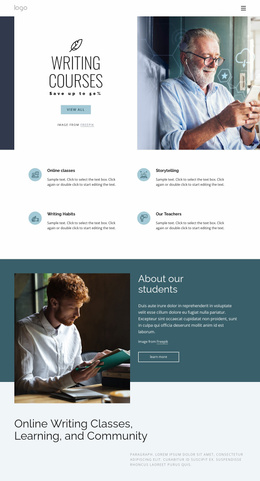


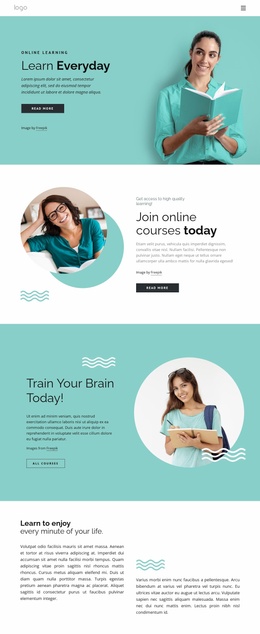












More Website Templates from Education Category




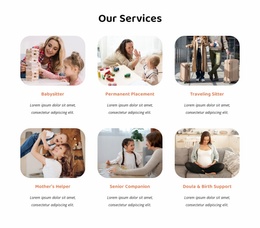


Other Education Website Templates
Professional Library Website Templates for Complete Library Sites
Library website templates give public libraries, school libraries, and educational institutions a structured foundation for their online presence. Visitors need clear access to book collections, membership details, reading programs, and opening hours without searching through unrelated sections. A ready-made multi-page layout helps organize these resources into a connected website, where each page has a distinct purpose, and visitors can move between services without confusion.
Organize Library Services With Ready-To-Use Website Templates
A complete library website should serve different audiences while keeping essential information easy to find. Students may look for research resources, parents may check children's activities, and residents may need membership requirements or upcoming events. Dedicated pages make these tasks easier to manage than one crowded homepage.
A practical library website structure can include:
- Home: Introduce the library, highlight current announcements, and provide direct links to essential services.
- Catalog and Collections: Present book categories, digital resources, research guides, and access points to an existing catalog system.
- Membership and Services: Explain registration requirements, borrowing policies, renewals, and available facilities.
- Events and Programs: Showcase reading clubs, educational workshops, community activities, and event schedules.
- Visit and Contact: Display opening hours, location details, accessibility information, and contact options.
A visitor might start on the homepage, open the membership page to check how to obtain a library card, and then follow a branch contact link to confirm where to register. Separate pages keep borrowing rules, event calendars, and branch details from competing for space on a single long landing page. A school library can emphasize academic resources, while a public library may dedicate more pages to community programs.
Maintain Consistent Navigation Across Library Pages
A multi-page library website works best when visitors recognize the same navigation structure throughout the site. Clear menu labels help readers move from collection information to membership policies, event announcements, or contact details without returning to the homepage.
With Nicepage Site Basics, teams can create and manage the library’s pages within one Site Project. That keeps the branch pages, membership information, and program listings together as the website expands.
The Website Menu can connect essential pages through the header or footer, with subitems for additional resources. For example, a Resources menu may lead to separate pages for digital books, research materials, and student guides. If the library opens a second branch, staff can add a page with its address, hours, and available services, then place it under a Locations menu without reorganizing the entire website.
When comparing library website templates, examine the ready-made page set before choosing a design. Does it include suitable inner-page layouts for collection information, library-card membership, events, and individual branches? A polished homepage alone is not enough if the pages your library actually needs are missing.