

Under Construction HTML Templates
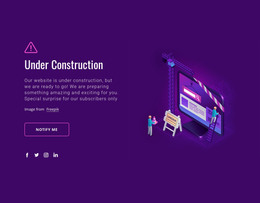
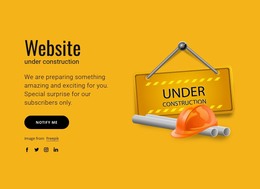
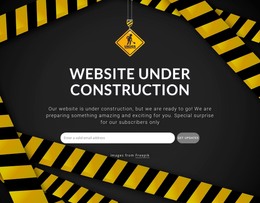
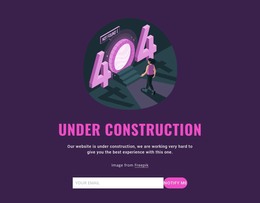
Give visitors essential information while you develop or update your website. These under-construction HTML templates provide responsive page structures for launch announcements, maintenance notices, countdown timers, and contact details.
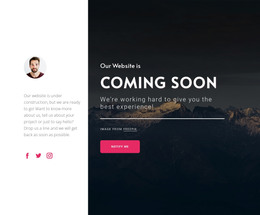

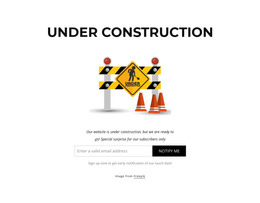
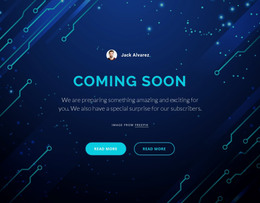
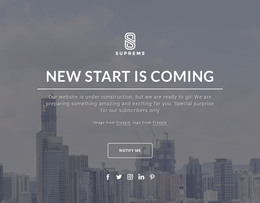
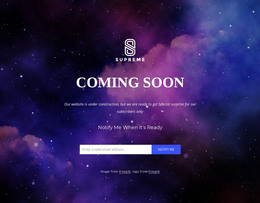
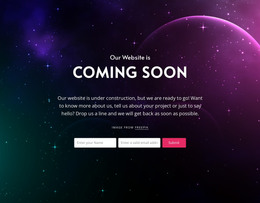
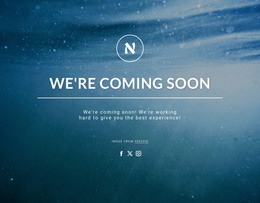

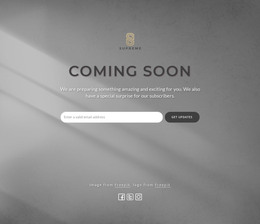























































Other Contact Form HTML Templates
Responsive Under Construction HTML Templates
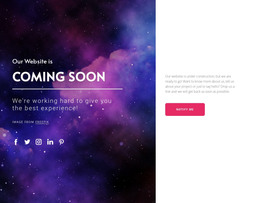
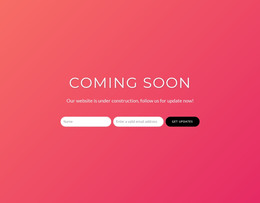
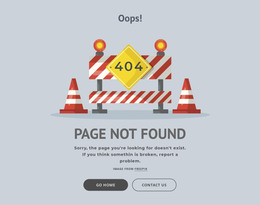
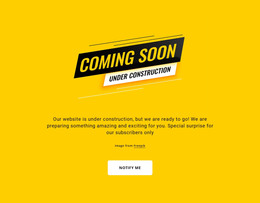
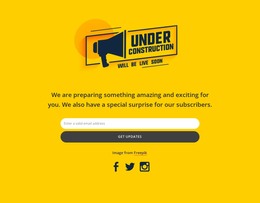
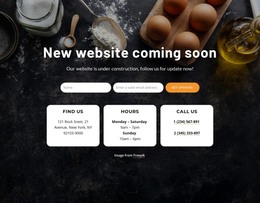
Under-construction HTML templates give you a ready-made standalone page to display while you develop or update your main website. A coming soon design can introduce a project and prominently display its confirmed launch date. A maintenance page, on the other hand, can briefly explain why the existing website is unavailable and tell visitors where to find help. Both options work well when you need a self-contained design that doesn't depend on the main website's navigation or layout.
Choose a Standalone Page for Your Website
The best layout depends on what you can tell visitors at the time of publication. For a scheduled website replacement, a compact announcement with a specific reopening date may be sufficient. If the development schedule is uncertain, a clear message and a direct contact link are more useful than an estimated countdown.
Look for the elements that suit your particular announcement:
- A prominent headline stating whether the website is coming soon or undergoing maintenance.
- Space beneath the headline for a brief explanation of the unavailable content.
- A countdown display when the launch date has already been confirmed.
- A compact contact area for inquiries that cannot wait until the website returns.
- A recognizable logo that identifies the organization behind the announcement.
Not every temporary HTML page needs all these components. A small maintenance notice may need little more than a headline and an email address, while a planned launch benefits from a design that emphasizes the remaining time.
Responsive Designs for Website Launches
A countdown that looks impressive across a wide desktop layout should remain easy to read on a narrow screen. Designs with large numerals need enough room for their labels, and the main status message should stay visible without being crowded by decorative elements. Contact details deserve the same attention: on a phone, visitors should be able to find an email address or tap a contact link without scrolling past an oversized timer. Nicepage Responsive Modes let you adjust the presentation for different screen sizes.
Announce a Confirmed Opening Date
The built-in Countdown Element lets you specify a target date and time for an upcoming website launch. You can also prepare a completion message or a redirect for when the countdown ends. If you don't have a reliable date, choose a design that still looks complete without a timer.
Export a Temporary HTML Page to Your Hosting
A standalone design is especially practical whenyou're replacing an existing website with a new version. You may already have a hosting environment and need an independent page to display during the transition. Nicepage supports HTML website export, allowing you to prepare the temporary design for external hosting without making it part of the permanent website project.
When comparing exportable designs, select one that looks complete with the information you already have. A compact layout with a visible contact link fits an uncertain maintenance period better than a design dominated by an unconfirmed launch date.