

Sign HTML Templates
A member signing in to a course dashboard needs a labeled password field and a clear recovery route, not just an attractive form. Sign HTML templates structure these controls for integration with a real authentication service.
































More HTML Templates from Contact Form Category

Other Contact Form HTML Templates
High-Performance Sign HTML Templates
Most sign designs in this collection are login screens, though not every sign form asks for a password. Returning customers sign in, while newcomers may open an account or leave an email for updates. Clean sign HTML templates give each action a ready block of form markup, so you can start from fields that already fit the job.
Markup That Matches Each Action
What goes into the markup depends on the action a design serves:
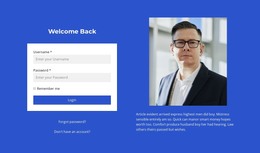
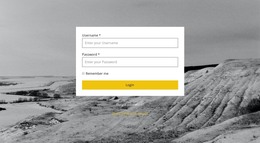
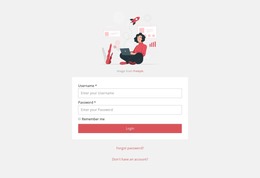
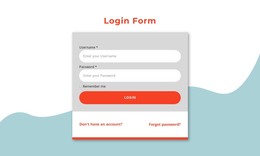
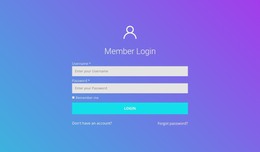
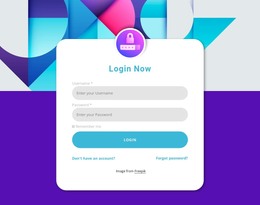
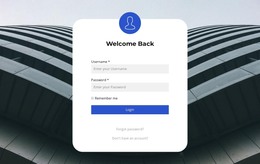
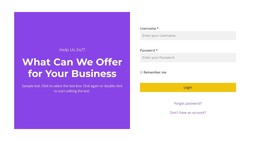
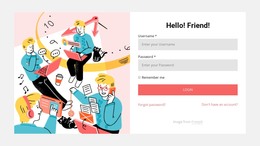
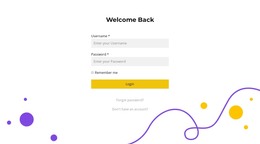
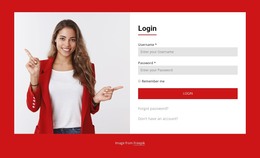
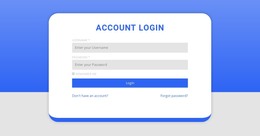
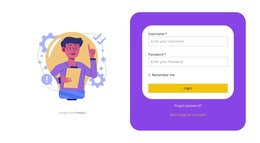
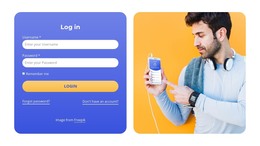
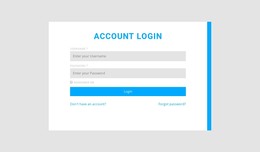
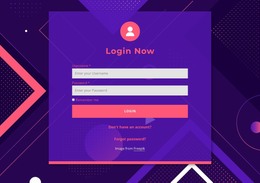
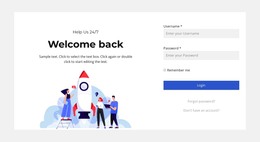
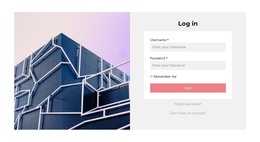
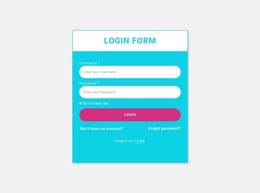
- Sign-in blocks pair a username or email field with a password input and one submit button. Recovery and new-account links usually appear nearby, and the Sign In Page design adds a "Remember me" checkbox.
- Registration forms open a new account, so they tend to ask for a name, an email, and a password the person creates. Their button says "Create account" instead.
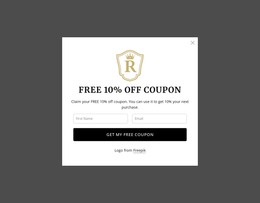
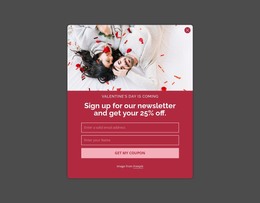
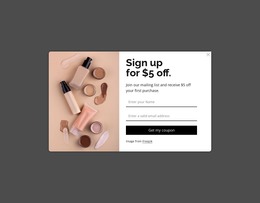
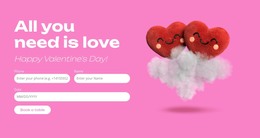
- Newsletter sign-ups are the lightest variant. One email field and a button are often enough, so the block is easy to place inside an article or a footer.
A full login page suits a shop or portal people visit on purpose. A compact sign-up block fits inside other content without interrupting it. A good preview shows a heading that names the action and one main button set apart from secondary links.
What the Code Should Contain
The code itself shows how much rework a design will need. Each field should have a visible "label" tied to its "input" because a placeholder disappears when typing starts, and screen readers announce the label. An email input type also brings up the right keyboard on phones and flags an address without the @ symbol.
A sign-in form can give its password field the "current-password" autocomplete hint, and a registration form uses "new-password." That hint tells a password manager whether to fill saved details or suggest something new. The code should list fields in the order people see them, with each error message linked to the field it describes.
Wiring Up Your Account Service
Adapting a design typically starts with plain edits, like renaming the button or removing an unneeded field. A developer then points the form at the address your account service provides. If the provider offers a ready widget instead, follow this HTML Element documentation to insert its custom markup and JavaScript into a page block. The embedded code renders only in Preview or on the published page, so test it there.
The layout never checks a password, since the service you connect handles that. When a design already asks for exactly what your action needs, only wording and that one connection remain.