
Assistance HTML Templates
People seeking assistance need to understand available services, eligibility criteria, required information, and the correct contact path. An HTML template can organize those answers into reusable sections with a clear markup hierarchy.
-

-

-
-
-
-
-
-
Free Website Builder SoftwareDownload
-
-
-
-
-
-
-
-
-
-
-
-
-
-
-
-
-















More HTML Templates from Contact Form Category
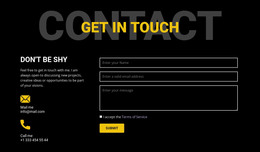
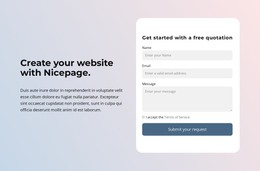
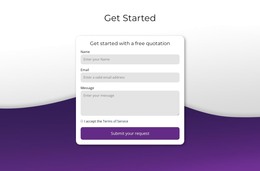



Other Contact Form HTML Templates
High-Performance Assistance HTML Templates
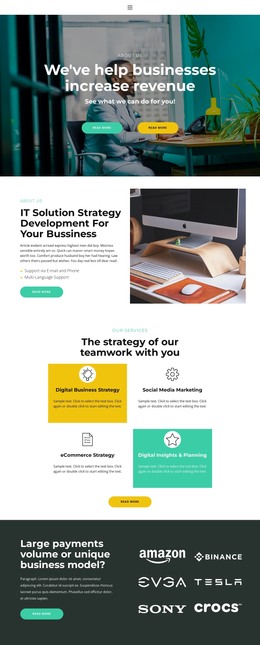
Assistance HTML templates are ready-made layouts for organizations that exist to solve someone's problem, from roadside service companies to IT support desks and community programs. A typical design combines service cards and condition blocks with a request form near the contact details. Starting from one saves you from building the request flow by hand, and any services you add later match what's already in place.
Sections Most Designs Include
Templates in this category differ a lot, yet a few parts turn up in most of them:
- service cards that repeat for each kind of help, with a name, a short scope note, and a link to details
- condition blocks for eligibility, coverage area or hours, kept or deleted depending on the service
- FAQ sections that tell visitors which documents or details to prepare
- request areas built around a form, a phone number, or an application link
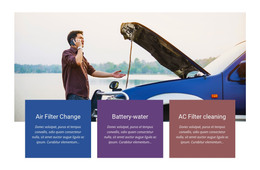
Since the cards share a common pattern, a towing company can place lockout help next to towing and fuel delivery without redesigning the layout. When a food bank ends a seasonal program, its card is removed. Other designs fold long descriptions into accordion rows.
Comparing Services and Their Conditions
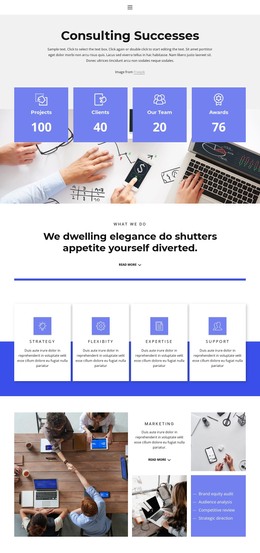
Nicepage documents the Grid Element as a way to arrange content within structured cells. In an assistance HTML template, it lines up options by the same attributes. An IT help desk might list password resets, hardware repair, and remote setup. Each card then shows support hours and ticket rules in the same place, so visitors see what applies to them at a glance.
Service names belong in headings, and each condition goes right under the service it limits. Keep instructions as live text rather than baking them into a banner image.
Where Each Request Goes Next
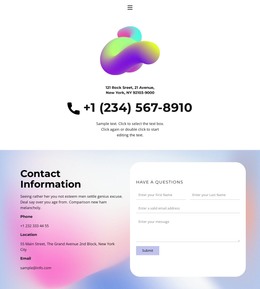
Templates also vary in how much room they leave for each way of asking for help. A roadside service needs a call button that stays easy to tap on a phone, because its visitors are often standing next to a stopped car. Community programs lean on forms and application links, while an IT desk may add an email block for tickets. Nicepage Contact Form elements support standard submission routing and email notifications, so each request reaches the right team.
Demo forms tend to ask only for a name, an email, and a message. Real requests often need a field for the type of help and another for a location or case number, so check how easily the form takes extra fields. The best candidates also let you duplicate a card without rebuilding the grid and give every service its own contact action.