
Login HTML Templates
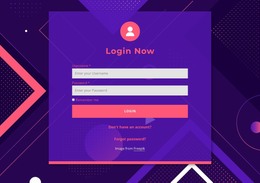
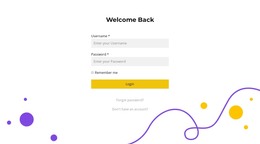
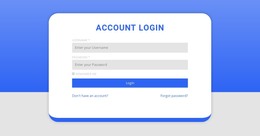
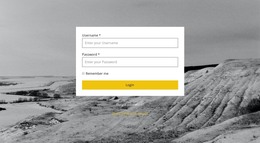
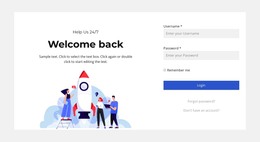
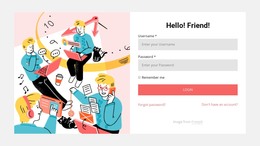
Account sign-in pages need clear credential fields, recovery links, and reliable mobile layouts. These login HTML templates provide a structured foundation for member portals, dashboards, and web applications that need a reusable authentication interface.
-
-

-
-
-
-
-
-
-
-
-
Free Website Builder SoftwareDownload
-
-
-
-
-
-
-
-
-
-


More HTML Templates from Contact Form Category


Other Contact Form HTML Templates
Clean Login HTML Templates for Structured Sign-In Forms
Adding a sign-in form to an existing web project often starts with the markup: where the form belongs, how its fields are labeled, and where submitted data should go. Login HTML templates give developers a starting structure they can adapt to a site's existing pages rather than rebuilding the same form elements for every project.
Structured HTML Markup for Login Forms
The central element of a conventional sign-in interface is a form. Its action can identify a submission destination, while method determines how the browser sends the form data. Developers should check these attributes against their application's actual authentication flow rather than assuming a template is already connected to a working endpoint.
Within the form, each label should be associated with its corresponding input, commonly through matching for and id values. The input's name attribute identifies the field in submitted form data, and a button with type="submit" can initiate submission. These are useful implementation details to inspect or add; not every downloadable layout necessarily includes every attribute or a complete form element.
Three markup details deserve particular attention when choosing a ready-made login HTML template:
- Form structure: Check the placement of the
form, its submission method, and the intended destination. - Field associations: Give inputs meaningful names and connect visible labels to their controls.
- Submission semantics: Use an appropriate submit control and make room for feedback supplied by the application.
For example, a developer adding sign-in to an existing documentation website can place a ready-made login layout within the established page shell, keep the current header and content pages, and adapt field names to the backend contract. This avoids redesigning the wider site to introduce account access. The HTML provides the interface; the project determines what happens after submission.
Reusable Login HTML Templates for Web Projects
When comparing ready-made options, look for a complete <form>, correctly associated labels, and a clear location for authentication error messages. A reusable layout should also be easy to place within an existing page without rebuilding its surrounding structure. An exported layout can then be adapted to a static site, an existing frontend, or a server-rendered page. Before integration, developers should inspect the generated markup, remove unnecessary wrappers if appropriate, and confirm that form controls fit the surrounding document structure. They may also need to match the form's submission destination and field names to the receiving application.
Nicepage supports responsive page creation and export as an HTML website, including HTML, CSS, JavaScript, and associated images. Exported files can serve as the starting point for integration, but their form behavior must still be reviewed in the target project.
An HTML interface does not authenticate anyone on its own. Credential verification, session management, account recovery, and access permissions belong to a secure backend or authentication service. After inserting the markup, connect the form to that system and test submission, error handling, and keyboard operation in the actual application.