
Reminders HTML Templates




More HTML Templates from Contact Form Category
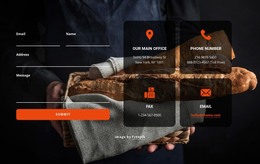
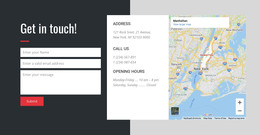
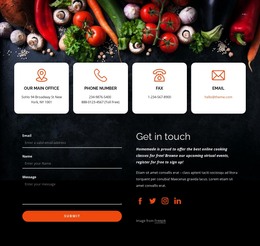
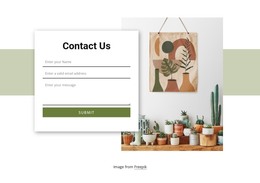

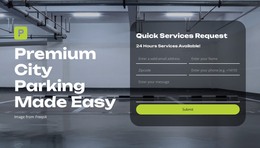
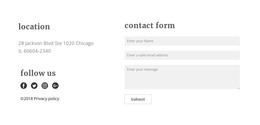
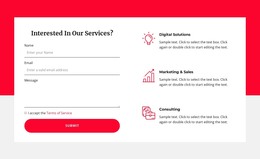



Other Contact Form HTML Templates
Construct Organized Productivity Platforms With Highly Adaptable Reminders HTML Templates
Reminder-based websites and apps help people stay on top of tasks, deadlines, and daily routines. Whether the project is a personal productivity app, a scheduling platform, or a healthcare reminder service, users expect information they can act on right away. They should be able to see what's coming up, review notifications, and finish their tasks without anything diverting their attention. Reminders HTML templates help developers and businesses build structured interfaces that support exactly those goals.
These templates fit many different use cases. A task management platform can easily use them to organize projects, due dates, and notifications. A medical practice may set up reminder pages for appointments and follow-up care. Educational platforms rely on these layouts too.
Around 95% of all web designers and developers are familiar with HTML. These numbers mean that it’s really easy to find someone to help you work with markup, if you need it.
Markup-Based Structures for Notifications and Tasks
A reminder site normally consists of dashboards, calendars, and to-do lists. After this are the notifications sections, account settings, and activity logs. Templates written in HTML make sure all these aspects are properly laid out on the page.
The main advantages include:
- Highly responsive layouts for modern devices.
- Well-structured markup for cleaner organization.
- Adaptable pages for productivity and scheduling tools.
- A high level of customizability.
- Universal sections for tasks and notifications.
- Very reliable foundations for future expansion.
- A very efficient approach.
Helping Users Stay Organized
The best reminder systems remove friction rather than add it. Users should never spend more time hunting for a task than actually completing it. A thoughtful HTML structure really supports that experience. Dashboards highlight the urgent items, calendar views lay out upcoming events, and settings pages make notification preferences simple to manage.
Users will also differ in what is important to them. For one individual, reminders may serve to complete assignments or meet deadlines. For another individual, using the same templates would involve setting times for taking medications, making appointments, and reaching personal goals.
Create Reminder Platforms That Keep People on Track
Productivity tools should make everyday planning simpler, not more complicated. Here, you get to use reminders HTML templates built for productivity apps, scheduling platforms, and healthcare services. Customize them now, apply to your portal, and make your service’s web presence much more memorable.