Camping rules Website Template


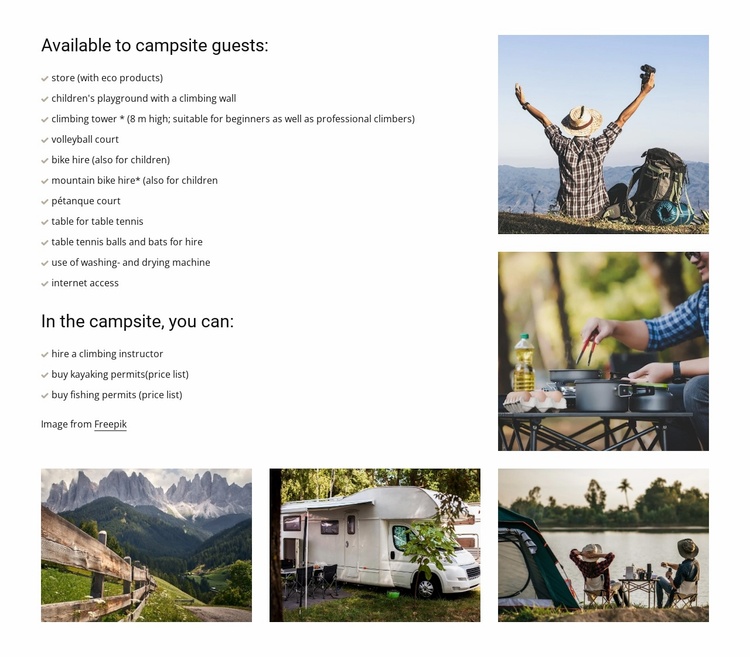
A structured amenities section for a wider campsite project
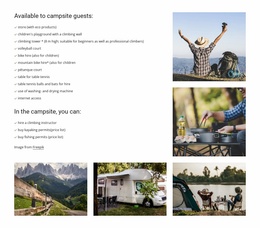
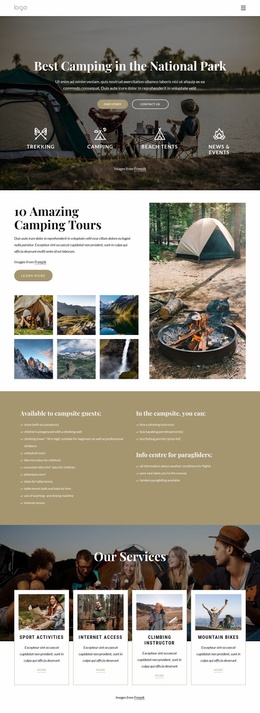
The block establishes one stable content area that can be reused within a broader travel or hospitality website project. Its first service list covers 11 amenities available to guests, including an eco-product store, children’s playground with climbing wall, an 8 m climbing tower, sports facilities, bicycle and mountain-bike hire, table tennis equipment, laundry use, and internet access. The second list adds three activity or permit options: climbing instructor hire, kayaking permits, and fishing permits. Keeping these groups under separate headings makes the section easier to coordinate with neighboring blocks devoted to accommodation, rates, booking, or location.
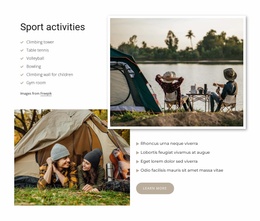
The five-photo collage gives the reusable pattern a recognizable visual character. A large upper-right pair and a lower row of three images combine outdoor recreation, cooking, mountain, caravan, and lakeside camping imagery, so related pages can use the block as a substantial amenities feature rather than a plain list. In a broader website project, the section can retain this content logic while other pages provide deeper details or transactional steps. Its white background, black typography, and understated checkmarks also leave room for surrounding sections to establish shared colors and type treatments. Nicepage’s Page Design Set can help locate complementary page and block designs around an existing section, without implying that this block contains those additional pages.
Customize with Nicepage
Open this ready-made template in the Website Template Builder and customize it visually in the Nicepage editor. Replace demo content, edit page sections, and adapt the design to your project without rebuilding the template from scratch.
Edit Template Offline
2. Create a new page or select existing
3. Click Add new block, search for id 2695602 and click enter
Edit Template Online
Create Awesome Websites


Free Nicepage Builder
Keywords
Build a Complete Website From This Template
Customize the Website Visually
Use this ready-made website template as a starting point for your project and adapt its pages visually in Nicepage. Change content, images, typography, navigation, sections, and other design elements while keeping the website together as a single editable project.
Manage Website Pages in One Project
Use the Pages panel to open, add, duplicate, and manage the pages of your website. Work on individual pages while keeping navigation and the overall site structure accessible from the same project, making it easier to develop a complete website instead of managing separate page files.
Expand the Website With Matching Designs
When you need additional pages or sections, use Page Design Sets to find Page and Block Designs created in the same visual style. Design Sets group matching designs together, making it easier to expand the website with new content while maintaining a consistent look across its pages and sections.
Organize Larger Multi-Page Websites
As the website grows, use Page Folders to organize related pages and keep larger multi-page projects easier to navigate in the editor. This is especially useful for websites with separate service pages, company information, contacts, landing pages, and other content areas.
This workflow makes the template a practical foundation for building and expanding a complete website while managing its pages, content, and visual design within one Nicepage project.

Design Set (22)
-

-
-
-
-
-
-
-
-
-
-
-
-
-
-
Customize Any TemplateDownload
-
-