

Label CSS Templates
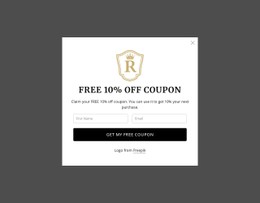
Short brand labels can lose clarity beside bold coupon offers. Label CSS templates provide styled text arrangements for promotional messages, product identifiers, and campaign notes, with room to refine contrast and mobile spacing.








More Website & HTML Templates for Label








More CSS Templates from Brands Category



Other Brands CSS Templates
Clean Label CSS Templates
Label CSS templates on Nicepage style the small marks that tell shoppers whether they're looking at a new arrival, a discount, or a collection name. Many designs here are coupon sections or brand blocks, with padding, background, and type style already set around sample wording. A label is read at a glance, so keep it shorter than promotional copy and give it its own fill or border to stand apart from the product title.
Picking a Style by Message Type
Most label designs fall into three groups that need different amounts of room:
- Status badges like New or Sold Out look best as compact pills with tight padding and uppercase letters.
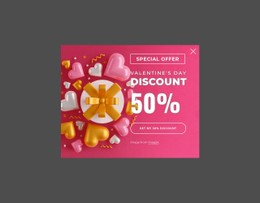
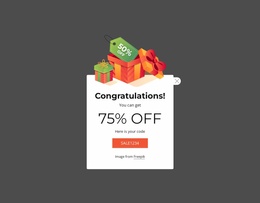
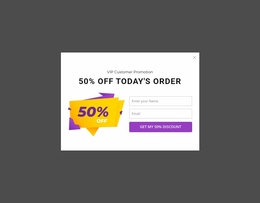
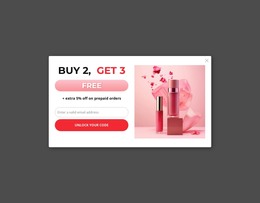
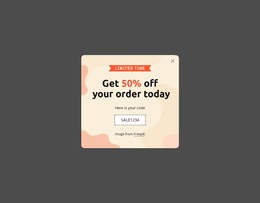
- Discount and coupon labels pair a number with a condition, so they need a wider block with room for small print.
- Brand and collection marks stay quieter, often as plain text in the brand color or inside a thin outline.
Put New, 20% Off, and a collection name on one card with identical bright fills, and the eye won't know where to start. Give the discount the only solid color, turn New into an outlined badge, and keep one font family for all three. The wording should carry the meaning too, since a red fill says nothing to a shopper who cannot tell red from green.
Which CSS Properties Shape Each Badge
Padding decides whether a label reads as a badge or as loose text near the price. A background or thin border separates it from the description, and border radius turns a sharp tag into a soft pill.
Use the Text Element’s typography and responsive settings to adjust font size, weight, and letter spacing for each label. The strikethrough option there crosses out the regular price next to a discount badge. A rounded fill or dashed coupon edge goes beyond those controls and needs a small Custom CSS rule on that element.
When the Card Shrinks to Phone Width
Sale and Limited Time Offer behave differently on a narrow card. A fixed width that fits Sale will clip the longer phrase or squeeze the padding against its letters. An auto width lets the background grow with the words.
A badge laid over a product photo needs a solid fill to stand out against a busy image, and on a phone it can cover the item itself. Since text sizes can vary by responsive mode, the coupon value can shrink on phones while the condition line stays readable.
Test each template with your longest real label. Compact designs suit short status badges, and coupon labels with conditions need room for the fine print on its own line.