
Logo CSS Templates










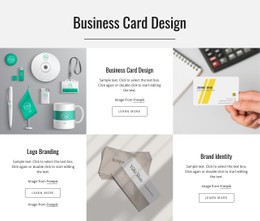

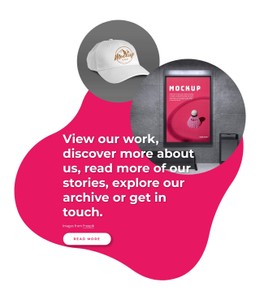

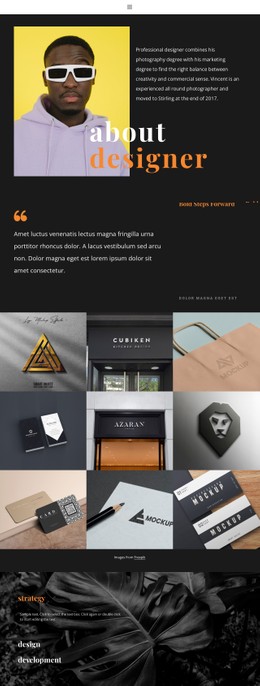

























More Website & HTML Templates for Logo





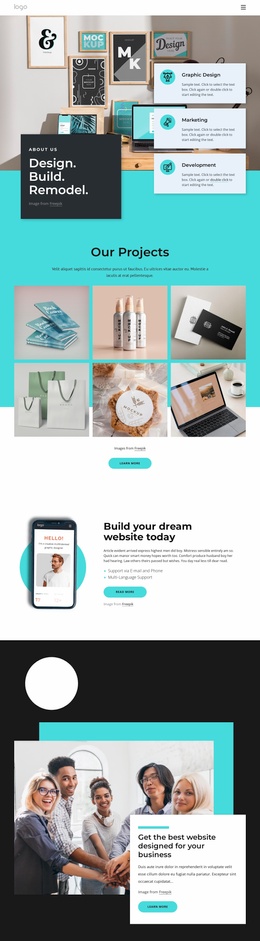

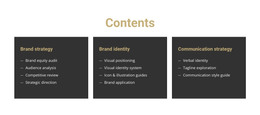
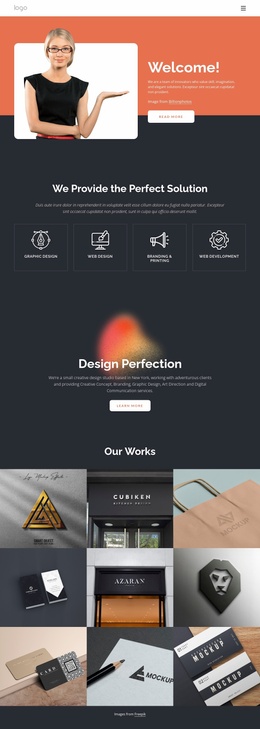
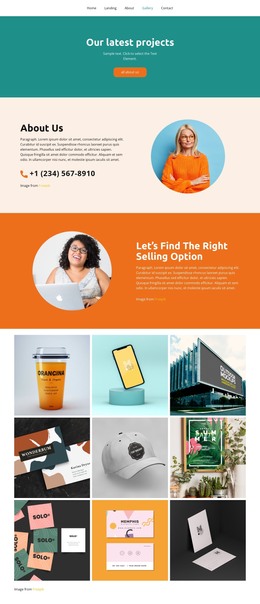
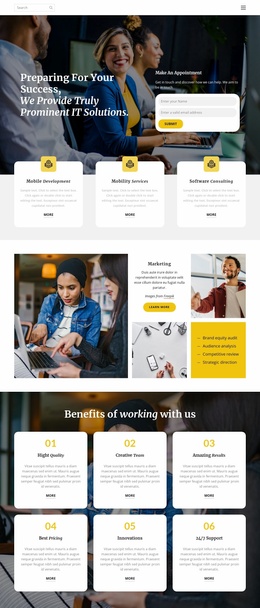
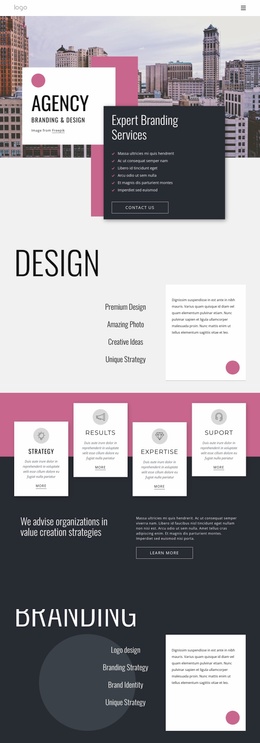









Other Brands CSS Templates
Customizable Logo CSS Templates
Logo CSS templates help companies to present their visual identity with clear colors, balanced space, sharp typography and a consistent logo size. CSS determines how the individual page element appears on desktop, tablet and mobile screens. CSS logo grid can also handle logo positioning, contrast, animation effects and changes that occur when a cursor touches an element. CSS is now on 98.5 percent of all websites. 93.2% of sites that use CSS use external style sheets. These numbers show why CSS continues to be an essential tool in modern web design.
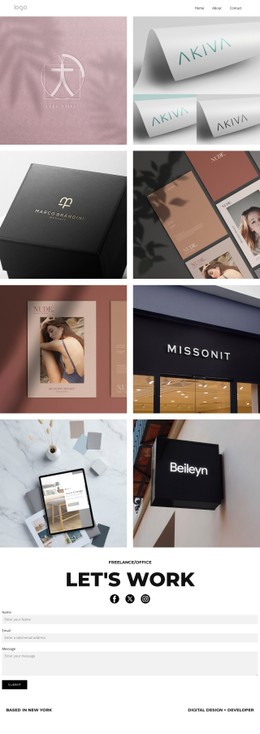
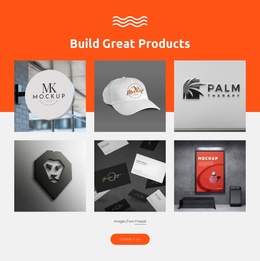
The value of strong visual presentation. A recent academic database reviewed 597 brands and logos. It includes 2,000 consumers’ 244,400 individual responses. The findings indicate that large consumer brands are linked to greater logo familiarity, preference and recall. Logo stylesheet layout,an be used by a design studio to create a project portfolio, by a startup to introduce its identity or by an agency to present client logos in a neat grid. Logo hover styles save time and keep the design consistent and make each logo more noticeable on different screen sizes.
Modern CSS Controls for Brand Consistency
CSS controls standardize the way each image displays, so you don't have to edit each image individually. This works great for client showcases, partner sections and sponsor grids that might grow over time.
Start with the visual rules that affect recognition first:
- Logo Dimensions.
- Background Contrast.
- Equal Spacing.
- Hover Effects.
Also, the flexible logo area requires consistent technical rules behind the visual design. Without them, different file types and proportions can quickly make the layout look uneven, especially when many partners or clients appear on the same pageOnce the core style feels consistent, review the practical details below. They help the section work across different projects:
- Image Formats.
- Mobile Breakpoints.
- Grid Columns.
- Logo Alignment.
- Focus States.
- Reusable Classes.
- Image Compression.
Every setting is a more robust experience. Clear breakpoints mean logos are readable on smaller devices and reusable classes mean developers can update multiple sections without having to edit each item individually.
Advanced Styling Without Visual Clutter
Subtle hover effects, balanced spacing and consistent logo proportions can make the section feel more polished without detracting from the brands themselves. Don’t go nuts with backgrounds, and check how the logos look in each light and dark layout. This keeps each mark distinct, while giving the whole page a professional, cohesive look.
Shape Your Logo Style With CSS
Take a look at the collection of logo CSS templates and choose a layout that matches your visual direction. Apply your brand rules and turn a basic logo section into a consistent identity showcase.