Knowledge of training school Website Template


Edit Template Offline
2. Create new page and search for id 87059
Edit Template Online
Create Awesome Websites


Free Nicepage Builder
Keywords
Training, Partners, and Contact Define a Broader Site Foundation
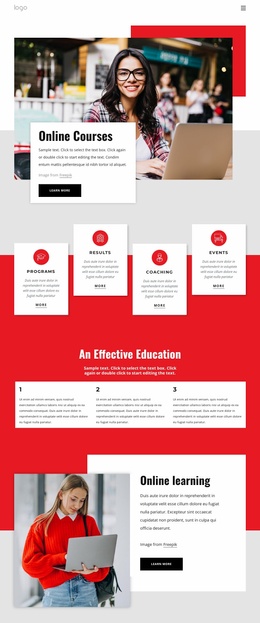
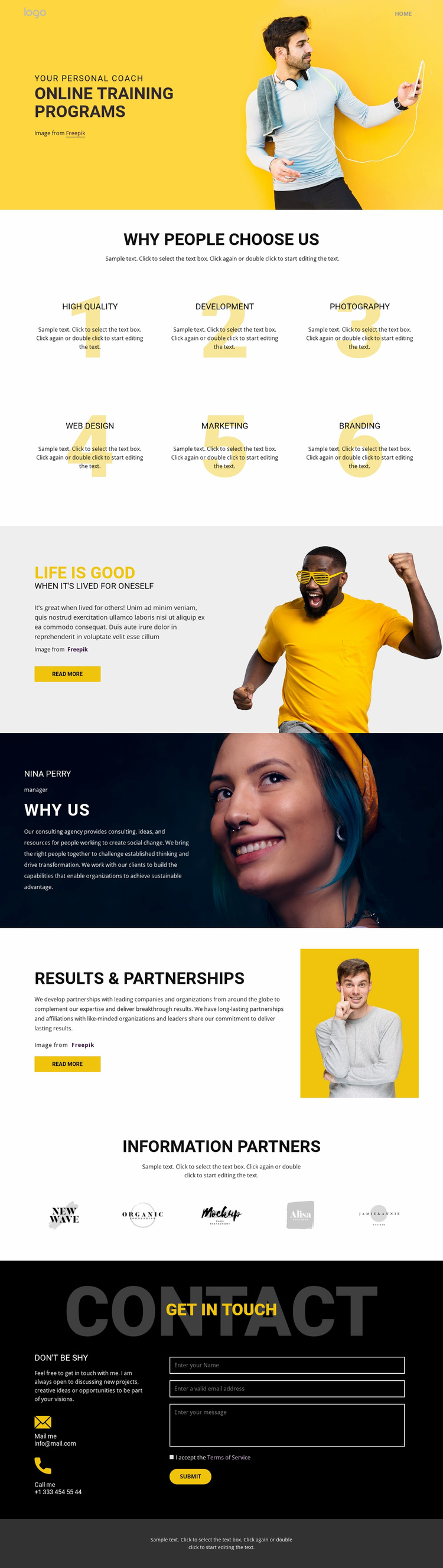
The visible page establishes several major content areas that could guide a wider website project. The hero introduces online training programs, while the six numbered feature items create a natural place for explaining program qualities or service categories. Lifestyle and profile sections add personal context, and the results-and-partnership block introduces relationship-focused content that could support additional information elsewhere in the project.
The five partner marks deserve their own content category rather than being treated as decoration inside the hero. They provide a repeatable partner area that can remain coordinated with the main visual system. The closing contact block adds another stable site region, combining direct email and telephone channels with a form for name, email, and message. Together, these areas cover offer, supporting information, relationships, and inquiry without proving that additional pages already exist.
As a website foundation, the design can therefore expand by carrying its visual and informational logic into related pages, such as detailed training information, partnership material, or contact content. The evidence supports potential expansion, not a claim that a multi-page site is included. Reusing the yellow accent, bold typography, warm people photography, and dark contact treatment would help new pages remain connected to the established direction. The template’s value lies in its starting information architecture as much as in its homepage appearance.
Customize with Nicepage
Open this ready-made template in the Website Template Builder and customize it visually in the Nicepage editor. Replace demo content, edit page sections, and adapt the design to your project without rebuilding the template from scratch.
Build a Complete Website From This Template
Customize the Website Visually
Use this ready-made website template as a starting point for your project and adapt its pages visually in Nicepage. Change content, images, typography, navigation, sections, and other design elements while keeping the website together as a single editable project.
Manage Website Pages in One Project
Use the Pages panel to open, add, duplicate, and manage the pages of your website. Work on individual pages while keeping navigation and the overall site structure accessible from the same project, making it easier to develop a complete website instead of managing separate page files.
Expand the Website With Matching Designs
When you need additional pages or sections, use Page Design Sets to find Page and Block Designs created in the same visual style. Design Sets group matching designs together, making it easier to expand the website with new content while maintaining a consistent look across its pages and sections.
Organize Larger Multi-Page Websites
As the website grows, use Page Folders to organize related pages and keep larger multi-page projects easier to navigate in the editor. This is especially useful for websites with separate service pages, company information, contacts, landing pages, and other content areas.
This workflow makes the template a practical foundation for building and expanding a complete website while managing its pages, content, and visual design within one Nicepage project.