

Coming Soon CSS Templates
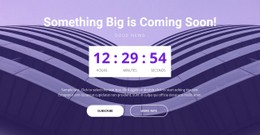
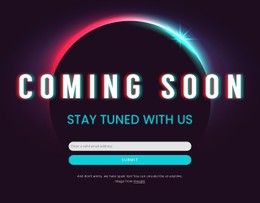
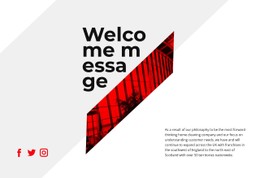
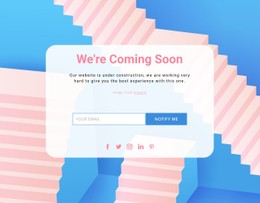
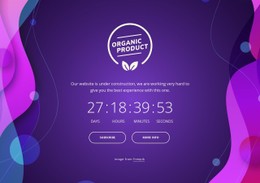
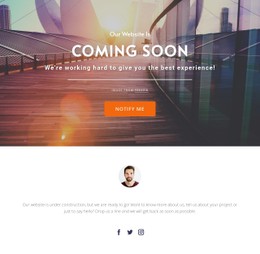
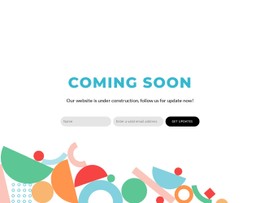
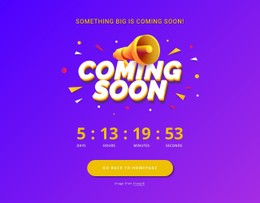
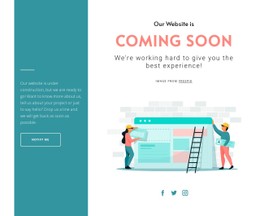
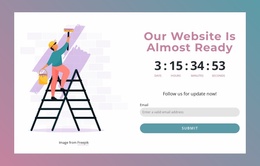
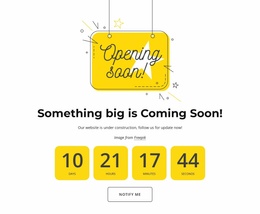
Before a product launch or business opening, countdowns, announcement text, and sign-up fields need consistent styling across screens. Coming soon CSS templates provide a visual foundation for adjusting colors, backgrounds, spacing, and responsive behavior without redesigning each element from scratch.
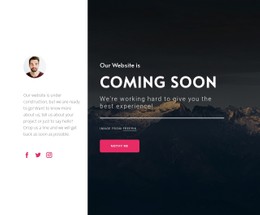
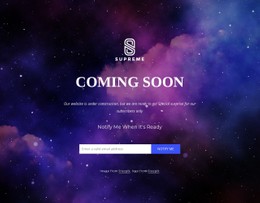
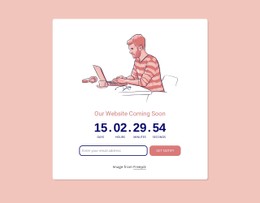
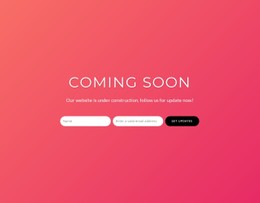
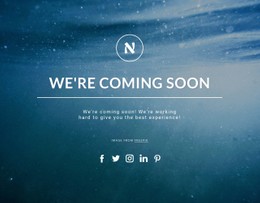

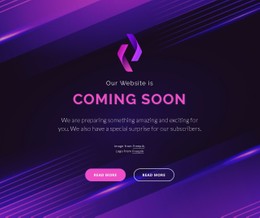
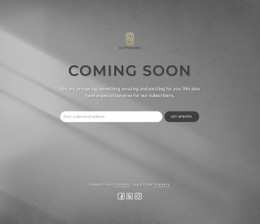








More Website & HTML Templates for Coming Soon



More CSS Templates from Contact Form Category
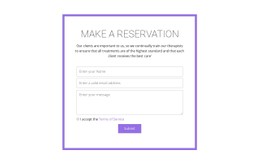
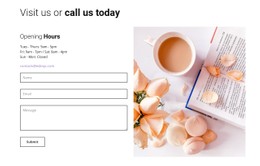
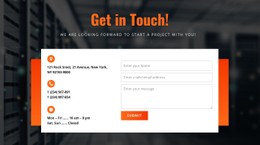
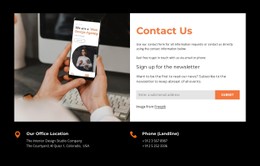
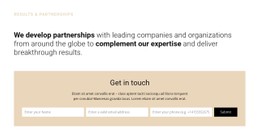
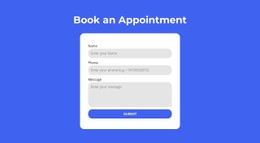
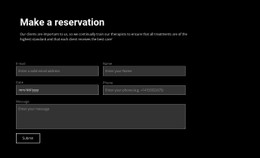
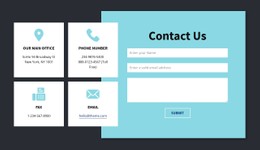
Other Contact Form CSS Templates
Modern Coming Soon CSS Templates
Customizable Coming Soon CSS Templates
Coming soon CSS templates are useful when you need a ready-made launch page but want to adjust the look without rebuilding the markup. Businesses, product teams, and independent creators can change colors, spacing, typography, and responsive rules through CSS. The result can better match a brand while retaining the underlying HTML structure.
CSS Styling for Launch Announcements and Countdown Sections
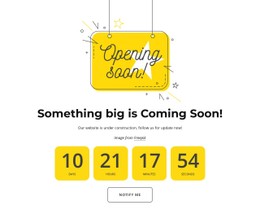
A coming soon page often contains only a few visible elements, so every styling decision affects the overall presentation. CSS controls the size of the launch heading, contrast against a background image, spacing around a release date, and appearance of interactive elements.
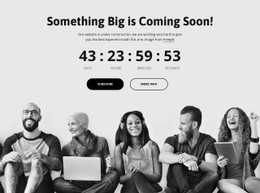
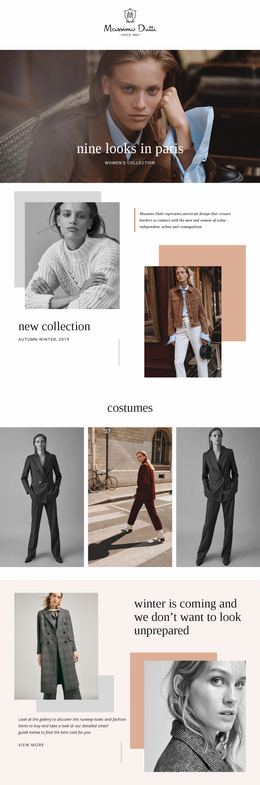
For a software release, restrained colors and structured countdown boxes can emphasize the scheduled launch. A fashion collection preview may use full-screen photography, large typography, and subtle overlays. In both cases, CSS determines how these components fit together.
A practical approach to customization includes:
- Control the background: Use
background-size: coverand adjustbackground-positionfor mobile crops; add an overlay when text needs more contrast. - Scale typography: Apply
clamp()to heading sizes so the message stays readable between phone and desktop widths. - Arrange countdown units: Use
display: flexwithflex-wrap: wrapor a responsive grid to prevent timer boxes from overflowing. - Style signup controls: Define visible
:focus-visiblestates, clear input borders, and distinct button hover states. - Tune narrow layouts: Use media queries to reduce padding and stack adjacent elements when available width shrinks.
These changes should support the announcement, not add unnecessary decoration. A clear visual hierarchy remains important even when the page contains a prominent countdown or background photograph.
Responsive CSS for Coming Soon Pages
Responsive coming soon CSS templates need more than a desktop preview. Inspect a page with a four-unit countdown on a narrow phone: all four values should remain legible, with no clipped digits or horizontal scrolling. Check that the launch date is still easy to find and that a full-screen background does not hide the announcement behind its image subject.
Test intermediate widths and common device sizes. Try subscribing with the keyboard and confirm the email field and submit button show a visible focus indicator; then follow the contact link and check that it remains easy to tap. Repeat these checks after changing fonts or images, because a late edit can alter text wrapping or cover an important control.
You can use Custom CSS in Nicepage to apply targeted rules to page elements or the page as a whole. This is useful when the countdown, background, or signup controls need styling beyond the standard visual settings.
For a temporary page, avoid unnecessary effects and overly complex stylesheets. Large background images should be optimized, and any custom rules should be checked in the rendered preview.
CSS customization changes presentation, not the underlying function of a timer or form. Review the actual stylesheet and responsive preview, then confirm that text contrast, button states, and mobile layouts remain usable after your edits.
Coming soon CSS templates are a simple way to launch a temporary page while a website is still under development. Instead of showing visitors a blank screen or error page, you can present a clean, styled message that your project is on the way. These templates focus mainly on layout, typography, countdown timers, and call-to-action blocks. The styling is handled with CSS, which keeps the page lightweight and fast to load.
Speed matters: Google research shows 53% of users leave a site if it takes more than 3 seconds to load. That is why minimal landing pages built with CSS are often used during the pre-launch stage. Coming soon, as the name suggests, is used for startups, product launches, portfolios, SaaS sites, and events. This can be used to collect emails, show social links, or even have a countdown to the launch. Research also indicates that having sign-up forms can drive 20-30% more traffic to the launch.
Coming soon templates can be beneficial to developers and designers, as they have already been structured. For marketers, they can generate interest and keep users engaged before the main website launches.
Strengths of Applying Styles to Maintenance Screens
CSS-centered designs can improve appearance without compromising performance. Subtle animations and transitions look great without slowing load times.
Key styling features include:
- Responsive layouts for all devices.
- Custom color schemes and font settings that you can easily adjust.
- Smooth transitions and hover effects.
- SEO-ready structure.
- Intuitive style overrides for branding needs
When Coming Soon CSS Templates Are the Best Choice
You can use these styles to refine an already existing structure. They allow plenty of experimentation, such as following the latest UI trends or using bolder color choices. In any case, the result will remain readable and fast-loading.
These designs work well for creative studios, SaaS startups, and personal projects. A well-thought-out structure and clean visuals will attract your audience, boost views, and make anticipation more engaging.
Customize Your Styling Patterns for Previews
You can find a long list of coming soon CSS templates on Nicepage. They focus on customization and are easy to adapt. Browse the options and improve your web presence today.