
Child HTML Templates
Parents should not have to hunt for age groups, schedules, activities, or contact details. Child HTML templates present this information in a clear markup structure that adapts across phones, tablets, laptops, and larger screens.














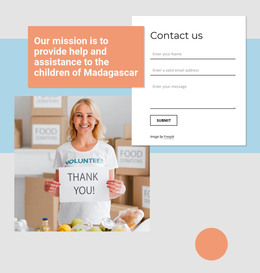


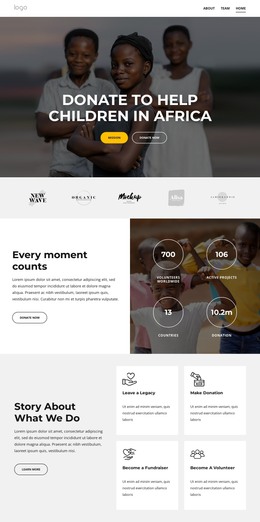
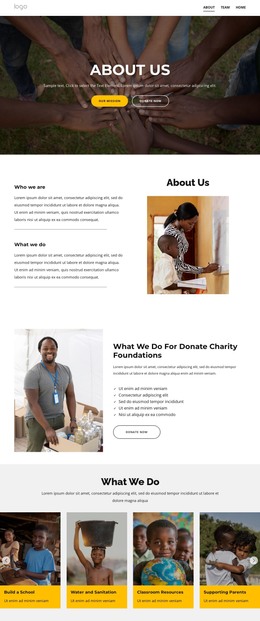


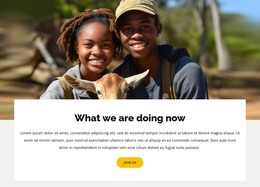































































Other Education HTML Templates
Editable Child HTML Templates for Custom Websites
A developer taking on a preschool site usually wants two things at once: a layout that already looks right for children, and files that open in a code editor. Child HTML templates cover both. You start with a site designed for a kids' audience, and you keep all the elements as ordinary source files.
Ready Markup Instead of Blank Files
The real value of a ready template lies in its structure. Program cards, a schedule area, and a gallery block are already laid out, so the work is replacing content and rearranging sections. What a particular template holds varies across the catalog, so it pays to look past the screenshot and check what the demo is built from.
Before committing to one, a few technical questions determine how much is left to write:
- Does the existing structure fit the content this site actually has;
- Are headings, prices, and dates editable text inside the markup;
- How many interactive elements depend on scripts that somebody will maintain;
- Does the layout survive when the viewport drops to phone width?
Customizing HTML and Scripts After Export
Once the files sit on your machine, the everyday work is small and direct. You rename classes, change values in the stylesheet, and duplicate a card when a new age group opens. Removing a seasonal section is one deletion in the markup. Custom scripts work the same way, since nothing on the site is locked to a platform.
Nicepage exports a project as fully functional markup, allowing a layout to be assembled visually and finished by hand afterward. The moment that usually justifies an HTML template is the handover, when a folder of source files is handed off to the developer who will carry the site forward.
Deploying the Project Yourself
Static output travels well. An exported folder can be uploaded to your own hosting, moved between providers, or committed to the repository where the rest of the project lives. There is no admin panel to update and no database behind the pages, so a small daycare site has very little that can break while nobody is looking at it.
An HTML template earns its place when it leaves you less code to rewrite than you would have written from zero. Read the markup first, then the colors.