
Library HTML Templates
Book descriptions, research materials, and digital archives need readable layouts on every screen. Library HTML templates offer structured content sections and adaptable page elements for educational institutions, public libraries, and specialist collections.
-
-

-
-
-
-
-
-
-
-
Free Website Builder SoftwareDownload
-
-
-
-
-
-
-
-
-
-
-
-
-
-
-
-
-
-
























More HTML Templates from Education Category
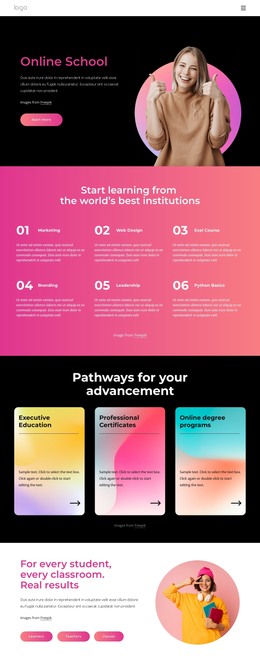
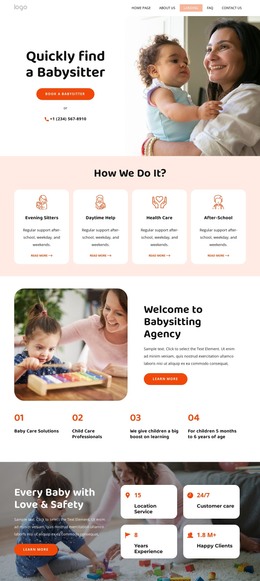
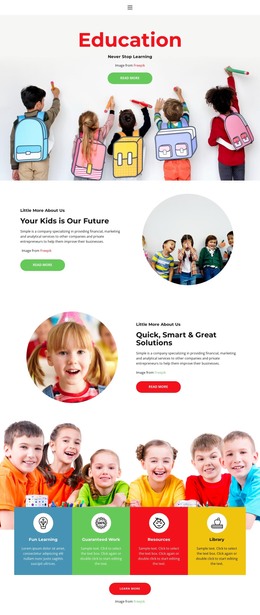
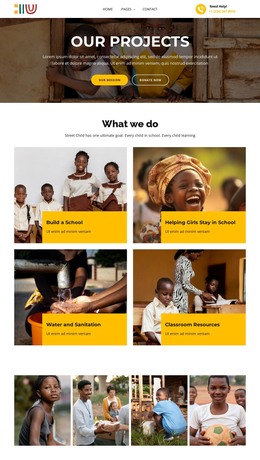


Other Education HTML Templates
Ready-Made Library HTML Templates for Editable Web Pages
A public library preparing an online reading list does not need to build every book card or resource section from scratch. Library HTML templates offer ready-made web pages with editable text, images, buttons, and links. Teams can replace example content with book recommendations, catalog previews, or research guides in Nicepage, then export the finished HTML and supporting files for hosting or additional development. This gives libraries a practical starting point for publishing resource pages without confusing a prepared layout with a functioning catalog system.
Customize Ready-Made Library HTML Pages
A library preparing a recommended-reading page can begin with an HTML layout containing book-cover images, titles, short summaries, and links to the library's existing catalog. Staff can replace the sample titles, descriptions, images, and destination URLs in Nicepage rather than designing every card from scratch.
The exported page is made up of editable website files. Text and links can be updated in the visual project before export; a developer can subsequently work directly with the HTML and accompanying assets to implement requirements beyond the prepared design. For instance, changing a book cover or its description is a content edit, while adding a live availability indicator requires an external service and development work.
An academic library might publish a fixed reading list for a course, while a community library could feature local-history titles. In either case, the HTML template provides the page presentation and outbound links, not a replacement for the library's collection system.
Keep Catalog Content and External Systems Distinct
An HTML template can display a book card linking to its record in an online public access catalog (OPAC). That link opens the catalog record; it does not turn the template into a live catalog search, check whether a copy is currently available, or manage loans.
Libraries that need these services should connect visitors to an appropriate catalog platform or use a separately implemented integration. This distinction keeps the template's presentation role clear.
Adapt Library HTML Layouts for Different Devices
Library visitors often check opening hours, reference materials, and collection information on phones or tablets. Dense text, wide tables, and closely positioned links can make those tasks uncomfortable on smaller screens.
Nicepage provides Responsive Modes for large screens, desktops, laptops, tablets, and phones. Editors can adjust text sizes, margins, and layout properties for different views before preparing the finished pages.
For a library resource page, this may mean reducing excessive spacing, rearranging information blocks, or making catalog links easier to select on mobile devices. Long descriptions should remain readable, and important resource labels should stay visible.
Nicepage also supports HTML website export with associated CSS, JavaScript, and image files. After export, the HTML contains the page markup, CSS controls its appearance, JavaScript supports any included scripted behavior, and image assets supply the visuals. Editors can revise content in the Nicepage project and export again, or a developer can modify the exported source for a separately maintained implementation.
Choose library HTML templates that let you replace sample book details and catalog links without rebuilding the page, then export usable HTML, CSS, JavaScript, and image files for your hosting setup. Check how easily those files can be adapted if a developer later adds features beyond the static layout.