
Knowledge HTML Templates
Unlike complete website templates, knowledge HTML templates focus on the structure beneath reference content. Guides, procedures, FAQs, and technical explanations gain an HTML-oriented hierarchy that remains readable across desktop and mobile layouts.














More HTML Templates from Education Category


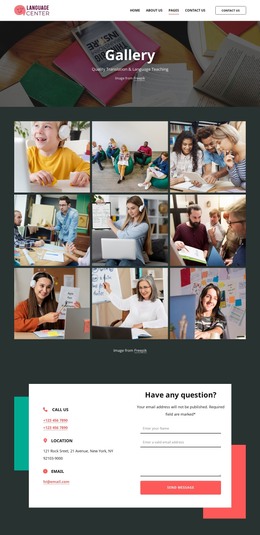
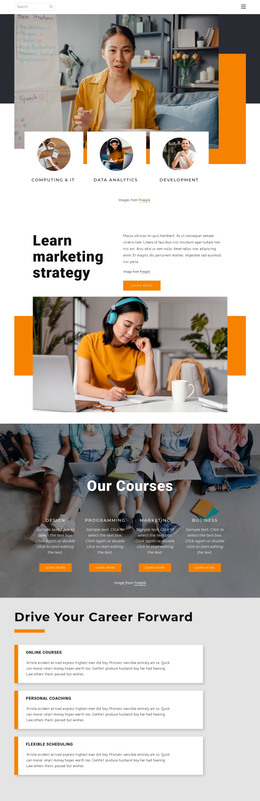


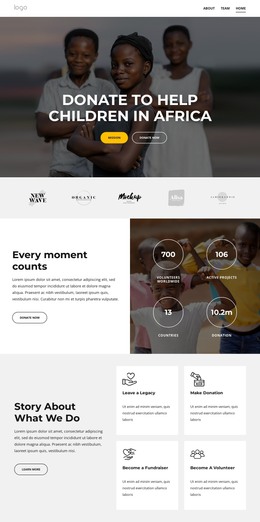
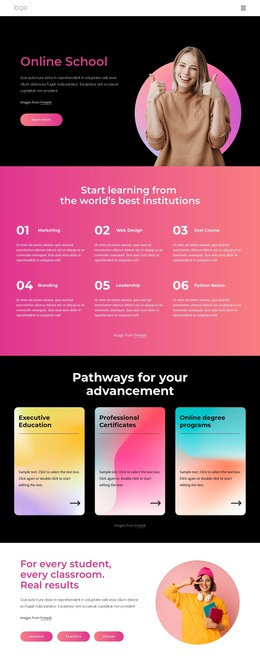
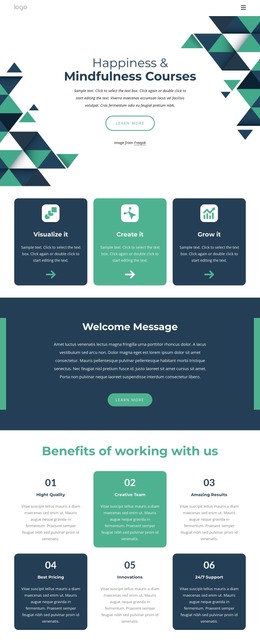
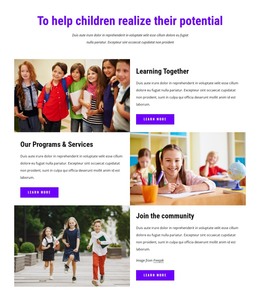

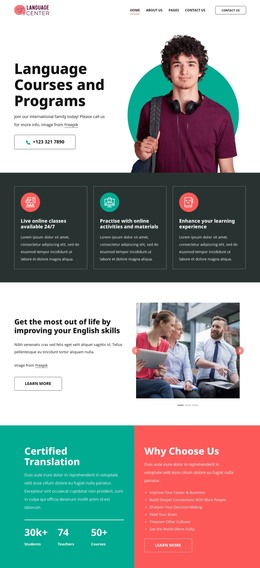
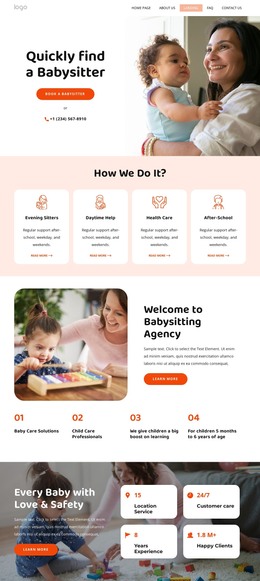
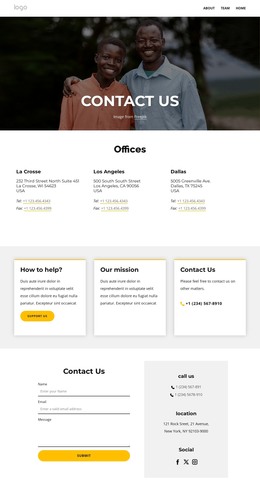


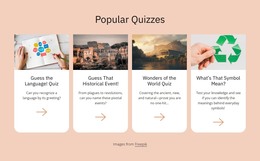
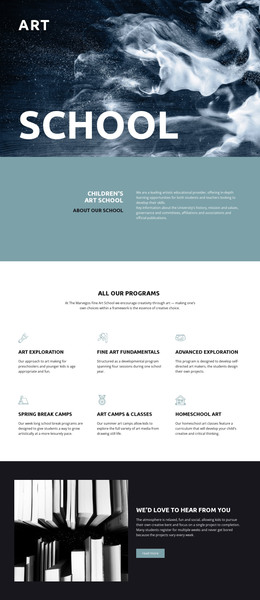
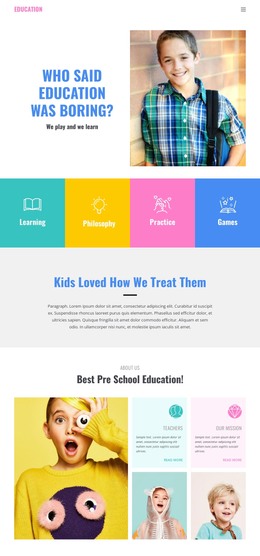
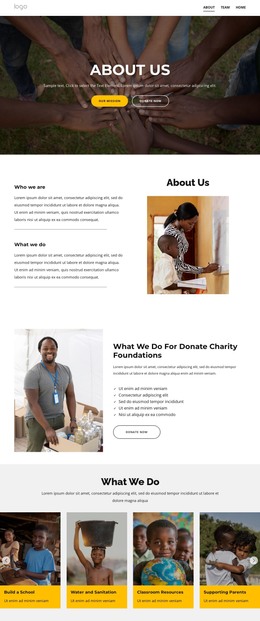


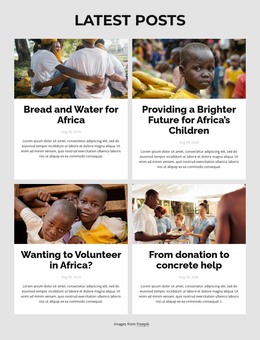





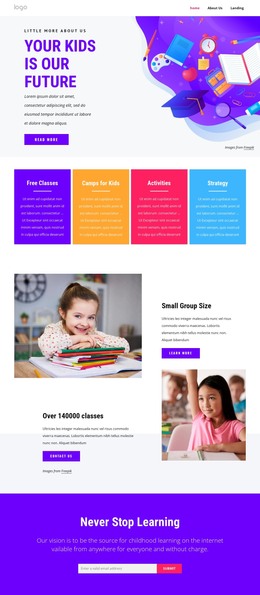


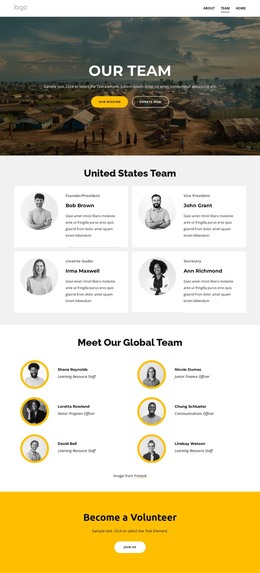


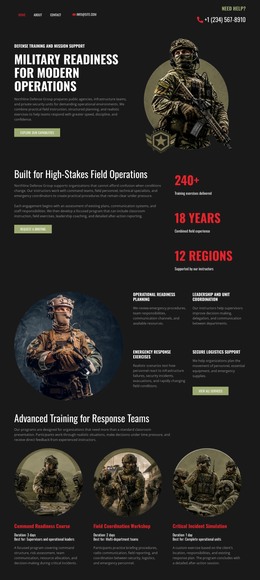

Other Education HTML Templates
Editable Knowledge HTML Templates
Knowledge HTML Templates are complete help-center and documentation sites delivered as editable files. The page set is much the same as anywhere else, with a homepage, category listings, article pages, and a contact form. What changes is how you customize them, because everything sits in the source, where a developer edits the markup, classes, and block order directly.
What Ships Inside the Download
Packages differ, though most hold quite a bit more than a handful of pages:
- Article and category patterns you will copy for every new entry;
- Navigation parts such as breadcrumbs, a sidebar and a table of contents;
- Interactive pieces like a search field, an accordion FAQ or tabbed sections;
- A contact or ticket form you can point at your own submission method.
Checking which of those actually exist is the first job. A search field and an accordion depend on scripts bundled with the template, and a package without them leaves that behavior for you to build.
Building One More Article Without Starting Over
Adding an entry to a template already in place usually runs like this:
- Copy the article file and swap in the new heading, body text, and links;
- Add the entry to its category listing and to the navigation tree;
- Check that breadcrumbs and related links point where they should.
That routine remains short only while the pattern holds. When every procedure keeps its heading, its steps, and its related links in the same order, an editor opens a file and knows where to look. Heading levels that follow the material, lists for procedures, and links for related entries are worth inspecting in the demo, since that arrangement is what you inherit on each page you copy.
Narrow Screens and Dense Reference Material
Reference articles carry long paragraphs, linked terms and screenshots. Tables and code samples are the awkward part because they refuse to shrink politely and usually need their own scrolling area.
Nicepage Responsive Modes cover the range from a large desktop to a vertical phone. Open an article page with its sidebar and search control in those views, since those elements load first.
Before committing, look at three things in the demo: the page set you get, how the source is organized once a file is open, and how an article behaves on a phone. A package that passes all three lets you write documentation instead of rebuilding the shell around it.