
Kindergarten HTML Templates
Kindergarten families need to understand how a typical day works, from arrival and classroom activities to meals, rest, and pickup. A ready-made HTML structure can organize those details into reusable sections that remain clear across screen sizes.

More HTML Templates from Education Category











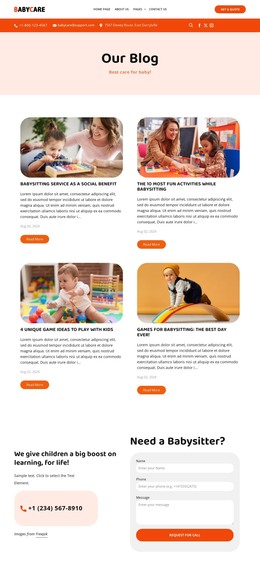
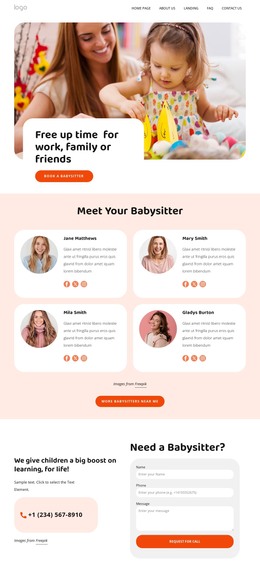





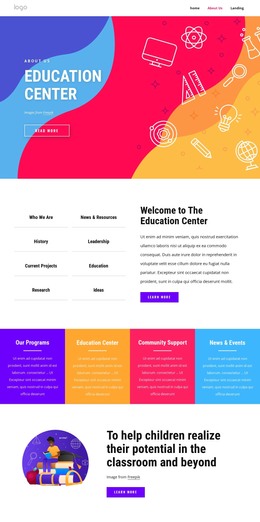











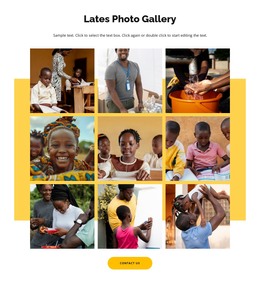
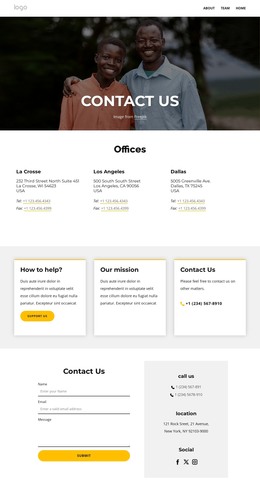
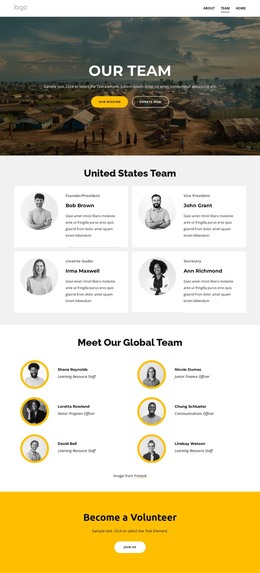
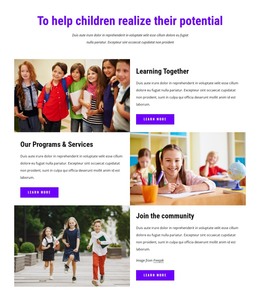






Other Education HTML Templates
Modern Kindergarten HTML Templates for Sites You Host Yourself
Kindergarten HTML Templates hand over a finished front end for what a preschool shows anyway: its age groups and programs, the shape of the school day, and the staff parents want to see. The design is built visually in Nicepage and exported as standalone HTML files with the scripts and images the site needs, ready for the server the school already pays for. A developer can open that folder later and change anything inside it.
Repeatable Front End Parts
A kindergarten site repeats itself more than most. Age groups are described the same way, every teacher gets the same kind of introduction, and the school day is a series of moments that share one row, from arrival and meals through to rest and pickup.
Elements like these do most of the work:
- A card reused for each age group, class, or activity;
- A profile block with a teacher's photo, name, and classroom role;
- A timetable row repeated from arrival through to pickup;
- An inquiry block for a visit or an enrollment question.
Nicepage Grid Repeater keeps that arrangement in one place: one layout, many items, each with its own text and image. The Grid Repeater Element documentation explains how the repeated structure is built, and it carries into the exported files. It pays to keep the schedule, staff introductions, and parent guidance in separate sections, since those parts stay editable.
Checking Layout Behavior at Phone Width
Parents tend to look things up on a phone in a hurry, so open the demo at phone width first. Wide sections stack, and the order in which they stack decides what gets read at all. A timetable usually suffers first, with meal and pickup details following. Watch whether the menu collapses into something you can hit with a thumb, and whether the day still reads in order once the columns go.
Export, Hosting, and Later Code Edits
The export produces a folder of HTML files with the scripts and images the site needs, and it goes onto the school's hosting like any other site. From there, a developer can rework a section, add a group the demo did not have, or connect the inquiry block to whatever the school already uses.
So the test for a kindergarten HTML template is practical. The demo should already include the sections a preschool needs, from programs and daily routines to teacher and parent information. That order should survive phone width. And the exported front end should be clean enough to edit by hand a year later, when the timetable and half the staff have changed.