
Numbers HTML Templates




































































More HTML Templates from Education Category
















































Other Education HTML Templates
Next-Gen Numbers HTML Templates
Need a clean sheet for stats, prices, scores or company results? Numbers HTML templates have a ready-made structure for such content. All headings, tables, counters, cards and text blocks are defined in HTML. HTML number layouts also help browsers and search engines get a clear picture of the page. 97.6% of all the websites whose markup language we know use HTML. 95.7% of all the websites whose markup language we know use HTML5.
This shows the importance of the format still on the web. Number counter markups are perfect for developers, web agencies, startups, schools, banks, research groups and non-profit teams. A SaaS company can display user totals. A bank can display rates and a school can publish exam results. Numeric HTML page sections are good for annual reports, price tables, surveys, case studies, and project milestones.
Clean HTML Sections for Facts and Results
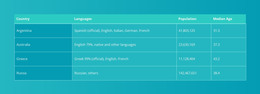
Semantic HTML also helps screen readers to determine headings, tables and the proper order of content. Clean markup should make numerical data easier to understand for visitors and search engines alike, after all.
Useful HTML number layouts may include:
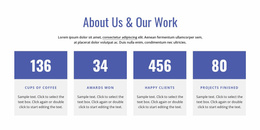
- KPI Cards
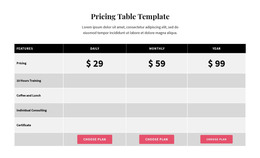
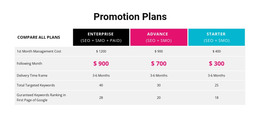
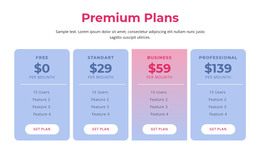
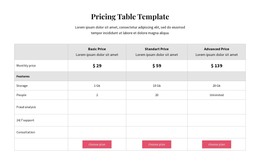
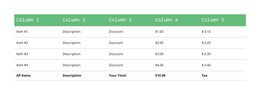
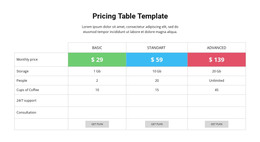
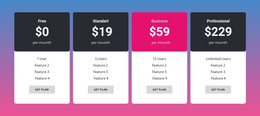
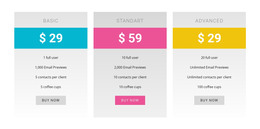
- Comparison Tables
- Company Milestones
- Ranked Content
- Contact Details
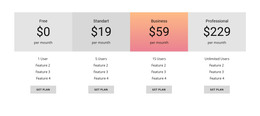
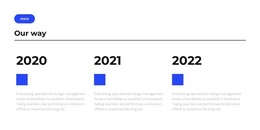
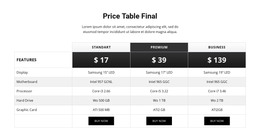
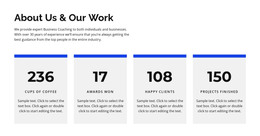
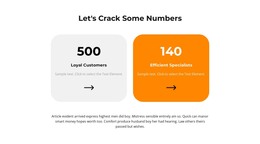
KPI cards can show revenue growth or projects completed or total customers. Comparison tables help readers understand the differences between the packages, and milestone sections link dates with important achievements. Ranked layouts are good for priorities, performance results, or popular options. Contact blocks can also be useful by showing the phone number, business hours and branch details in a clear format.
Responsive Code for Practical Numeric Pages
Visitors need to be able to read numeric content clearly, whether on a large desktop monitor or a tiny phone screen. Responsive code means that totals, percentages and numbered sections can change without breaking their association with the explanatory text. This is particularly true on pages where people need to compare results, look at financial information, or quickly understand a process.
Big figures need to shrink on smaller screens and wide rows of metric cards can collapse to one or two columns. Tables might also need to be stacked blocks to keep labels closer to the right values. These changes help prevent key data from becoming crowded, clipped, or confusing.
Download a Numbers HTML Layout and Start Your Page
Browse the collection, define the structure that fits your data and download the HTML templates for your next project. Edit the figures in Nicepage and export the code. Publish a page where every number has a clear message behind it