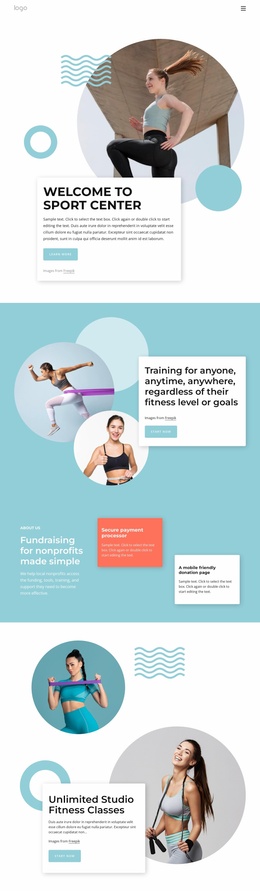
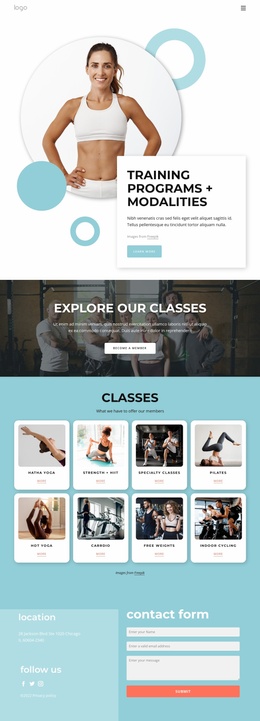
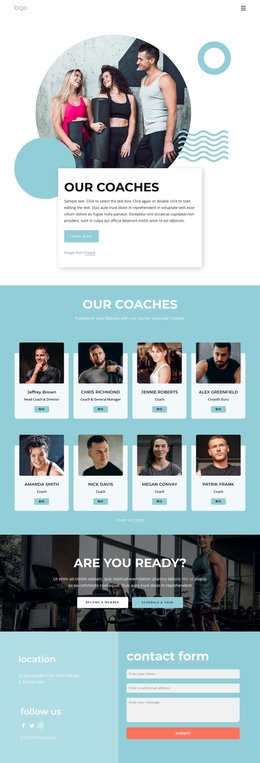
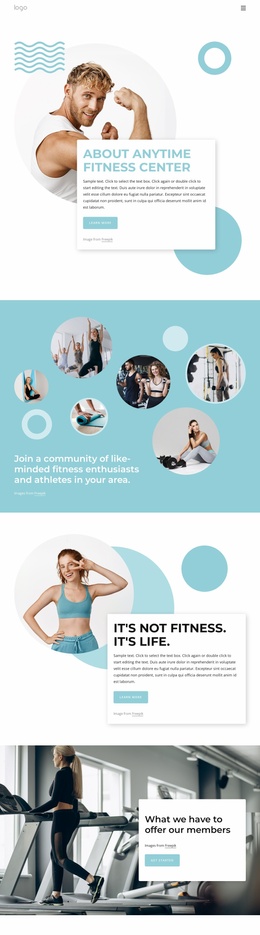
Enjoy all the benefits of sport club Website Template


A Three-Plan Matrix Creates a Reusable Membership Section
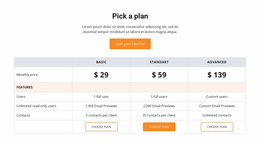
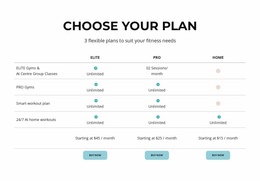
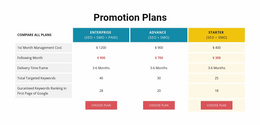
The centered introduction and full-width comparison table give this block one stable website content role: presenting membership choices in a compact, repeatable format. The three plan columns—Elite, Pro, and Home—share four feature rows, so the same criteria can be read across each option. Gym access, smart workout plans, and at-home workouts form the main comparison subjects, making the section suitable for a broader fitness website that needs a recognizable pricing or membership area.
Each plan includes a displayed starting price: $45 per month for Elite, $25 for Pro, and $15 for Home. The repeated Buy Now action gives all three columns the same next-step structure, while turquoise availability icons help visitors distinguish the feature values shown in the matrix. These repeated details make the block easy to coordinate with neighboring sections that explain services, facilities, training approaches, or membership benefits in greater depth.
As one reusable section within a wider website project, the block can retain its internal logic while its surrounding context changes. The white background, black typography, thin light-gray rules, and generous whitespace create a restrained visual base; turquoise icons and rounded buttons provide the recurring accent. This balance allows the section to support a consistent site direction without claiming to define the complete website or supply its other pages.
Customize with Nicepage
Open this ready-made template in the Website Template Builder and customize it visually in the Nicepage editor. Replace demo content, edit page sections, and adapt the design to your project without rebuilding the template from scratch.
Edit Template Offline
2. Create a new page or select existing
3. Click Add new block, search for id 5608090 and click enter
Edit Template Online
Create Awesome Websites


Free Nicepage Builder
Keywords
Build a Complete Website From This Template
Customize the Website Visually
Use this ready-made website template as a starting point for your project and adapt its pages visually in Nicepage. Change content, images, typography, navigation, sections, and other design elements while keeping the website together as a single editable project.
Manage Website Pages in One Project
Use the Pages panel to open, add, duplicate, and manage the pages of your website. Work on individual pages while keeping navigation and the overall site structure accessible from the same project, making it easier to develop a complete website instead of managing separate page files.
Expand the Website With Matching Designs
When you need additional pages or sections, use Page Design Sets to find Page and Block Designs created in the same visual style. Design Sets group matching designs together, making it easier to expand the website with new content while maintaining a consistent look across its pages and sections.
Organize Larger Multi-Page Websites
As the website grows, use Page Folders to organize related pages and keep larger multi-page projects easier to navigate in the editor. This is especially useful for websites with separate service pages, company information, contacts, landing pages, and other content areas.
This workflow makes the template a practical foundation for building and expanding a complete website while managing its pages, content, and visual design within one Nicepage project.

Design Set (22)
-

-
-
-
-
-
-
-
-
-
-
-
-
-
-
-
-
Customize Any TemplateDownload
-
-