1010 Travel & Hotels One Page Templates







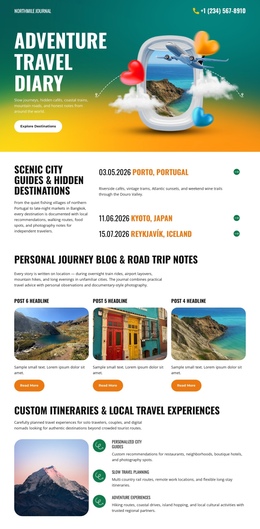
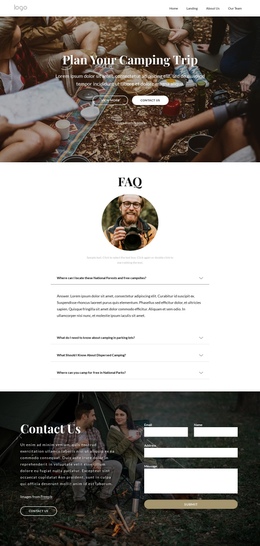





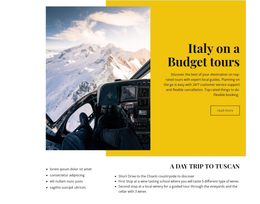

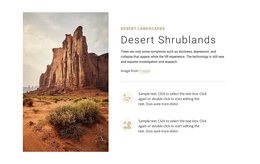




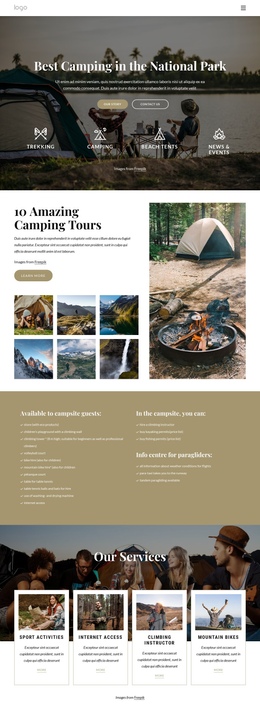
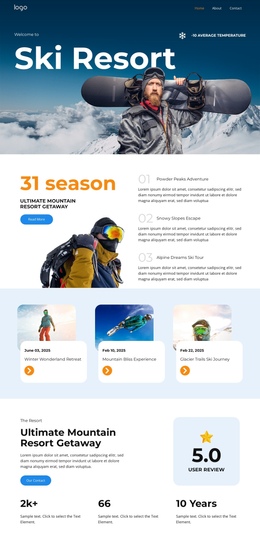
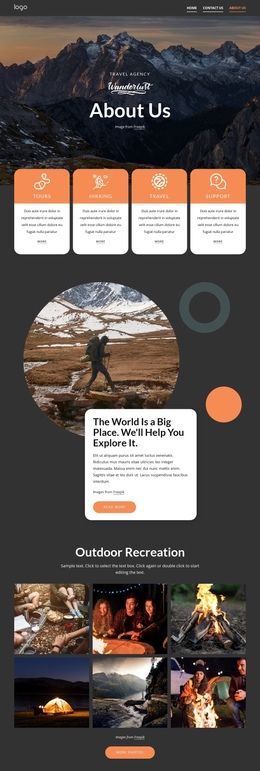
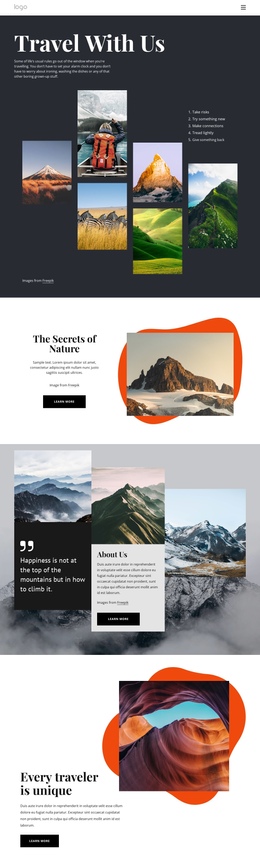
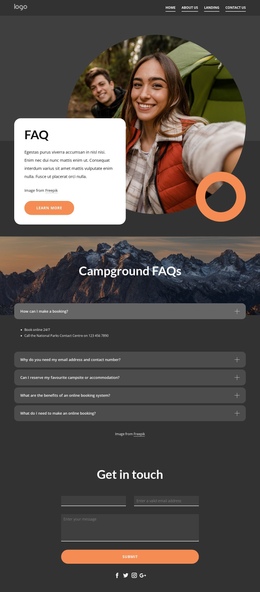
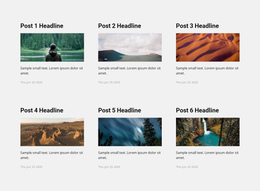
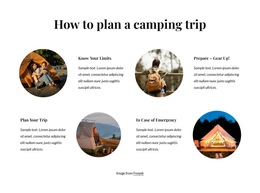
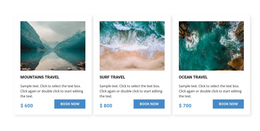
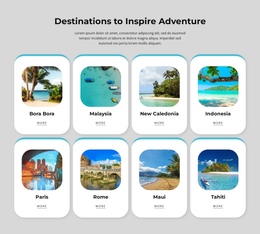
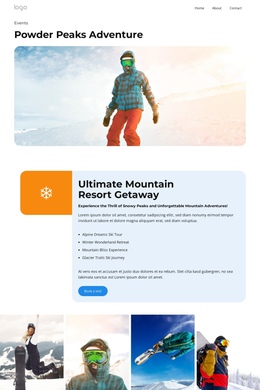
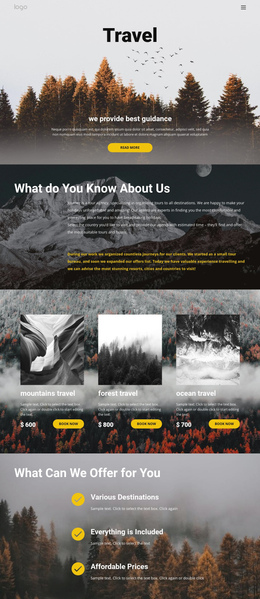
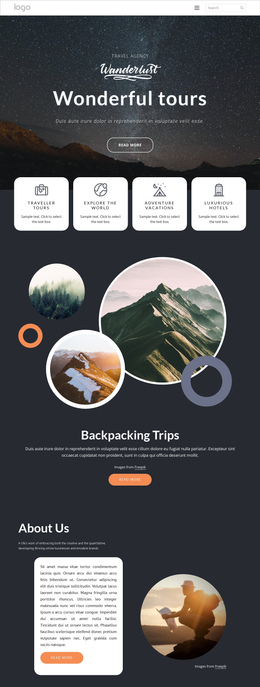
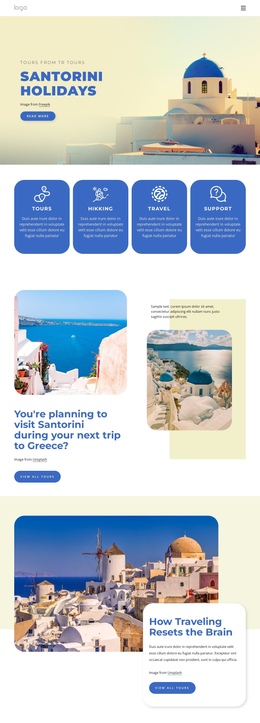


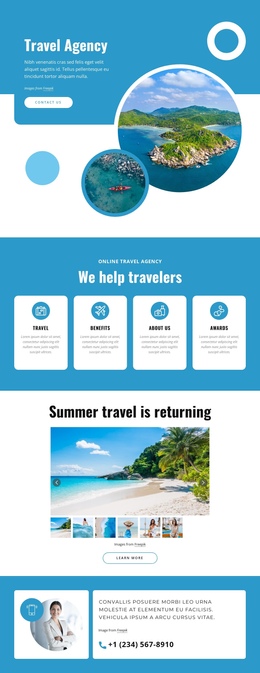
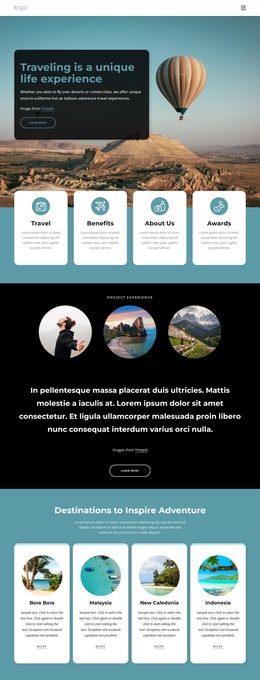
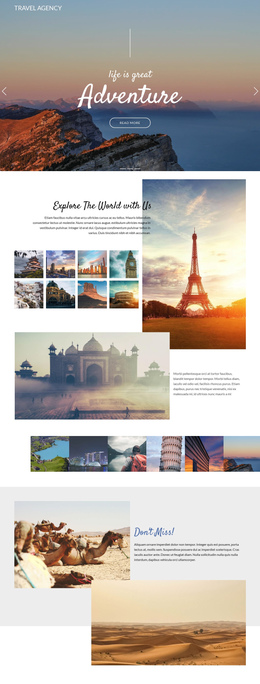
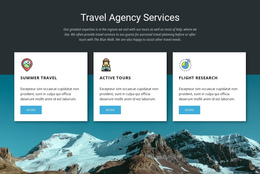

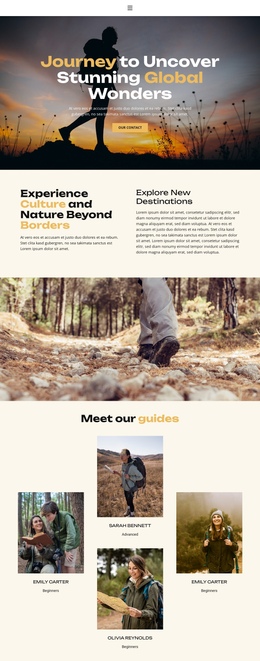
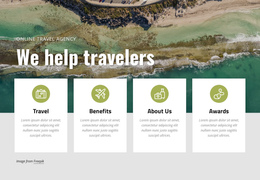
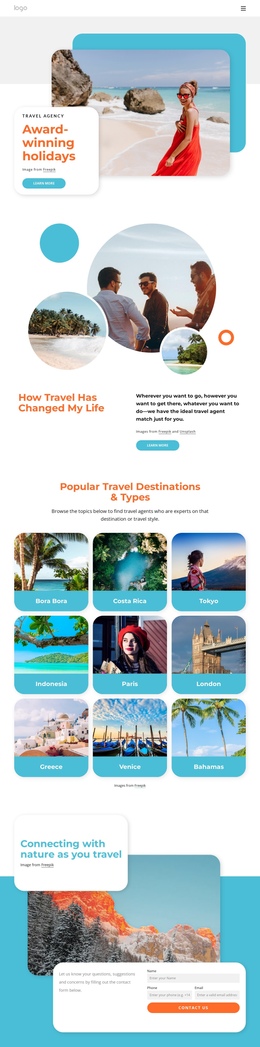
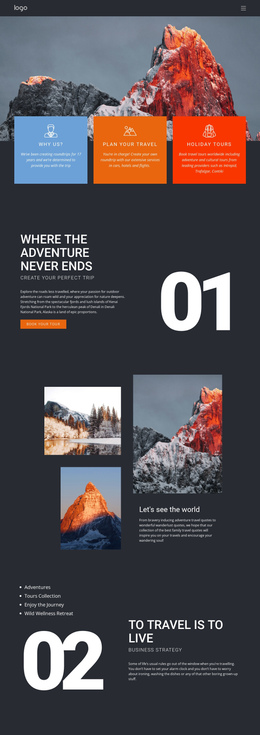
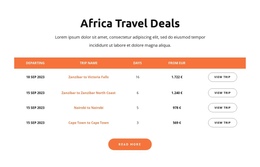
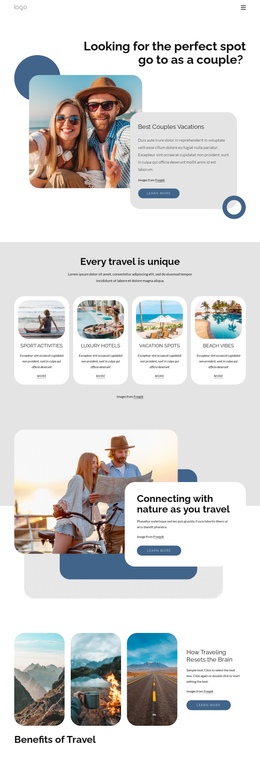
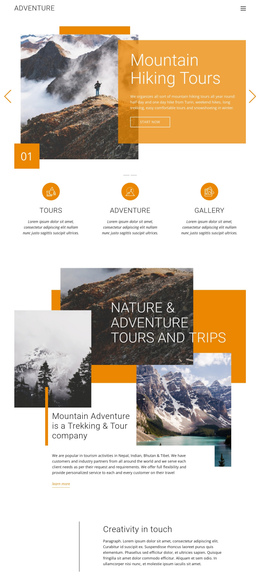

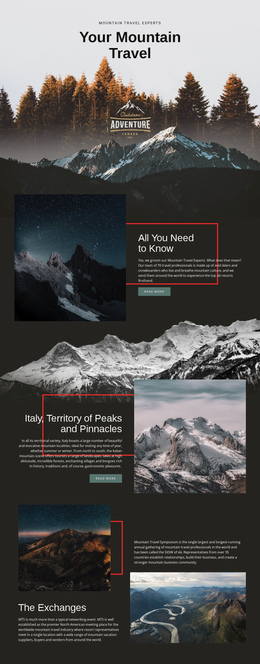
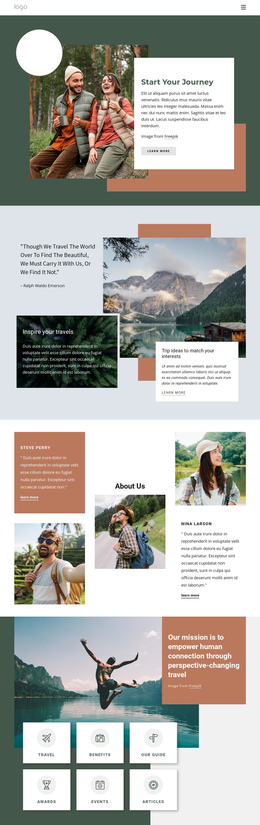


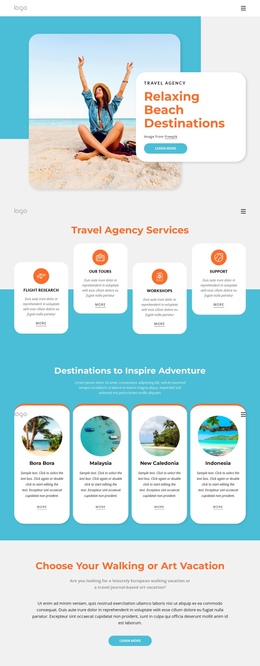
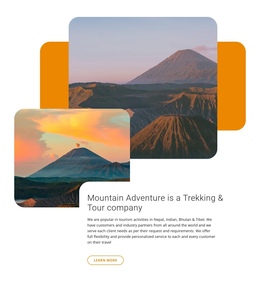
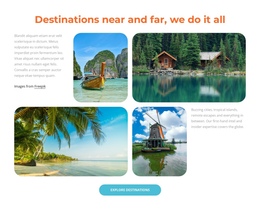
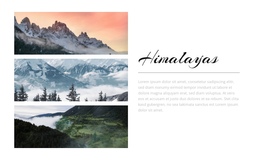
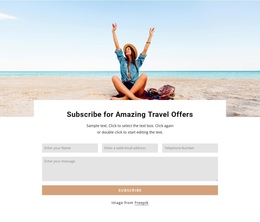

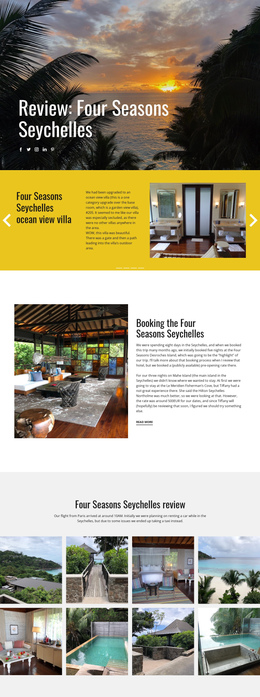
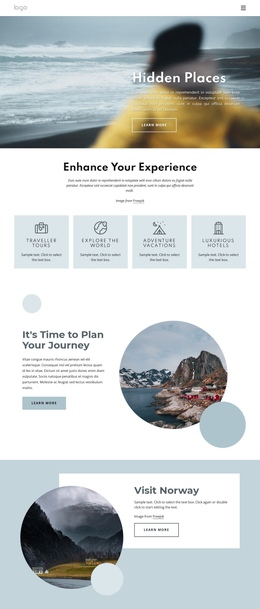
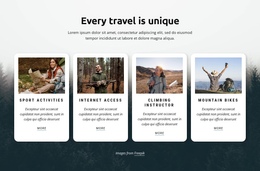
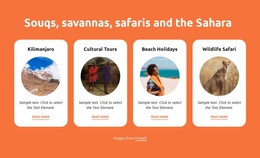
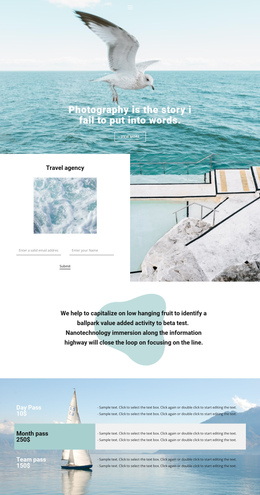


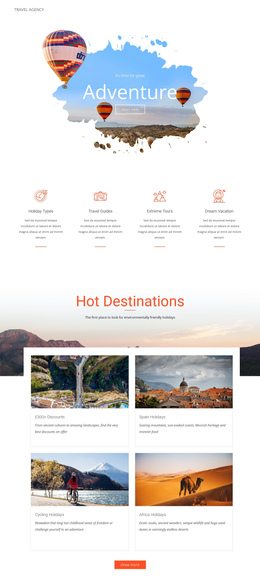

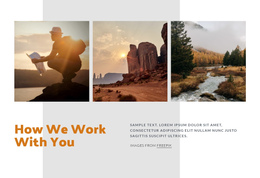
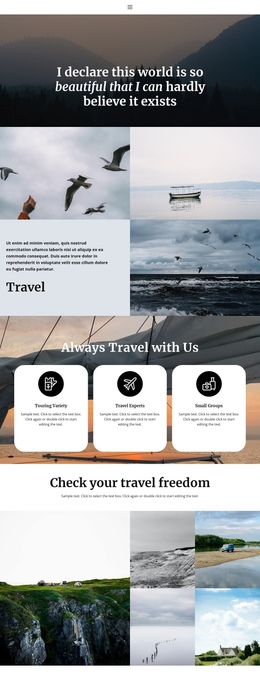

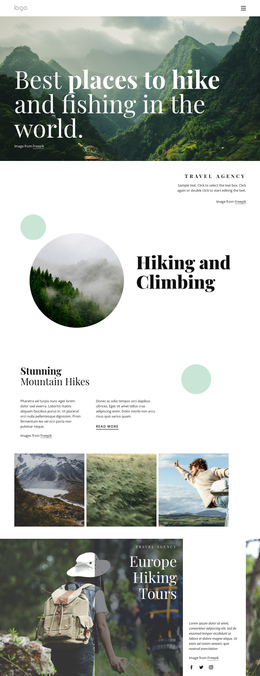

Clean Travel & Hotels One-Page Template
Long travel pages can become difficult to follow when destination highlights, journey stages, maps, hotel details, and inquiry actions compete for attention. A travel & hotels one-page template solves that problem with a single-page layout that keeps the story in a single vertical flow and makes each section easy to access.
Who Can Use a Mobile-friendly Travel One-Page Site?
Hotels can present one featured stay, tour operators can map a signature route, and destination teams can combine highlights, practical details, and inquiry actions on one page. The format works best when visitors follow a defined story with smooth scrolling, a clear section order, and anchor links rather than separate pages.
A travel destinations direction can help define the sequence: hero, highlights, route details, accommodation, map, and contact. In Nicepage, choose a design concept, open it in the visual page editor, arrange the blocks in order, and connect navigation to key sections.
The Menu for One-Page Site workflow lets menu items link to sections of the same page rather than to separate pages. This supports compact travel navigation for itinerary, hotel, map, or contact sections.
Advanced Features for Single-Page Travel Layouts
Website Menu provides the page with a familiar navigation layer, while the one-page setup connects items to sections. Hyperlink Element can send visitors to a Page, Block, File, Phone, Email, Modal Popup, or another supported destination. Move Blocks reorders travel sections from the Page Navigator. Grid In Responsive Modes helps destination cards and itinerary details stack on smaller screens. Back To Top Element returns visitors to the beginning of a long page with smooth upward scrolling.
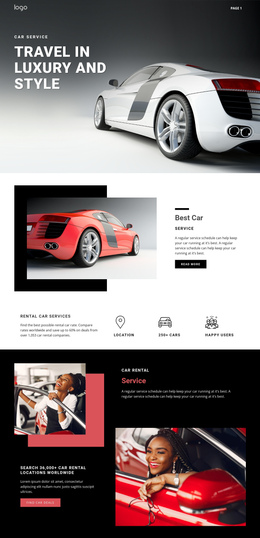
A journeys website direction can provide ideas for route stages, transport notes, and stop-by-stop storytelling without turning the site into a multi-page structure.
Best Practices for One-Page Travel Navigation
Do: keep section order predictable, label anchor links with real travel tasks, and place the main inquiry action at natural decision points. Don't: overload vertical navigation with minor details. A world map concept can introduce route context, but it should support the journey rather than interrupt it. Add the Back To Top Element when reverse scrolling becomes inconvenient.
User-friendly One-Page Travel Questions
How can I access Nicepage Online to create a one-page travel site?
Go to the Nicepage website and use the My Sites button at the top right to open the Online Dashboard. From there, you can start creating websites in the browser.
Can a travel one-page site be adjusted for different screen sizes?
Yes. Nicepage supports Responsive Modes for Large Screens, Desktops, Laptops, Tablets, and both horizontal and vertical phones, allowing the layout to be refined for each screen type.
How can visitors jump directly to itinerary, map, or hotel sections?
Use the Website Menu with a one-page setup so menu items point to blocks on the same page. Hyperlink elements can also direct visitors to supported destinations, including Blocks.
Free One-Page Travel Site Without a Complex Stack
Ready to turn one focused travel story into a clear vertical experience?
- Select a design direction in the Online Builder and arrange destination, journey, hotel, map, and contact blocks.
- Connect menu items and hyperlinks to relevant sections, then refine responsive views.
- Start for free, publish the page online, or export it for the required workflow.