
Modal Popup One Page Templates
-
-

-
-
-
-
-
-
-
-
-
-
-
-
-
-
-
-
-
-
-
-
-
-
-
-
-
-
-
-
-
Build Website with no CodingDownload
-
-
-
-
-
-
-
-
-
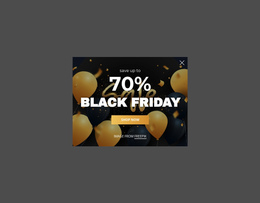
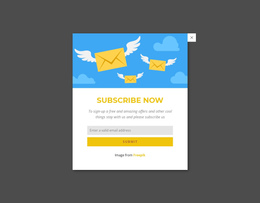
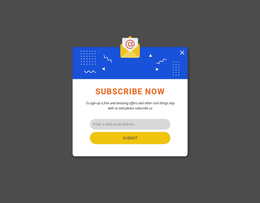

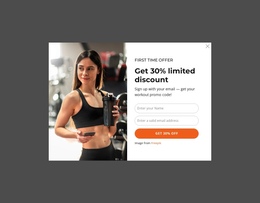
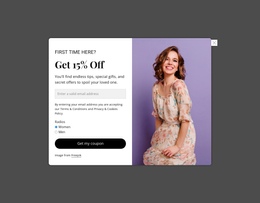

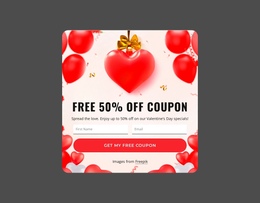
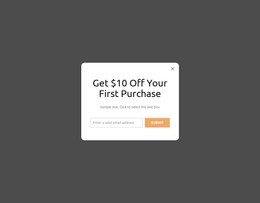
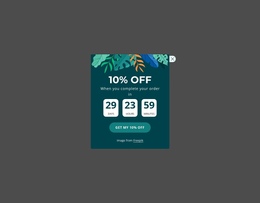


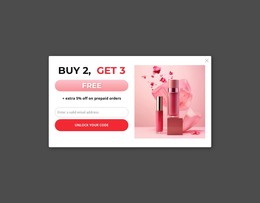

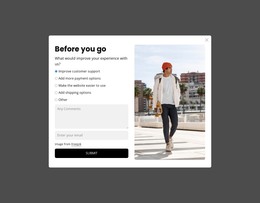
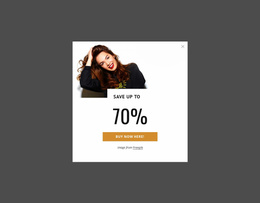

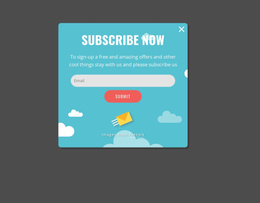
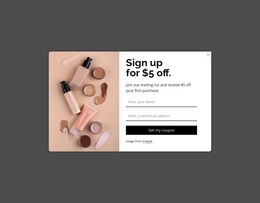
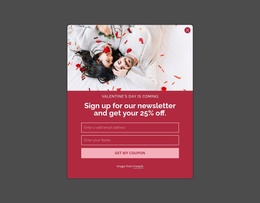
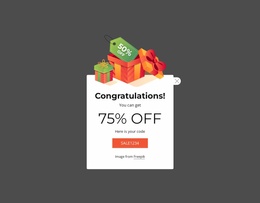
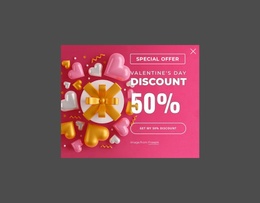

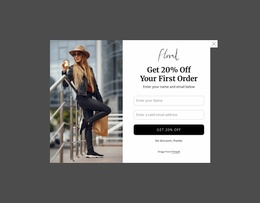
Modern Modal Popup One-Page Template Blocks for Continuous Section Flow
A Modal Popup One Page Template block interrupts the vertical journey temporarily without becoming another permanent section in that journey. Its short message, form, promotion, media, detail, or CTA appears above the current content, then visitors return to the same one-page sequence after they dismiss the overlay.
Where Does a Modal Popup Fit in a One-Page Sequence?
Common one-page placements include: - a product-detail popup triggered from the exact showcase section it expands; - an event or service detail opened from a compact card without adding another full section; - supporting media or specifications revealed while the visitor remains anchored to the same content stage; - a compact form or action opened from a relevant section and dismissed back into that same one-page context.
Start placement with the content stage that gives the popup context. A detail overlay may follow an item that needs more explanation. At the same time, a form or signup prompt may appear after visitors have reached the information that makes the request clear.
The key distinction is that the popup does not extend the page with another full section. It temporarily sits above that sequence. Visitors should still understand where they were in the vertical journey and what content continues after the overlay closes.
This makes Modal Popup placement different from simply adding another Text & Button or Contact Form block between two sections.
Minimal Popup Content Within a Continuous Page Flow
The overlay works best when its content is narrower than the surrounding page structure. A heading, concise explanation, optional media, form, or primary action can create a focused layer without repeating information already available elsewhere on the page.
Nicepage uses Modal Popup as the direct feature for this interaction pattern. When adapting the block in the Nicepage editor, keep the relationship between the trigger context and popup content clear. The overlay should answer or support something introduced in the surrounding one-page flow rather than behave like an unrelated destination.
That connection also helps limit content density. Longer background material can remain in the permanent sections, while the modal carries only what belongs in the temporary interaction.
Use Triggers That Match the One-Page Section
A one-page layout gives the trigger extra importance because every interaction sits inside a continuous visible sequence of sections. A card can open supporting detail, a gallery item can reveal larger media, and a compact control can expose information that would otherwise lengthen the page.
Keep the relationship obvious: the popup should answer the action that opened it, then return the visitor to the same section context when it closes. The modal adds a temporary layer without turning that interaction into another stage of the vertical scroll.
Keep the Popup Connected to Neighboring Sections
A one-page layout depends on continuity between content stages. The popup should support that continuity even though it appears outside the normal vertical sequence.
Before finalizing the block, identify which section gives the popup context and where visitors return afterward. Avoid treating every popup as an anchor destination, navigation layer, or automatic conversion step. The one-page suffix doesn't require those behaviors.
Modal Popup One Page Template FAQ
Can I work on the popup without an Internet connection?
After you sign in with an Internet connection, you can use supported Nicepage applications offline. Template and media libraries are unavailable while offline.
What kind of support does Nicepage provide?
Nicepage provides support through its Support System. Support is not provided by phone or Facebook.
Should a Modal Popup become another step in the one-page scroll?
No. The Modal Popup is a temporary overlay rather than a permanent section in the vertical sequence. Its content should relate to the surrounding stage, then let visitors return to the underlying one-page flow.
Add the Popup Without Breaking the Page Sequence
Choose a Modal Popup design that fits the surrounding content stage, open it in the Nicepage editor, and adapt the message, form, media, or action for that temporary interaction. Integrate the block so it supports the continuous page journey without duplicating a permanent section.


































