Travel in Paradise One Page Template


Edit Template Offline
2. Create new page and search for id 28973
Edit Template Online
Create Awesome Websites


Free Nicepage Builder
Keywords
Seven sections create a continuous travel information path
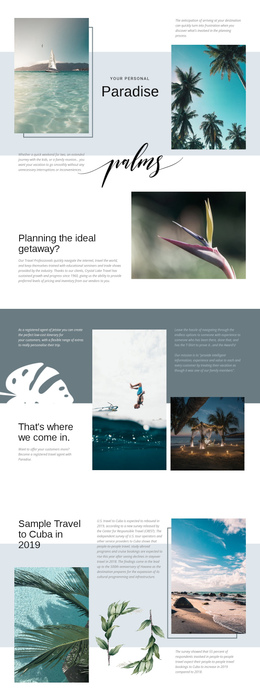
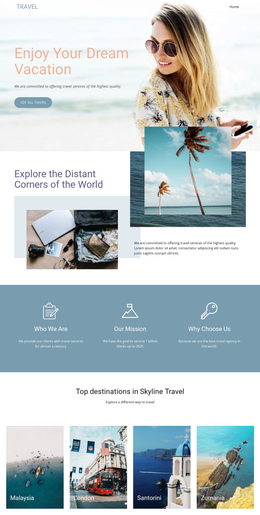
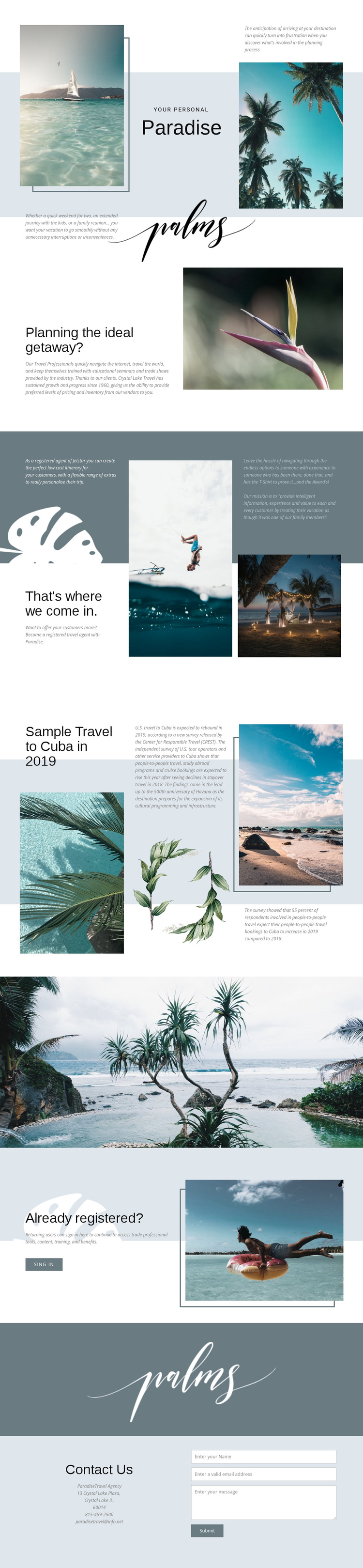
The page has a meaningful long-form sequence rather than a single isolated promotional panel. Paradise branding and tropical imagery provide the opening destination, followed by the question about planning an ideal getaway. The next grid explains how the travel professionals come in, allowing visitors to understand the service before they encounter the separate Cuba and Havana feature. Each section adds a different content destination while remaining within the same travel narrative.
The full-width coastal image acts as a visual pause between editorial material and account-related content. After that break, the Already registered? section addresses returning users and places the sign-in action beside a large travel photograph. The final Contact Us section supplies another destination for visitors who need to ask about planning or services. Its name, email, and message fields give the page a clear closing interaction without making the entire structure dependent on one form.
This arrangement suits a one-page experience because introduction, service explanation, destination content, professional access, and contact information can be explored in sequence without requiring separate URLs. The sections are distinct enough to support meaningful navigation labels, while the repeated travel imagery and restrained aqua, slate, white, and pale blue palette help the continuous document feel connected from beginning to end.
Customize with Nicepage
Open this ready-made template in the One Page Template Builder and customize it visually in the Nicepage editor. Replace demo content, edit page sections, and adapt the design to your project without rebuilding the template from scratch.
Build a Navigable One-Page Website
Connect the Menu to Page Sections
Organize the website as a sequence of sections on a single page and use the Menu For One-Page Site to connect menu items with individual page Blocks. Visitors can jump directly to sections such as About, Services, Testimonials, or Contact without opening separate pages.
Keep the Website on One URL
A one-page template can combine several parts of a small website within one continuous page. Arrange the Header, introduction, services, portfolio, company information, reviews, contact details, and other relevant sections in the order that fits the project while keeping them accessible through the same page navigation.
Make Long Pages Easier to Navigate
For longer one-page websites, keep navigation labels short and connected to meaningful sections so visitors can move through the page without relying only on scrolling. You can also use the Back To Top element to provide a quick way back to the beginning after longer sections.
This workflow makes the template suitable for compact websites that need several distinct content sections while keeping the complete visitor experience on one URL.