350 Nature One Page Templates

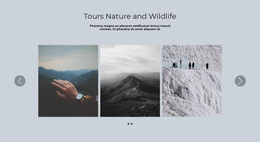
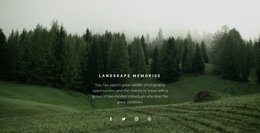

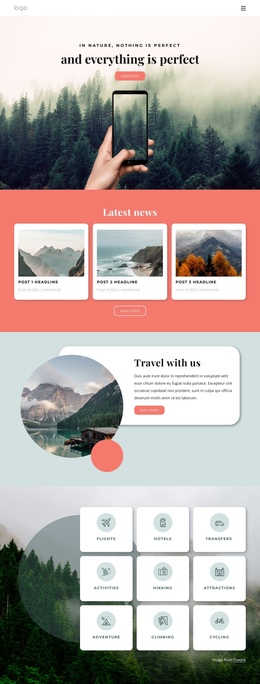

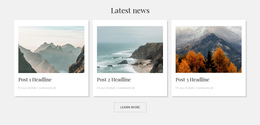

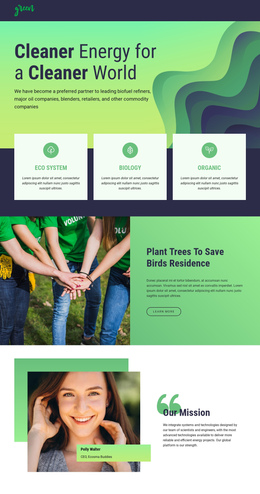
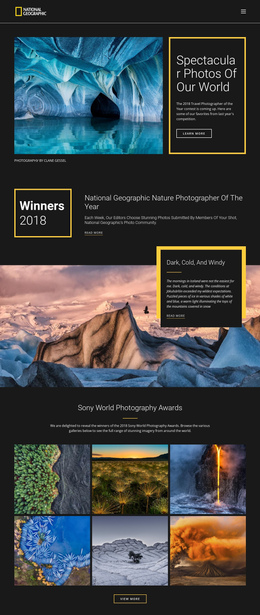
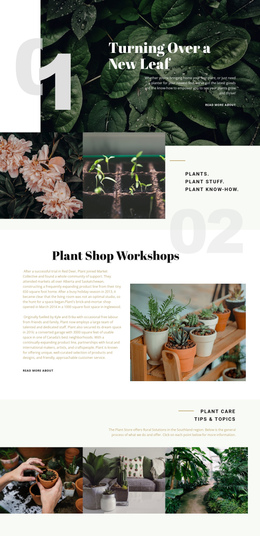
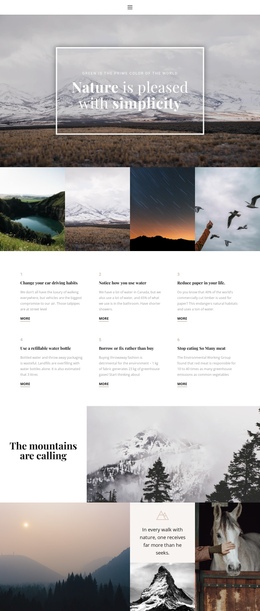
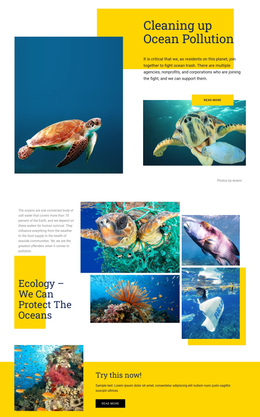
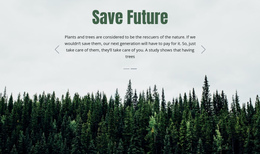
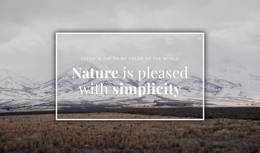

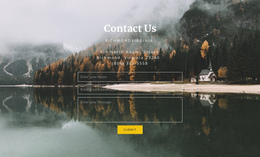
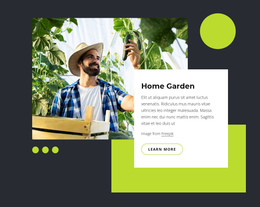
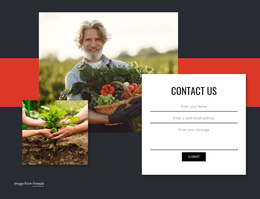
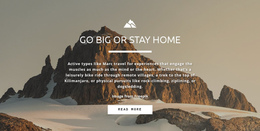
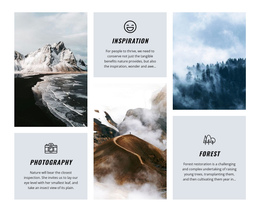


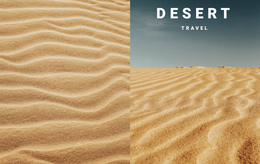
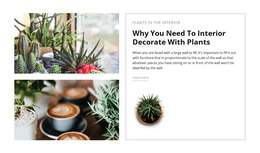
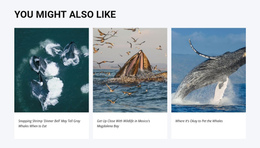

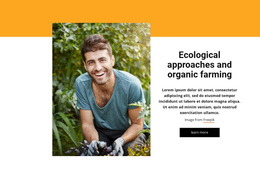
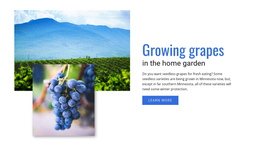




Minimal Nature One-Page Template for Complete Project Stories
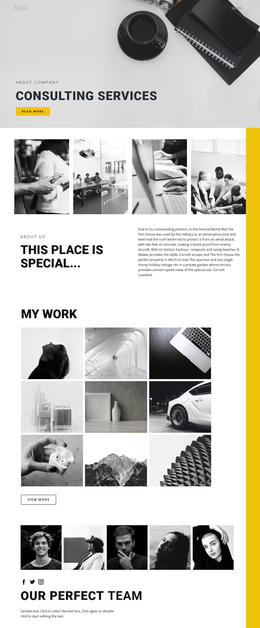
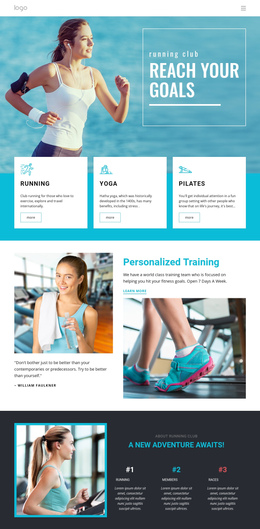
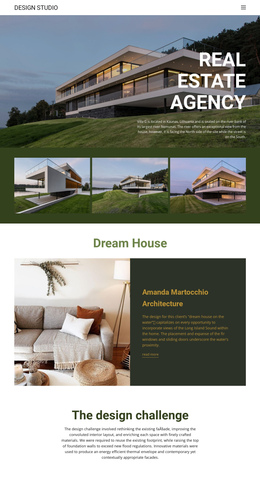
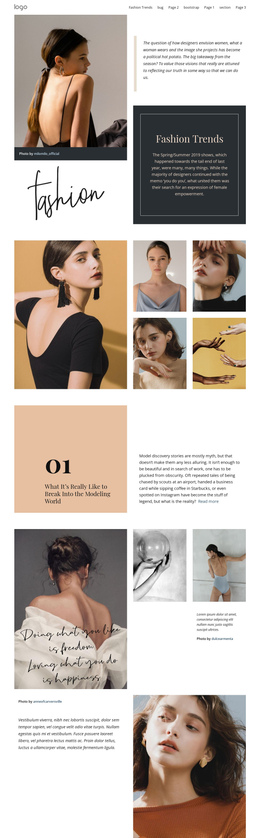
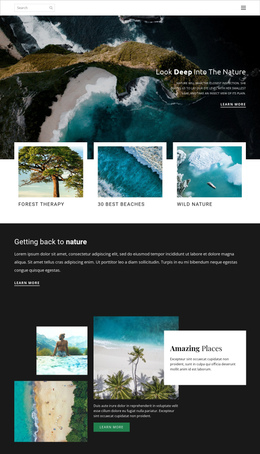
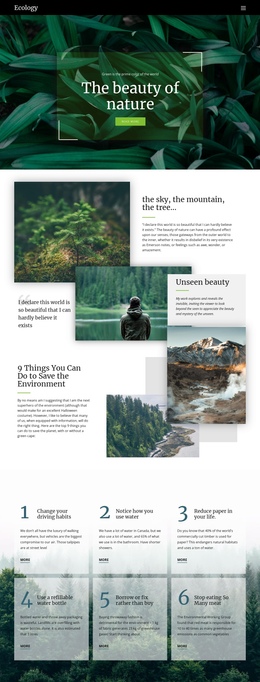
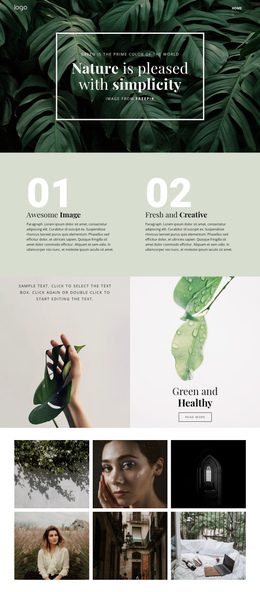
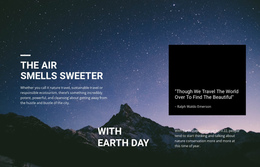
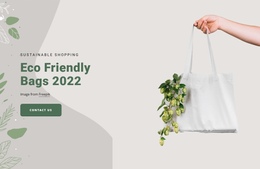
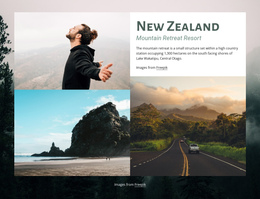
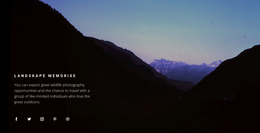
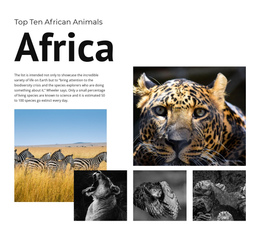
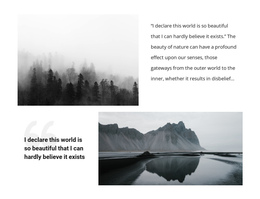
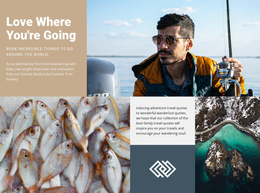
A nature one-page template serves as a complete, small website arranged on a single long page. Instead of sending visitors to separate About, Projects, Gallery, and Contact pages, it places those subjects within a single continuous vertical structure. Conservation initiatives, landscape studios, eco projects, and outdoor organizations can use this format when the full project can be understood through a compact set of substantial sections.
The sections are not merely steps toward one conversion. Each can carry an important part of the project: background, services, locations, field work, gallery content, team information, updates, or contact details. The value is continuity and easy movement through the full story.
Build a Long Page with Several Equal Sections
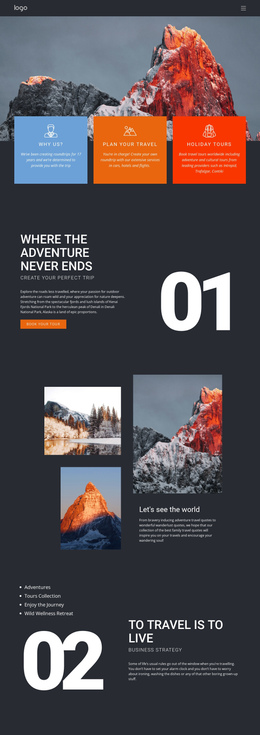
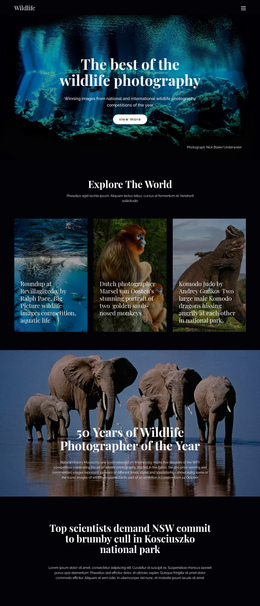
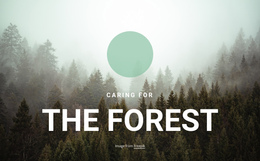
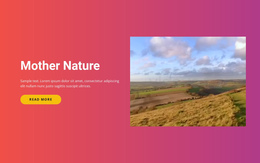
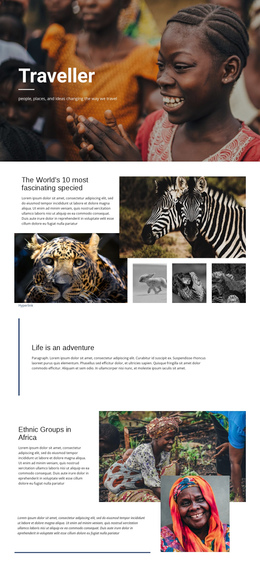
A one-page nature site may begin with an introduction, continue with mission or service information, show projects or fieldwork, add a gallery, explain practical details, and finish with contact information. Landscape website ideas can help shape the visual rhythm for a studio or environmental design project.
Because the page is long, navigation should help visitors jump between major sections. Website Menu can provide section-based access, and the dedicated one-page menu setup supports anchor navigation for this format.
Keep Navigation Useful Throughout the Scroll
Anchor links are central to a one-page structure because visitors may want to move directly to Projects, Gallery, Services, or Contact without scrolling through every preceding section. Hyperlink Element can connect navigation items or text links to relevant page locations and other destinations.
Back To Top Element is also useful after visitors reach deeper sections; the Back To Top documentation explains its role on extended pages. These tools make a long standalone site easier to explore without turning it into a multi-page project.
Give Visual Sections Enough Space
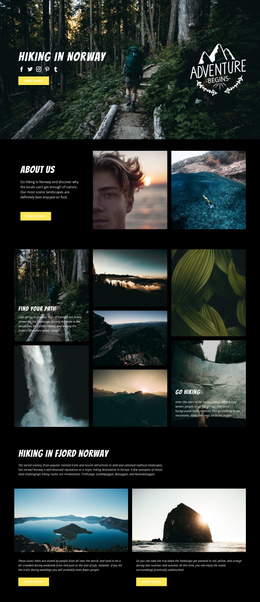
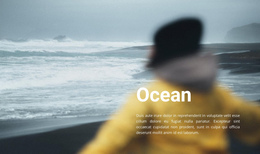
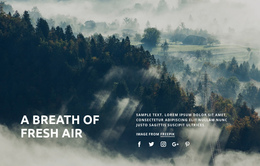
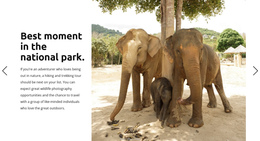
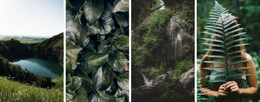
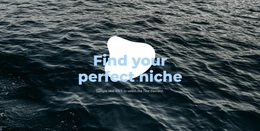
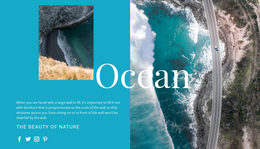
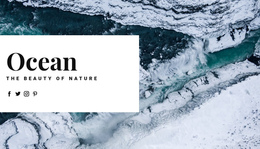
Nature one-page sites often rely on large imagery, but every visual block should have a role in the broader sequence. Image Gallery Element can collect landscape, habitat, or fieldwork photography in a single substantial section. An ocean website direction can provide a focused approach for marine or shoreline projects where imagery is a major part of the story.
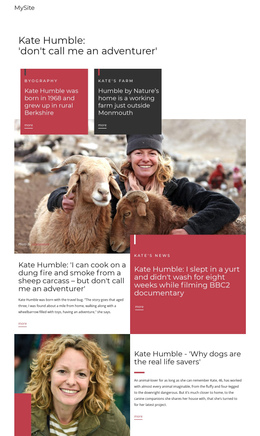
Grid Element can organize services, project summaries, team information, or location details inside responsive cells. At the same time, Edit Mobile Views helps preserve the section sequence across desktop, laptop, tablet, and phone layouts.
Nature One-Page Questions
What content belongs on a one-page nature website?
A one-page site can include an introduction, mission, services, projects, gallery content, team or location information, updates, and contact details as substantial sections on a single continuous page.
How can visitors move quickly between sections?
Use anchor navigation in the Website Menu or Hyperlink Element so visitors can jump directly to major sections such as Projects, Gallery, Services, or Contact.
How can visitors return to the beginning after a long scroll?
Use the Back to Top Element near deeper parts of the page. It gives visitors a direct way to return to the opening section after exploring the rest of the site.
Build the Whole Nature Project on One Page
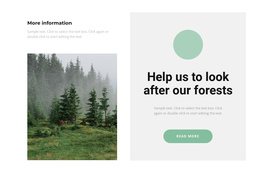
Start with the major subjects the site must cover, turn each into a substantial section, and arrange them into a single continuous story. A focused recycling website concept can inspire an environmental project, while anchor navigation and Back To Top access keep the long page practical from beginning to end.