100 Pricing One Page Templates
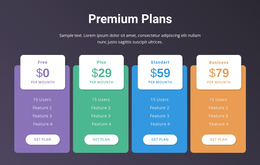
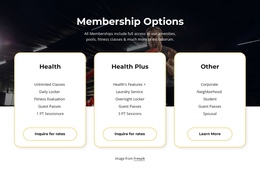
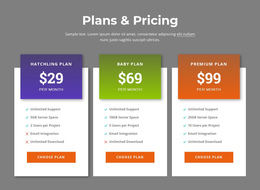
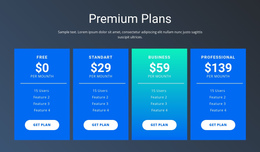
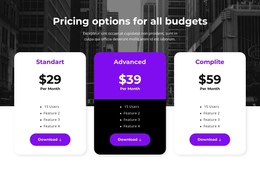
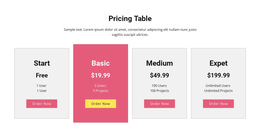
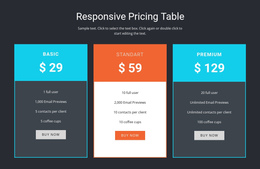
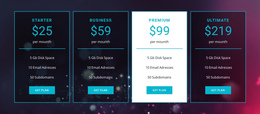

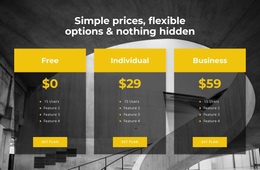
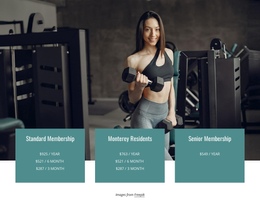
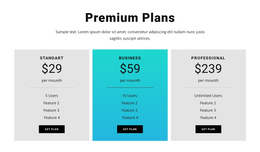
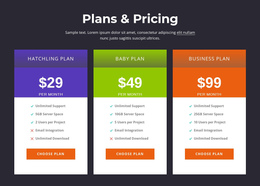
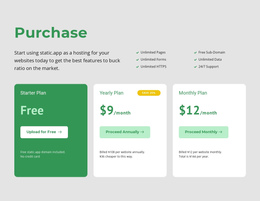
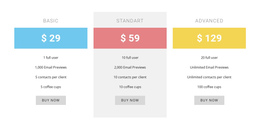
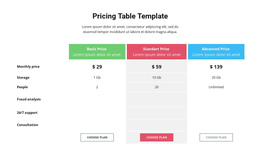
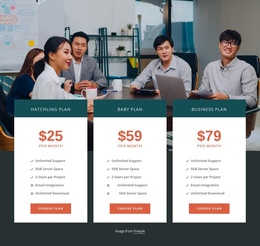

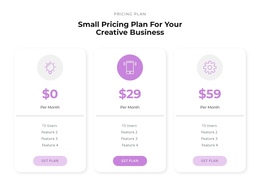
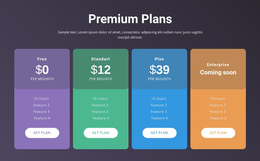
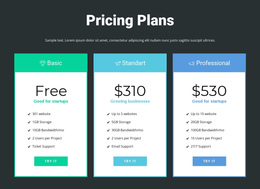
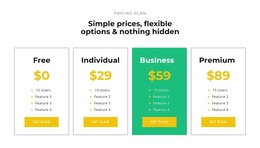
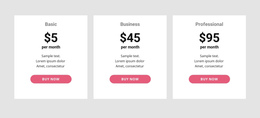
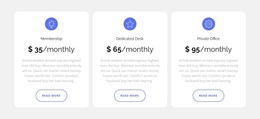
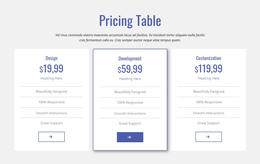
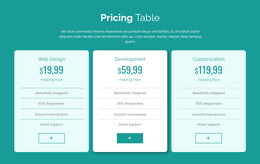
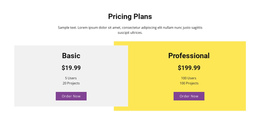
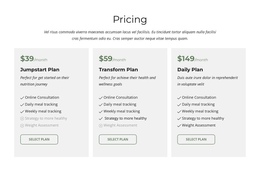
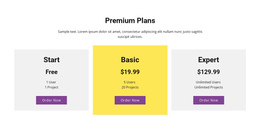

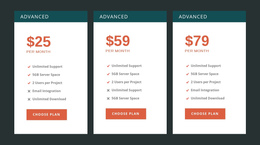
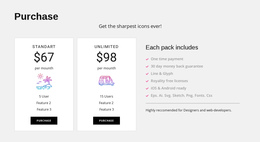
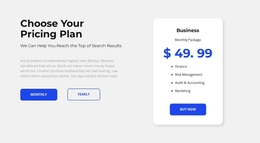
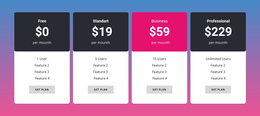
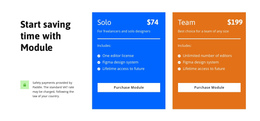
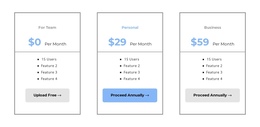
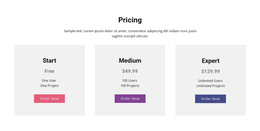
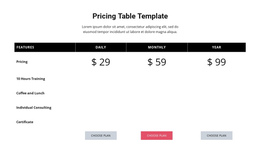
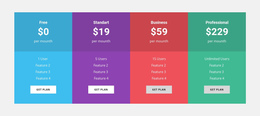

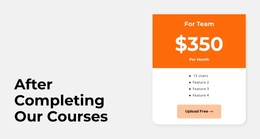
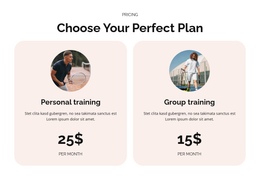
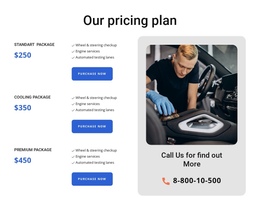
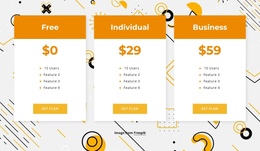
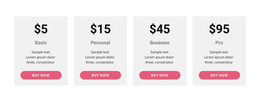
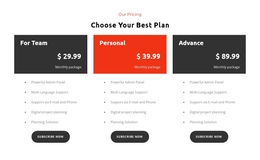

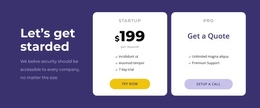
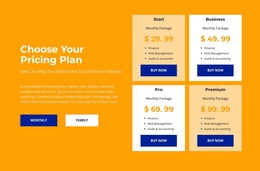
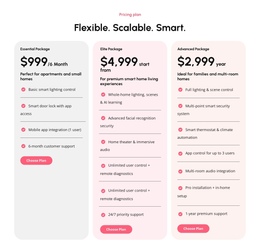
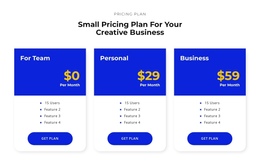
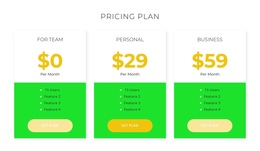
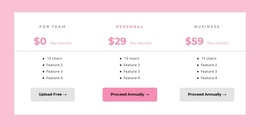
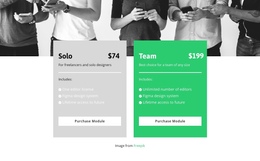
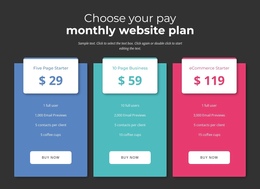

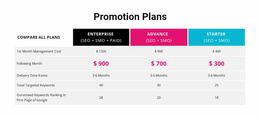
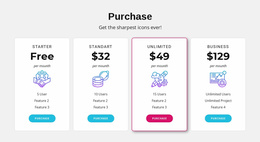
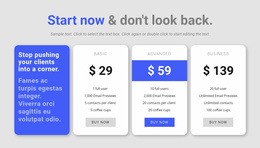
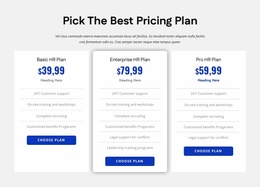


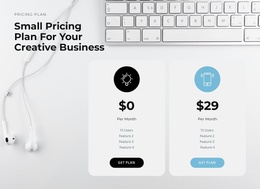
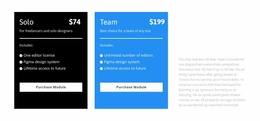
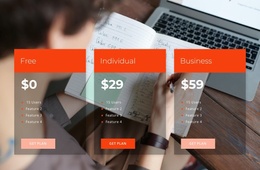
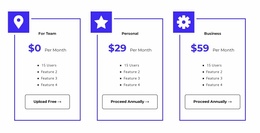
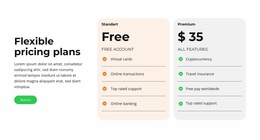
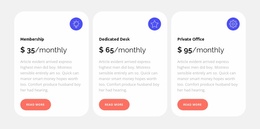
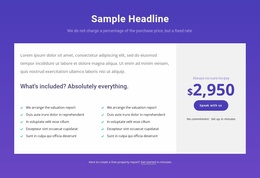
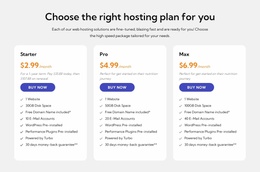
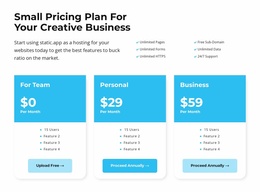
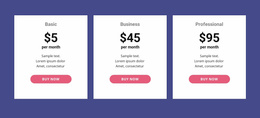

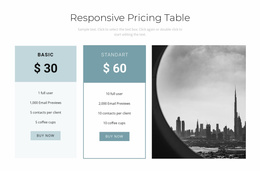

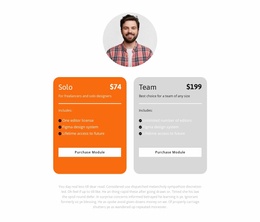
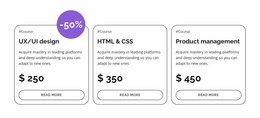
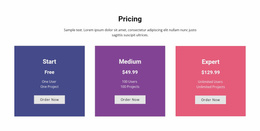
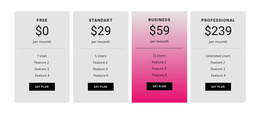
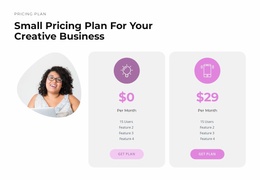
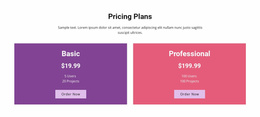
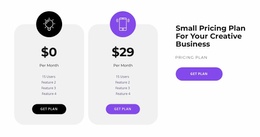
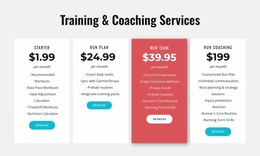
Ready-To-Use Pricing One-Page Template Sections for Continuous Page Flow
A Pricing One Page Template places paid offers inside a continuous site with section links, supporting content, and often a contact or booking form lower down. The design challenge is navigation through one long page: help visitors find the plans, follow an action, and return to the comparison without losing their place.
Unlike an isolated pricing table, this section must also fit the reading sequence. Its position, content density, and next action influence how naturally visitors move from learning about an offer to choosing a plan.
Where Should Pricing Appear on a One-Page Layout?
When comparing ready-made pricing sections for a one-page site, favor a block that fits a continuous page with section anchors and a clear path to contact or inquiry content. Compare prepared sections by how naturally they fit a continuous page with section anchors, rather than treating the section as a separate destination. A pricing section generally belongs after the content that explains the available product or service. By this point, visitors should understand the offer well enough to evaluate its cost.
Compare prepared pricing blocks by how they fit one continuous page with section anchors, including how visitors reach the comparison from the introduction and find the next relevant section.
For a compact service website, Benefits → Pricing → FAQ → Contact creates a useful sequence: benefits establish value, pricing presents the decision, FAQ addresses plan conditions, and contact provides a next step. The surrounding page flow may include:
- An introductory section that establishes what is being offered.
- A benefits or features section that explains the value behind the plans.
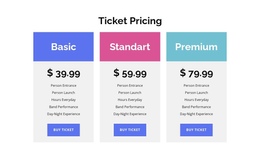
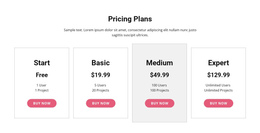
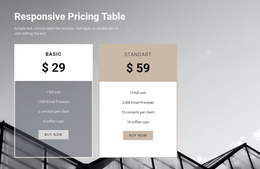
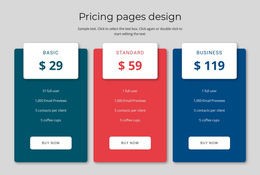
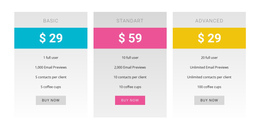
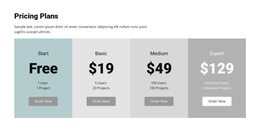
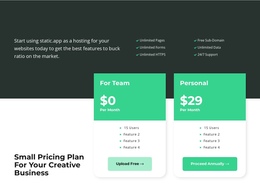
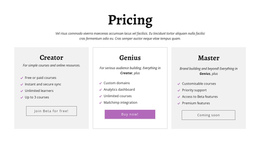
- The Pricing block that compares available packages and costs.
- A follow-up section that provides additional clarification or supports the next action.
This order is not mandatory for every project. A short page may need only a brief introduction before pricing, while a more detailed offer may require additional explanations.
The essential rule is to avoid presenting prices without enough context for visitors to understand the differences.
Design Pricing for a Continuous One-Page Journey
A Pricing One Page Template has a particular navigation problem: visitors need to reach the plan comparison, act on a choice, and sometimes return to check an earlier offer without leaving the same long page. The same one-page design can also function as a landing page; these formats aren't mutually exclusive.
Consider a one-page studio website organized as introduction, services, benefits, work examples, pricing, FAQ, and contact. The service details establish scope, the benefits explain value, and the contact section provides the next step after comparing packages. A menu link can jump directly to the pricing section. A package button can link further down to the inquiry form, while a simple return link helps readers revisit the offers after reviewing the FAQ.
Make those transitions deliberate:
- Pricing anchor: provide a discoverable route from the navigation or an earlier section.
- Section order: introduce services before the plan comparison so the costs make sense.
- Form connection: direct plan-specific actions to a relevant contact or booking area.
- Return path: make the comparison easy to find again after supporting details.
- Section length: keep essential plan differences in the pricing block and move lengthy explanations to a later section.
The goal is a navigable single-page structure, not a pricing area so large that it overwhelms every other part of the page.
The Table Element documentation provides the relevant Nicepage editing reference.
Connect Pricing Actions to the Same-Page Journey
On a one-page layout, a selection button does not always need to open another page. For example, a visitor can follow a navigation anchor to Pricing, select the “Standard” service package, jump to the inquiry form below, and return to the pricing anchor to compare conditions. This remains one continuous page journey.
When choosing a prepared layout, check whether each plan button should scroll to an inquiry or contact block on that same page. External destinations can still be appropriate, but the continuous-page journey must remain understandable.
Nicepage's Button Element supports links to block anchors and external destinations. This lets you connect pricing actions to the right next step.
Consider the intended action before choosing a destination:
- Request a quote: Direct visitors toward a relevant inquiry section.
- Select a subscription: Link to the appropriate registration or checkout destination.
- Ask about a package: Point toward a contact form or additional information area.
These are navigation possibilities, not automatic payment or subscription functionality. The button destination should match the action promised by its label.
Keep Pricing Proportional to the Rest of the Page
A continuous page can become hard to follow when one section has far more detail than the others. Pricing deserves enough space for a meaningful comparison, but it should not overwhelm the surrounding content.
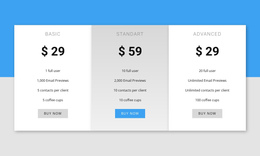
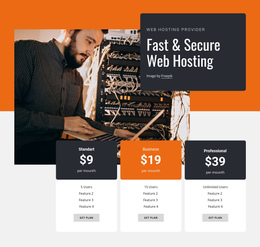
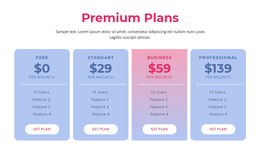
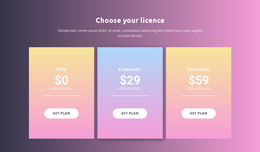
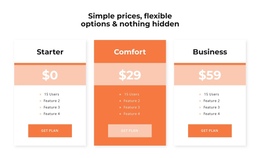
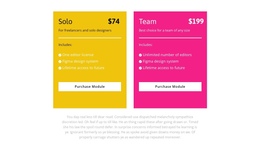
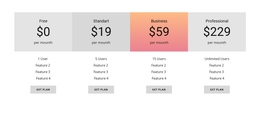
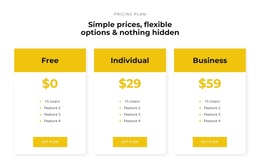
Two or three pricing cards may be sufficient for straightforward offers. For more complicated packages, use a table, provided the extra information genuinely helps visitors distinguish the plans.
If a feature-by-feature comparison becomes so long that readers lose the surrounding services and contact sections, shorten the visible plan summaries and move supporting conditions into a nearby FAQ or a separate details destination. If an offer requires extensive conditions, consider whether every detail belongs inside the pricing cards. Keep the essential cost and benefit comparison visible, while directing visitors toward supporting information when necessary.
This separates a Pricing block from a Product List: the former compares related paid options, while the latter focuses on browsing individual products.
Pricing One Page Template FAQ
Can I link a pricing button to another section on the same page?
Yes. Nicepage's Button Element supports block anchor links, allowing visitors to move from a pricing section to another relevant area on the page. You can also configure supported external destinations when the next step takes place elsewhere.
Where should I place pricing in a one-page design?
Pricing usually works best after visitors have received enough information to understand the available offers. Place the block near the decision stage, with the next relevant action or supporting information following it naturally.
Can I use Nicepage AI to create a pricing block?
Yes. Nicepage AI Services can generate sites, pages, and blocks. A generated pricing block provides a starting structure that you can refine with actual prices, feature lists, plan descriptions, and selection actions.
Is a pricing section the same as a complete one-page template?
No. A pricing section is one functional block within a larger one-page layout. It presents plans, costs, and selection actions, while other sections handle the introduction, benefits, supporting details, and additional visitor interactions.
Add a Pricing Section to Your One-Page Design
Select a pricing block that matches the number of offers and how much information visitors need to compare. Adapt the plan names, prices, features, and buttons in the Nicepage editor, then position the section where it connects naturally with the surrounding content.
Choose a prepared pricing section that keeps the visitor within a coherent one-page reading flow, with relevant section connections before and after the comparison.
The finished block should provide a clear transition from understanding the offer to choosing a plan, without interrupting the one-page reading flow.