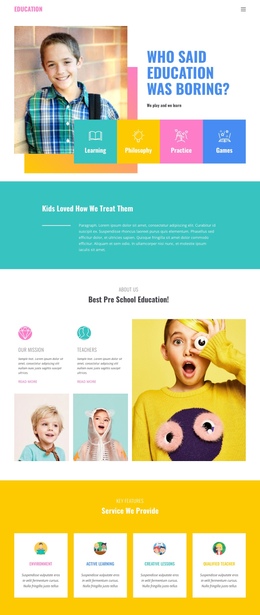
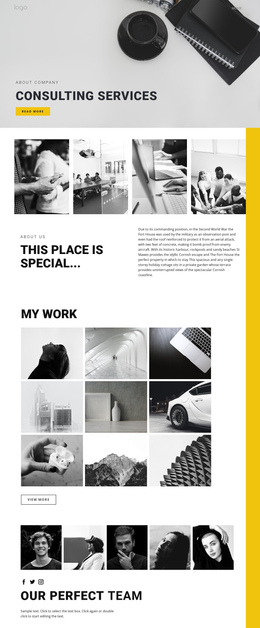
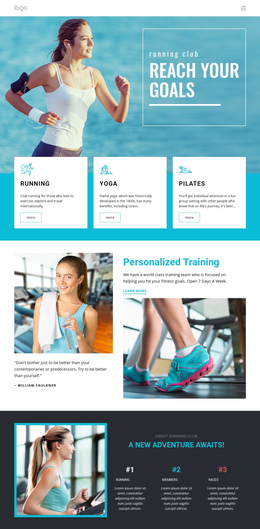
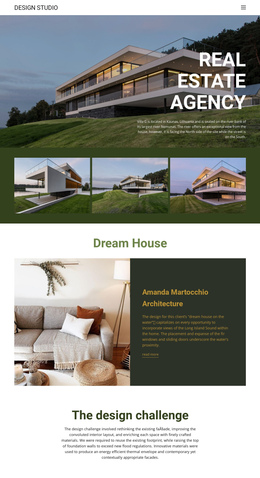
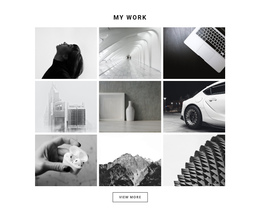
300 Gallery One Page Templates
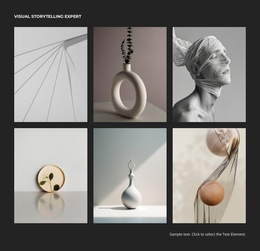
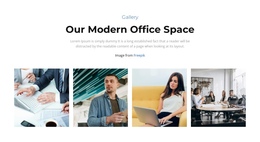

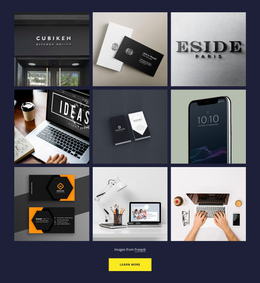









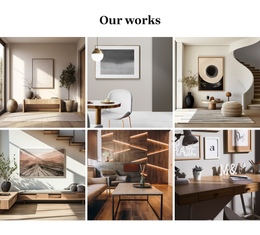


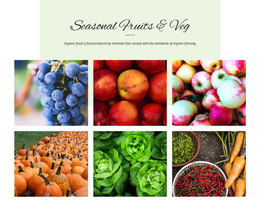
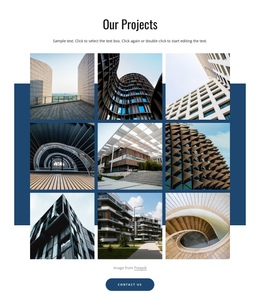
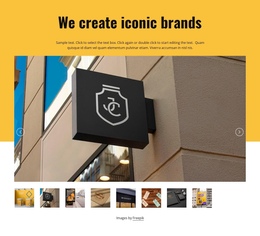













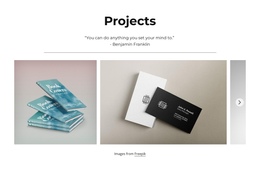
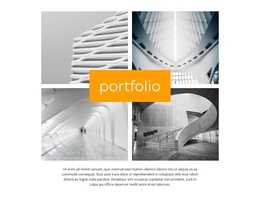
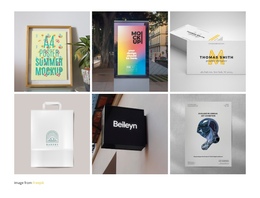



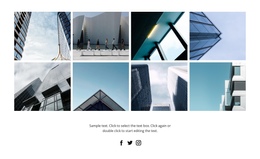

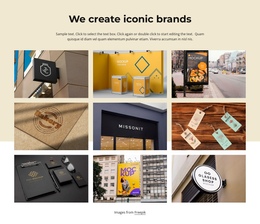

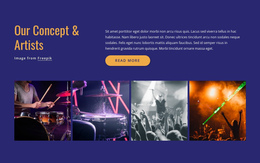
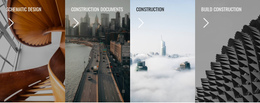

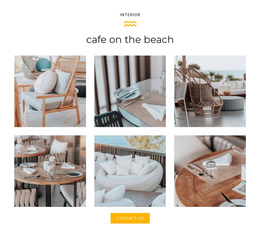
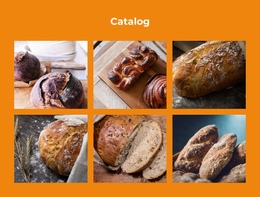

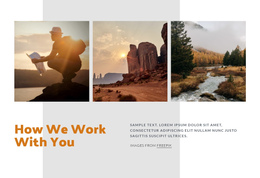



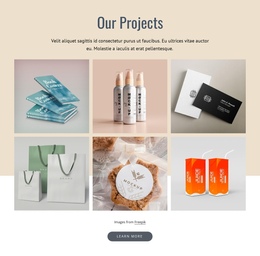


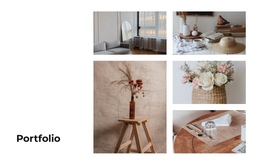






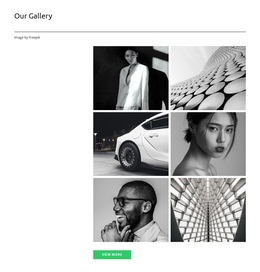








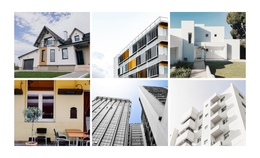



















Gallery One-Page Template Designs for Continuous Showcases
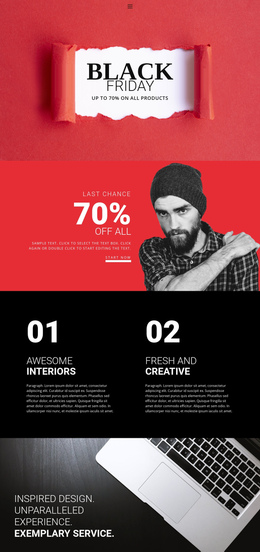
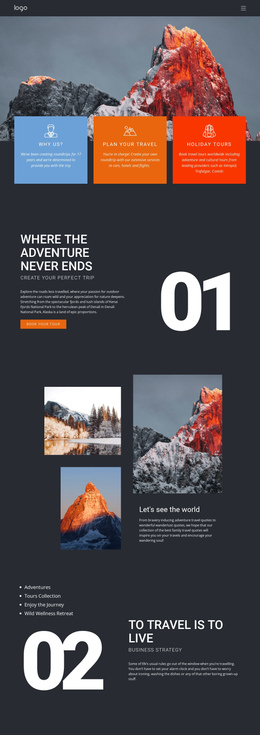
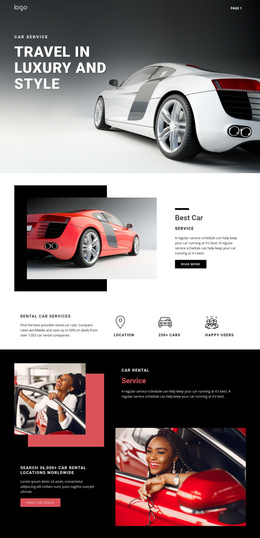
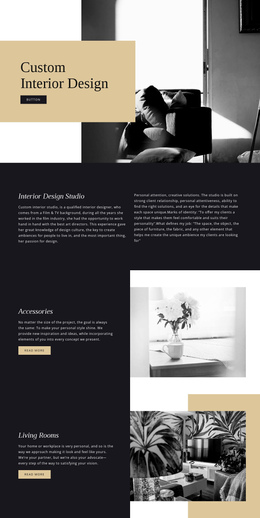
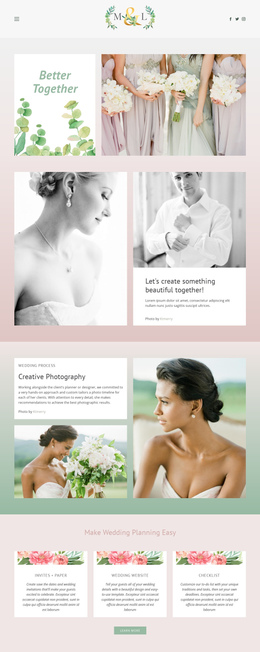
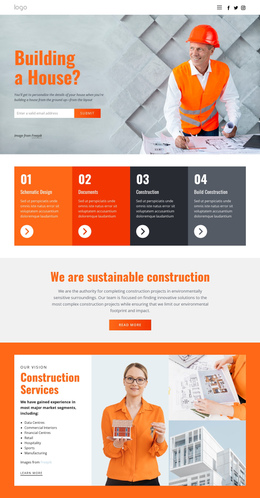
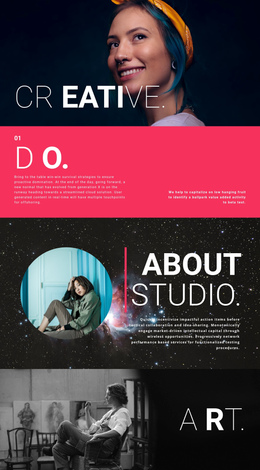
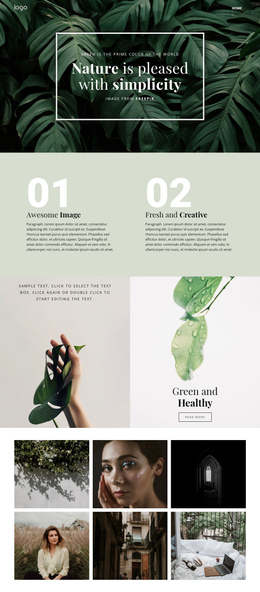
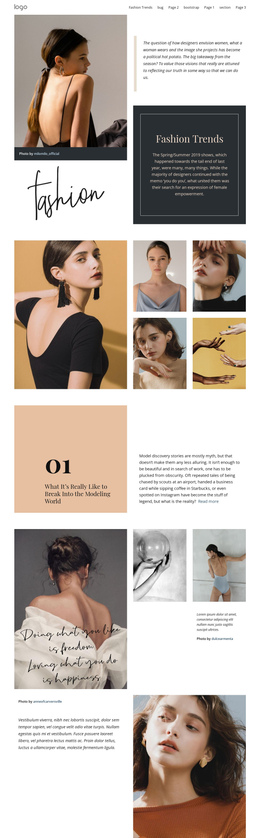
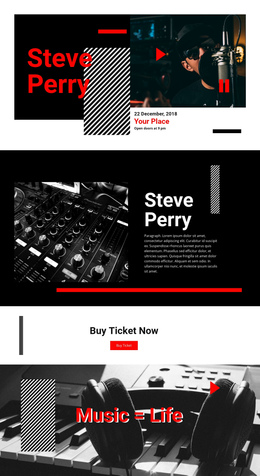
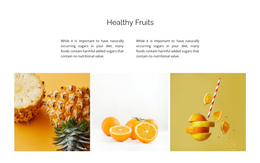
Gallery One-Page Template designs offer ready-made image sections for single scrolling websites. Within a one-page portfolio or event page, a gallery can provide a brief visual highlight or become the main showcase. The difference lies in how many images get attention and how much space the section takes up.
Some collections need just a few compelling photographs before visitors reach the contact section. Others deserve a fuller, image-led presentation within the same scroll.
Gallery Designs That Fit a Continuous Scroll
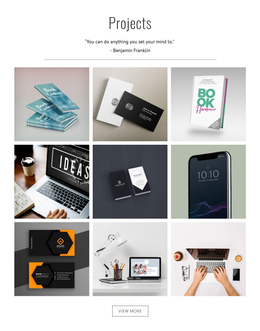
The one-page format gives a Gallery a specific job: show enough visual work without breaking the flow of the page. A photographer's single-page portfolio can give images substantial room, while a small business may use a compact collection between its service description and contact area.
- Short rows work as a quick proof of past work.
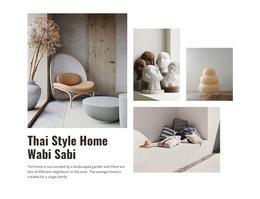
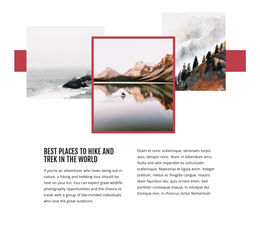
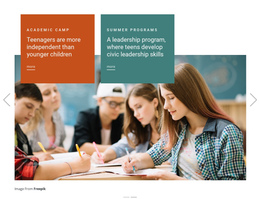
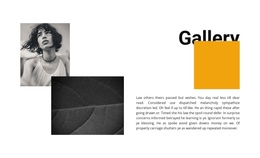
- One featured image with supporting views adds a clear highlight.
- Captioned sections help visitors identify projects while scrolling.
Nicepage's Image Gallery Element offers arrangements for presenting related images together. Choose the length and visual emphasis of the ready-made section based on its role in the overall one-page experience.
A short row of images can feel like a brief visual pause between sections; a larger Gallery can become the centerpiece of a one-page portfolio. The important distinction is how much of the single page the collection should occupy. A featured photo establishes a focal moment, while a captioned selection can tell a compact project story without sending visitors to a separate gallery page.
Keep the One-Page Gallery in Proportion
A longer photo showcase can anchor an image-led one-page portfolio. When the site has several other sections, a small image group offers a more natural pause in the continuous scroll. The appropriate ready-made layout supports the page's pace without requiring every image to be displayed at once.
Choose Gallery Instead of a Decorative Image Composition
A common mistake is treating every multi-image arrangement as a gallery. Layered Images, for example, use overlapping photographs to create a single visual statement. Gallery instead supports examining several distinct media items within one collection.
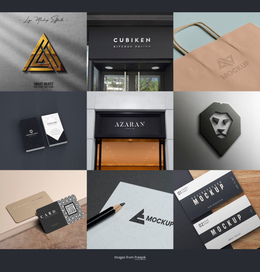
Choose Gallery when visitors need to compare photographs, review project examples, or browse related visual details. Keep decorative layering secondary to the images themselves.
Gallery One-Page Template FAQ
Can Nicepage AI help create a Gallery block for a one-page project?
Yes. Nicepage AI Services can generate sites, pages, and blocks. You can refine a generated block in the Nicepage editor and adapt its images and layout to the surrounding one-page content.
Can I use a custom domain for a one-page website containing a Gallery section?
Yes. Nicepage supports assigning a custom domain to a website published and hosted on the Nicepage Network. The Gallery remains a section within that website.
How large should a Gallery section be in a continuous one-page layout?
Use enough images to present the intended visual collection without overwhelming neighboring sections. The Nicepage Image Gallery Element provides gallery arrangements and spacing options to help you organize images within the available page area.
Add a Gallery Block to Your One-Page Project
Choose a Gallery design that matches your image collection, then open it in the Nicepage editor. Replace sample images, refine captions and spacing, and review how the section connects with the content before and after it.
Keep the gallery focused on visual browsing, then incorporate it into the appropriate point of your single-page sequence. The result should feel like a meaningful stage in the scrolling experience rather than an isolated image collection.