1000 Architecture & Building One Page Templates
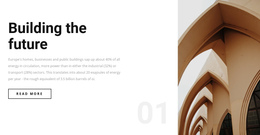
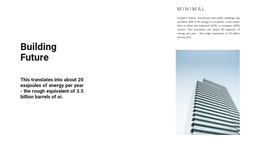

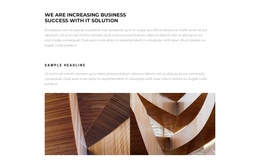


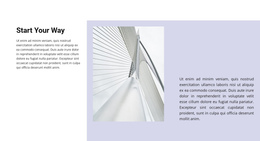
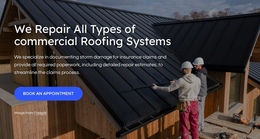
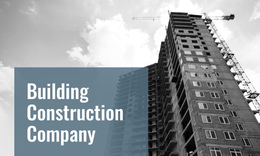




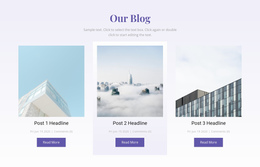

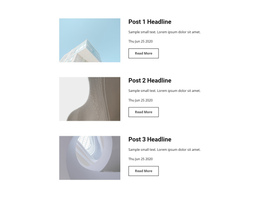
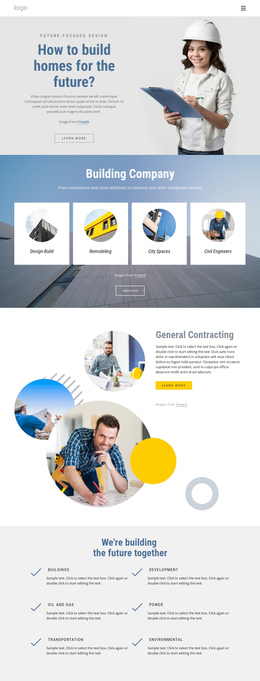
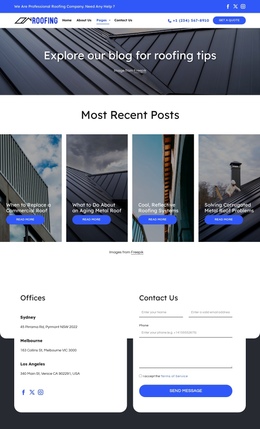
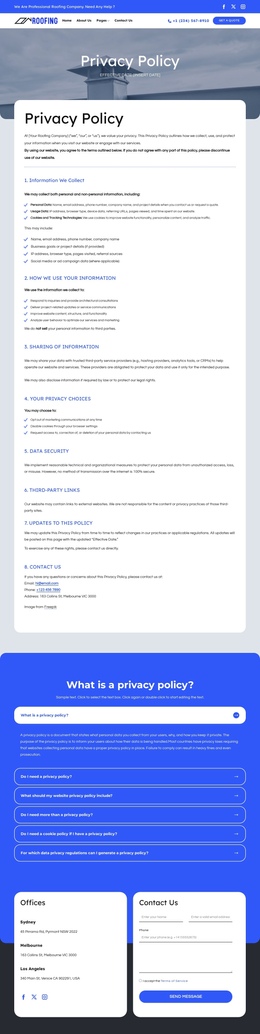

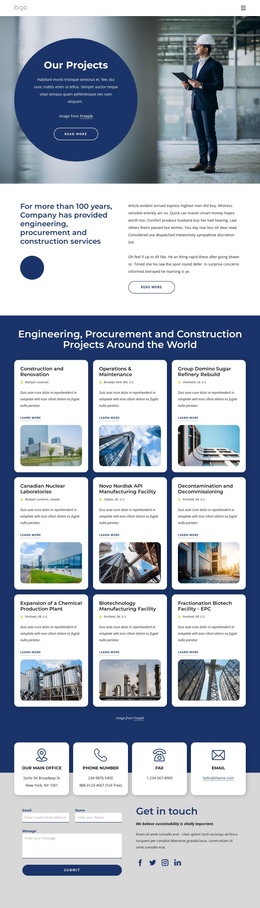

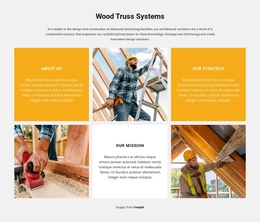

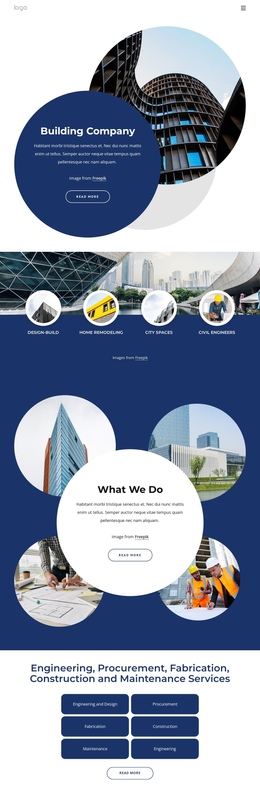
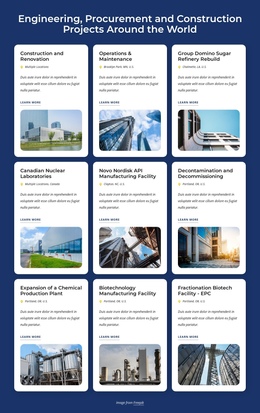
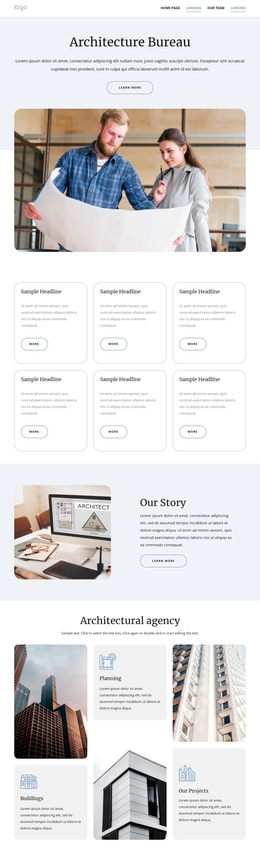

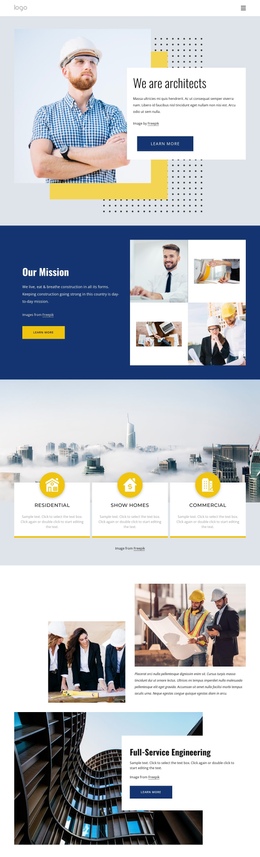
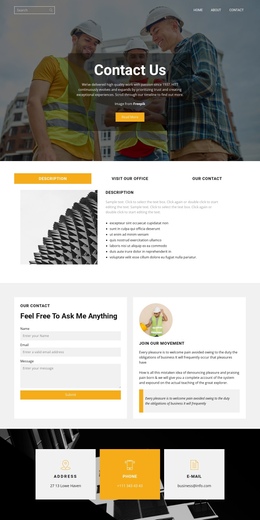

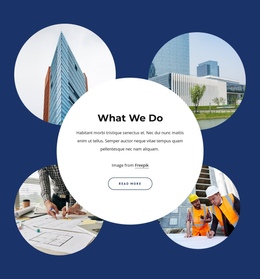
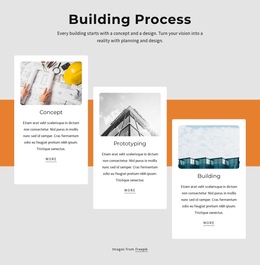
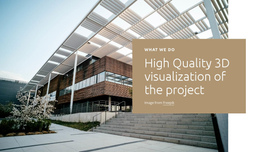

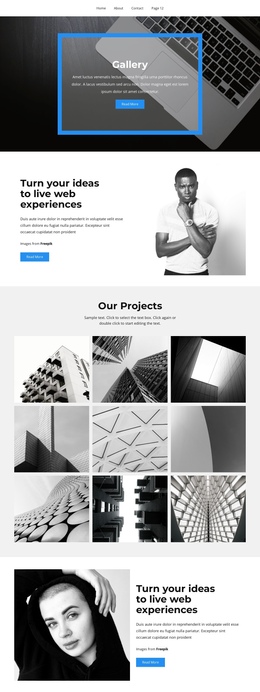
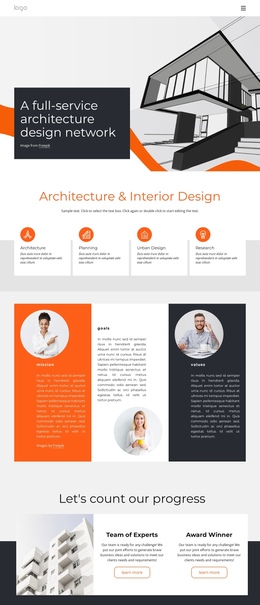
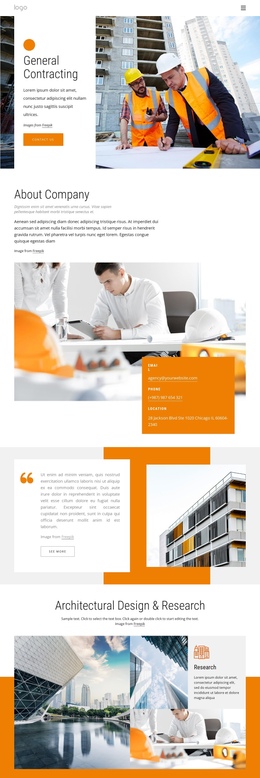
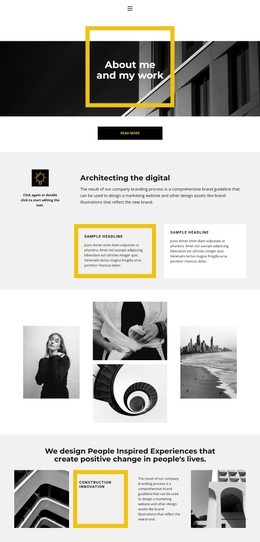
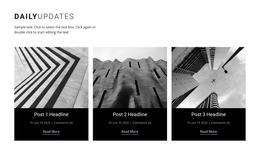
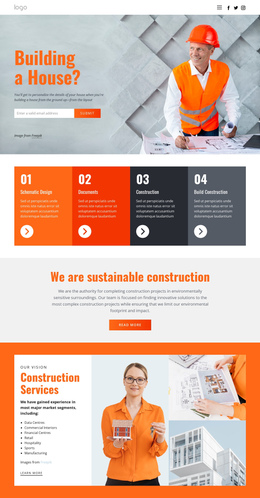
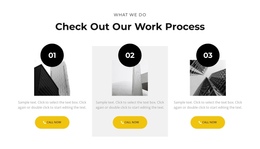
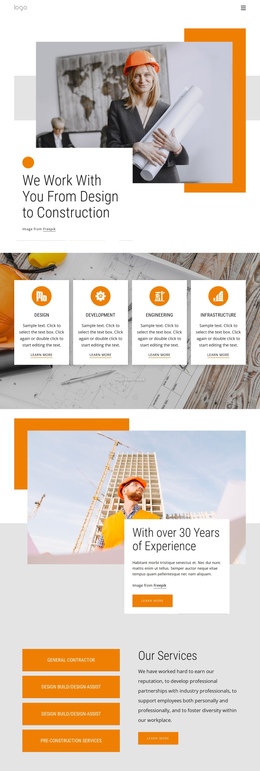
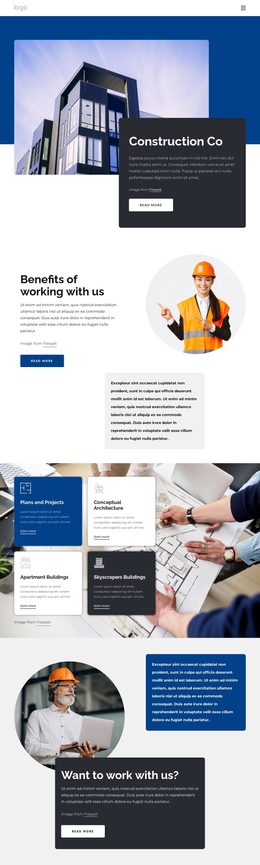

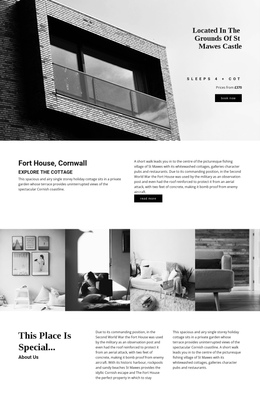
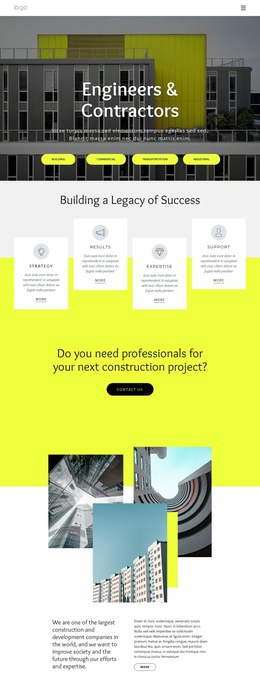


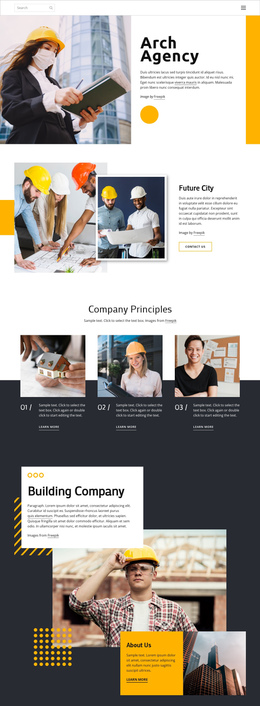

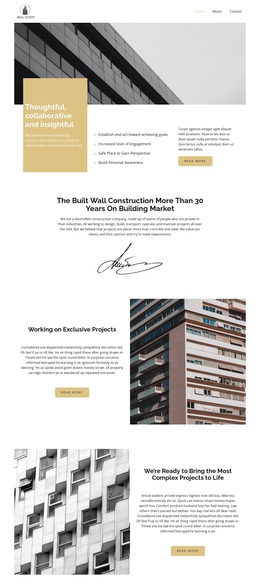

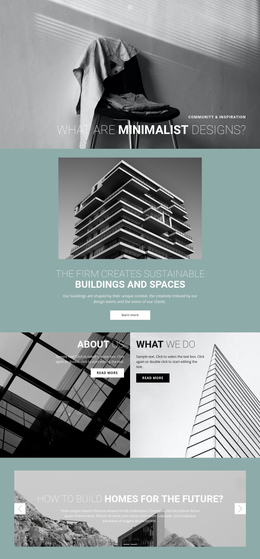
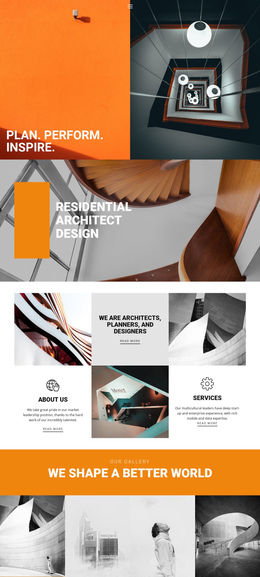
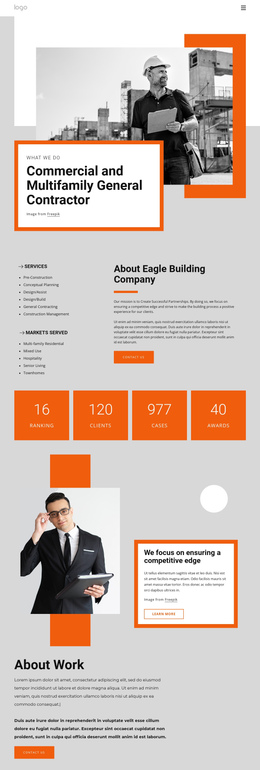
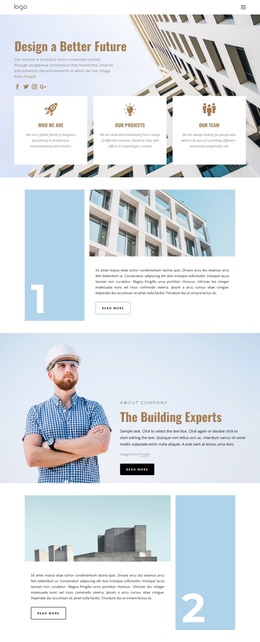

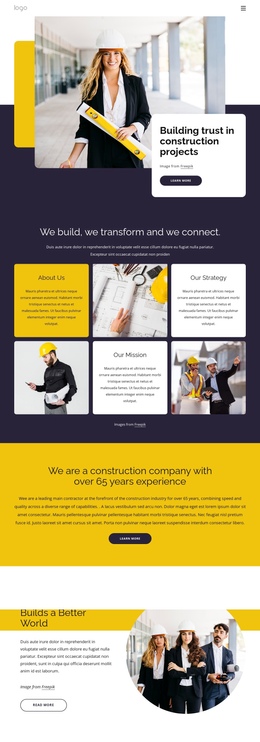
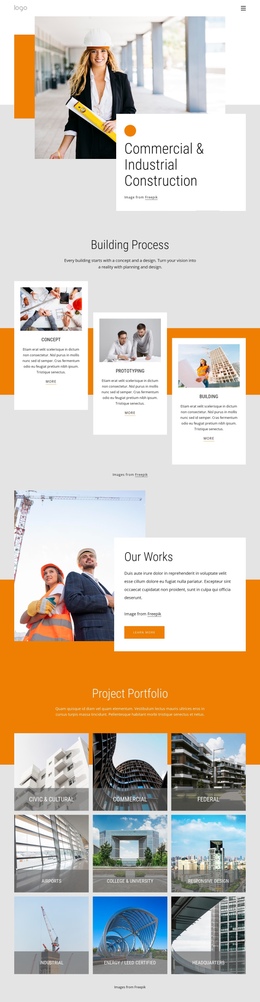
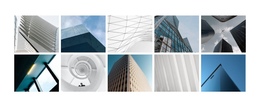
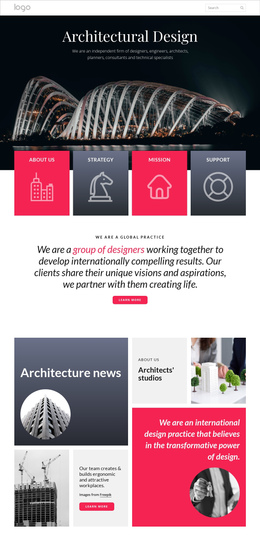
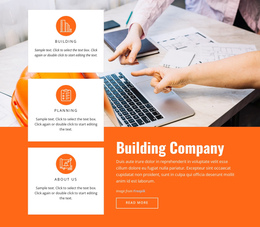
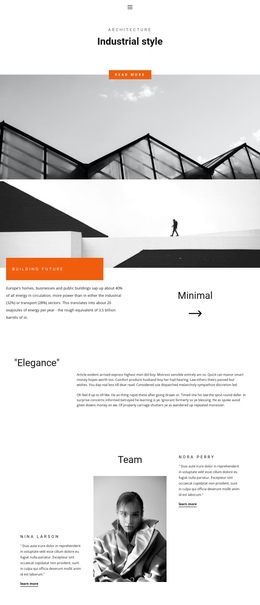
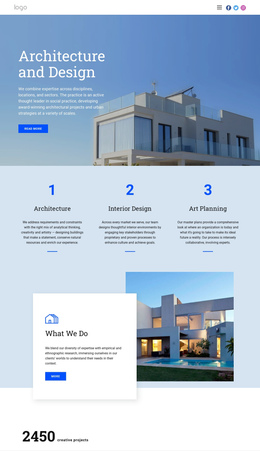
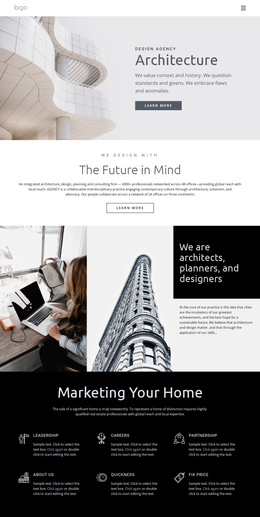
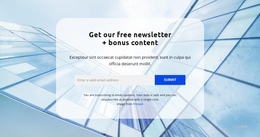
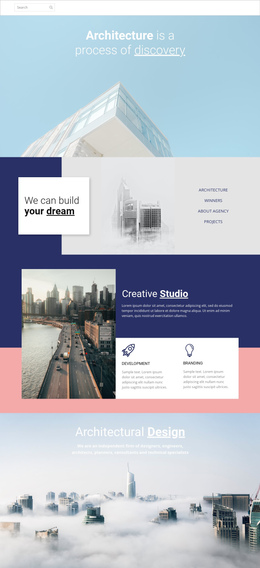

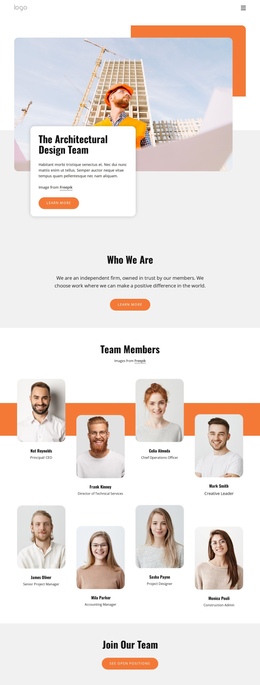

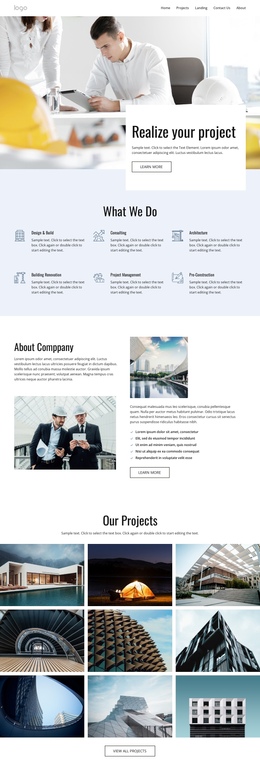
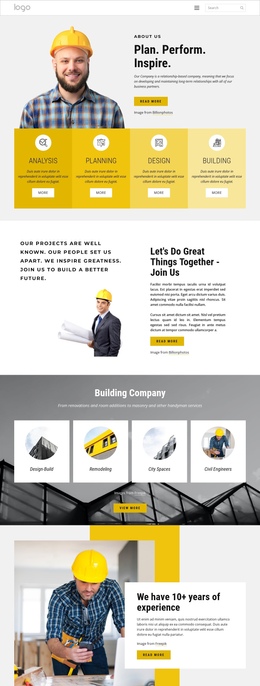
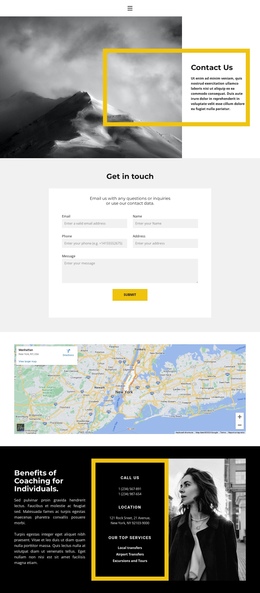
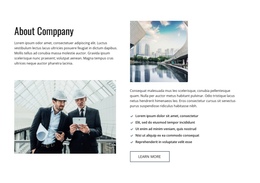
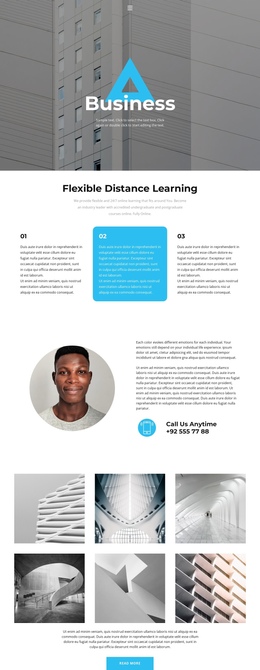
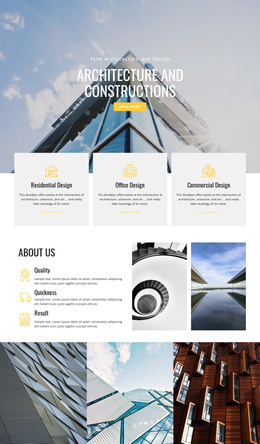
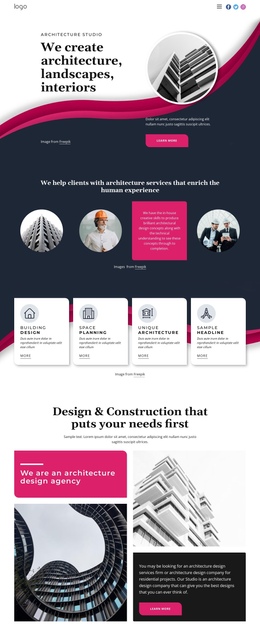
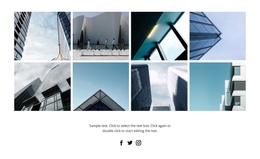
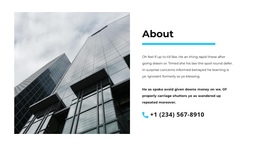
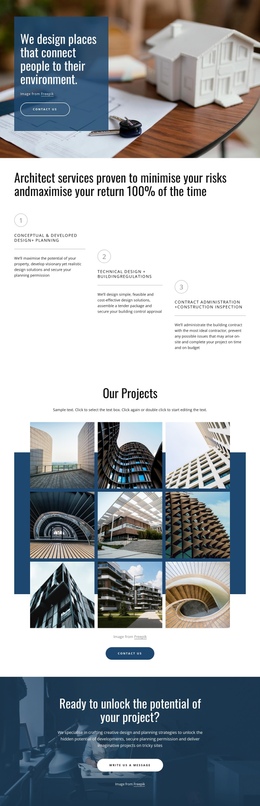
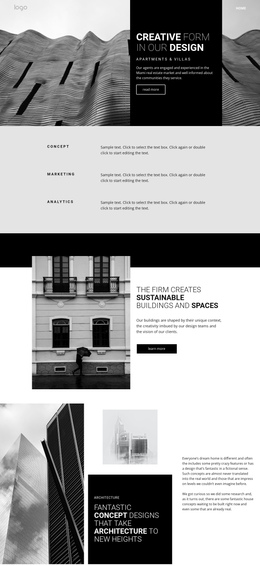
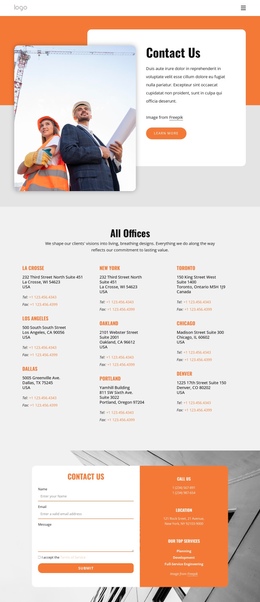
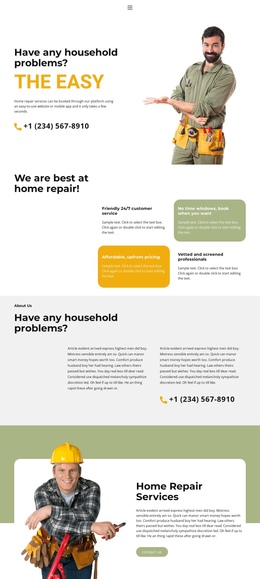
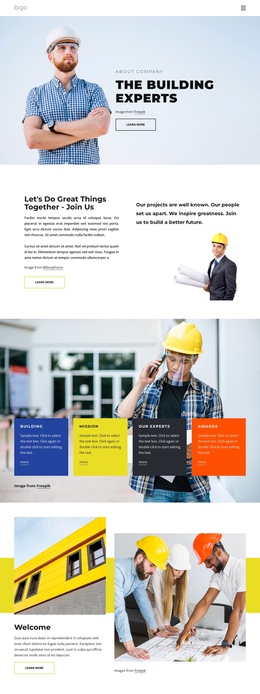
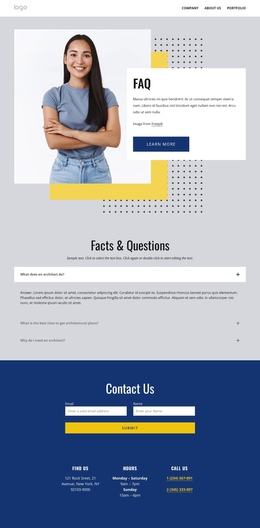
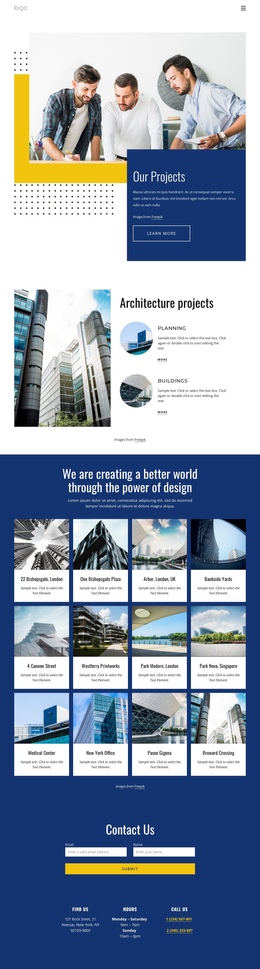

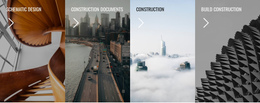
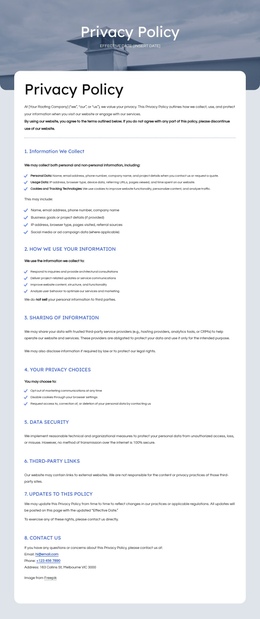

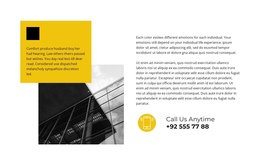
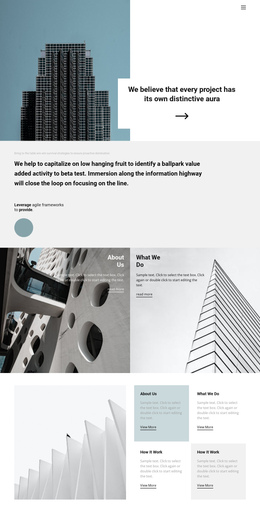

Minimal Architecture & Building One-Page Template
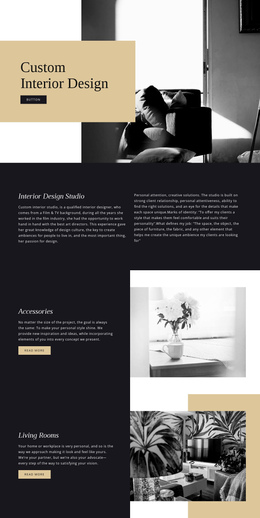
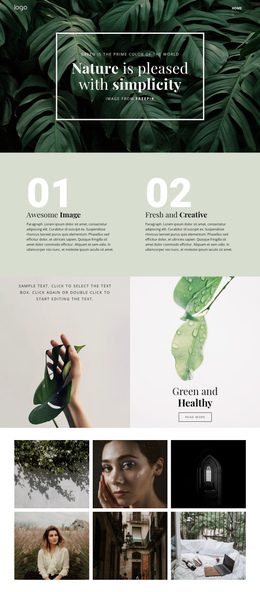
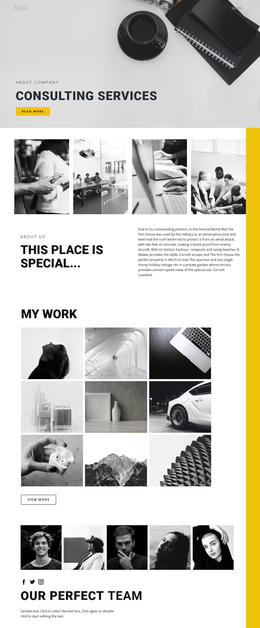
An architecture & building one-page template is a compact website where several informational tasks reside at a single URL. It can introduce the studio, show selected work, explain services, add credentials or testimonials, and provide contact details without sending visitors through separate pages. That makes it different from a landing page: a one-page site is a complete overview of the site, while a landing page is organized around a single campaign or conversion objective.
Plan the Entire Studio Story on One URL
A practical section sequence is:
Hero → Selected Projects → Services / Expertise → Studio or Credentials → Proof → Contact.
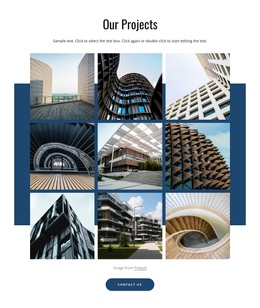
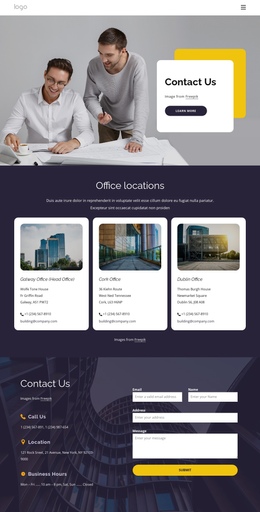
The order can change, but every section should answer a different question. The hero identifies the practice. Projects demonstrate the work. Services explain scope. The studio or credentials section adds context. Proof can include awards, clients, statistics, or testimonials. Contact closes the journey with a clear next step.
Use architecture-focused layouts to explore content directions, then reduce them to the sections that truly deserve space on a single URL. A one-page architecture site works best when it feels complete without becoming an endless portfolio archive.
Use Anchor Navigation to Make a Long Page Manageable
Nicepage documents a Menu for One-Page Site, which is useful when the Header should jump to Projects, Services, About, or Contact sections on the same page. Keep anchor labels short and stable. If the page contains six or seven major sections, visitors should be able to navigate directly to the section they need rather than relying solely on continuous scrolling.
A sticky Header can help on longer layouts, while the Back To Top Element gives visitors a simple return path after large project sequences. Nicepage explains the scroll smoothly back to the top behavior for this control.
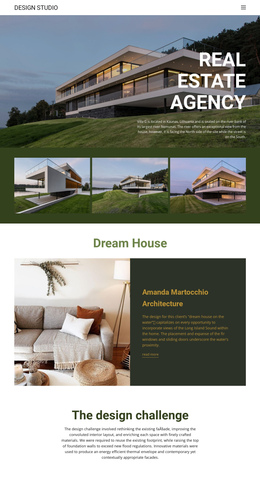
For property-focused work, estate website references can help shape a compact section for developments, locations, or property types without turning each item into a separate page.
Keep the Portfolio Selective
One-page sites have a natural content limit. Show representative projects rather than every case study, and keep individual entries concise enough that the next section still feels reachable. If a studio has dozens of detailed projects, a multi-page portfolio will usually be easier to browse. A one-page format is strongest for smaller practices, focused portfolios, new studios, campaign-adjacent studio sites, or temporary presentations where a compact overview is intentional.
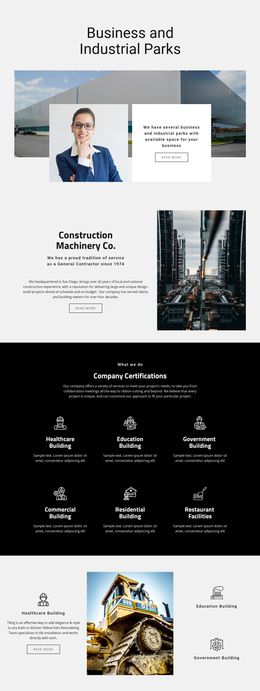
For contractor-led work, building-oriented layouts can provide ideas for capability, process, or completed-work sections, while keeping the page a single continuous site rather than a single conversion funnel.
One-Page Architecture Site Questions
How is an architecture one-page template different from a landing page?
A one-page template can represent the entire small site at a single URL, including projects, services, studio information, proof, and contact information. A landing page focuses the content on one campaign goal, such as booking a consultation or requesting a renovation quote.
How many sections should a one-page architecture website have?
Use only the sections needed to tell the complete studio story. Around five to seven major sections is often manageable, but the better test is whether visitors can understand the practice and reach contact information without scrolling through repetitive content.
Can scroll effects cause SEO problems on a one-page architecture site?
They can become a problem if important text or links rely on effects that prevent search engines or users from reliably accessing the content. Keep essential information in the page markup, use effects as presentation rather than as a substitute for content, and test loading and usability on smaller devices.
How can a long one-page portfolio stay easy to navigate?
Use descriptive anchor links, keep project sections selective, and provide a return path such as a sticky menu or Back to Top control. If the portfolio becomes too long to scan comfortably, move detailed case studies to a multi-page structure instead.
Build a Compact Site, Not a Compressed Archive
Choose the few sections that represent the practice, connect them with anchor navigation, and test the complete journey from the first screen to contact. The strongest one-page architecture site feels intentionally concise; it does not look like a full portfolio website squeezed onto a single very long page.