
Real Estate One Page Templates
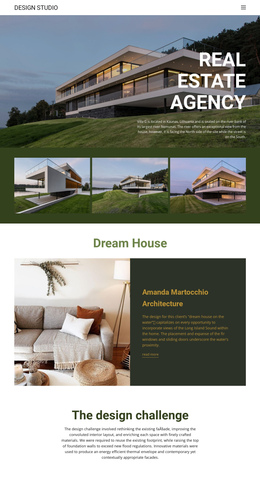


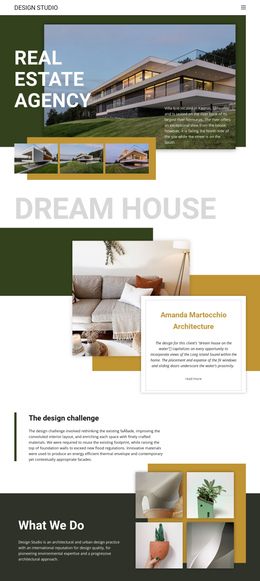
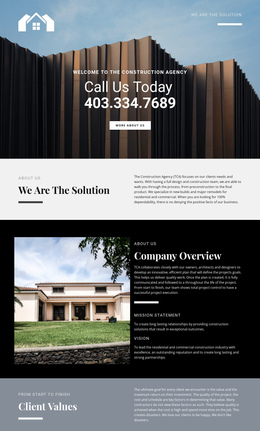
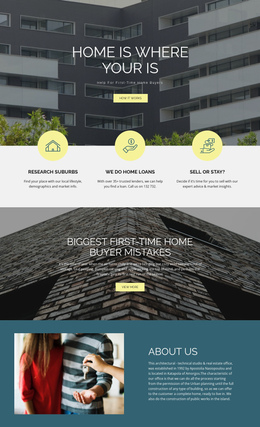


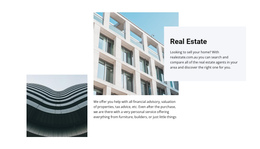







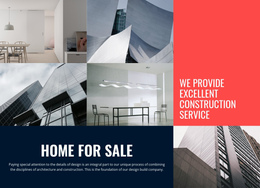


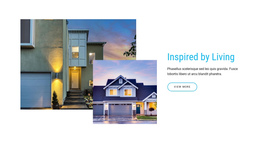
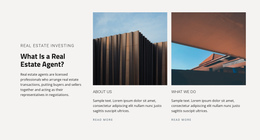


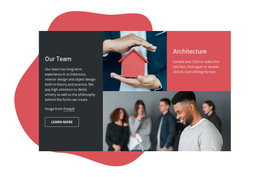
























Responsive Real Estate One-Page Template for Compact Property Sites
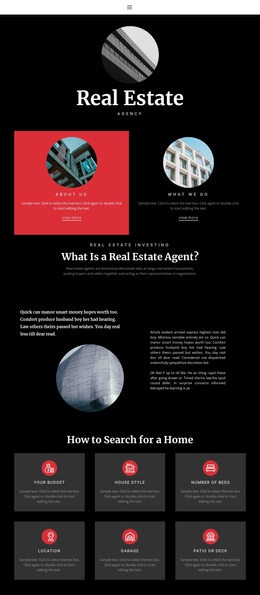
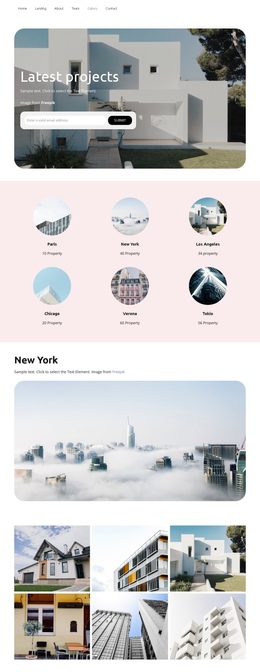
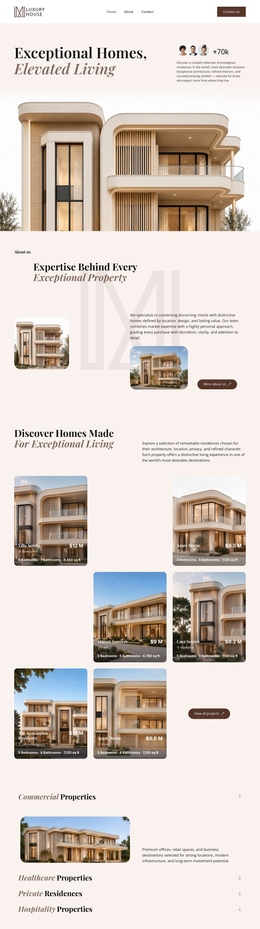
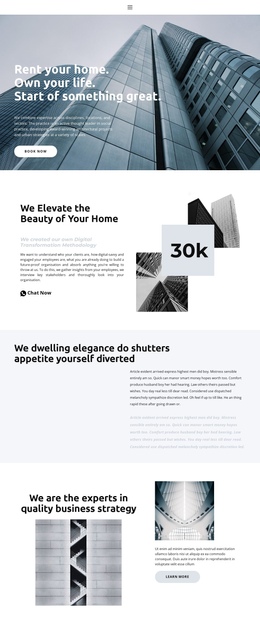
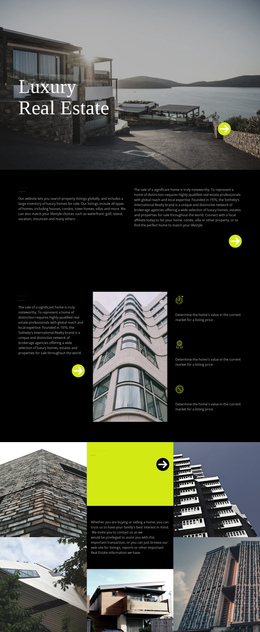
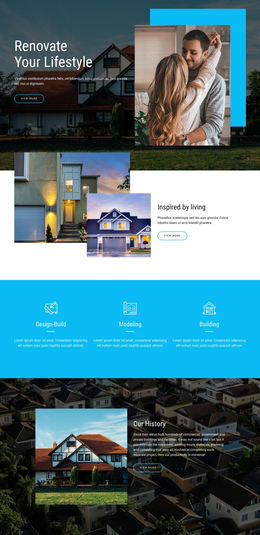
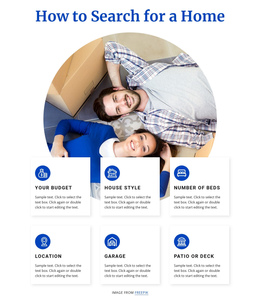
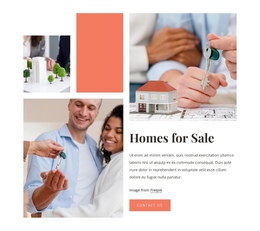
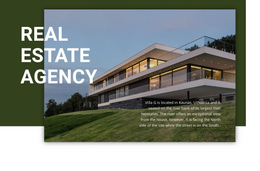
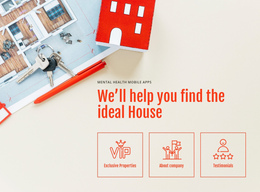
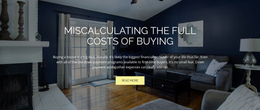
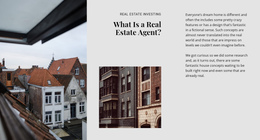
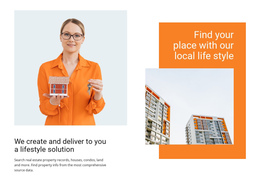
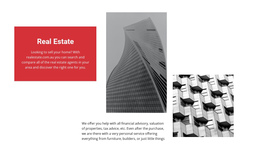
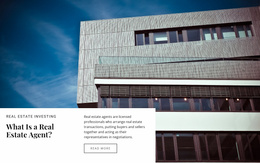
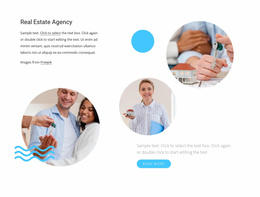
A real estate one-page template works best as a complete, compact website in a single continuous document. Instead of focusing on a single campaign offer, it can introduce the agent or agency, show selected listings, explain services, provide location context, include testimonials, and conclude with contact information.
How Should a One-Page Real Estate Site Be Organized?
A typical information architecture might follow this order:
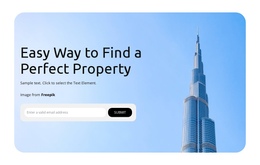
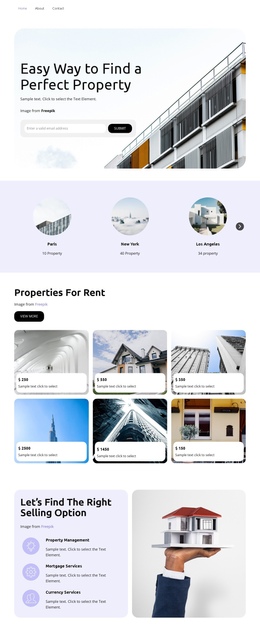
- Hero with the agency or agent positioning.
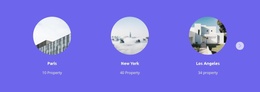
- Featured listings or property categories.
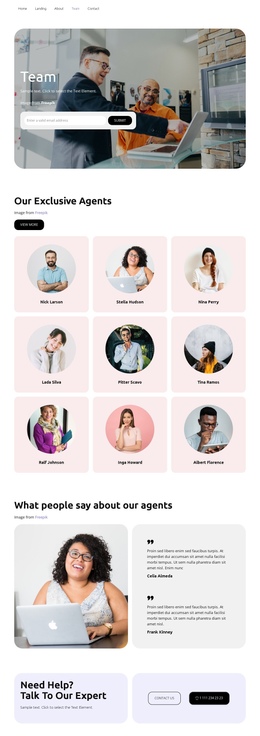
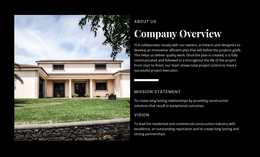
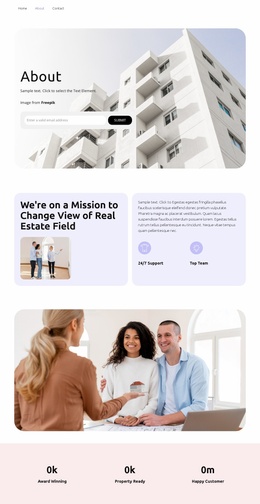
- About the agent or company.
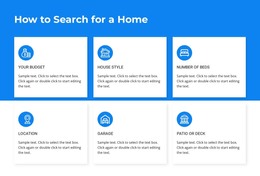
- Services for buyers, sellers, landlords, or tenants.
- Location or neighborhood coverage.
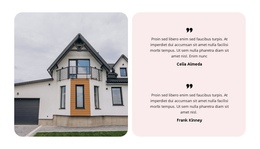
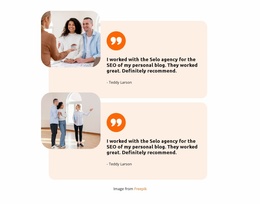
- Testimonials or selected proof points.
- Contact details and inquiry form.
That sequence gives visitors a complete overview without requiring separate pages. Anchor navigation becomes useful because someone who already wants listings or contact details can jump directly to that section instead of scrolling through everything first.
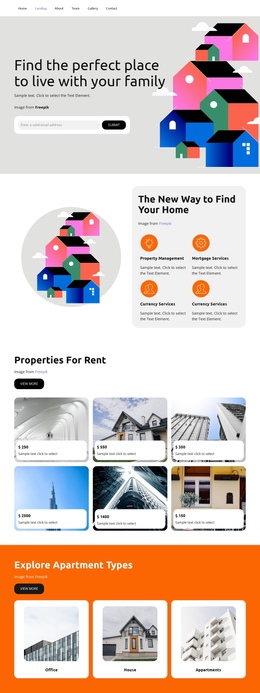
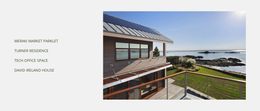
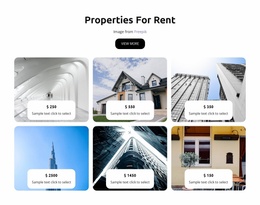
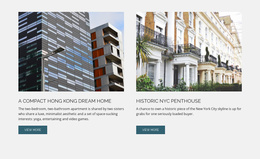
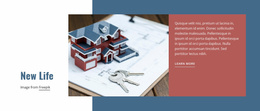
A single-page site can still contain meaningful property content. Featured listings may show an image, price, address, status, and a few important facts. The page intentionally keeps the catalog compact rather than serving as a full search-driven inventory.
Features for a Single-Page Property Website
Navigation
- Use the Menu for One-Page Site to connect menu items with sections on the same page. The one-page menu setup supports this navigation pattern.
- Add the Back To Top Element near the end of a long page so visitors can return to the opening section without reversing the full scroll. Nicepage documents this behavior in the Back To Top Element.
Property content
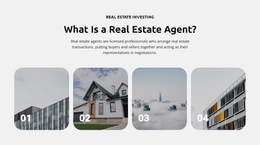
- Use the Grid Element for a small set of featured homes, rentals, or developments.
- Add a Gallery Carousel when a property or project needs several interior and exterior images.
- Add an About section for the agent or agency rather than forcing biography details into the hero.
- Include services and location sections so the page functions as a business website, not only a property advertisement.
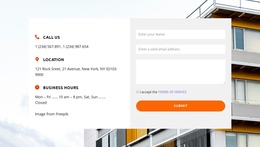
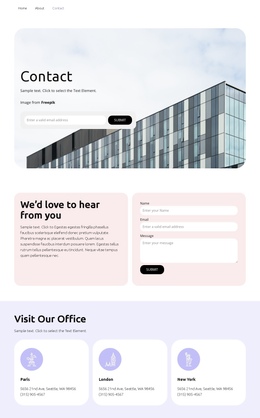
- Finish with a Contact Form Element for general inquiries, buyer questions, or viewing requests.
One-Page Site vs Property Landing Page
The distinction is scope. A landing page usually promotes one property, one development, or one lead offer. A one-page website represents the wider business in a compact format. It may contain several goals and informational sections as long as the navigation and reading order remain clear.
That is why the one-page structure can comfortably include testimonials, services, local coverage, and a company introduction, even when they are not directly tied to a single campaign.
One-Page Real Estate Questions
Can the menu jump directly to listings or contact sections?
Yes. Nicepage provides a Menu for One-Page Site workflow that connects menu items with sections on the same page.
Can a one-page real estate site include several featured listings?
Yes. A compact grid can display selected homes or developments with images, prices, addresses, status, and brief property details.
Should a one-page site include an About section?
Usually, yes, for an agent or a small agency. It helps visitors understand who they are dealing with and gives the site a broader business context than a single-property campaign.
Can I place a compact FAQ inside a one-page layout?
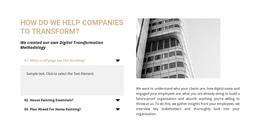
Yes. The built-in FAQ Element lets visitors expand and collapse answers, helping keep questions about viewings, availability, or services contained on a long page.
Can I connect a custom domain to the published site?
Yes. You can assign a custom domain to a Nicepage site that is published and hosted on the Nicepage Network.
Keep the Whole Small Property Business on One Page
Use anchors to make a longer informational site easier to navigate, and give every section a distinct role. Listings show the product, About establishes the professional, services explain the offer, location adds context, testimonials build confidence, and contact closes the journey without turning the page into a single-purpose campaign.




































