
370 Cars & Transportation One Page Templates

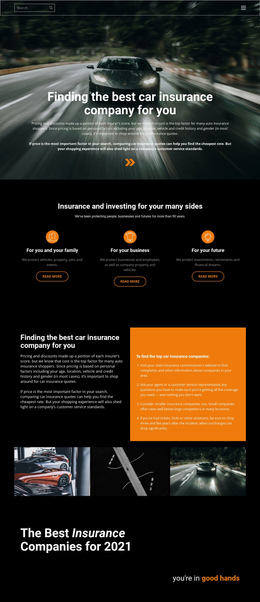
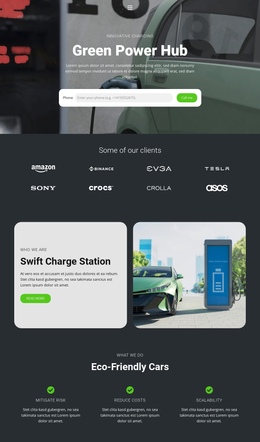

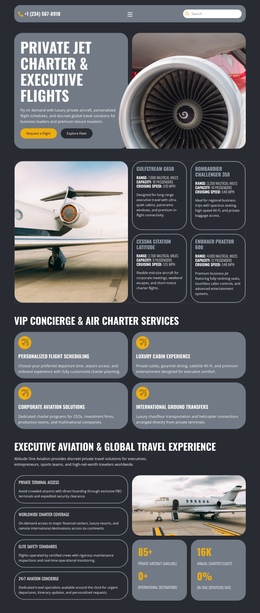
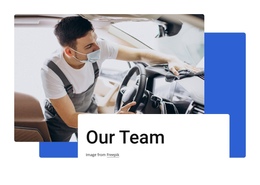

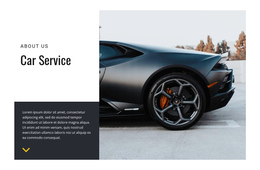
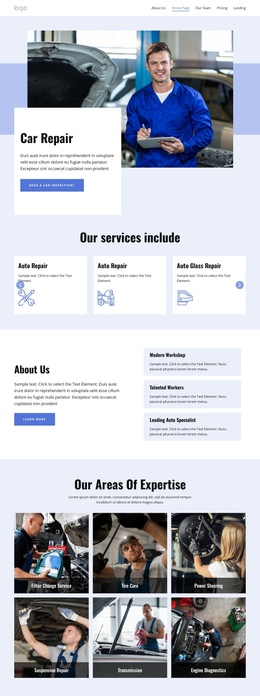

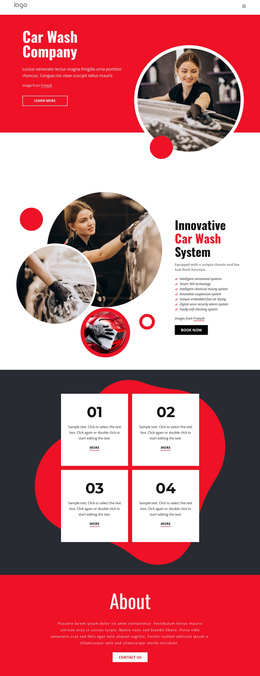
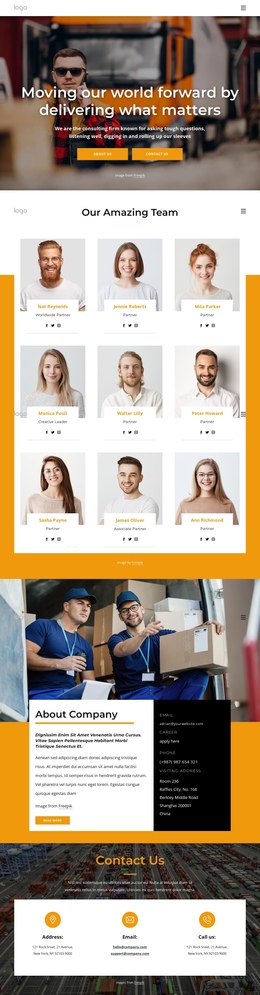




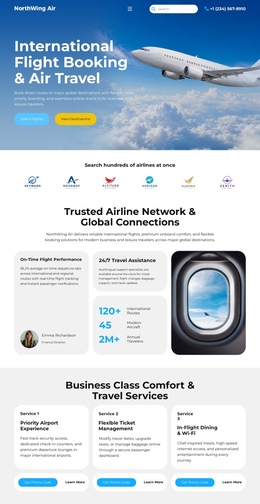
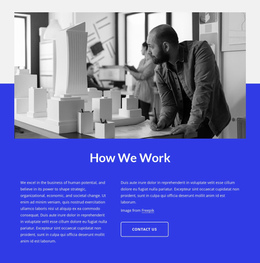







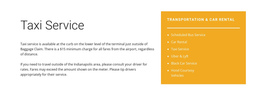
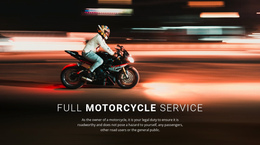

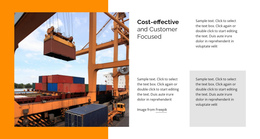

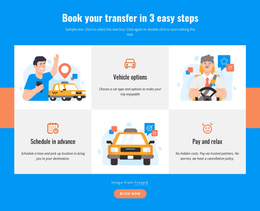
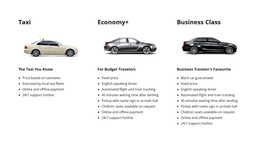

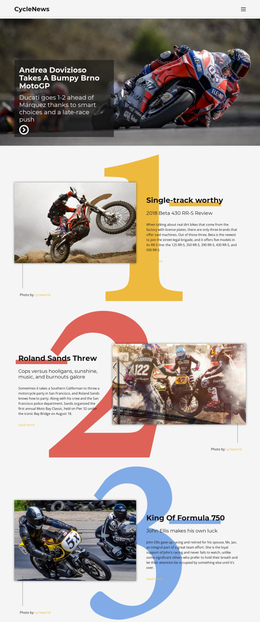
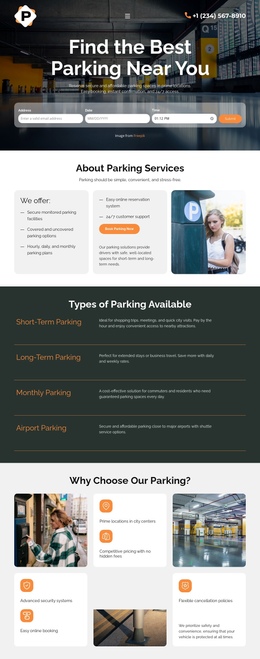
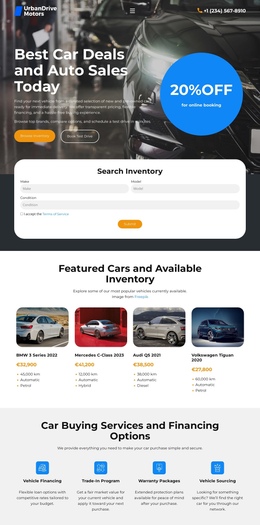
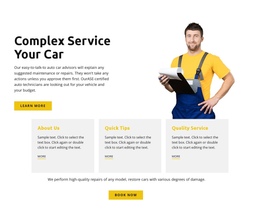
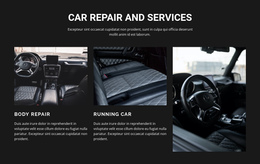
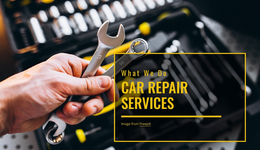







Fast-Loading Cars & Transportation One-Page Templates
A cars and transportation one-page template is useful when the business needs several substantial sections but does not need a deep page tree. Instead of splitting models, services, fleet information, routes, company proof, and contacts across separate URLs, the site keeps them in a single long-scroll structure and uses section links to guide visitors through it.
How Does a Cars & Transportation One-Page Site Stay Organized?
The defining feature is not a single campaign offer. It is the architecture of a single site on a single URL. A practical automotive layout can use anchor navigation to connect a hero, vehicle or fleet section, service packages, route or coverage information, company details, reviews, and contacts. Smooth scrolling and a compact menu help visitors jump directly to the part they need without opening another page.
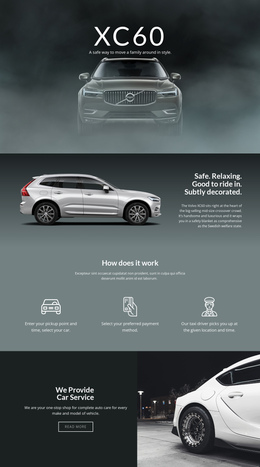
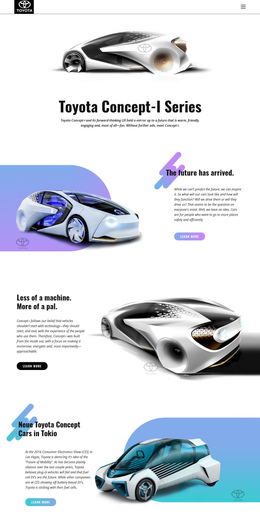
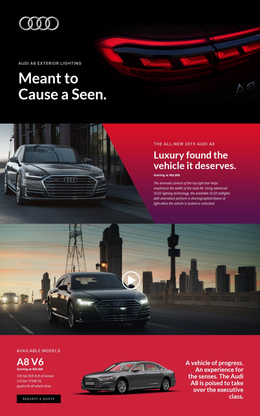
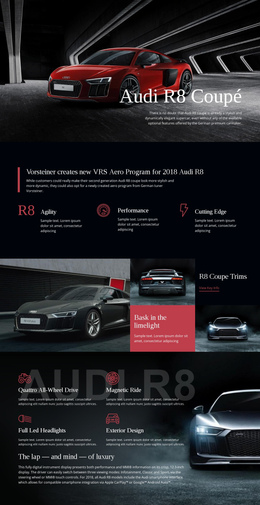
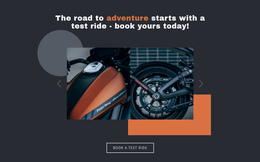
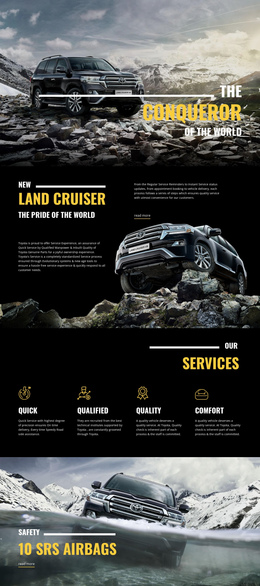
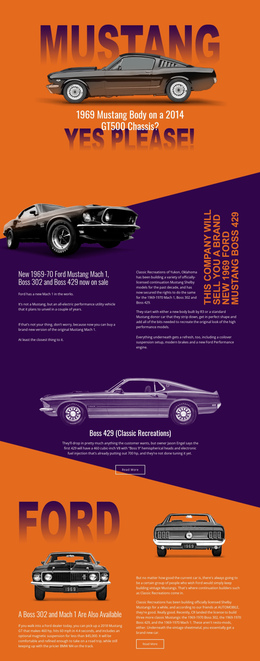
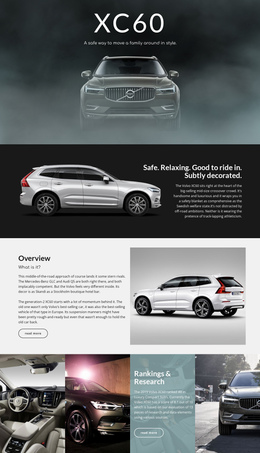
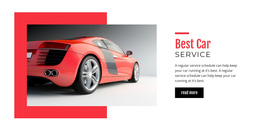
For a vehicle-led site, car website ideas can help shape a model-focused opening section, photography, specifications, and ownership or service information. The rest of the page can continue with deeper content rather than collapsing everything into a short promotional funnel.
Nicepage supports this structure through its Menu for One-Page Site. In the visual design canvas, build the page as stacked sections and connect menu items to the relevant page sections. This keeps the single-page architecture understandable even when the page is long.
Automotive Sections That Work Well in a Long-Scroll Layout
A one-page automotive site should have enough content depth to feel like a compact website, not a landing page with extra blocks.
Vehicle models and inventory highlights
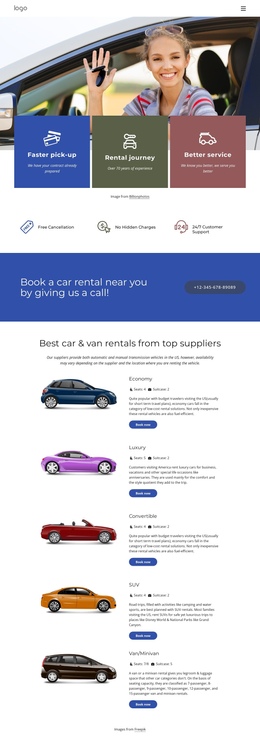
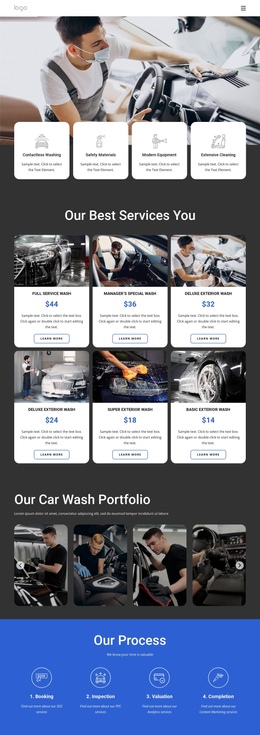
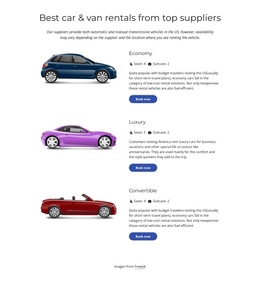
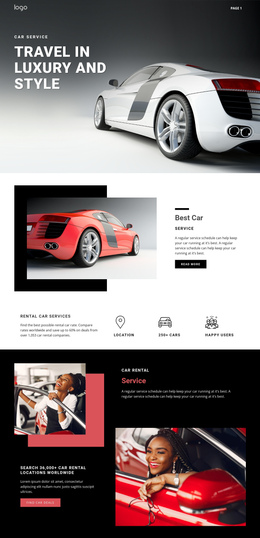
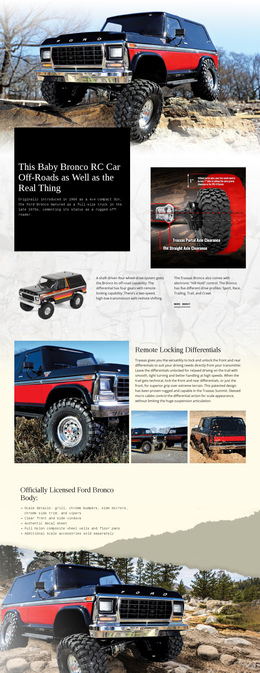
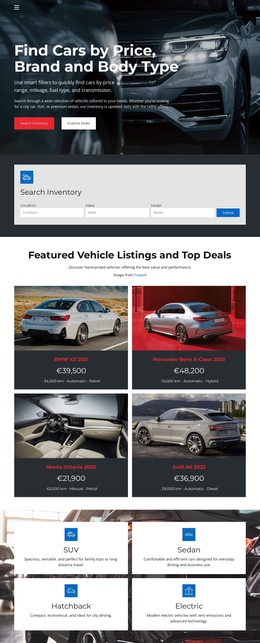
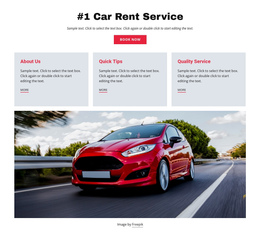
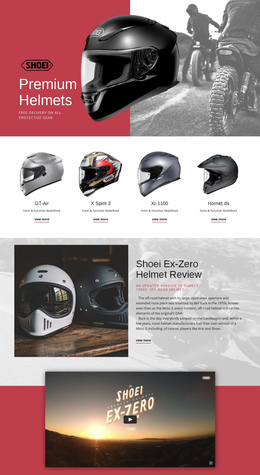
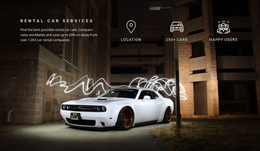
A dealer or rental company can group featured sedans, SUVs, vans, motorcycles, or specialty vehicles into a dedicated section. Use model cards for images, key specifications, availability notes, or categories, then link the menu directly to that section.
Repair and maintenance packages
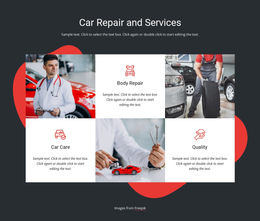
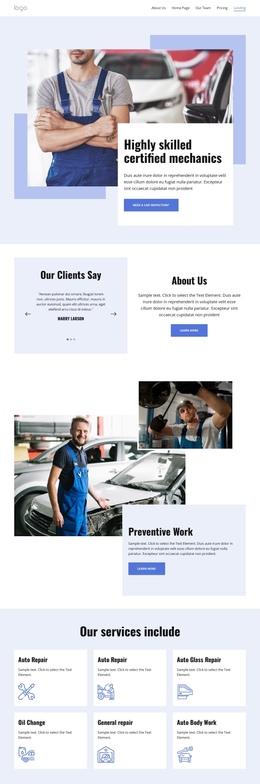
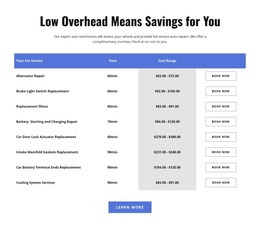
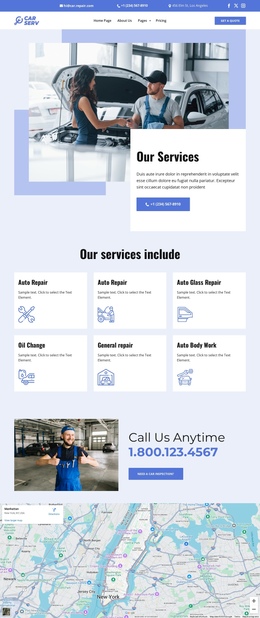
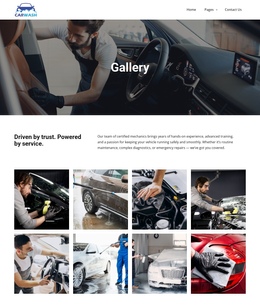
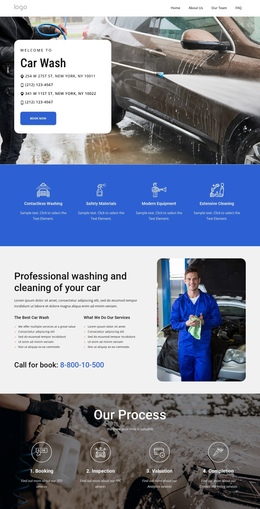
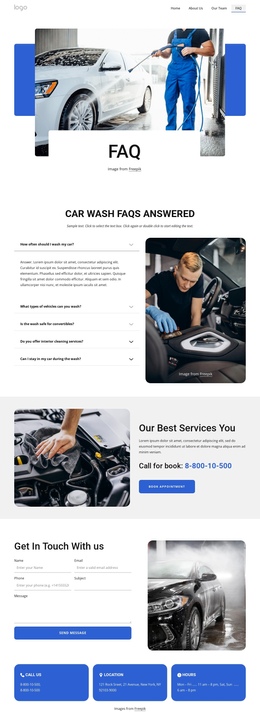
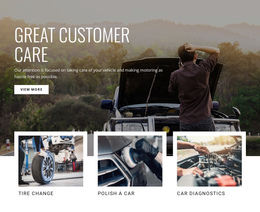
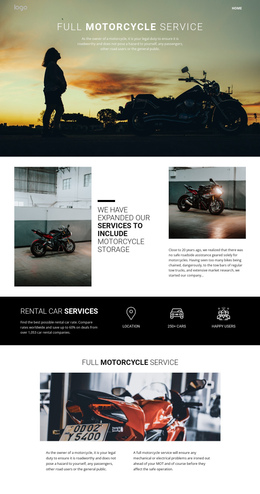
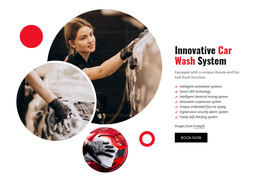
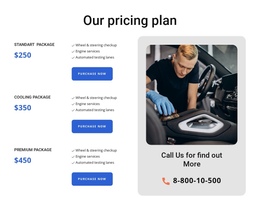
A garage may need several service groups such as diagnostics, scheduled maintenance, brakes, tires, body work, or inspections. Repair-focused layouts can help determine how to group these packages so users can compare services without leaving the page.
Fleet and transport capacity
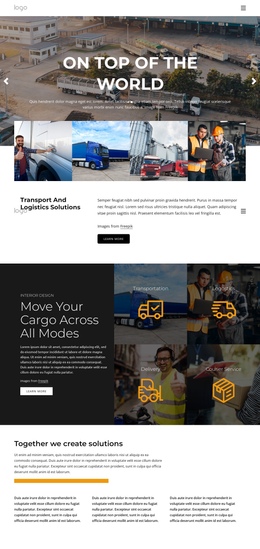
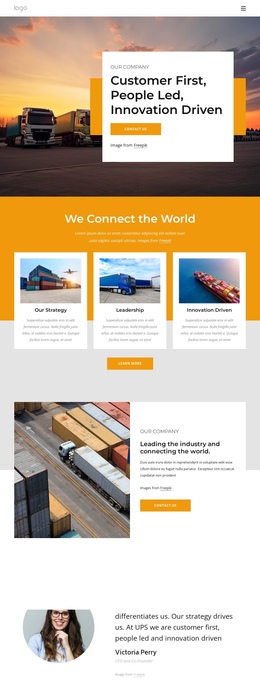
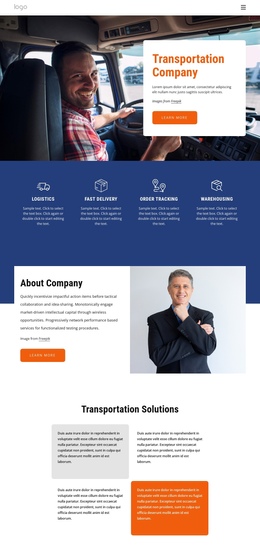
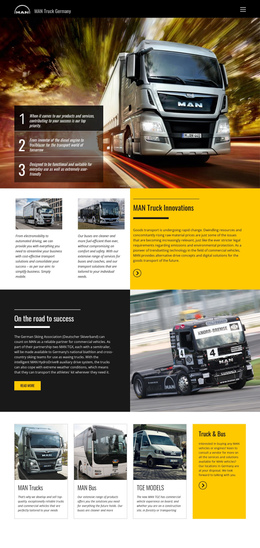
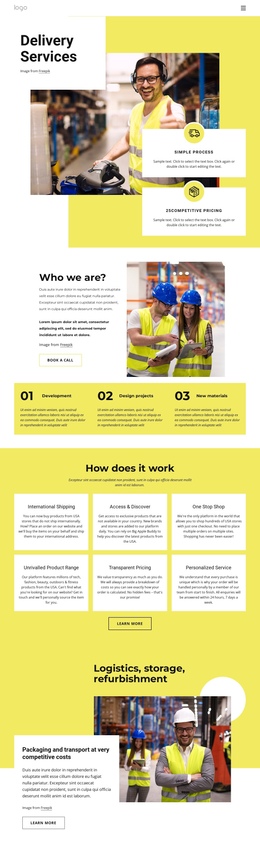
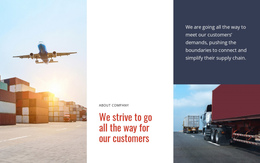
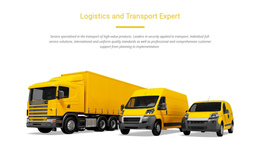
For a carrier or logistics company, a fleet section can outline vehicle types, payload classes, equipment, operating regions, and the industries served. This creates a substantial layer of information between the introduction and the contact area.
Routes and service coverage
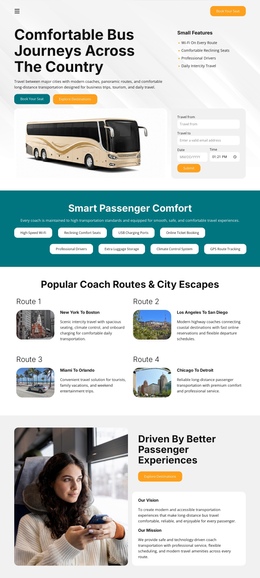
Passenger and freight operators can give their own section to routes, destinations, service zones, or regional coverage. Trucking design references are useful when the page needs to communicate fleet capacity, service regions, operating details, and transport expertise in a clear sequence.
Useful Elements for a Single Automotive Page
The Header Block can hold the one-page menu and remain sticky while users scroll. A Grid Repeater Element works well for repeated model, fleet, or repair-package cards. A Google Maps Element can support the location or coverage section. The Contact Form Element belongs near the end of the page as one way to reach the business, rather than as the defining purpose of the entire layout.
Long pages also need an easy return path. Nicepage documents the Back To Top Element as a control placed toward the bottom of a long page that scrolls visitors back to the top. Pair it with clear section spacing and mobile adjustments so a page with many sections remains manageable on a phone.
Practical Automotive One-Page Questions
What is the main difference between an automotive one-page site and a landing page?
A one-page site can represent the entire business at a single URL, with several substantial sections, such as models, services, fleet details, routes, company information, and contacts. A landing page is usually built around a single campaign offer and a primary conversion goal.
Can Nicepage host a one-page website for cars and transportation?
Nicepage provides hosting for HTML websites created with Nicepage. It does not provide regular hosting for PHP, JS, or other third-party files.
Can I export an automotive one-page site from Nicepage Online?
Yes. Nicepage Online can export HTML for hosting on your own server. You can also export Projects for import into the Nicepage Desktop Application on Windows or macOS.
How do I make a long vehicle or transport page easier to navigate?
Use section-based menu links so visitors can jump to models, fleet information, services, routes, or contacts. Add the Back to Top Element to provide a quick return path after users move through the long page.
Can one page contain both vehicle information and repair services?
Yes. Keep them as separate, clearly labeled sections and link to each section from the one-page menu. This preserves a readable site structure while keeping all core content on one URL.
Build One Complete Automotive Site on a Single URL
Start by defining the sections the business genuinely needs, not by reducing the page to one sales message. Arrange the long-scroll order around vehicles, fleet details, repair packages, routes, proof, location, and contacts. Then connect the sections with anchor navigation, review the responsive layout, and publish or export through a supported Nicepage workflow.




































