Product List One Page Templates
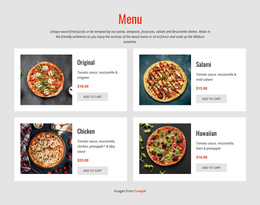
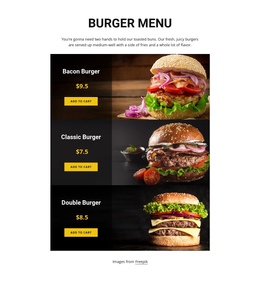
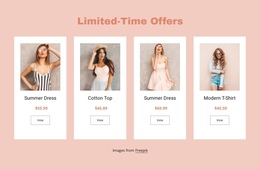
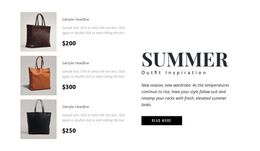
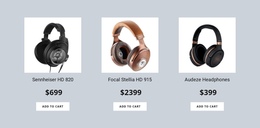
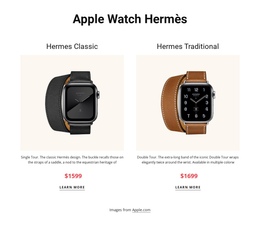
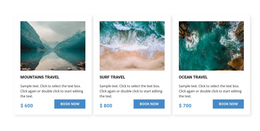
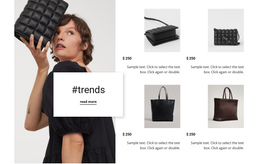
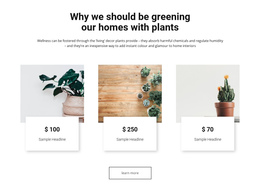
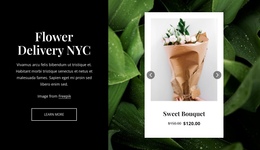

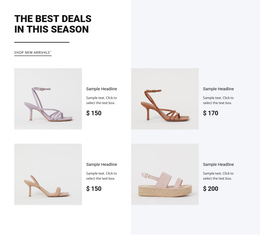
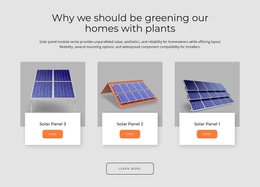
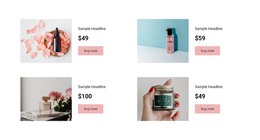
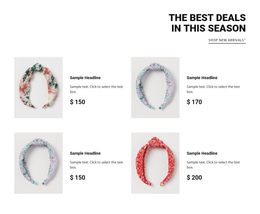
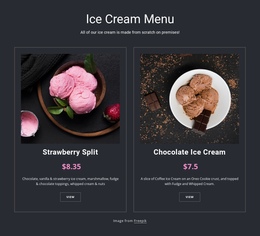
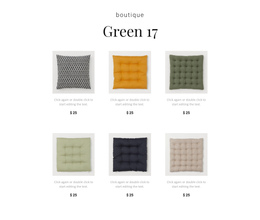
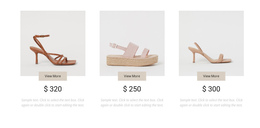
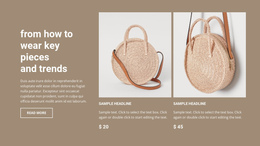
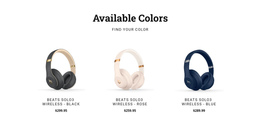

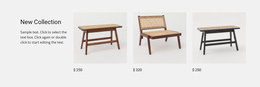
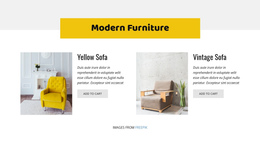
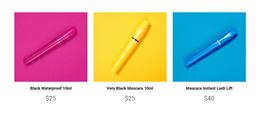
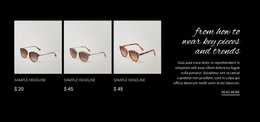
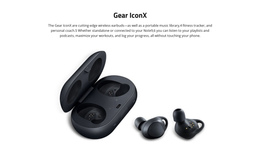
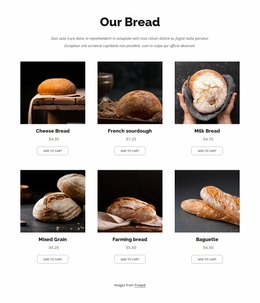
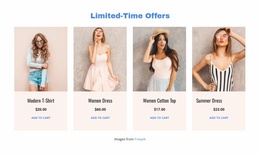
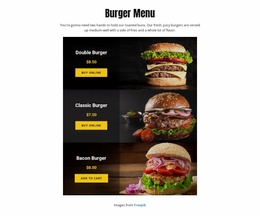

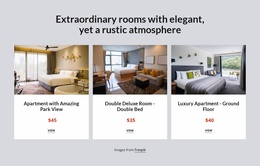
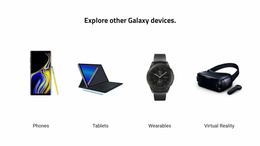
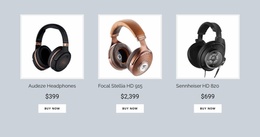
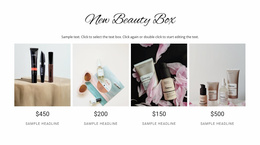
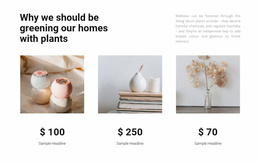

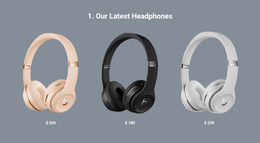
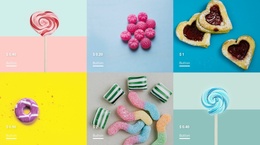
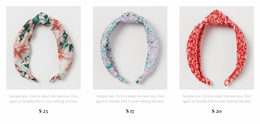
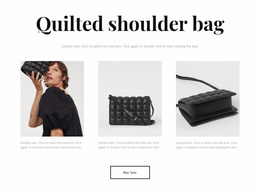
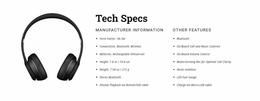
Flexible Product List One-Page Templates for Mid-Scroll Catalog Discovery
A single-page layout has limited room to introduce merchandise before visitors reach the next section. Product List One-Page Templates provide a focused collection of product cards that fits into this continuous reading sequence. Images, names, prices, and short descriptions give visitors a useful overview without requiring a separate catalog section for every item.
Where Should a Product List Appear on a One-Page Website?
A Product List section works well after visitors understand what is being offered but before they reach the final supporting content. It introduces several products at once, helping them scan available merchandise and identify items worth exploring further.
In a continuous page sequence, the section might follow a short product introduction, a collection overview, or a summary of key benefits. Visitors can then move from general information into a more specific merchandise selection.
The Product List does not have to occupy the entire page. Its role is to create a recognizable browsing stage within the vertical journey.
Simple Product Collections That Fit the Scroll Sequence
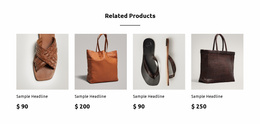
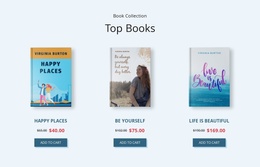
Keep the selection compact enough that visitors can continue down the page. Four representative products with clear prices may work better than a long catalog inserted between a short introduction and the contact area. Use descriptions only if they help visitors choose; otherwise the cards become obstacles in the scroll.
For example, a small handmade-goods page might run offer → selected products → delivery and returns → order/contact. Visitors first learn what is offered, then scan a small set of products without losing their place in the scroll. Immediately below, delivery and return details answer practical questions; the order or contact section then provides a clear final step. A very long product grid would interrupt that progression and push the order action too far away.
Nicepage's Product List Element provides repeated product entries and Grid or Slider layouts. A focused e-commerce project can use this block as a preview rather than a substitute for a full catalog.
Connecting Product Browsing With the Next Section
A one-page product collection needs a clear relationship with the sections immediately above and below it.
The preceding section should explain why the featured merchandise is relevant. The Product List then gives visitors actual items to consider. After the collection, supporting information such as delivery details, product-related questions, or contact information can continue the page narrative.
Avoid placing too many unrelated sections between the introduction and the merchandise. Visitors should understand why the collection appears at that point in the scroll.
Nicepage also supports Block Anchors for one-page navigation. A menu item can link directly to a specific block, including a product collection. This provides an optional way to reach the browsing section without making navigation the main purpose of the Product List.
The one-page menu workflow explains how menu links can target individual page blocks.
When Is a Product List Better Than Product Details?
A one-page collection should not force a full product description into every card. If a button uses View Product Details, it can lead to a separate item page—meaning the visitor leaves the single-page scroll. That is appropriate when a purchase requires size choices, specifications, or additional images, but it should be an intentional navigation decision.
If the goal is to keep visitors on one page, use the collection as a shortlist and direct shoppers toward a clearly labeled order or contact section lower down when the configured workflow allows it. When an item needs size options or fuller specifications, a separately linked Product Details page may be the more useful destination. Test both the anchor navigation and any outward product links so visitors understand where each action leads.
Frequently Asked Questions About Product List One Page Templates
Can I add a Product List to a one-page layout in Nicepage?
Yes. The Nicepage Product List Element can be added to a page block. It displays products in repeated entries, so a merchandise collection can appear alongside other sections on a single page.
Can visitors jump directly to the product collection?
Yes. Nicepage supports Block Anchors, which can be assigned as destinations for one-page menu links. You can use an anchor to make the Product List section directly accessible from the page menu.
Can Product List buttons open individual product details?
Yes. Nicepage supports a View Product Details action for Product List buttons. Other documented actions include Add To Cart and Buy Now, depending on how the product workflow is configured.
Should every product button remain on the one-page website?
Not necessarily. A View Product Details button may open a separate product page. Use an on-page anchor for a contact or ordering section when the desired visitor path should remain within the single page.
Place Your Product Collection Into a Continuous Page
Select a Product List block that suits the amount of merchandise you want to show. Open it in the Nicepage editor, adapt the product content and card arrangement, then position the section between relevant stages of your one-page layout. Add a Block Anchor if direct navigation to the collection is useful, and check that the next section follows naturally from the browsing experience.