
Tabs One Page Templates
-
-

-
-
-
-
-
-
-
-
-
-
-
-
-
-
-
-
-
-
-
-
-
-
-
-
-
-
-
-
-
Build Website with no CodingDownload
-
-
-
-
-
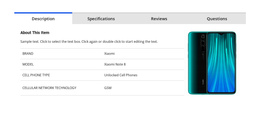


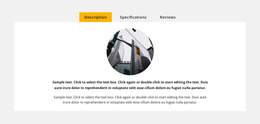
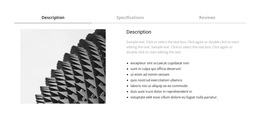
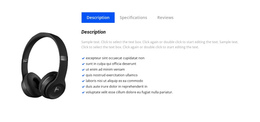

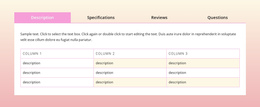



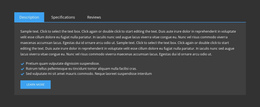
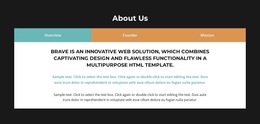









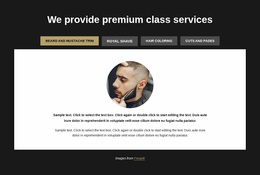
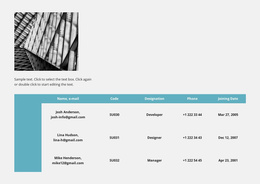

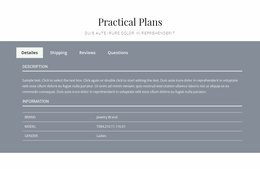

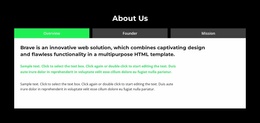
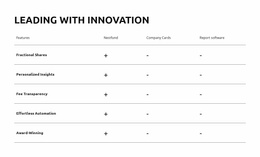
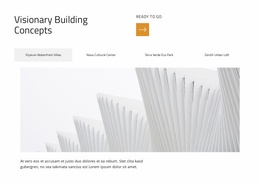


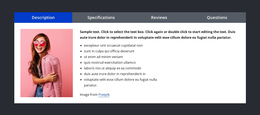
Flexible Tabs One-Page Template Blocks for Long-Scroll Page Flow
A one-page site depends on sequence. Visitors move from one section to the next without changing pages, so every block has to support the larger scroll journey. Tabs can help when several related views belong at the same stage but would make the page unnecessarily long if each one became a full section.
Instead of stacking every alternative vertically, one Tabs block can hold product options, service variations, use cases, plan details, or audience-specific information in a shared area.
Place Tabs at the Right Point in the Scroll Journey
Tabs work best when the visitor has already reached a topic and needs to explore parallel details, not when the page is still building a linear argument.
Useful placements include:
- after an overview, where visitors can compare several service or product views;
- before a proof section, where different use cases need compact presentation;
- near a CTA, where plans or audience segments can be checked before the next action;
- between anchored sections, where the page needs depth without adding several more scroll-length blocks.
Nicepage Tabs block designs can provide the section structure, while the one-page context determines where that block belongs in the journey.
Keep Anchors and the Next Section Easy to Reach
A one-page layout often uses section links or anchors to help visitors jump between major parts of the page. Tabs should remain a local interaction inside one section rather than replacing the overall page navigation.
That distinction keeps the page predictable:
- anchors move visitors to major content stages;
- tabs switch between equivalent views inside one stage;
- the next visible section continues the vertical story.
If a visitor opens a tab, reads the content, and then has no clear sense of where to go next, the block is interrupting the one-page flow instead of supporting it.
Do Not Hide Sequential Storytelling Inside Tabs
Tabs can make a long page more compact, but they can also damage the experience when used for content that should be read in order.
Avoid placing these inside separate tabs when the sequence matters:
- problem → solution;
- features → proof;
- process step 1 → step 2 → step 3.
Those relationships usually work better as visible consecutive sections. Tabs are stronger when each option is equally valid and independently useful.
For responsive review, Nicepage Responsive Modes can help check whether the control row and active panel remain easy to use as the long-scroll layout narrows.
Tabs One Page Template FAQ
Where Should a Tabs Block Sit on a One-Page Website?
Place it where visitors reach a group of parallel details that belong to the same stage of the journey. It can follow an overview, precede proof, or sit near a CTA when users need to compare related views before continuing.
Should Tabs Replace Section Anchors on a One-Page Layout?
No. Section anchors are useful for moving between major parts of the page. Tabs should stay local to one content area and switch only between related views inside that section.
When Can Tabs Hurt One-Page Storytelling?
They can hurt the flow when they hide content that visitors should read in sequence. Keep linear explanations, narrative steps, and required proof visible in the main scroll rather than splitting them into optional panels.
Keep the Page Moving After the Tabs Block
Choose a Tabs design that fits the parallel views you need to group, place it at a clear point in the one-page journey, and preserve an obvious transition to the next section. The block should shorten the page without breaking its narrative order.


































